Privify: Fast Secure VPN Proxy
Version: 5.4.1
33.42MB
4.4
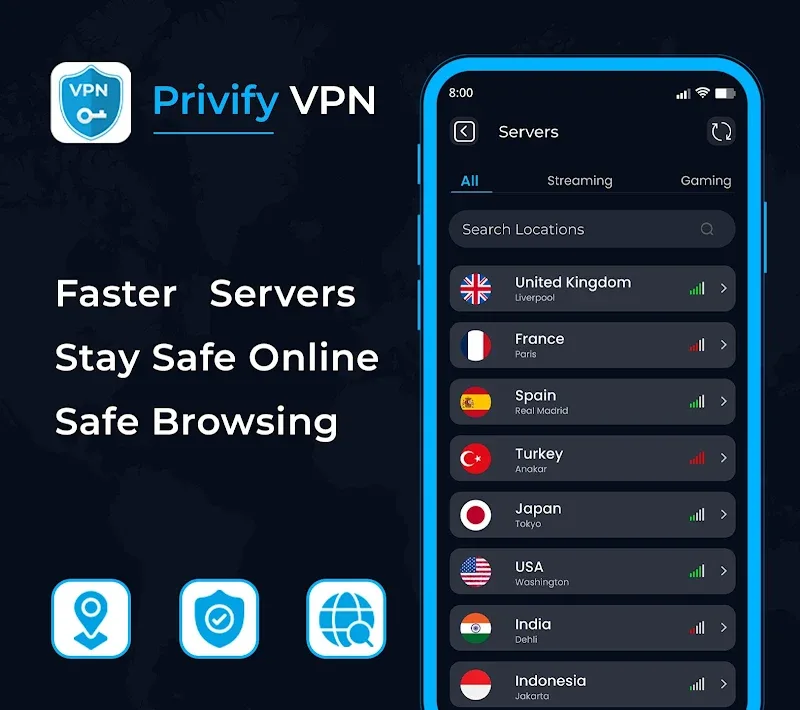
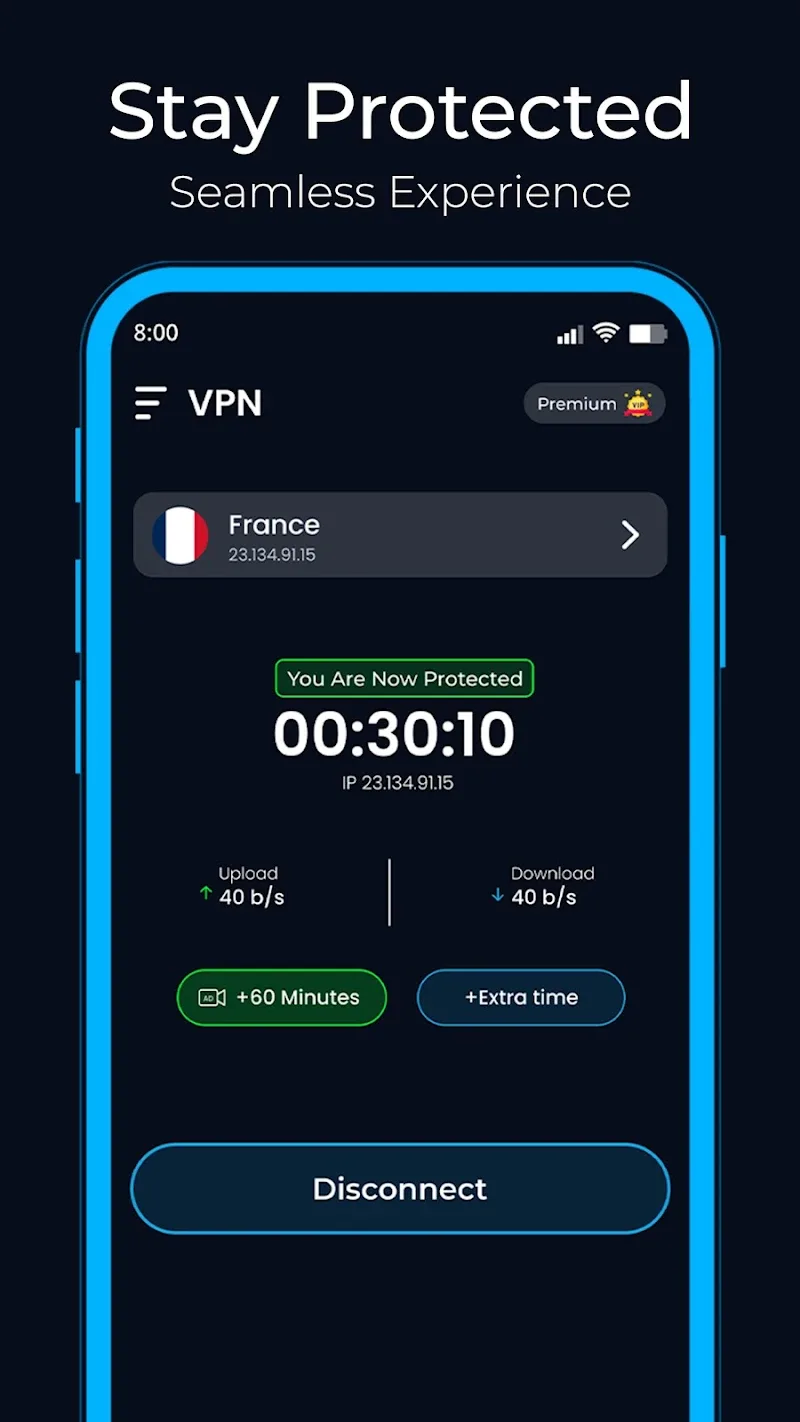

Waiting in a long queue at the airport and need to catch up on a show or check work email securely? Privify: Fast Secure VPN Proxy steps in as a lightweight privacy layer that keeps your connection stable while you browse, stream, or access region-locked sites. This Android utility focuses on keeping things simple: one-tap protection, encrypted traffic, and steady speeds so you can use public networks with more confidence. The overview below walks through how Privify works, what to expect, and practical tips for everyday use.
Install and open: Download the app from your chosen store and tap the icon to launch the setup screen.
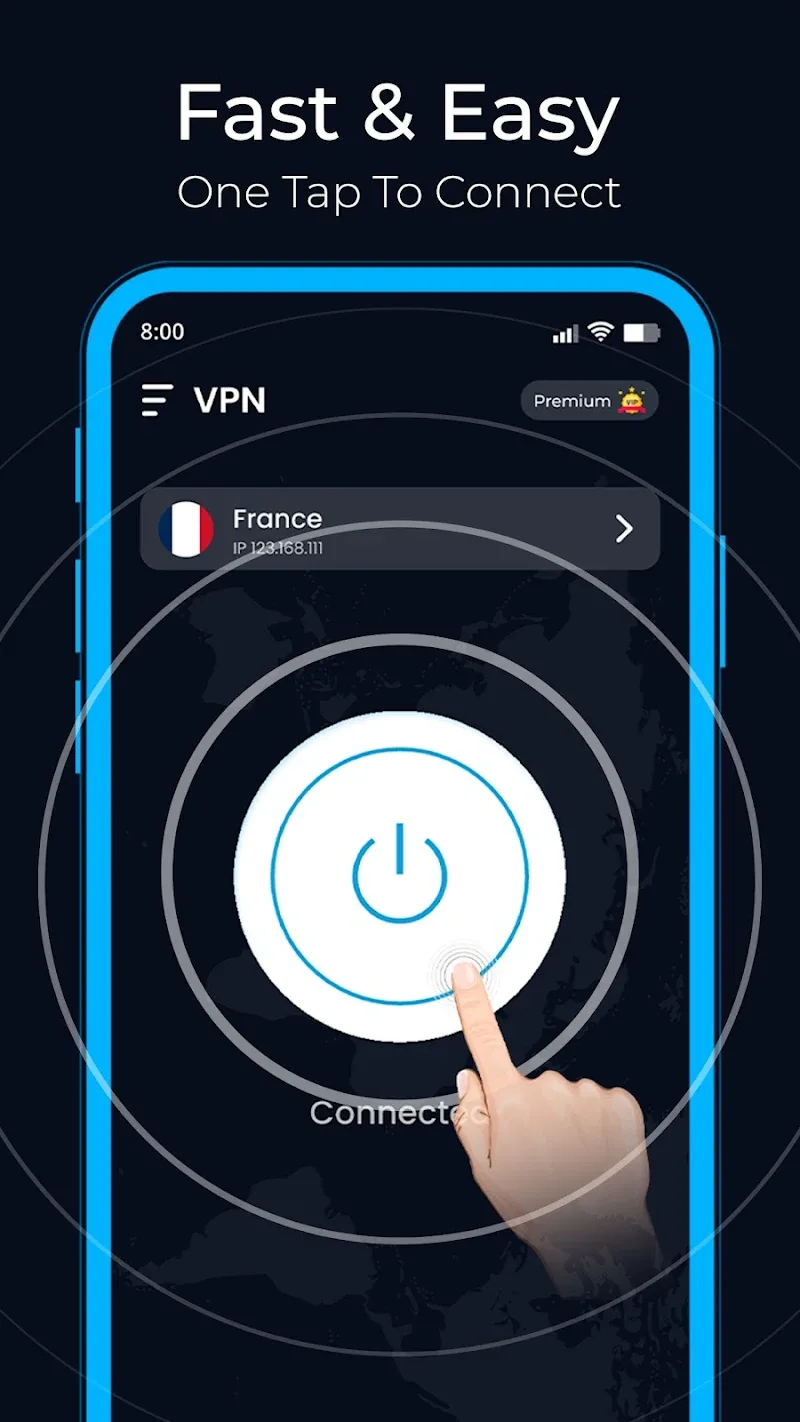
One-tap connect: Use the central connect control to activate the VPN; the app aims to make protection immediate without forced signup.
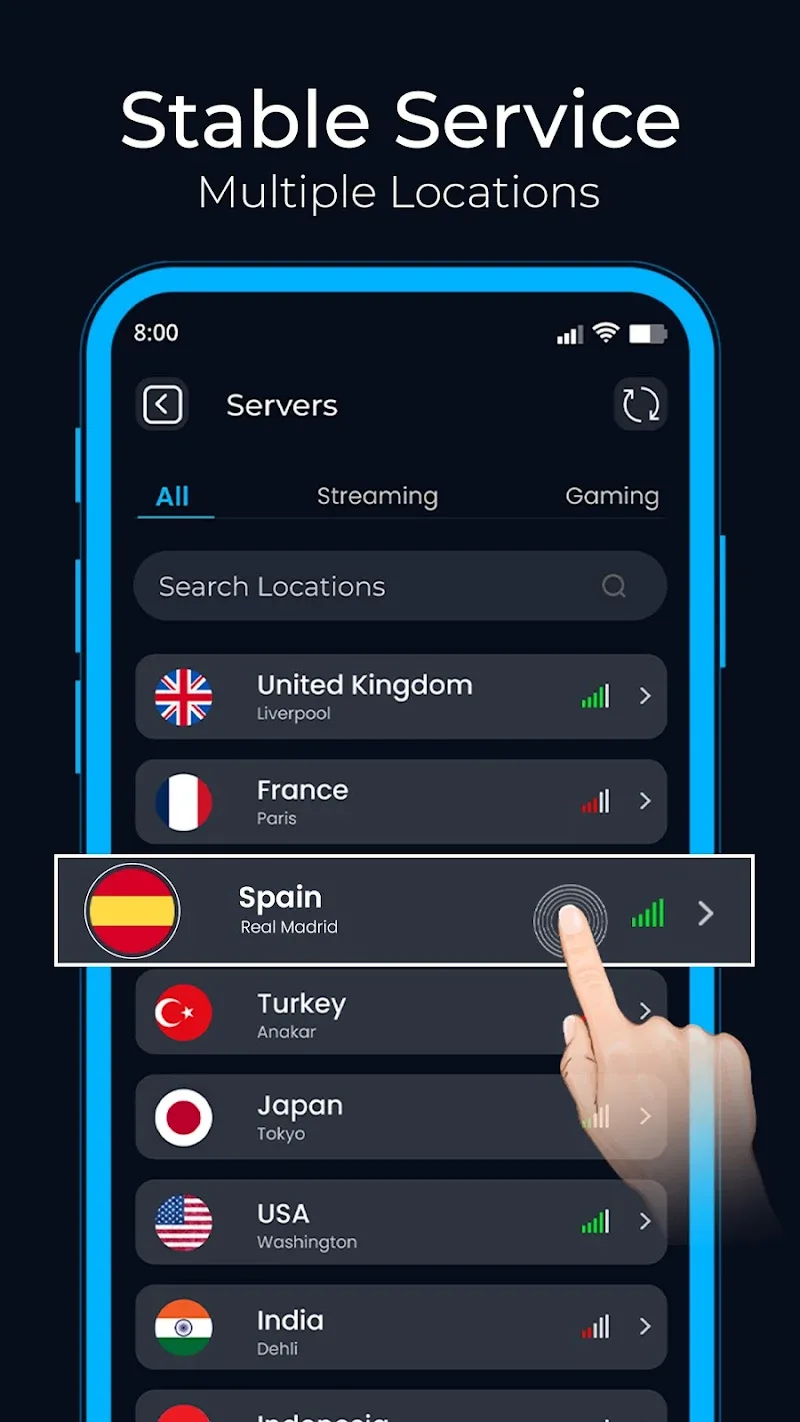
Pick a server: Select an available location when you need access to content blocked in your region or to reduce latency by choosing a nearby endpoint.
Permissions and status: Grant the minimal network permissions the app requests and check the connection indicator to confirm encryption is active.
High-speed connections: Privify emphasizes fast throughput for smoother browsing and fewer interruptions during streaming or downloads.
Unlimited data usage: The app is designed for unrestricted browsing so you can stay online without worrying about a strict data cap.
Stable servers: Server selection aims to keep your link consistent, reducing sudden drops and maintaining session continuity for work or entertainment.
Strong encryption: Traffic is wrapped in an encrypted tunnel to reduce exposure on public networks and protect basic browsing data.
Privacy-first design: Minimal setup and one-touch protection are geared toward users who want privacy quickly without complex configuration.
Choose the nearest server for speed: When performance matters, pick a close server to lower latency and improve page load times.
Enable before joining public Wi-Fi: Turn Privify on as soon as you connect to unsecured hotspots like cafes or airports to prevent casual snooping.
Switch servers if slow: If a connection lags, try a different location; fresh routes often restore speed without restarting the app.
Use for geo-restricted browsing: When a site or service is blocked in your area, connect to a server in a supported region to regain access.
Privify: Fast Secure VPN Proxy offers a straightforward way to add privacy and avoid regional blocks while delivering generally reliable speeds for everyday browsing and streaming. It suits users who want simple, immediate protection rather than deep technical controls; power users seeking fine-grained tunneling options or advanced protocol selectors may look elsewhere. If you value ease of use and steady performance for casual security needs, Privify is worth trying, keeping in mind it favors convenience over complex customization.