WiFi Monitor Pro
Version: 2.9.2
4.12MB
4.3
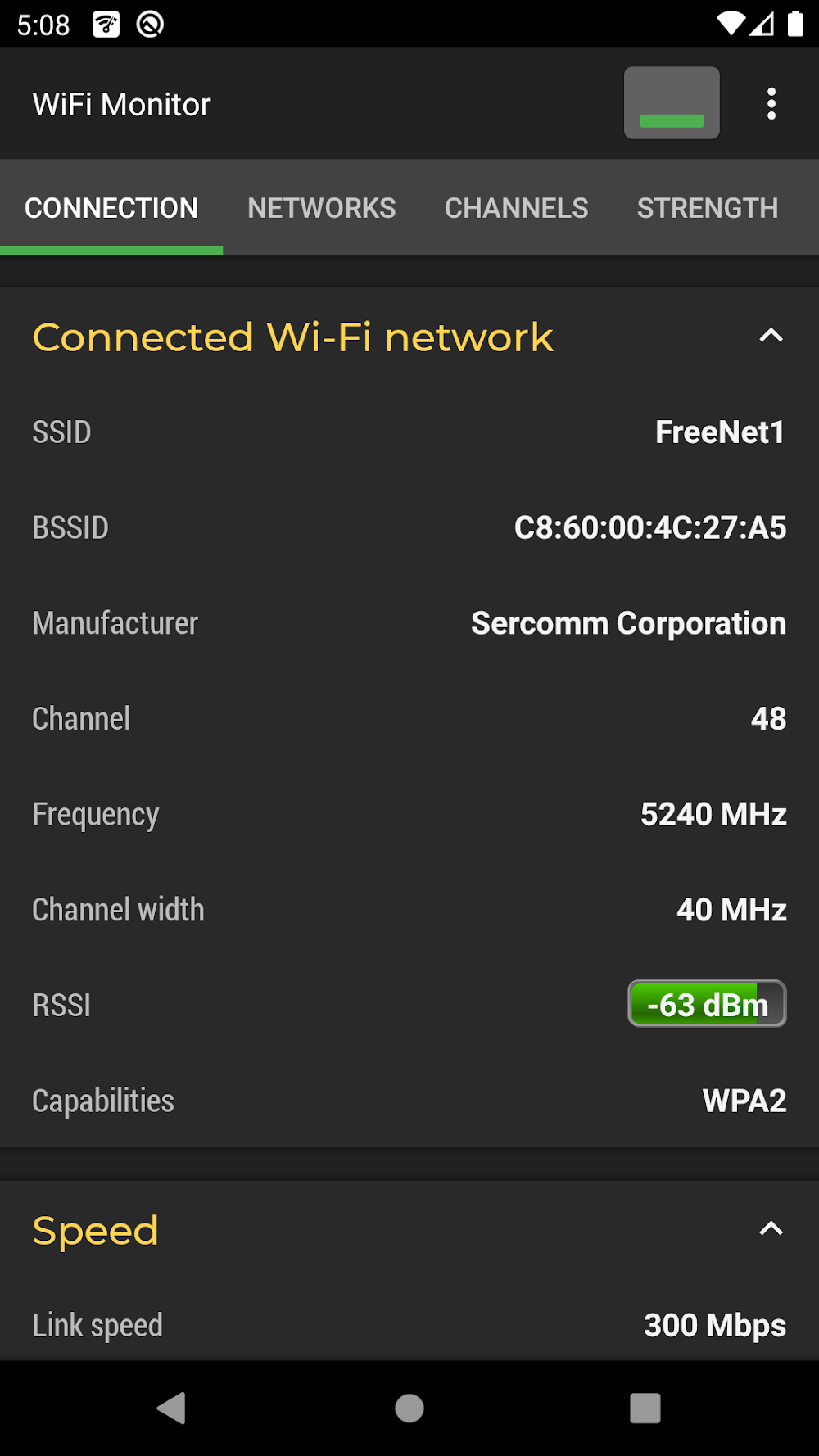
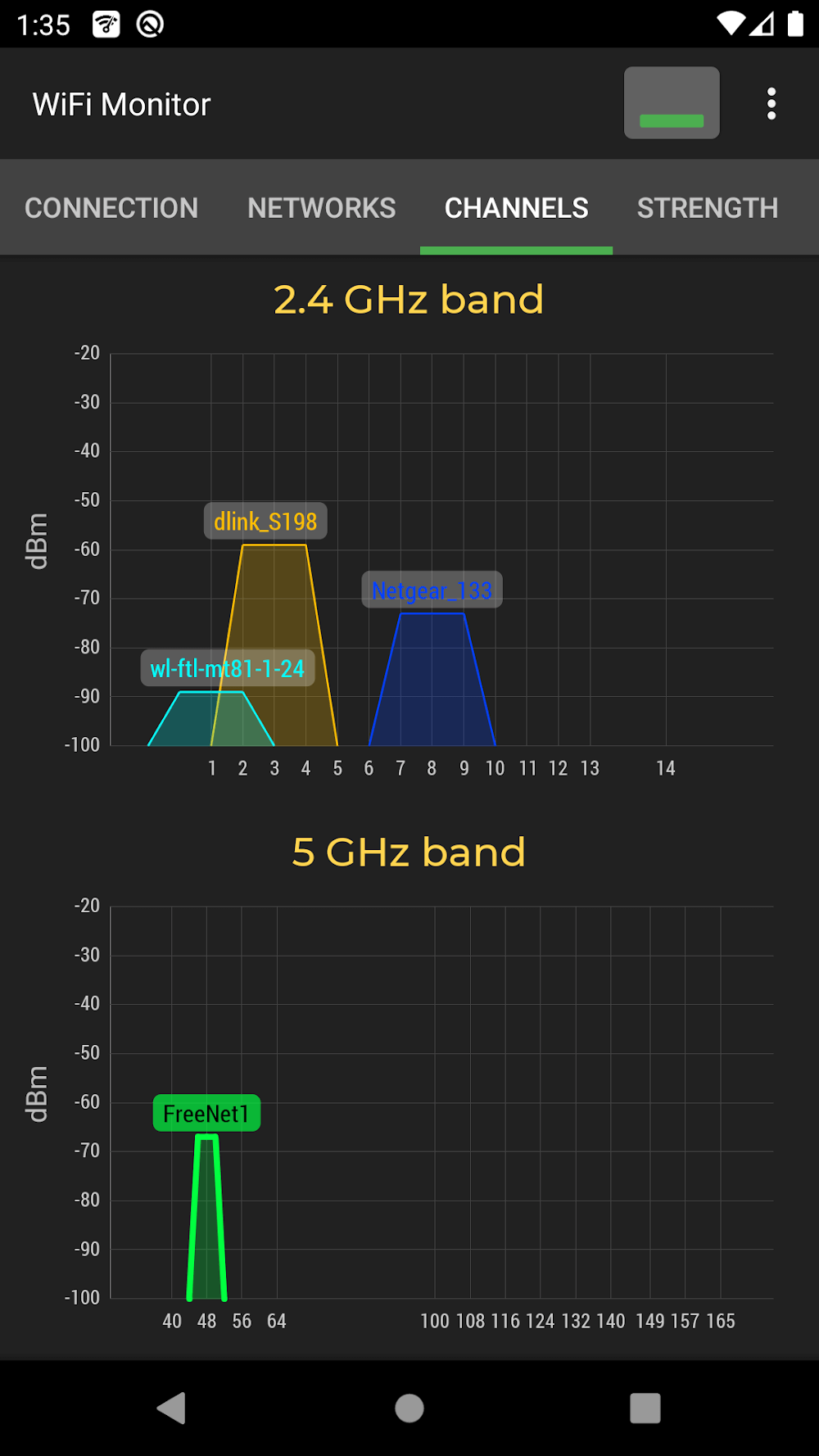
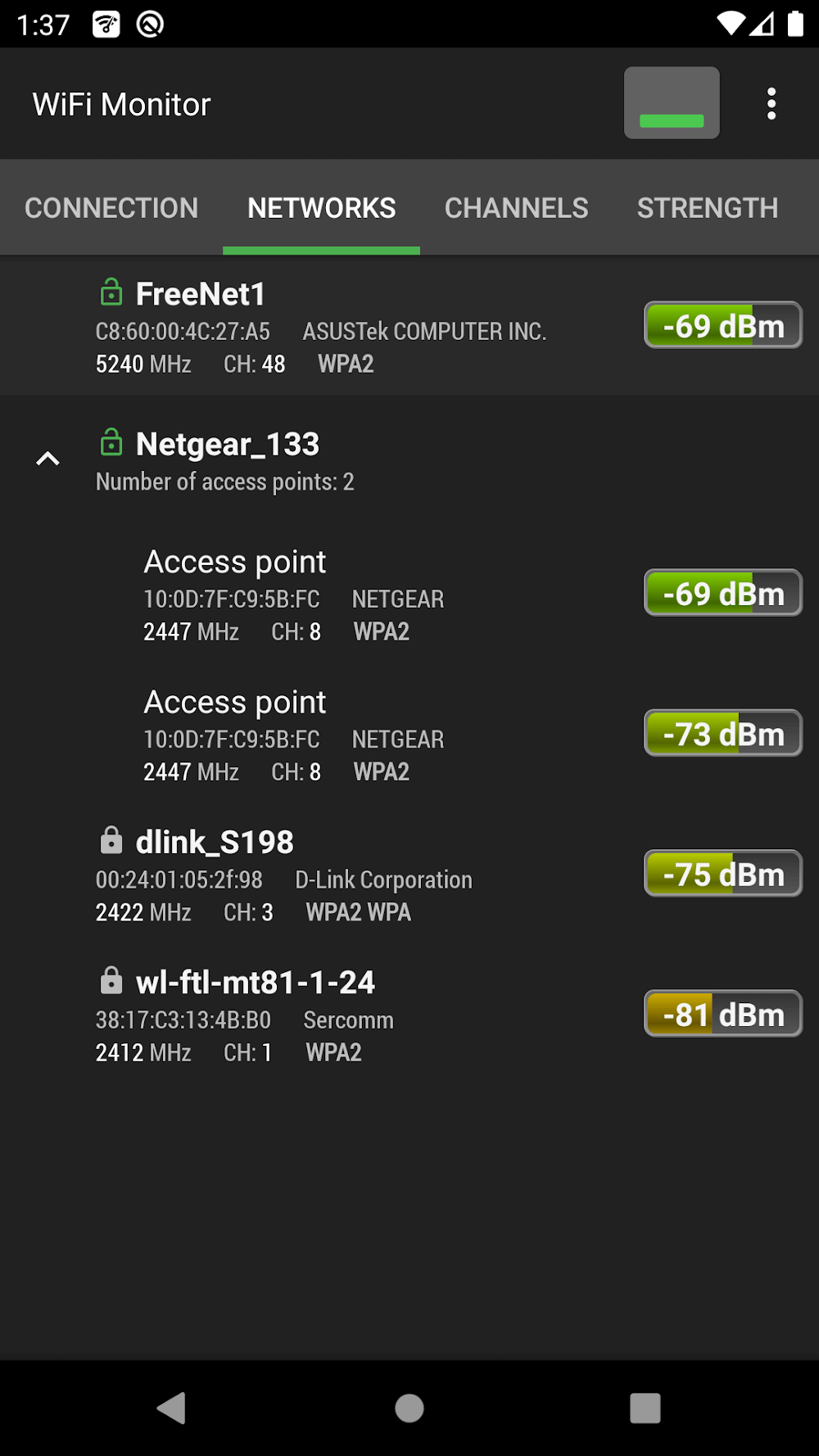
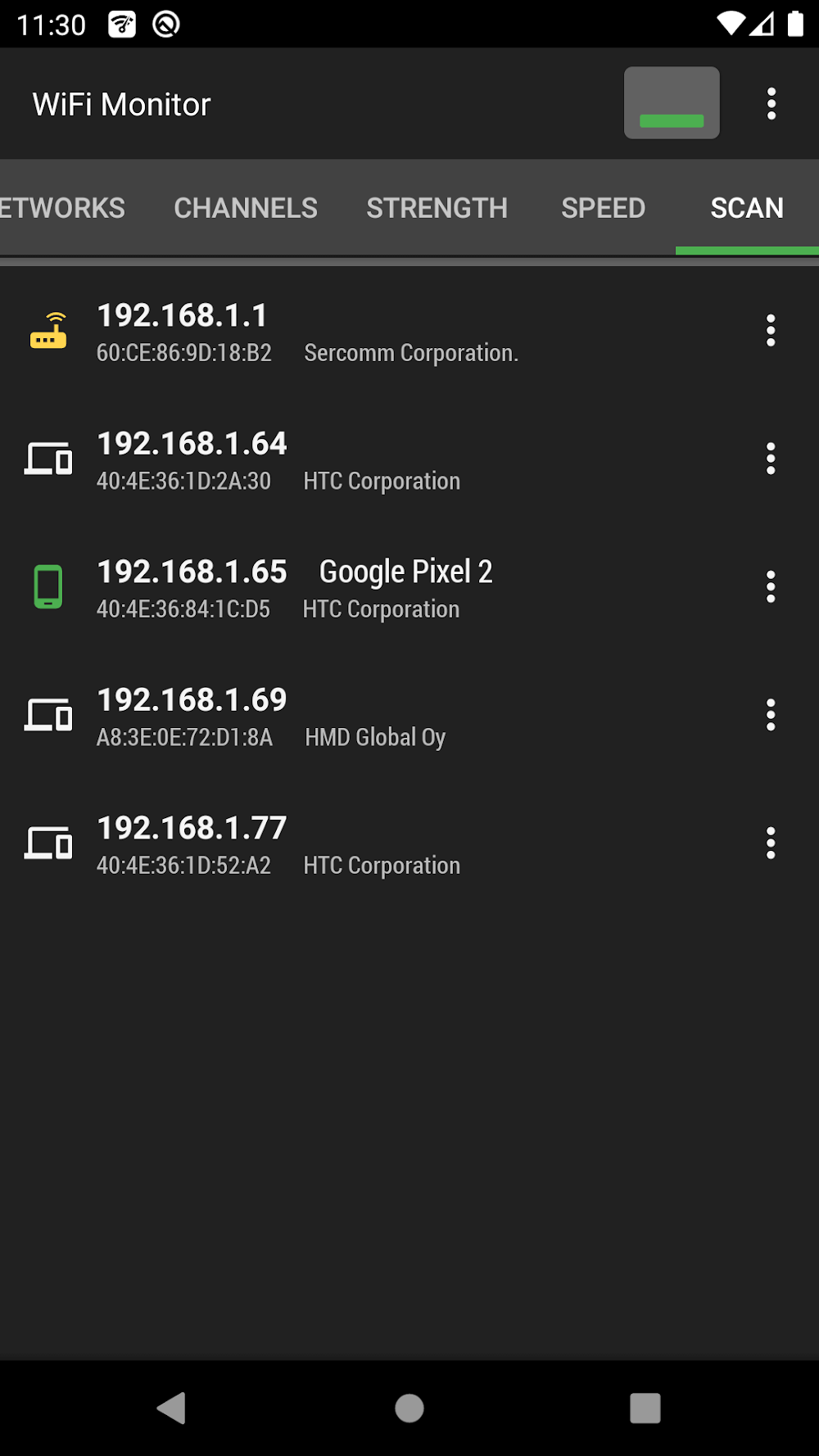
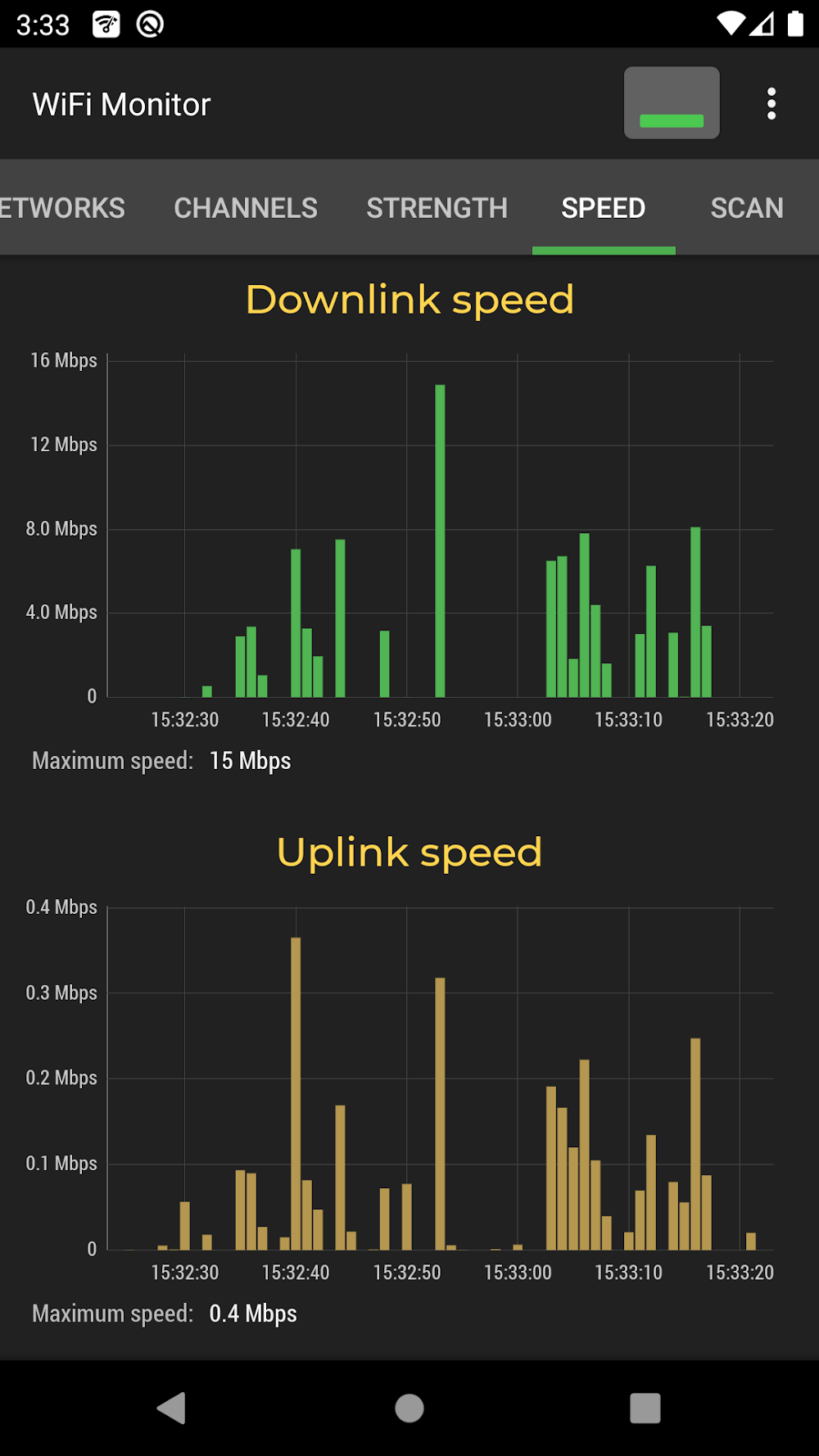
WiFi Monitor Pro is a powerful Android utility that inspects wireless networks, visualizes signal strength, and pinpoints interference to optimize your connection. It offers real-time scanning, channel analysis, device discovery and historical logs to help technicians and curious users troubleshoot Wi-Fi performance across home and office environments.
WiFi Monitor Pro scans nearby access points and displays essential details like SSID, BSSID, encryption type, channel and signal level. The app transforms raw Wi-Fi data into readable graphs and lists so you can quickly detect congestion, overlapping channels and weak coverage areas. It’s designed to be a compact toolkit for diagnosing connectivity issues without requiring specialized hardware.
The interface prioritizes clarity: a main dashboard summarizes active networks, while dedicated tabs open detailed views and charts. Controls are straightforward—tap a network to expand details, swipe to switch bands or time ranges, and tap a chart to freeze or export data. Colors and icons are used to convey relative signal quality at a glance.
For homeowners, WiFi Monitor Pro helps locate dead zones and choose the best channels for routers and extenders. IT technicians can use it to audit multi-access-point deployments, identify rogue hotspots, and collect evidence of intermittent interference. Remote workers and gamers benefit from the app’s ability to spot latency spikes and crowded channels that reduce throughput.
The app is optimized for Android devices and works on a wide range of smartphones and tablets. Scanning and graphing are lightweight operations, but continuous background scanning may impact battery life depending on device and settings. The app respects Android permission models and requests only the necessary access to Wi-Fi and location services for accurate scanning.
After installation, run an initial scan to populate the dashboard. Grant the requested permissions for location and Wi-Fi state so the app can access network metadata. Start by examining the strongest networks, then switch to the channel analyzer to look for overlap. For deeper investigation, enable persistent logging and review the signal history graphs.
WiFi Monitor Pro balances simplicity with depth: it exposes detailed technical metrics without cluttering the experience for casual users. Whether you need quick insight into a flaky connection or a recorded dataset for troubleshooting, the app provides practical tools that fit daily use and professional audits alike. Regular updates improve compatibility and expand analysis options based on user feedback.
WiFi Monitor Pro is a solid choice for anyone who wants better visibility into wireless environments, from home networks to small business deployments. Its combination of scanning, visualization and exportable logs makes routine Wi-Fi maintenance and problem solving faster and more precise.