
AiOS launcher
Version: 4.8.1
30.64MB
4.4
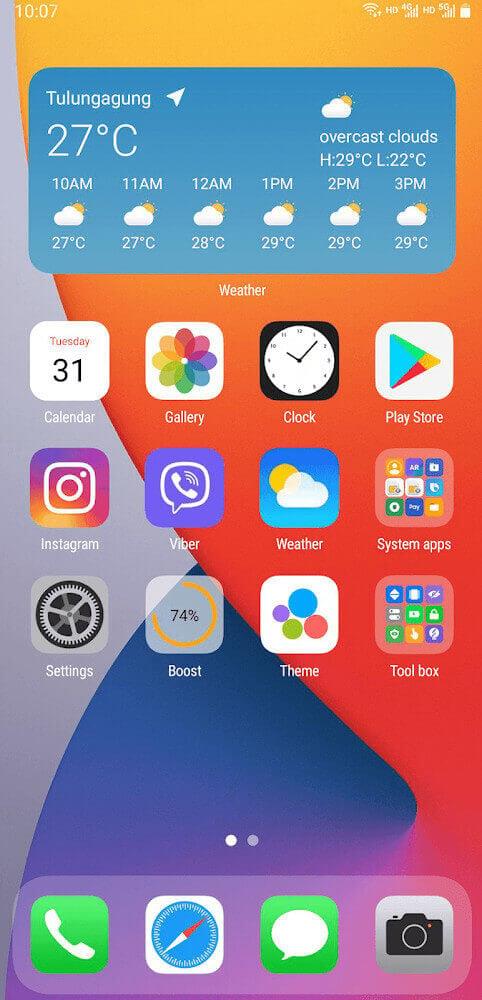
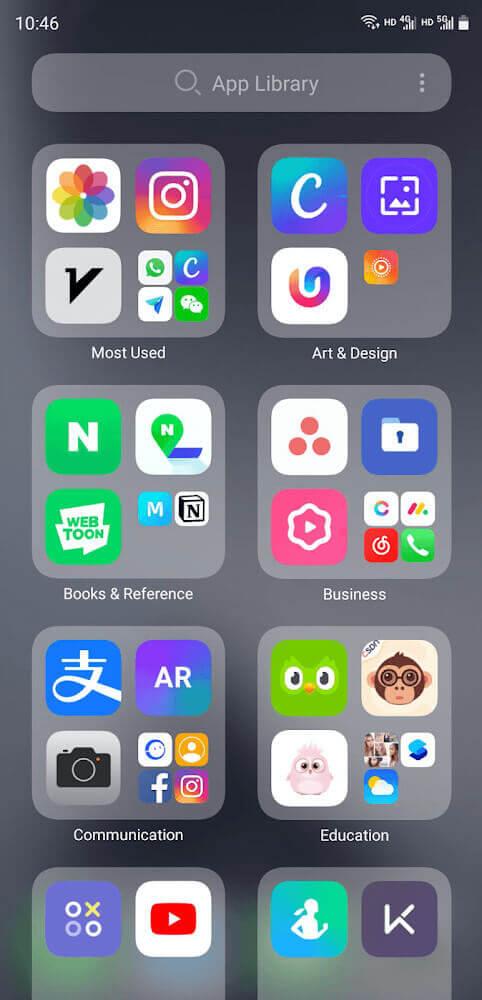
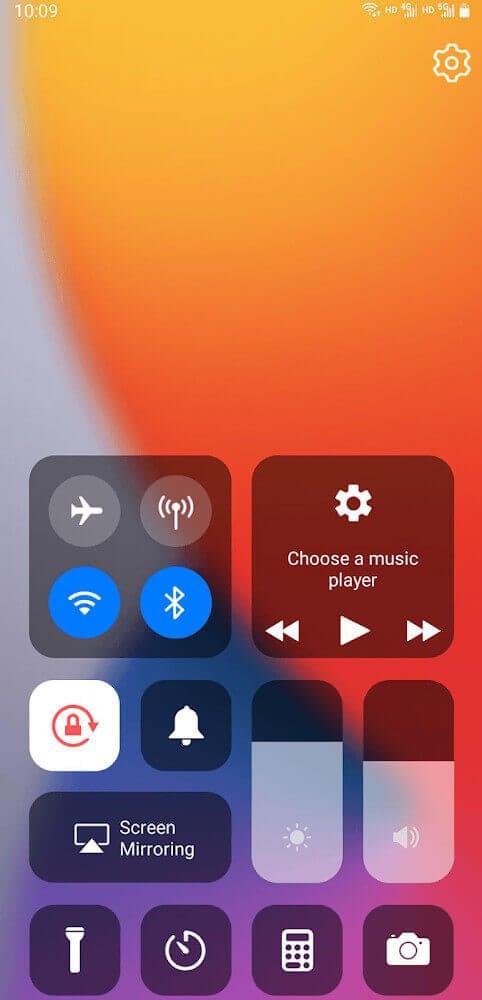
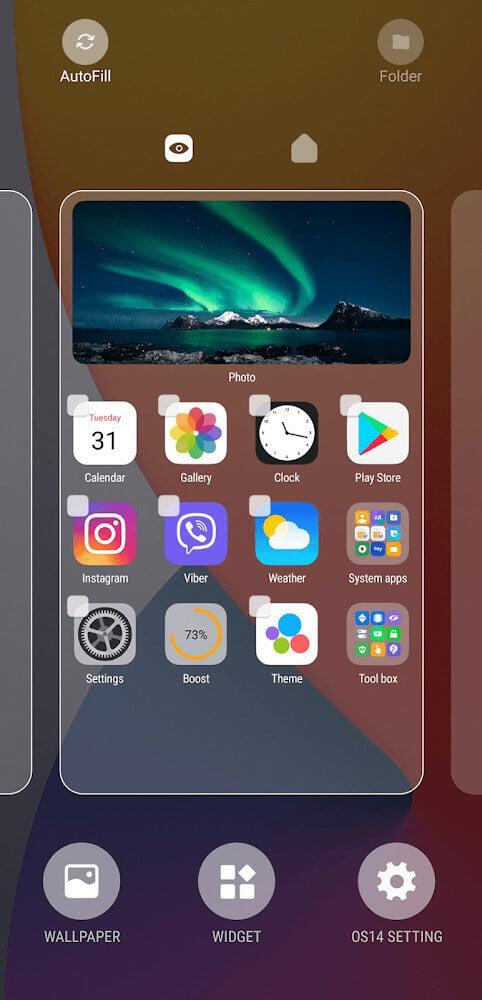
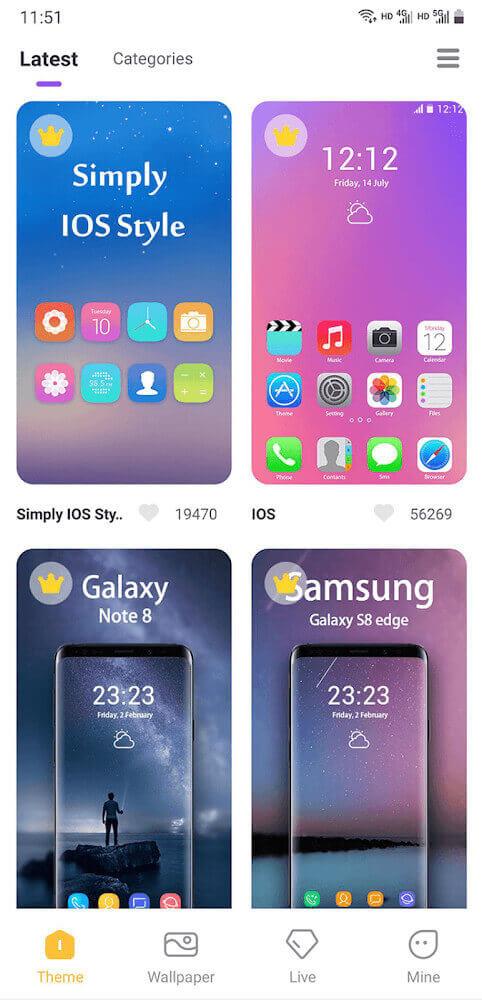
AiOS launcher is a lightweight Android launcher that reimagines your home screen with smart shortcuts, gesture controls, and adaptive themes. It balances speed and customization to help you access apps faster while keeping system resources low, making it a strong choice for users who want a refined, minimal interface.
AiOS launcher replaces your default home screen with a streamlined environment focused on efficiency. It organizes apps and widgets into a clean layout, provides predictive suggestions based on usage, and adds gestures for quick actions. The launcher is designed for everyday productivity, reducing taps and friction when opening frequently used apps or functions.
The interface feels responsive, with smooth scrolling and minimal lag on mid-range devices. AiOS launcher prioritizes a simple visual hierarchy: apps and widgets remain easy to scan, and animations are subtle so they do not detract from speed. Memory usage is modest compared to heavy launchers, which helps extend battery life during daily use.
Customization is where the launcher shines without overwhelming the user. You can tweak icon sizes, change the dock layout, or apply themes that adjust wallpaper, accent colors, and icon packs. If you prefer a hands-off approach, built-in presets let you switch looks quickly. More advanced users will appreciate granular settings for gesture assignments and home-screen grid density.
AiOS launcher includes several utility tools that streamline workflows. A persistent smart widget surfaces suggested apps and actions based on time of day and location. Quick folders let you group related apps for one-tap access, and a compact widget mode keeps frequently used controls within reach without consuming extra space.
Integration focuses on compatibility and privacy. The launcher respects existing permissions and does not require intrusive access to personal data. It supports Android notification badges, ties into system search, and works alongside third-party widgets. App updates are lightweight and aim to maintain existing configurations so you rarely need to rebuild your home screen from scratch.
Most users report that AiOS launcher shortens the time it takes to reach everyday apps and reduces distractions. The learning curve is modest: basic setup takes a few minutes, and deeper customization can be done over time. Stability has been solid in recent releases, with occasional feature updates that refine gesture behavior or performance.
People choose AiOS launcher when they want a balance of speed, control, and minimal overhead. It’s a good match for users who dislike cluttered home screens but still want meaningful customization. Compared to default launchers, it delivers extra shortcuts and layout flexibility without the bloat of larger ecosystems.
Installation is straightforward: install from your preferred store, set AiOS launcher as the default home app when prompted, and select an initial theme. Spend a few minutes mapping gestures to the actions you use most, then curate your dock and app drawer. Backup options are available in settings so you can export your layout if you switch devices.
AiOS launcher is an effective choice for users seeking a polished, efficient home screen experience that focuses on speed and practical customization. Whether you want a no-fuss setup or a tailored interface, it provides the essentials with thoughtful refinements that keep daily navigation fast and predictable.