Story Maker
Version: 1.19.30
13.70MB
4.1
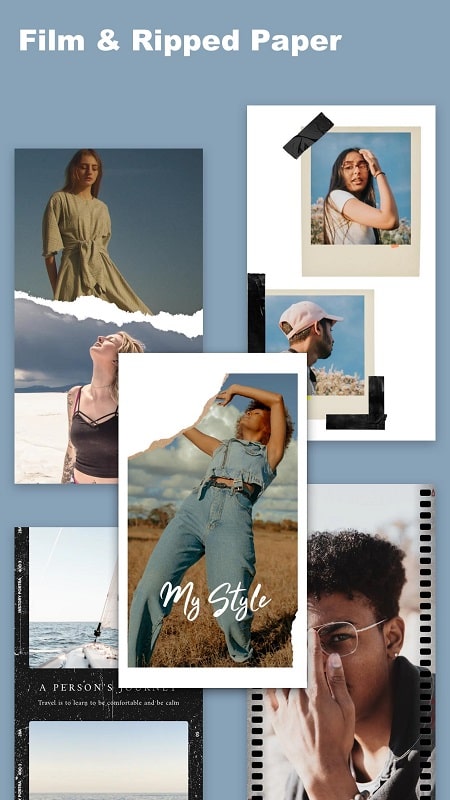

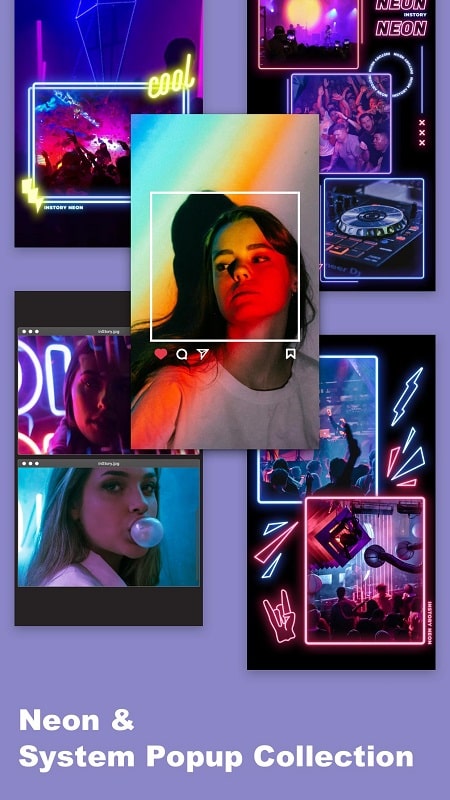
Story Maker is a mobile app designed to help users craft visual and text-driven narratives quickly, combining templates, character assets, and timeline editing tools in one place. It streamlines scene composition and dialogue layout for social posts, short animations, and interactive stories across platforms.
Story Maker blends creative building blocks with a workflow tailored for storytellers, content creators, and educators. The app provides an accessible canvas, drag-and-drop assets, and prebuilt templates that reduce setup time. Users can assemble scenes, place characters, and tune text overlays without switching between multiple tools.
Core elements give Story Maker its practical value. These include:
The interface prioritizes speed and clarity. A central canvas displays the current scene with a sidebar for assets and a bottom bar for timeline controls. Story Maker keeps common tools within thumb reach on mobile, while context menus reveal advanced adjustments when needed. The layout supports quick iteration: drag an element into the scene, tap to edit properties, and scrub the timeline to preview timing.
Building a scene in Story Maker is deliberate but flexible. Users can layer backgrounds, place characters, and attach speech bubbles or narration tracks. Character poses and facial expressions are adjustable, which makes it easier to convey emotion without external illustration tools. The app also supports grouping and locking of elements to protect complex arrangements while adjusting other parts of the layout.
Beyond static composition, Story Maker includes entry-level animation tools that lift content into motion. Simple keyframe-like controls let you animate position, scale, opacity, and rotation. Transition presets speed up common movements such as fades, slides, and parallax shifts. These features are friendly to creators who want polished results without a steep learning curve.
Exporting is straightforward. The app offers presets for common aspect ratios and codecs, including optimized settings for popular social networks. Exports can be saved in the device gallery or shared directly from the app. Collaboration features allow project files to be packaged and sent to teammates for review, and the app supports versioning so changes can be tracked across edits.
Performance in Story Maker balances visual richness with operational responsiveness. Asset caching minimizes loading times once packs are downloaded, and rendering is handled with mobile-optimized pipelines to reduce lag during previews. The app supports a wide range of Android devices and includes options to lower visual fidelity for older hardware while preserving editability.
To speed up output, create custom templates for repeated formats, organize frequently used assets into folders, and use the app's copy-and-paste layer function to replicate complex arrangements. Predefining text styles ensures consistency across multiple scenes, and exporting a low-resolution draft helps validate pacing before final render.
New users can begin with a template, swap assets to match their narrative, and customize timing in minutes. Story Maker includes in-app tutorials that demonstrate basic flows and advanced techniques so creators can progressively unlock more sophisticated edits. With its combination of approachable tools and export-ready options, Story Maker aims to shorten the path from concept to shareable story.