PicCollage
Version: 7.9.12
82.00MB
4.2
If you're the kind of user who likes to turn a handful of photos into a polished story, PicCollage brings a flexible workspace to your phone. This app blends simple drag-and-drop editing with a rich template library so you can build anything from a quick social post to a layered keepsake. PicCollage supports multiple layouts, stickers, text and background tools, and it aims to keep exports sharp for sharing or printing. Whether you want playful stickers or a minimalist grid, the app balances creative control with an approachable interface so edits stay fast and predictable.
Import photos: Select images from your device gallery or camera roll to begin. The app reads common formats and lines them up for easy placement.
Choose a layout: Pick a preset grid or a blank canvas; templates are grouped by theme for holidays, birthdays and simple collages.
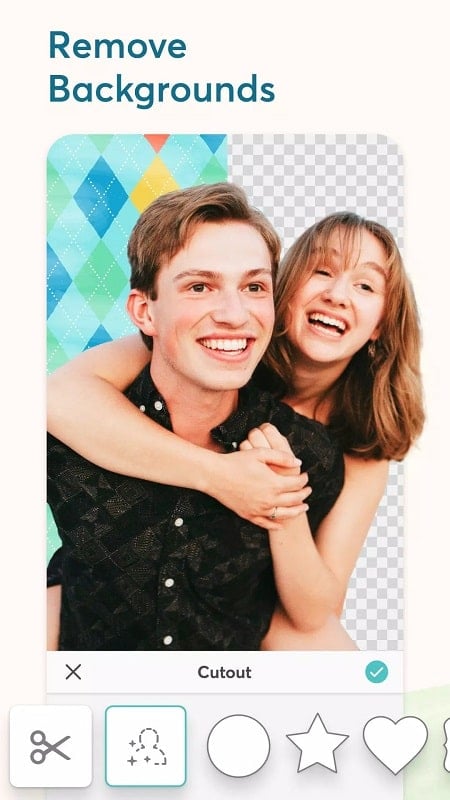
Edit and crop: Resize, rotate and crop each image individually. Use the background-removal tool to isolate subjects when you need a cleaner composition.
Decorate: Add stickers, doodles and text. Fonts and color controls let you match a mood or brand without extra software.
Export and share: Save in high resolution, remove watermarks with a subscription, or share directly to social feeds and messaging apps.
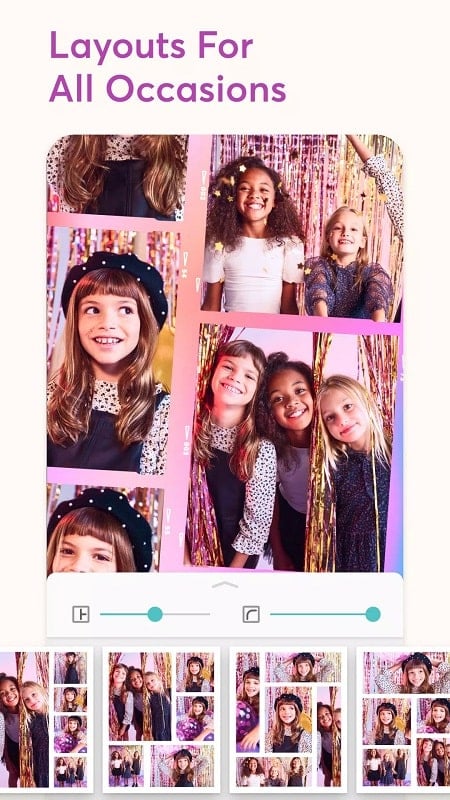
Grid and freestyle layouts: A wide selection of grids handles two-photo pairings or dense multi-image spreads while freestyle canvases let you layer photos and stickers.
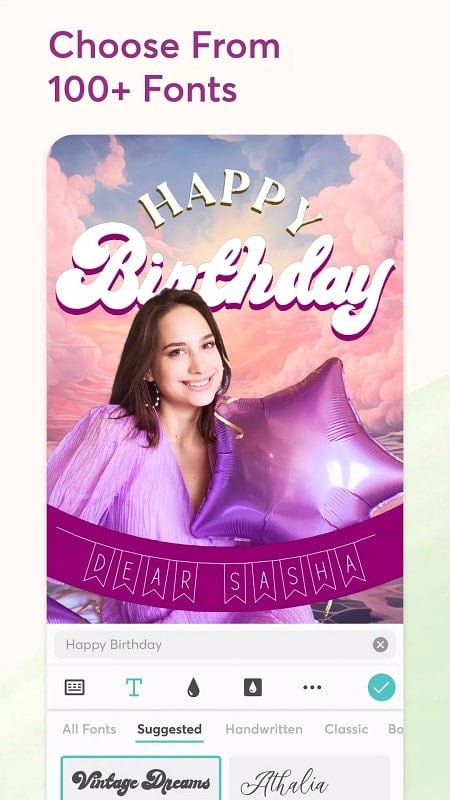
Stickers, fonts and templates: The app includes themed packs and seasonal art plus a variety of typefaces so captions and greetings feel custom-made.
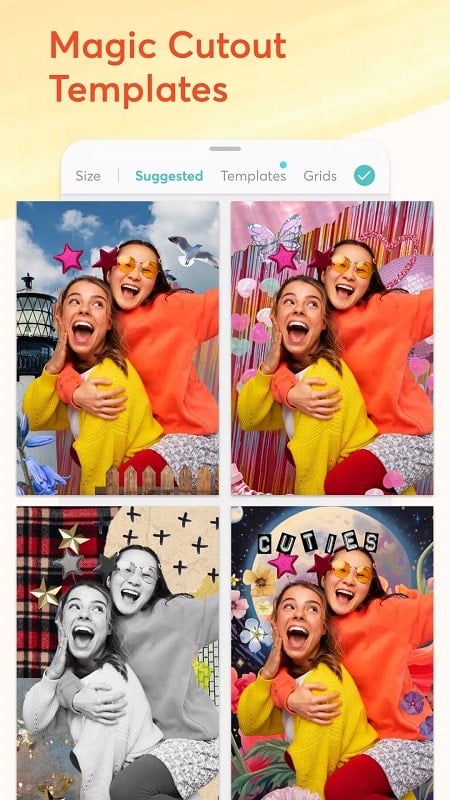
Background removal and cutouts: Use simple selection tools to extract people or objects from a photo, ideal for portrait collages or thumbnail-style images.
Animated collages and video mixes: Combine stills and short clips into a moving sequence, add gentle audio, and export an animated file for stories or timelines.
Practical scenarios: Create a before-and-after collage to document a home project, or assemble step-by-step photos into a single recipe card for easy sharing — both typical, everyday uses that fit PicCollage's workflow.
PicCollage is a capable editor for anyone who wants to craft memorable collages and short visual stories on Android; give the free trial a go and decide whether the VIP extras match your needs — it's an easy way to lift ordinary photos into shareable moments, and worth exploring if you like hands-on creative control.