Remote for Smart Samsung TV
Version: 1.5.6
53.60MB
4.5
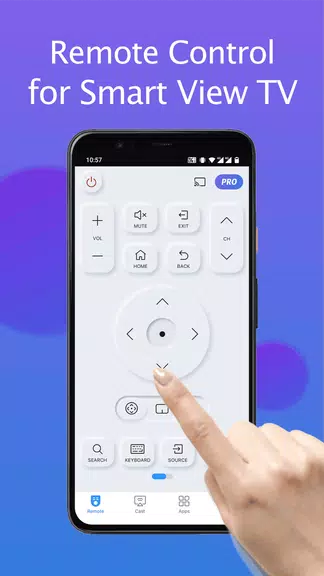
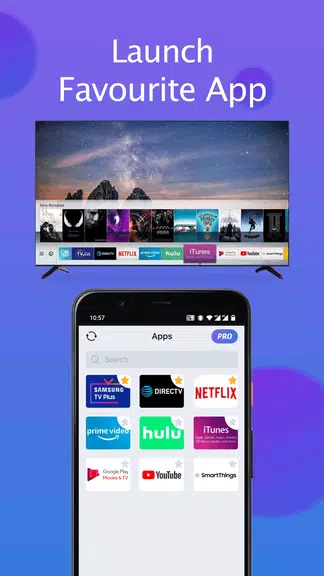
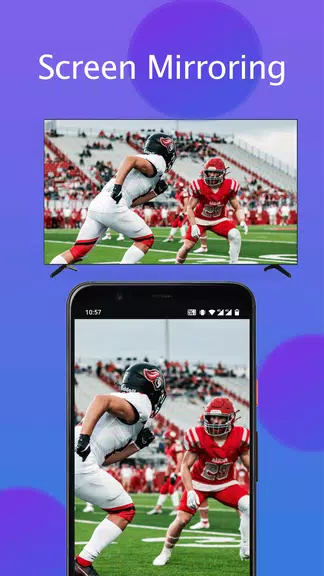
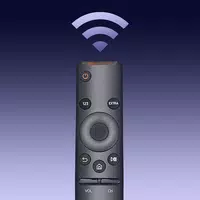
Remote for Smart Samsung TV is a versatile Android utility that turns your phone into a functional TV remote with channel control, navigation, and media playback features. It simplifies interaction with Samsung smart TVs, providing touchpad gestures, a numerical keypad, and quick access to apps and settings for faster everyday use.
The app places a full suite of remote functions at your fingertips. Use a responsive D-pad for navigation, a virtual keyboard for searches, and a numeric keypad for direct channel input. Remote for Smart Samsung TV supports volume and power control, app shortcuts, and media playback commands such as play, pause, rewind and fast-forward. Extra tools include a pointer mode for precision, a favorites list for quick channels, and a recent apps menu for fast switching.
Connection is handled over your local Wi-Fi network; the app scans for compatible Samsung TVs and pairs with a simple confirmation step on the television. No cables are required. The communication model relies on standard protocols that most modern Samsung smart TVs support, so pairing is quick and secure. When paired, commands are transmitted with minimal latency for near-instant response.
The interface is designed for clarity and efficiency. Buttons are grouped logically—navigation, media, numeric, and settings—so users find controls without digging through menus. Touch gestures are integrated for scrolling lists and controlling pointer mode, while a landscape layout maximizes reachability for large-screen use. Visual feedback confirms every action, reducing trial-and-error during setup or daily use.
Personalize the layout and controls to match your viewing habits. You can reorder favorite buttons, assign shortcuts to frequently used apps such as streaming services, and adjust sensitivity for pointer and touchpad modes. Profiles allow saving distinct configurations for different TVs or viewing setups, useful in households with multiple Samsung devices or varying seating arrangements.
Designed to perform on a wide range of Android devices, the app maintains responsiveness even on older phones. It supports multiple Samsung TV models across several firmware versions, though availability of advanced features like remote wake may vary by model. The app minimizes battery usage by keeping background activity limited to active connections and offers an energy-efficient mode for extended sessions.
Whether navigating smart TV menus, entering search text, or controlling a movie night playlist, the app streamlines common chores. Use voice input on your phone to search across streaming apps, or switch to pointer mode for app interfaces that require cursor control. The numeric keypad saves time when jumping to a channel or entering a PIN for purchases and parental controls.
Pairing requires confirmation directly on the TV, preventing remote discovery by unauthorized devices on the same network. The app does not request unnecessary permissions; most access rights are tied to network discovery and local connectivity only. Users should ensure both phone and TV are updated to reduce the chance of compatibility or security issues.
Remote for Smart Samsung TV provides a practical, reliable alternative to a physical remote, enhancing accessibility with touchscreen controls and personalization. It’s tailored for everyday viewing and advanced interactions, helping users manage their Samsung smart TV experience more comfortably and efficiently.