Video Enhancer Pro
Version: 3.0.1
6.43MB
4
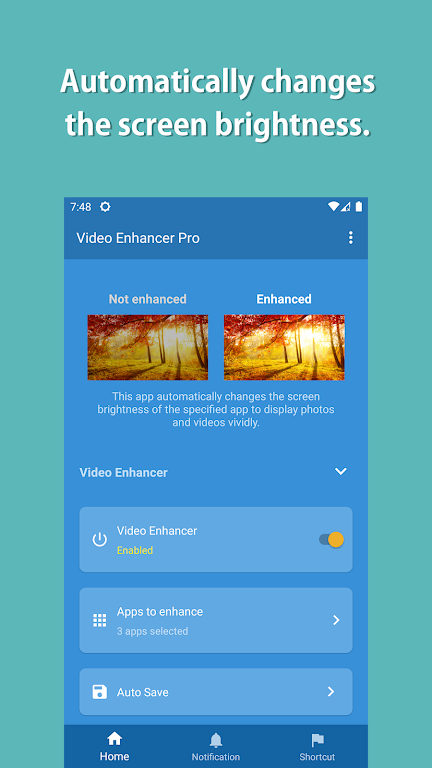
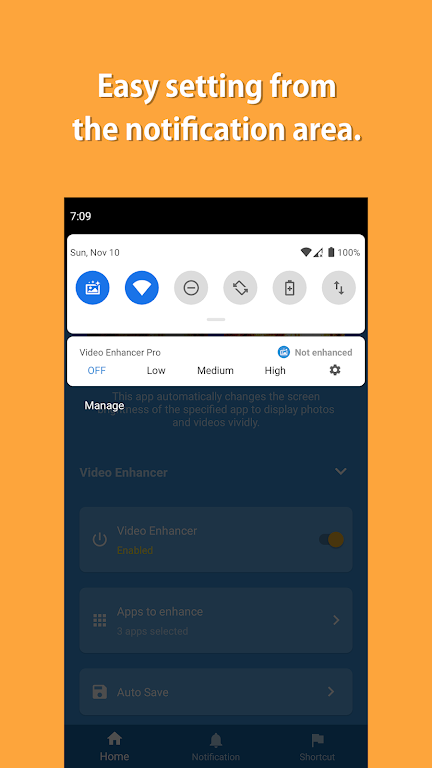
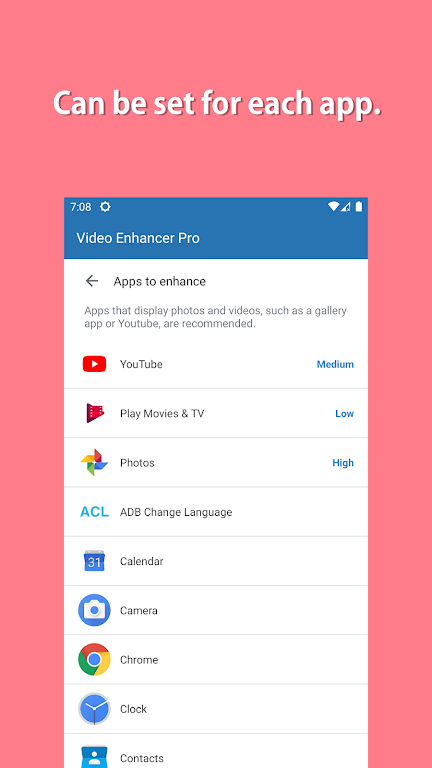
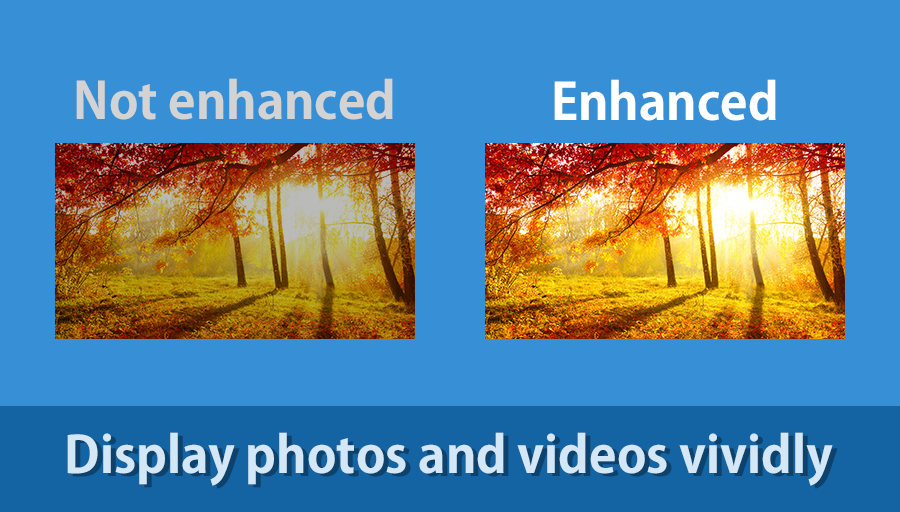
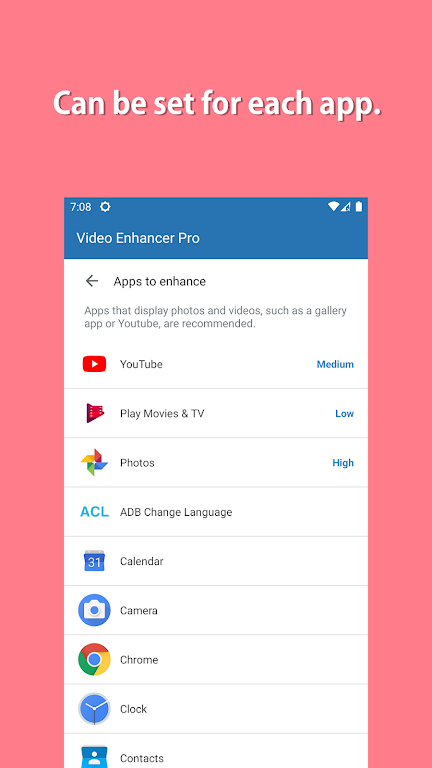
Video Enhancer Pro is a compact Android utility designed to improve video clarity, stabilize shaky footage, and upscale older clips using AI-assisted filters. It combines noise reduction, color correction, and smart sharpening into an accessible toolkit so creators can polish videos quickly without a steep learning curve.
At its core, Video Enhancer Pro provides a set of tools focused on practical video improvement rather than complex editing suites. The app targets common quality issues: low resolution, grain from low light, inconsistent color, and jitter. It applies intelligent processing that works on single files or batches, making it useful for mobile journalists, social creators, and hobbyists alike.
The workflow in Video Enhancer Pro is straightforward. Import a video, pick a preset or create a custom profile, preview results, and export. The preview stage is useful because it renders a short section of the clip with the selected settings so you can evaluate the effect before committing to a full export. That saves time on longer files.
The app provides multiple processing modes to suit device capabilities. A fast mode favors speed and uses less battery, while an advanced mode leverages on-device neural networks for higher quality. There is also an adaptive mode that balances speed and quality based on the clip’s resolution and your device’s CPU/GPU resources.
The interface emphasizes clarity: large thumbnails, clear sliders for intensity, and labeled presets. Even complex options like color grading are presented with simple toggles and an optional advanced panel for users who want granular control. Performance is scalable; newer phones will see much faster processing and higher-quality AI effects, while older devices can still use lighter filters.
Video Enhancer Pro supports common codecs and containers, including MP4 and MKV, and allows you to set bitrate, frame rate, and resolution. For social sharing there are quick-export presets that target typical platform requirements, ensuring optimized file size without sacrificing visible quality.
If you process multiple clips from the same session, create a custom profile and apply it across the batch for consistent output. Save frequently used export presets to accelerate repetitive tasks and maintain uniform quality across projects.
Users choose Video Enhancer Pro for its balance of quality and simplicity. It doesn’t require a steep learning curve or a desktop workstation to deliver visible improvements. The app’s batch processing, preview function, and device-adaptive modes make it a practical choice when time and hardware constraints matter.
No mobile app can recreate detail that’s not present in the source footage. Upscaling and AI filters improve perceived quality but work best when the original video contains a reasonable amount of detail. Expect diminishing returns when working with extremely compressed or heavily damaged clips.
Installation is standard via the Android package file or a trusted app store. After first launch, grant storage and processing permissions, import a sample clip, and explore the available presets. Take advantage of the short preview renders to dial in settings quickly. Regular updates add new profiles and speed optimizations, so check for new versions if you rely on the app for production work.
Video Enhancer Pro sits in the niche between quick mobile fixes and full desktop restoration tools. For anyone who needs faster turnaround with perceptible quality gains, it’s a practical and approachable option worth trying.