
Leonardo.Ai
Version: 1.1.13
16.33MB
4.3
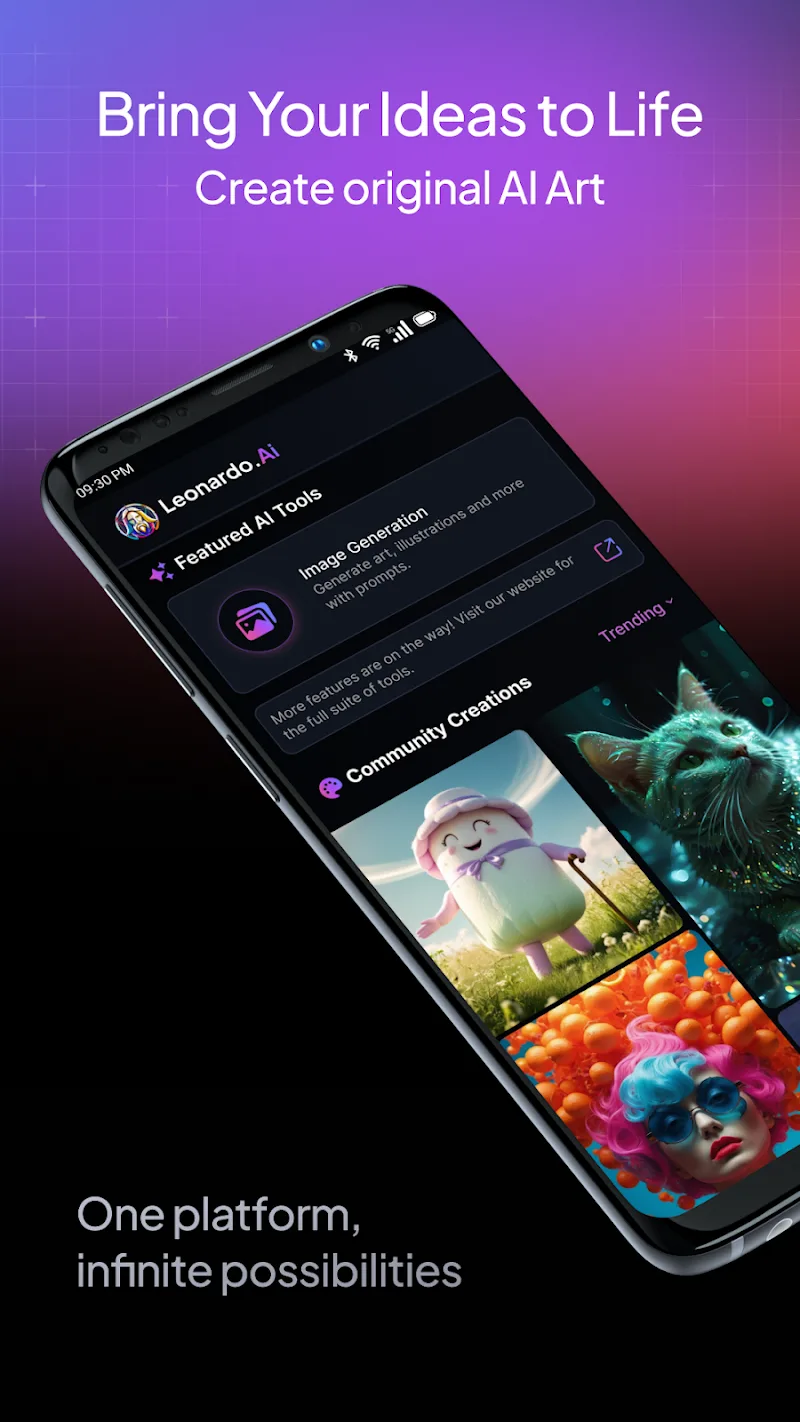
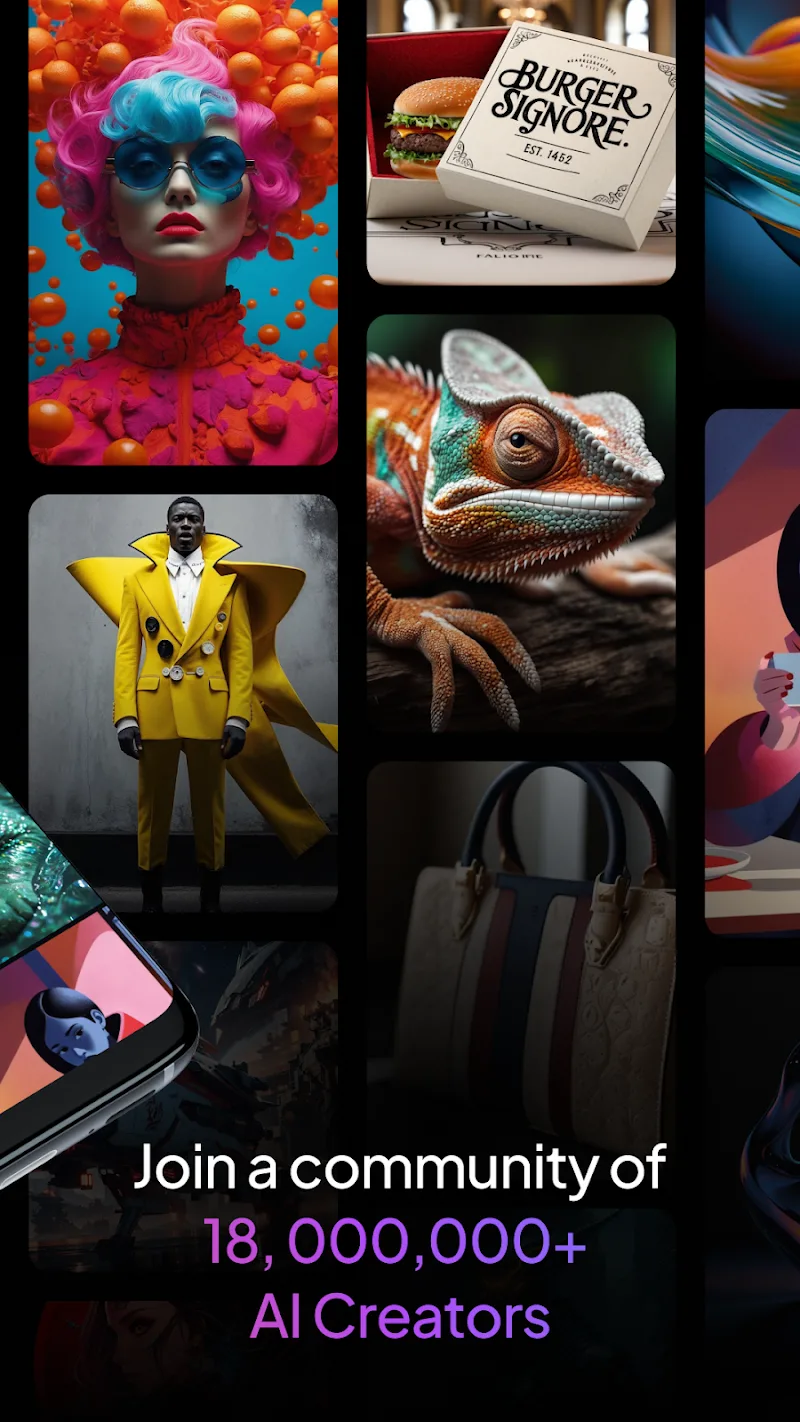
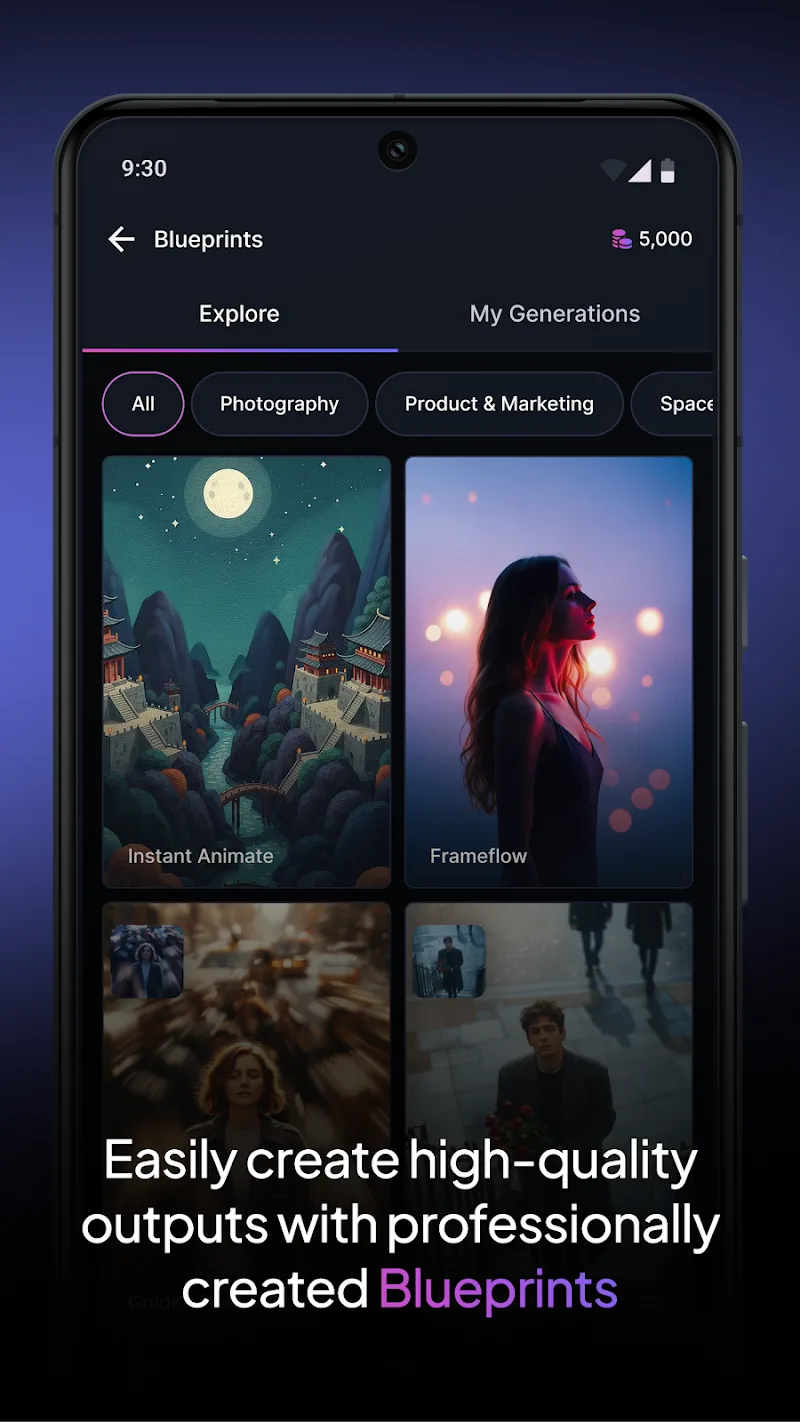
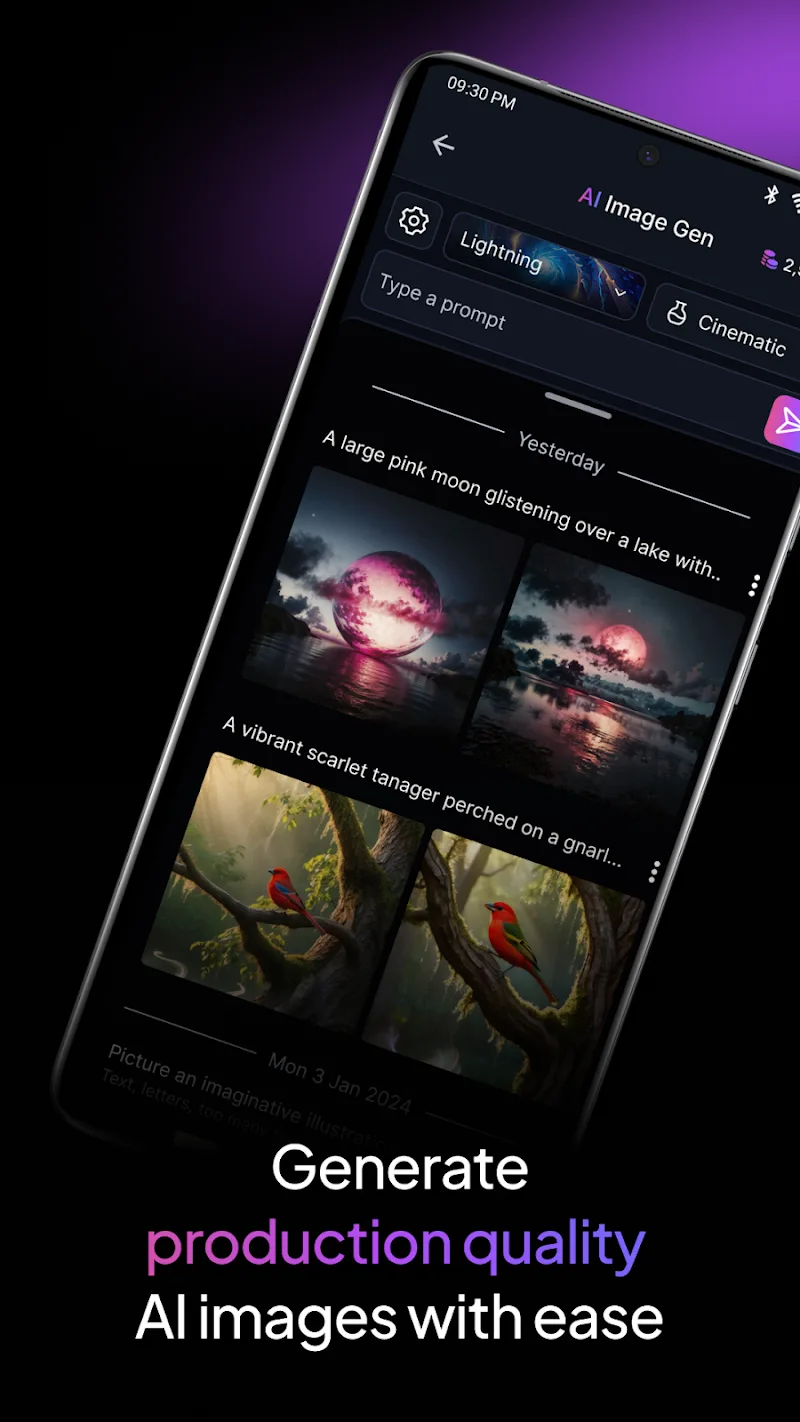
Leonardo.Ai brings advanced AI image creation to Android devices, turning textual ideas into detailed digital artwork in minutes while offering both quick presets and deep controls for users at every level. The app pairs high-quality generative models with a compact, responsive interface so you can enter a prompt, refine composition and style, and iterate until the result matches your vision. Whether you are a professional illustrator preparing concept sheets or an enthusiast exploring generative art, Leonardo.Ai streamlines the creative loop: prompt, adjust parameters, produce variants, and save results for further refinement. The design emphasizes speed and precision so on-the-go concepting and rapid prototyping feel natural on phones and tablets.
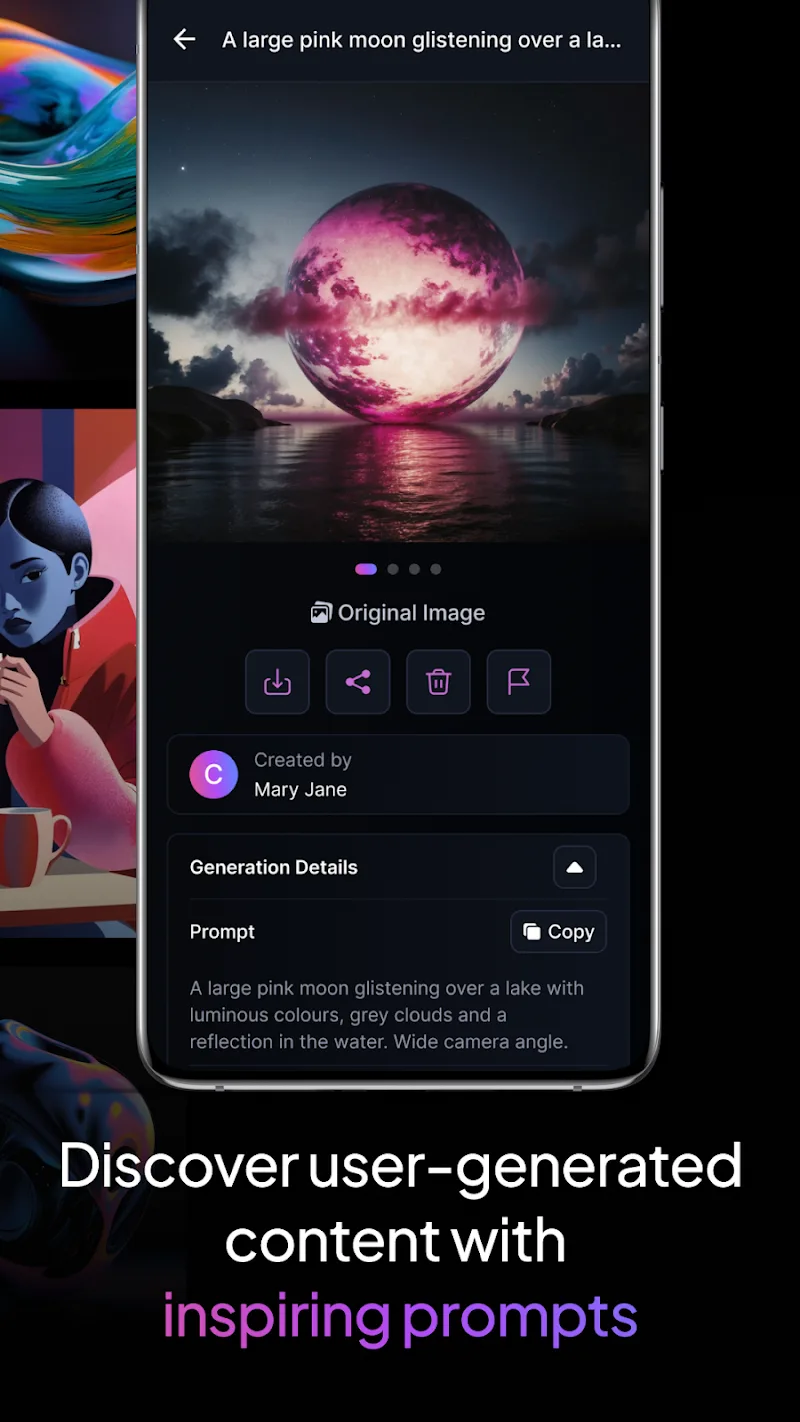
Leonardo.Ai gives you granular prompt and negative prompt fields to shape exactly what appears in a frame, plus controls for composition, aspect ratio and framing. The app exposes core generation parameters through sliders and toggles so you can balance creativity and fidelity: sampling steps, strength, guidance scale and random seed settings are available for fine-tuning outputs. Built-in style adjustments let you shift between photographic realism, illustrative styles and stylized renders while preserving consistent character appearance across iterations. Phoenix prompt tracking improves fidelity to text-driven details by keeping an intelligible history of prompt edits and how they influenced each image generation.
The user interface is organized to support an efficient iterative workflow: a prompt editor sits alongside preview thumbnails, and recent prompts and parameter presets are accessible from the same view so you can reproduce or tweak previous results quickly. Controls are designed for touch: drag sliders, toggle checkboxes, and tap to compare variations side by side. Versioning and naming of generated images helps keep projects organized, and the prompt history lets you revert to prior states or merge parts of multiple prompts into a new draft. Batch generation produces multiple variations from a single prompt to speed exploration without losing the ability to refine individual outputs.
Rather than a traditional leveling system, progression in Leonardo.Ai is creative and skills-based: your toolkit grows as you experiment with prompts and presets. The app encourages iterative refinement by letting you save favorite parameter combinations as custom presets, promoting consistency across a series of images. Over time you build a personal library of prompts, stylistic templates and composition approaches which makes it faster to produce coherent sets of images for projects such as concept art, storyboards or character studies. Small, repeatable experiments cultivate better prompts and faster paths to desired results.
Customization focuses on controllable visual outcomes rather than opaque randomness. You can tune lighting, color palette tendencies, and emphasis on facial or anatomical detail to support lifelike character modeling or stylized results depending on project needs. The app supports layered thinking: start with a broad prompt to establish a composition, then apply finer controls to adjust posture, facial expression and background elements. Preset styles provide a quick way to explore different aesthetics, while advanced controls let experienced users pursue highly specific visual directions.
Replay value comes from continual experimentation. Leonardo.Ai is useful for daily creative exercises, prompt challenges and iterative design tasks. Generate multiple variations of the same concept to discover unexpected directions, or apply existing presets to new prompts to see how style consistency holds up across subjects. Frequent use rewards users with a growing catalog of reproducible settings and a faster path from concept to polished image, making the app valuable both for rapid prototyping and longer creative research sessions.
The interface is built to be approachable for beginners while offering depth for advanced users: contextual tips explain key parameters, and a set of starter templates helps newcomers produce compelling results without a steep learning curve. For power users, more detailed parameter control and prompt history enable precise reproduction and experimentation. Offline capability is supported for organizing, previewing and editing saved images; generation behavior may adapt to device performance and connectivity, so results remain predictable and manageable across a wide range of Android hardware.
Leonardo.Ai produces high-quality outputs but achieving very specific results can require patient prompt crafting and iterative adjustments. Highly detailed controls may initially feel overwhelming to those who prefer one-click generation; start with presets, review prompt history, and use negative prompts to remove unwanted elements. Use seed control and batch generation to reproduce or explore variations, and rely on the Phoenix prompt tracking to see which changes most influence the outcome. Overall, the app is a versatile tool for creators who want both speed and control when turning ideas into images.