
One UI Circle - Icon Pack
Version: 4.5
132.01MB
4.4
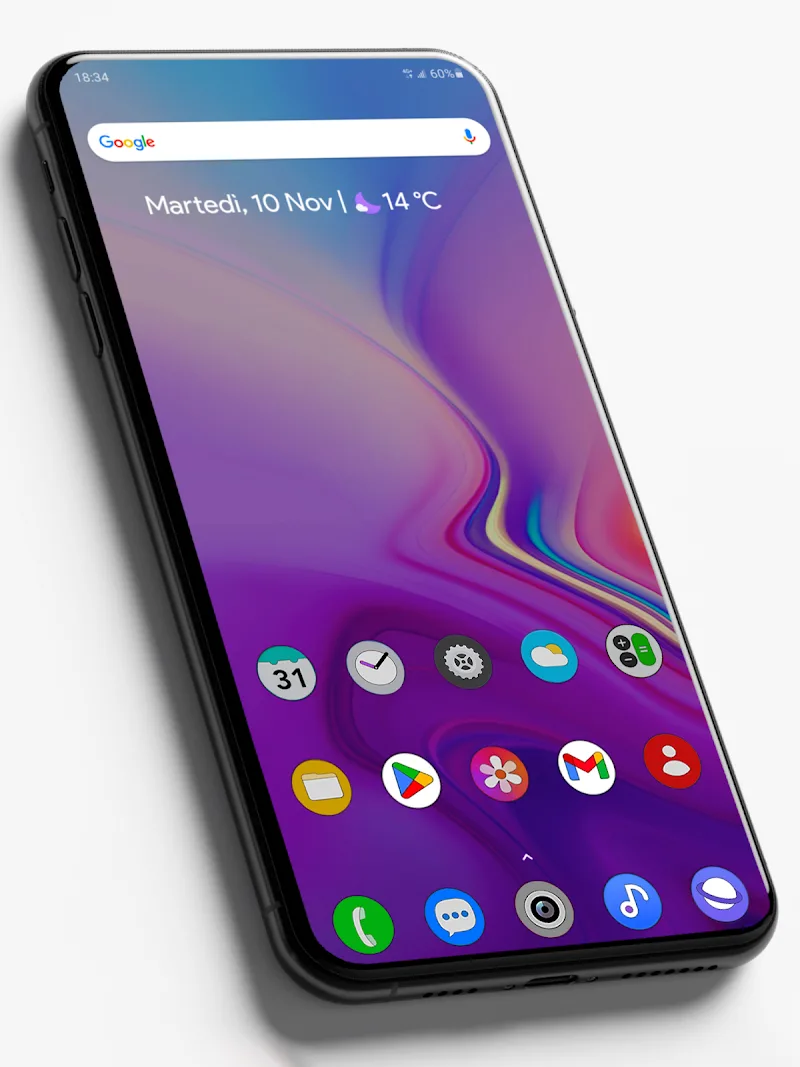
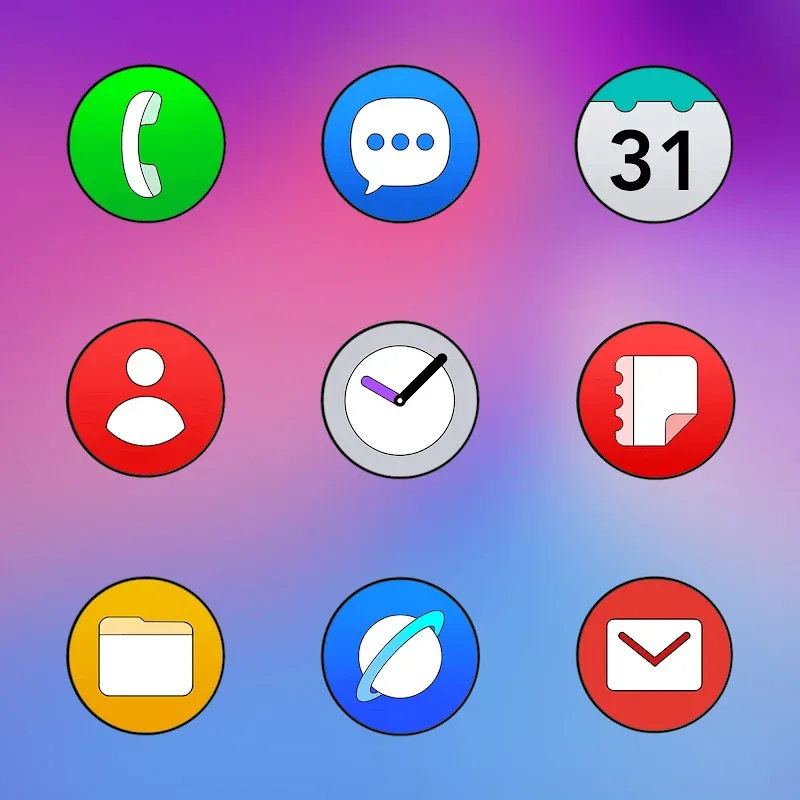

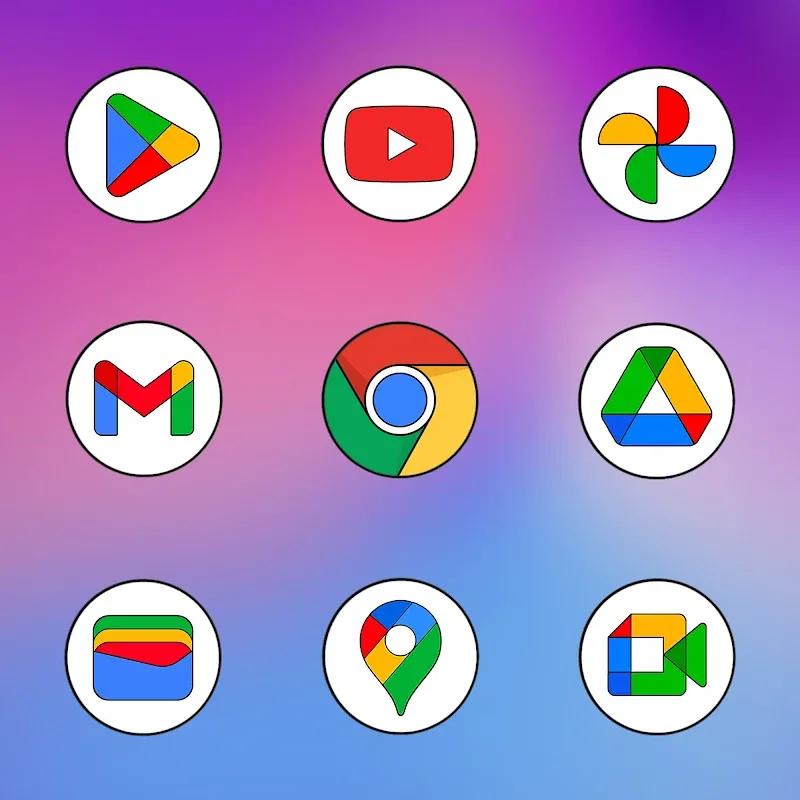
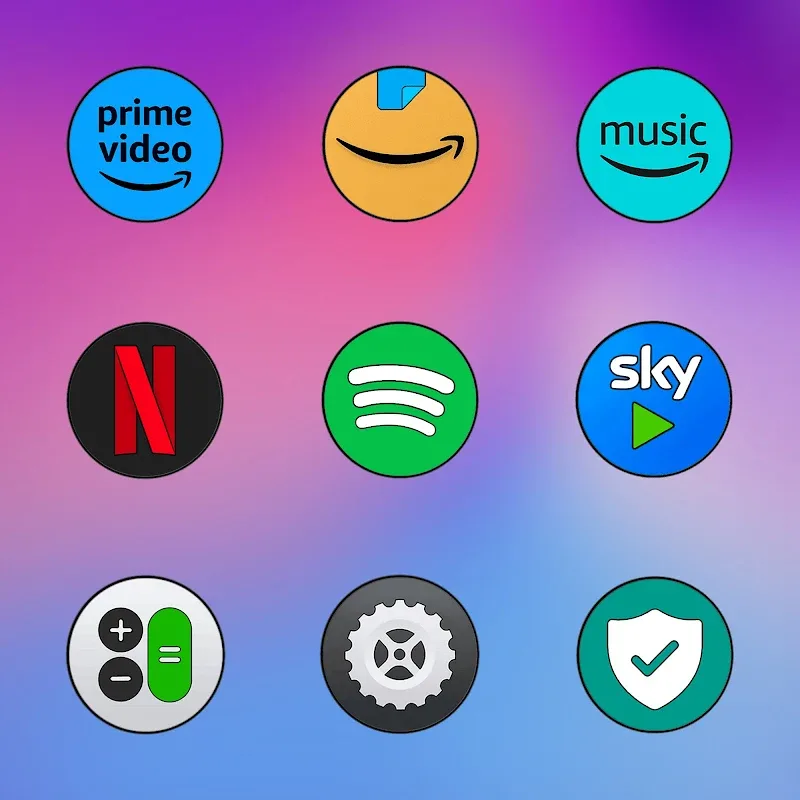
One UI Circle - Icon Pack delivers a clean, circular icon set inspired by Samsung's design language, transforming Android home screens with consistent shapes and soft color palettes. Lightweight and easy to apply, it offers hundreds of icons, multiple icon mask options, and simple integration with popular launchers for a polished, unified look.
This icon pack focuses on visual harmony and simplicity. It includes a large library of handcrafted icons that maintain uniform stroke weight and balanced negative space. Icons are designed at high resolution so they look sharp on modern displays. The package often comes with a curated selection of wallpapers that complement the icon colors and a set of alternate glyphs for commonly used apps.
One UI Circle - Icon Pack is designed for easy application. The user interface within the app is minimal: categories or a search bar help you find icons quickly, and a preview system shows how icons look against included wallpapers. Applying the pack is typically a three-step process: choose your launcher, apply the pack, and manually replace any remaining icons that don't auto-update. The app also offers an icon request tool for missing apps, streamlining communication between users and designers.
Compatibility is broad, covering many third-party Android launchers. Expect one-click apply options for popular launchers like Nova, Lawnchair, Action Launcher, and others that support icon themes. Some manufacturers' default launchers may require manual application or a different approach; the app usually includes instructions for those cases. Device performance and battery impact are minimal because icon packs only replace static images and do not run persistent background processes.
Although the pack enforces circular shapes, you can combine it with different launcher grid sizes and widgets to create unique looks. Alter icon size or label visibility in your launcher settings to achieve a minimalist or information-rich home screen. Mix and match the provided wallpapers with a blurred or colored overlay to highlight icons. For users who like seasonal variety, check for themed wallpaper drops or seasonal icon variants that developers may release.
One UI Circle - Icon Pack is compact and optimized to avoid slowing down the system UI. Because it only supplies static resources, it won’t consume RAM or battery beyond normal icon rendering. Regular updates add requested icons and refine visual details; most developers provide changelogs and respond to icon requests. If an icon fails to apply, clearing the launcher cache or reapplying the theme usually resolves the issue.
For Android users seeking a cohesive, modern look, One UI Circle - Icon Pack provides a practical balance of design fidelity and ease of use. Its straightforward workflow, broad compatibility, and regular updates make it a convenient choice for customizing Android devices without adding bloat or complexity.