
Desh Hindi Keyboard
Version: 14.6.3
21.40MB
4.3
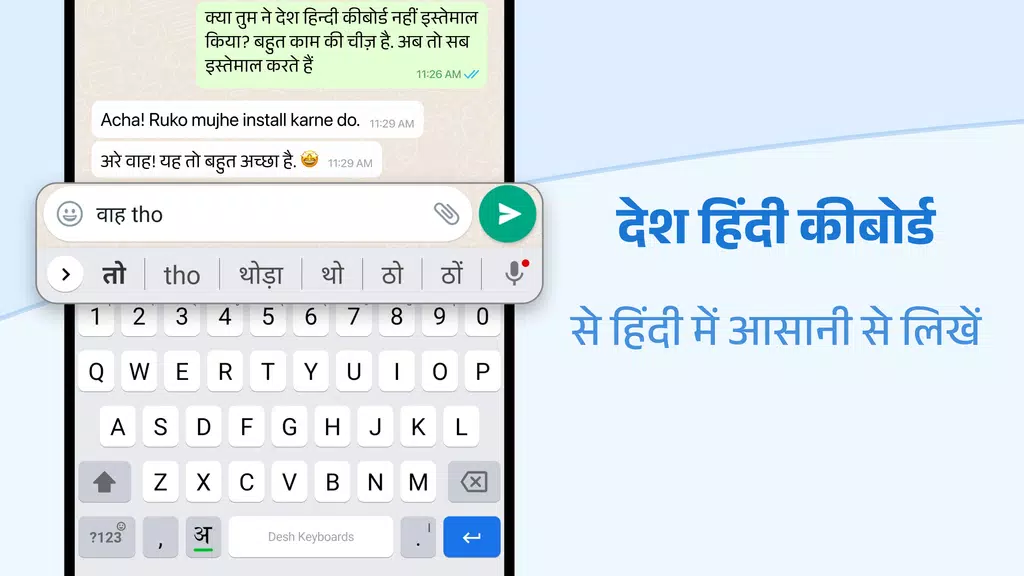
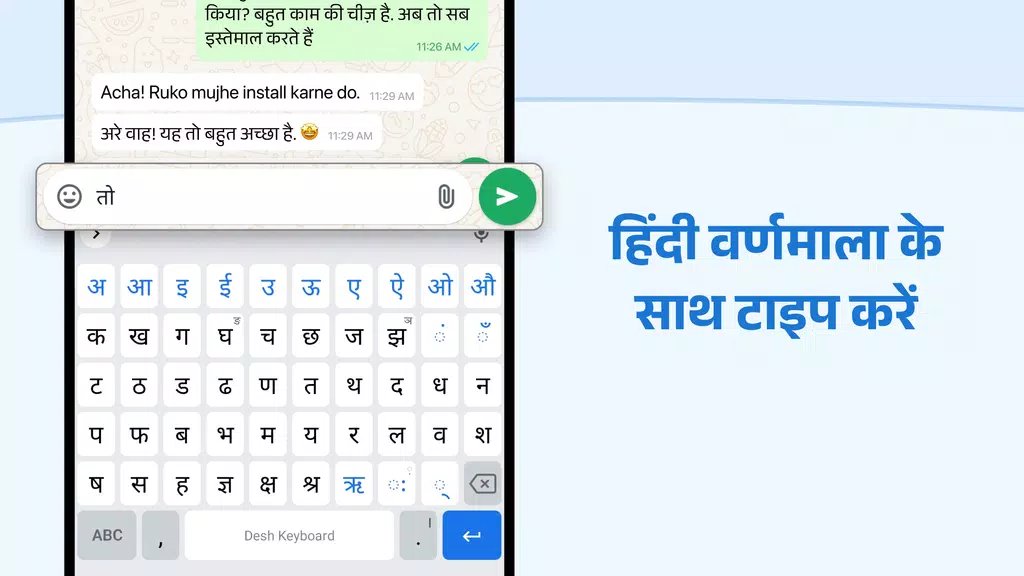
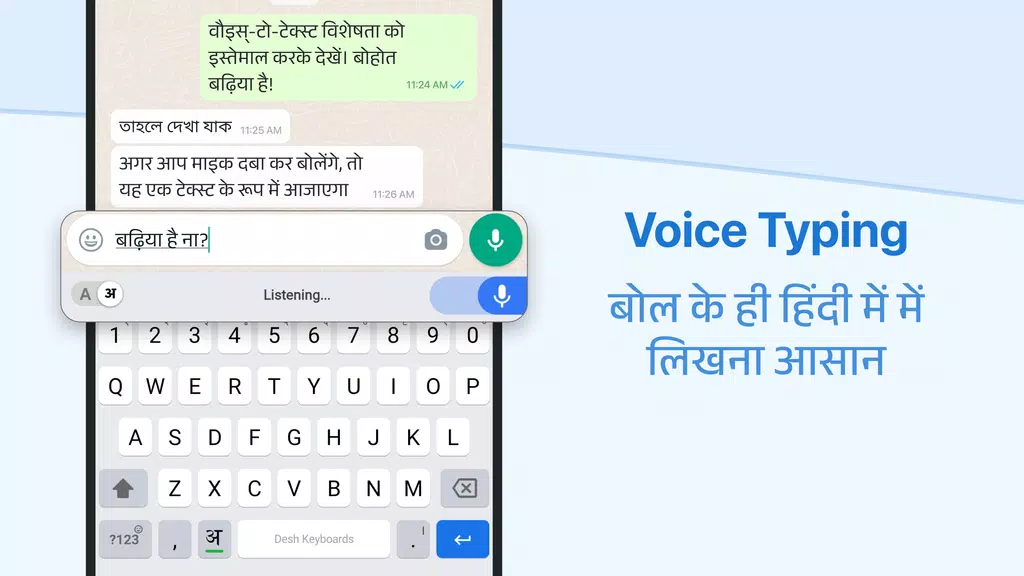
Desh Hindi Keyboard delivers a compact, feature-rich typing experience tailored for Hindi and bilingual users, blending responsive input, predictive suggestions, and customizable themes. The app supports Devanagari script with transliteration and voice typing, making messaging, social posts, and emails faster for everyday communication across Android devices.
Desh Hindi Keyboard combines essential typing tools with modern touches to speed up text entry. It offers smart suggestions, swipe typing, and multiple input modes including phonetic typing and native Devanagari layout. Built-in emoji access, sticker support, and quick punctuation make it a practical daily driver for conversational and formal writing.
The keyboard supports several input workflows: traditional Hindi layout for users familiar with Devanagari, transliteration where Latin letters map to Hindi words, and an auto-correct system tuned for common Hindi phrases. Voice-to-text converts speech into Hindi script, while gesture typing lets you trace words for fast entry. Predictive suggestions learn your vocabulary and improve accuracy over time.
Customization is a strong focus. Choose from multiple color schemes, background images, and key shapes to match your style. Font size and key spacing are adjustable to improve comfort on phones of all sizes. Users can create a personalized theme and save it for later, giving Desh Hindi Keyboard a familiar look and feel wherever you use it.
Privacy options let you control what data is shared. The app includes local dictionary management and the ability to disable cloud sync for suggestions and backups. Many core features such as basic typing, offline auto-correct, and built-in layouts work without an internet connection, so you retain functionality while keeping data on-device.
Designed for Android, Desh Hindi Keyboard runs smoothly on older phones as well as current models. Memory usage and battery impact are minimized through optimized code, while responsiveness remains high even when switching languages or using heavy emoji and sticker packs. Compatibility spans a wide range of apps, from messaging and email to social networks and document editors.
The app packs several productivity helpers: clipboard history for repeated phrases, a quick numeric row, and one-touch access to punctuation and special Hindi characters. Users can assign shortcuts for frequently used expressions and insert commonly used words or signatures with a tap. These small conveniences reduce typing time and make repeated tasks less tedious.
While optimized for Hindi, Desh Hindi Keyboard supports bilingual typing, enabling seamless switching between Hindi and English. The transliteration engine eases the transition for users who type phonetically in Latin script. New users typically get comfortable within a few sessions, aided by in-app tips and an optional tutorial that demonstrates layout and gesture features.
Installing and configuring the keyboard is straightforward: download the app, follow the step-by-step activation guide, and select Desh Hindi Keyboard as your input method. The setup flow prompts for permissions required for advanced features while explaining privacy choices. Once enabled, personal settings and themes can be adjusted from the app’s settings panel.
Desh Hindi Keyboard balances utility and personalization, making it a reliable choice for anyone who types in Hindi regularly. Its combination of flexible input options, privacy controls, and lightweight performance provides a practical keyboard experience that integrates smoothly into daily Android use.