OfficeMail Pro
Version: 1.6.4d
69.00MB
4.2
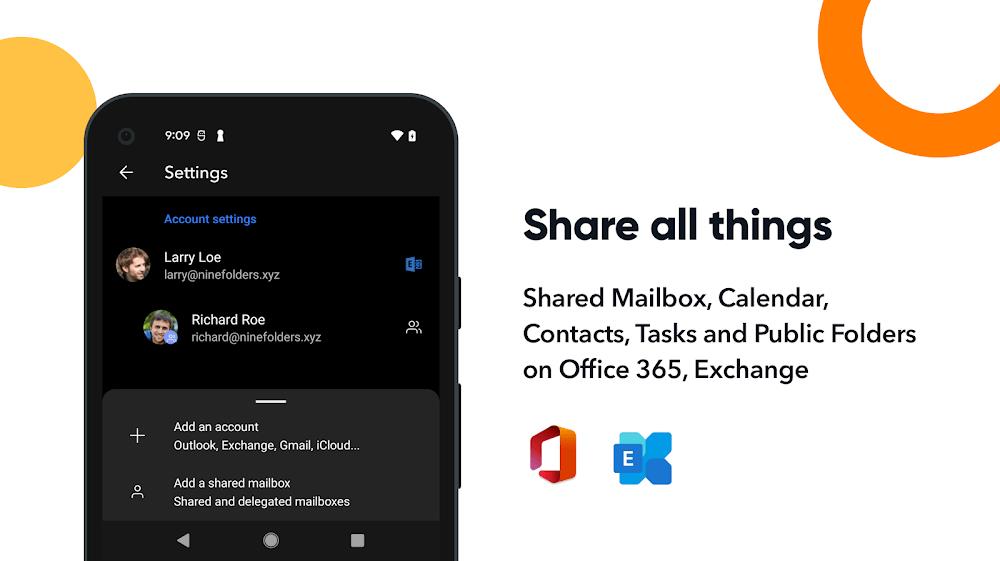
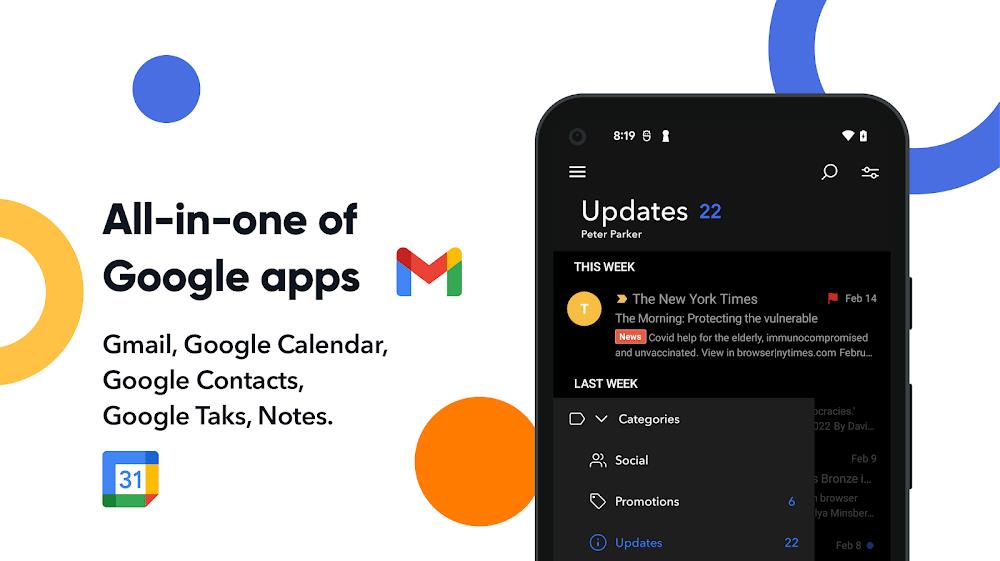
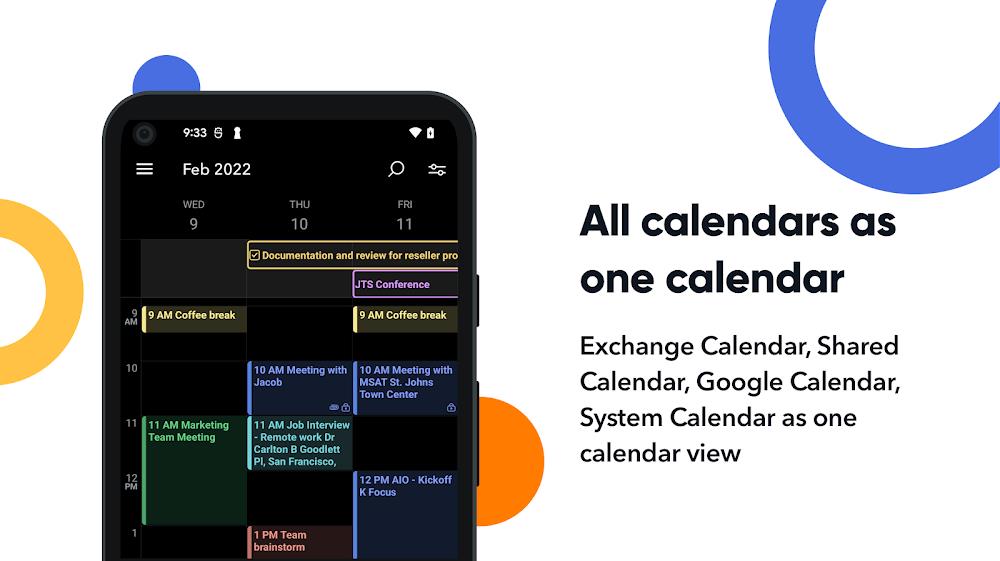

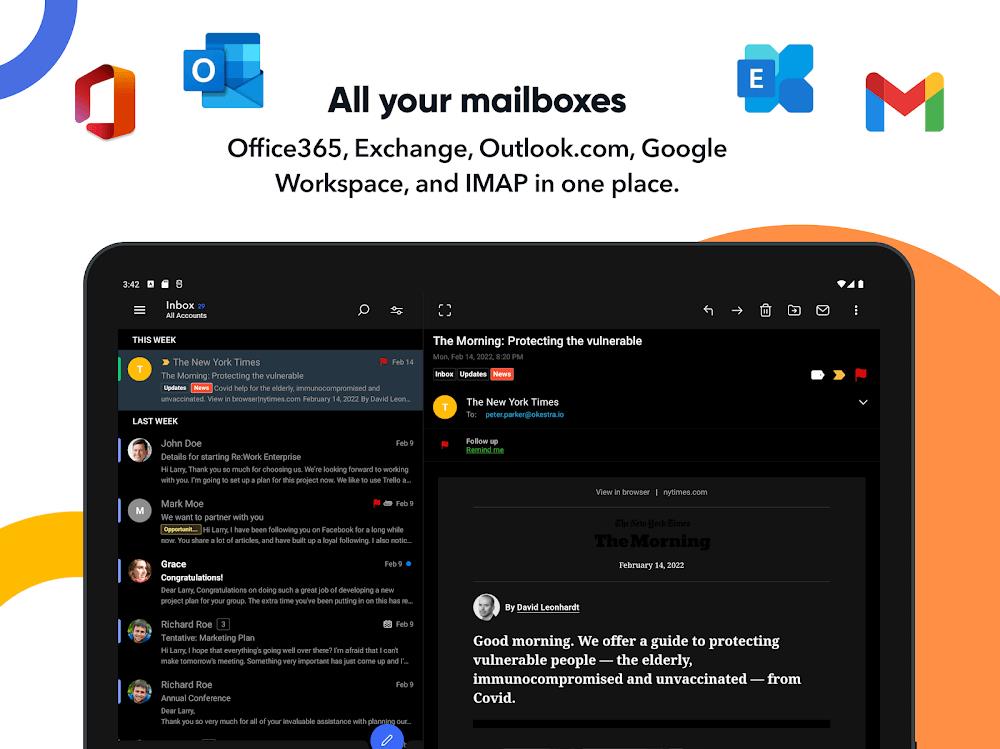
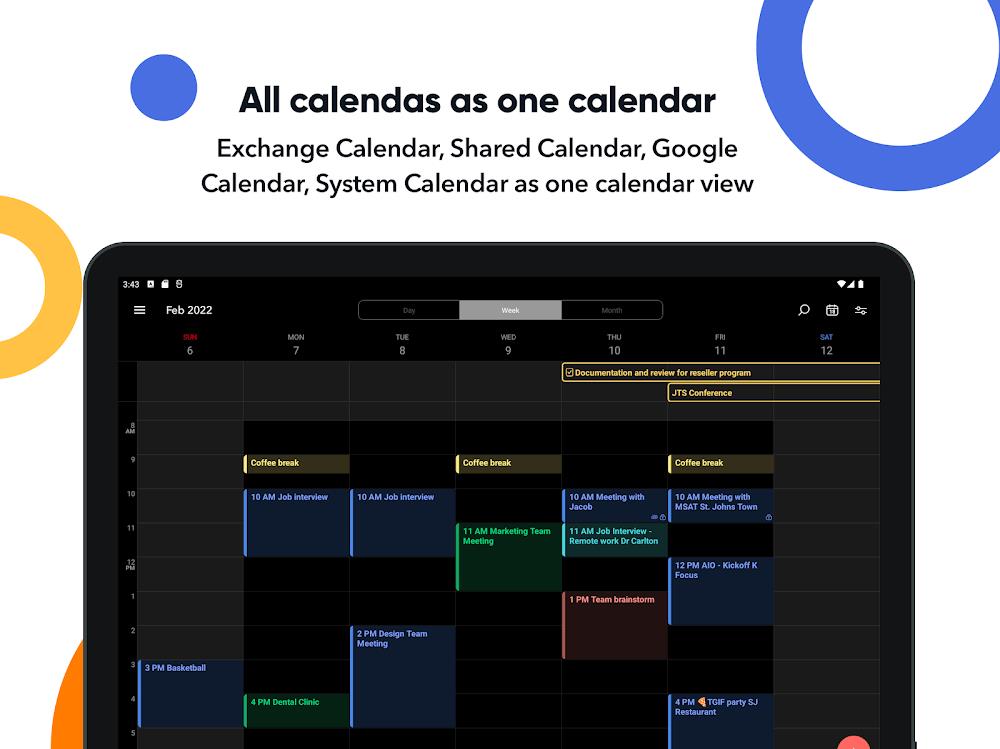
OfficeMail Pro streamlines email, calendar and attachments into a single, fast Android client designed for professionals and teams. It combines intelligent inbox sorting, unified account management and offline access so you can manage messages, meetings and files without switching apps or losing productivity.
OfficeMail Pro rethinks the mobile email experience with a focus on efficiency. Instead of opening separate apps for mail, calendars and documents, this app centralizes common workflows. Expect quick account setup, consolidated notifications and a modern interface that adapts to both single-account users and complex multi-account environments.
The feature set targets daily productivity tasks. Some highlights include:
OfficeMail Pro organizes information with clarity. The main screen displays a customizable swipe-based inbox for fast triage: archive, snooze or move messages with a single gesture. Conversation threading is clean and collapsible, making it easy to skim long exchanges. The bottom navigation bar provides quick access to search, calendar and drafts so workflows require fewer taps.
Beyond the basics, OfficeMail Pro includes tools aimed at saving time during busy workdays. Use templates for repetitive replies, schedule emails to be sent at optimal times, and set follow-up reminders that nudge you if a message hasn’t received a response. The built-in meeting assistant suggests meeting times by scanning calendar availability and can generate concise meeting notes from chat threads.
Security is presented as a practical part of daily use. OfficeMail Pro supports OAuth for major mail providers, two-factor authentication, and device-level encryption to protect data at rest. Syncing is robust: labels, flags and read states remain consistent across desktop and mobile clients. The app works with IMAP/SMTP accounts and supports Exchange ActiveSync for corporate environments, ensuring broad compatibility.
Customization helps tailor the app to how you work. Choose notification rules per account, set different swipe actions, and pick a visual theme that suits day or night use. Integration options include popular cloud storage services for attaching files, as well as calendar and contacts synchronization. Developers will appreciate webhook support and an API to connect OfficeMail Pro to third-party automation tools.
Designed for modern Android devices, OfficeMail Pro balances responsiveness with battery conservation. Background sync intervals are adaptive, reducing network activity when the device is idle. Large inboxes remain searchable thanks to on-device indexing, while heavy operations like large attachment downloads are deferred until Wi‑Fi is available, preserving cellular data.
Getting started is straightforward: install the app, add your accounts with the guided setup, and choose whether to import settings from other clients. The onboarding flow highlights key gestures and shows how to create rules and templates. For teams, an admin panel facilitates account provisioning and policy enforcement to maintain compliance.
OfficeMail Pro suits mobile professionals, small business owners and anyone who needs fast, reliable access to email and calendars on Android. Its combination of automation, clean design and enterprise features makes it a solid choice for users who want more than a basic email client without sacrificing simplicity.
With careful attention to daily tasks and a focus on secure, synchronized communication, OfficeMail Pro provides a powerful yet approachable toolkit for managing work on the go.