TranscribePro
Version: 1.0.45
0.00MB
4.1
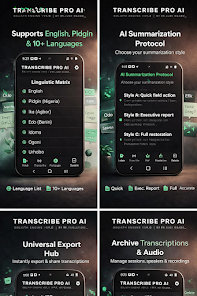
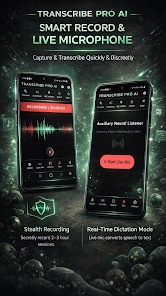
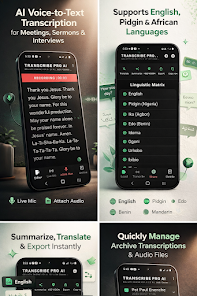
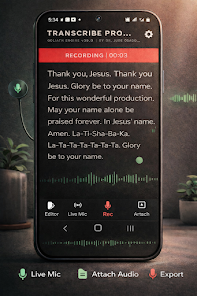
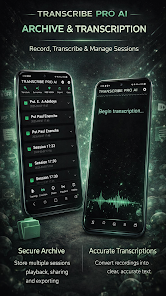
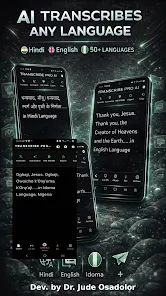
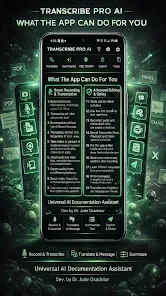
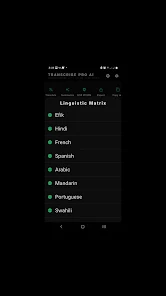
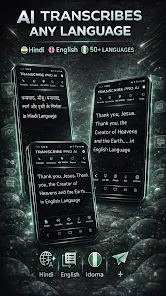
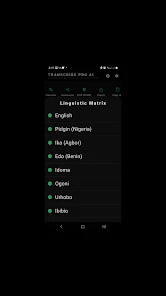
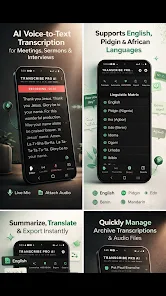
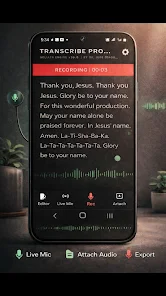
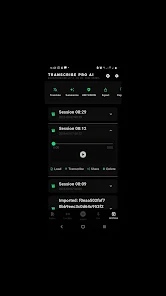
TranscribePro transforms audio into accurate, searchable text using real-time voice recognition and smart editing tools. Designed for busy professionals, journalists, and students, it speeds notes, captions, and meeting records while keeping timestamps and speaker labels. The interface balances power with simplicity for quick, reliable transcription.
TranscribePro is built to turn spoken words into clean, editable documents with minimal friction. The app supports multiple input sources — live recording, uploaded files, and cloud imports — and focuses on delivering high-quality text output with context-aware punctuation and formatting. It fits into workflows that demand fast turnarounds and reliable accuracy.
The workflow is straightforward: import or record, let the speech engine process the audio, then review and edit the transcript. TranscribePro uses a combination of on-device processing and cloud models to balance speed and accuracy. For long recordings, it segments audio into manageable chunks, maintaining continuity while allowing fast navigation during review.
Once transcription is complete, the built-in editor highlights uncertain words and offers suggested corrections. Users can add speaker tags, correct punctuation, and adjust timestamps without leaving the main view. Batch find-and-replace, comment threads, and export presets reduce repetitive tasks when preparing content for publication or archiving.
The interface prioritizes clarity: large waveform visualizations, a synchronized text pane, and quick-access controls for playback speed and scrub. TranscribePro is optimized to run on a wide range of Android devices; on modern phones it performs real-time captures smoothly, while lower-end hardware benefits from deferred cloud processing. Battery and CPU usage are carefully throttled to avoid draining resources during extended sessions.
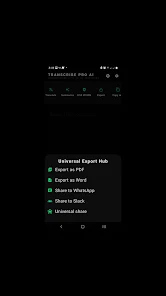
TranscribePro connects with popular cloud storage providers and productivity tools. Export templates for common platforms streamline workflows: journalists can export to editorial formats, podcasters can generate timestamps for show notes, and legal professionals can create time-stamped records suited for review.
New users will appreciate guided onboarding that explains recording best practices and microphone placement. The app’s accuracy improves over time as it adapts to user-specific vocabularies and repeated phrases. A built-in glossary lets users add custom terms so technical jargon and proper names are recognized in future sessions.
TranscribePro suits anyone who regularly converts spoken content into text: reporters, researchers, content creators, students, and business teams. Its mix of accuracy, editing tools, and export flexibility makes it an efficient alternative to manual transcription or generic voice-to-text utilities.
Installation is straightforward via the Android store. After granting microphone and storage permissions, users are guided through a quick sample transcription to demonstrate core features. The app offers free and subscription tiers; the paid plans unlock advanced models, longer batch processing, and priority cloud resources.
For day-to-day use, TranscribePro reduces friction in capturing speech and producing polished text-ready outputs. It balances technical depth for power users with an approachable interface for newcomers, making transcription a faster, less error-prone part of regular workflows.