My Home Budget
Version: 1.0.11
70.00MB
4.5
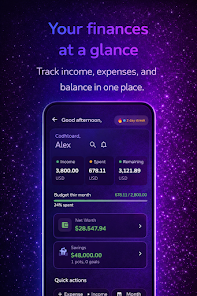
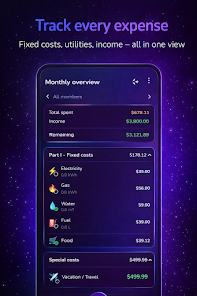
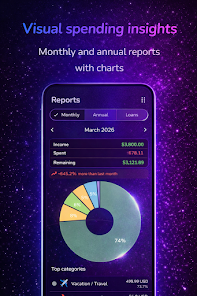
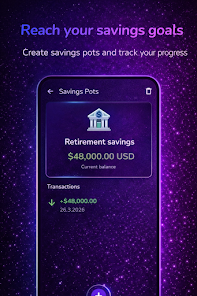
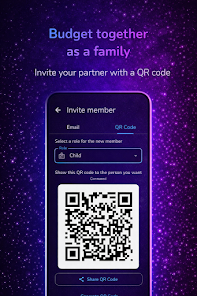
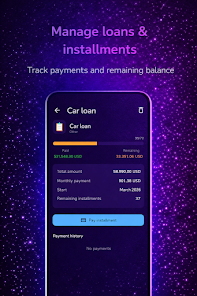
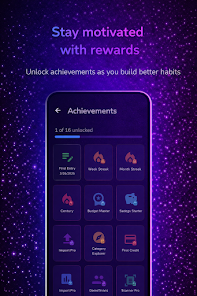
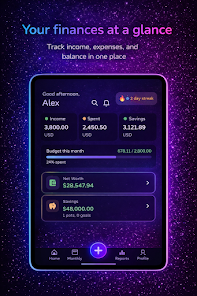
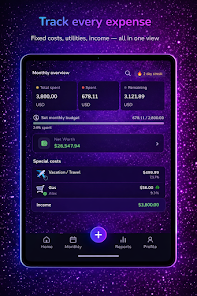
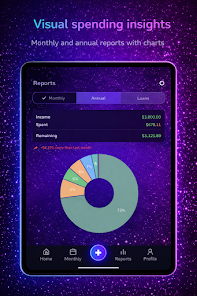
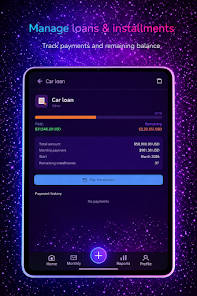
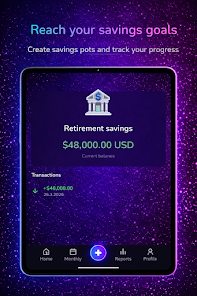
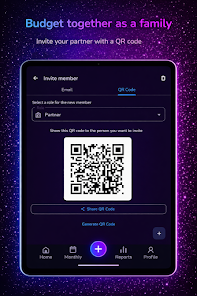
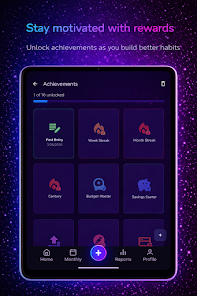
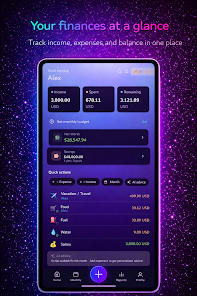
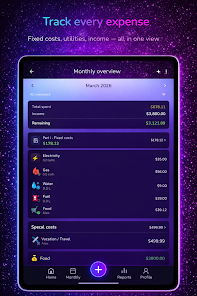
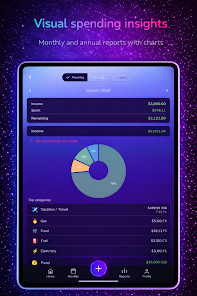
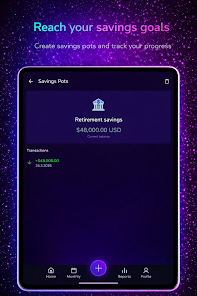
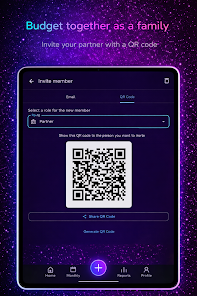
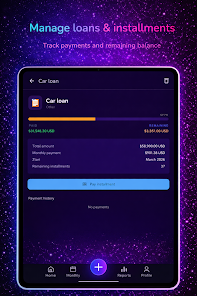
My Home Budget helps you track household spending, create budgets, and plan bills with a clean interface and simple tools. It centralizes accounts, automates recurring expenses, and provides visual reports so families can manage cash flow and save without complexity.
My Home Budget is designed for everyday money management rather than professional accounting. The app focuses on clarity: categorize expenses, set spending limits for each category, and monitor balances across multiple accounts. It’s suitable for single users, couples, and families who want a lightweight but capable way to keep tabs on cash flow and upcoming obligations.
Start by entering active accounts and a few common categories such as groceries, utilities, transportation, and entertainment. Log transactions as they occur or batch-enter them weekly. Scheduled transactions handle rent, loan payments, and subscriptions so your projected balance reflects future obligations. Over time, the app builds a historical picture you can review to make practical adjustments to monthly targets.
The layout emphasizes readability: clear fonts, color-coded categories, and simple charts make it easy to interpret numbers at a glance. Controls are tailored for fast data entry on mobile devices with suggested categories and recent-payee shortcuts. My Home Budget includes a compact dashboard that shows available funds, upcoming bills, and a snapshot of budget performance.
The app is optimized for smooth performance even with several years of history and multiple accounts. Local encryption and optional biometric access protect sensitive data; backups reduce the risk of loss. Sync features let multiple devices share consistent records for household members while maintaining separate user profiles if needed.
Users appreciate the balance between simplicity and useful features. My Home Budget doesn’t try to replace complex financial suites; instead, it delivers approachable tools that make everyday money decisions easier. The visual reports and recurring transaction handling are frequently praised for reducing mental overhead.
Download and allow necessary permissions for storage or notifications if you want reminders. Begin by adding your primary account and a handful of common categories, then enter recent transactions to populate the dashboard. Explore export and backup options early to ensure your data is protected.
Whether you need to cut discretionary spending, keep up with bills, or just understand monthly cash flow better, My Home Budget offers a straightforward, practical toolkit suited to household finance management.