PedalboardPlanner
Version: 2.1.2002.25397
102.00MB
4.2
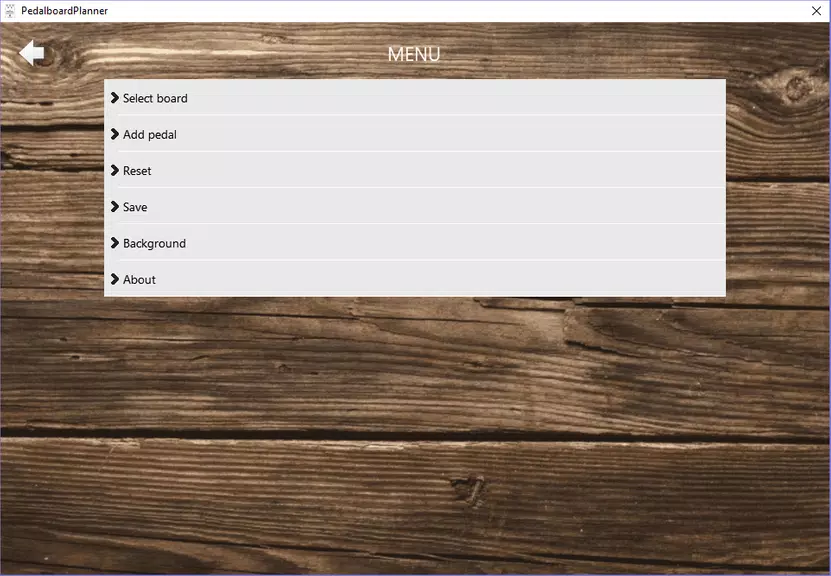
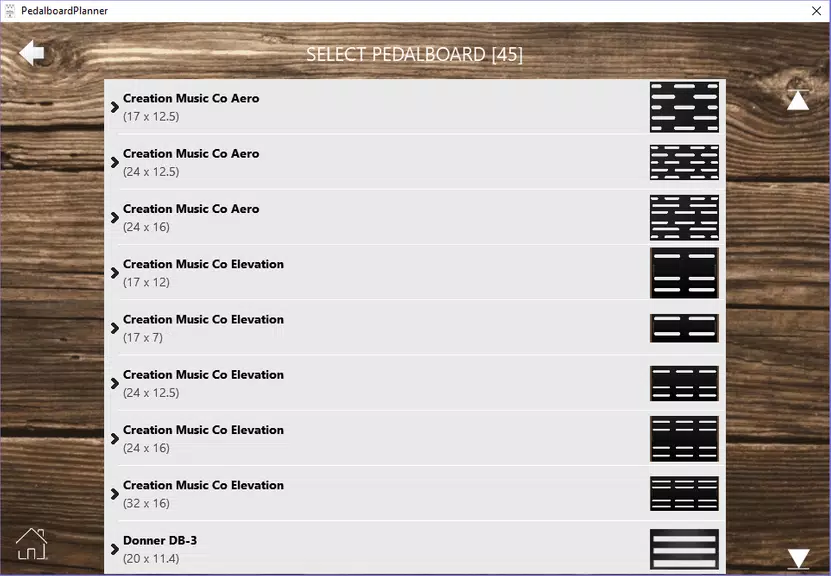
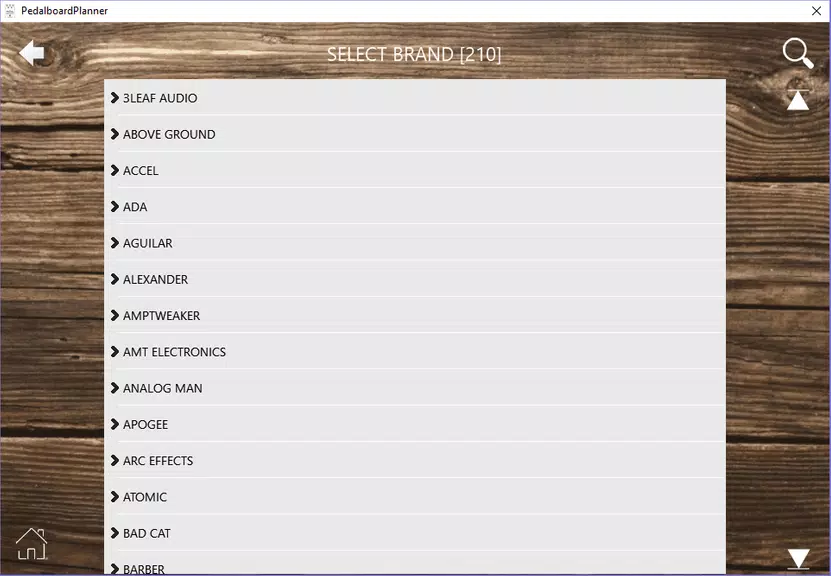
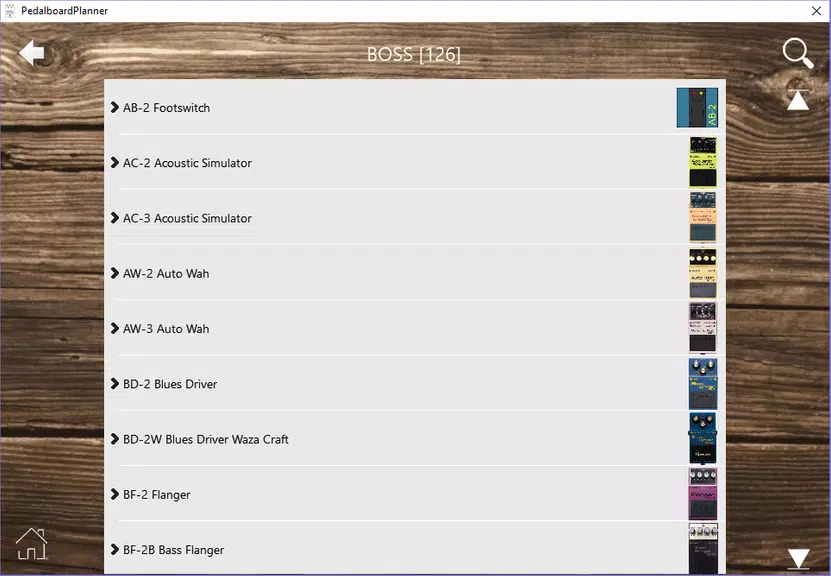
PedalboardPlanner helps guitarists and audio technicians design, visualize, and document pedalboard configurations with accurate spacing and signal flow. The app simplifies cable routing, power management, and effect ordering so users can prototype setups, export clear diagrams, and avoid surprises during rehearsals or studio sessions.
At its core, PedalboardPlanner is a layout and planning tool for anyone who builds pedalboards. It replaces trial-and-error tape measurements and handwritten notes with a focused digital workspace. Whether you’re laying out five pedals or a complex multi-amp rig, the app provides a structured environment to test ideas before committing metal and solder.
You begin by selecting a board template or creating a custom deck size. From there, drag pedals from a library onto the surface. Each pedal entry includes footprint dimensions and common power specs. PedalboardPlanner then calculates space usage and highlights potential overlaps or cable congestion points.
Routing cables is visual and immediate. You can route mono or stereo lines, indicate right-angle versus straight jack orientations, and pre-plan patch cable length. The app also supports labeling for send/return loops, ensuring your effects loop and amp channel switching are clearly documented.
Customization is a key strength. Add new pedal models with exact dimensions or modify existing ones to match boutique gear. Save multiple board versions for different gigs: a stripped-down festival rig, a studio session setup, and a rehearsal configuration for quick swaps. Users can import custom images for rare pedals or create color-coded groups to separate drive, modulation, and time-based effects.
The interface keeps focus on layout clarity. Controls are intuitive: pinch-to-zoom, two-finger rotate, and contextual menus for quick measurements. PedalboardPlanner is optimized to remain responsive even with large rigs; rendering is efficient, and export tasks run in the background so you can keep working while files generate.
PedalboardPlanner also supports common gig-ready practices: mock up pedalboard patches for different songs, mark buffered sections, and plan signal path variations with alternate routing lanes. These features help players translate rehearsed configurations to stage setups without guesswork.
Users praise the app for reducing setup time and minimizing surprises. Clear diagrams handed to techs speed rig changes during soundcheck. The visual nature helps collaborators who may not use the app regularly, since exported PDFs and images are easy to interpret. Musicians who own multiple boards find it convenient to archive configurations and quickly adapt to instrument or venue changes.
Installation is straightforward: download, grant storage permissions to save exports, and start with the included templates. The learning curve is short; most users master basic layouts within an hour and explore advanced features like custom pedal footprints and complex routing on subsequent sessions.
PedalboardPlanner blends practical tools with a clean interface tailored to the real needs of guitarists and techs. It’s a solid companion for anyone wanting to move from paper sketches to reliable, repeatable pedalboard designs.