Voice Changer: Sound Effects
Version: 1.0.4
28.50MB
4.1
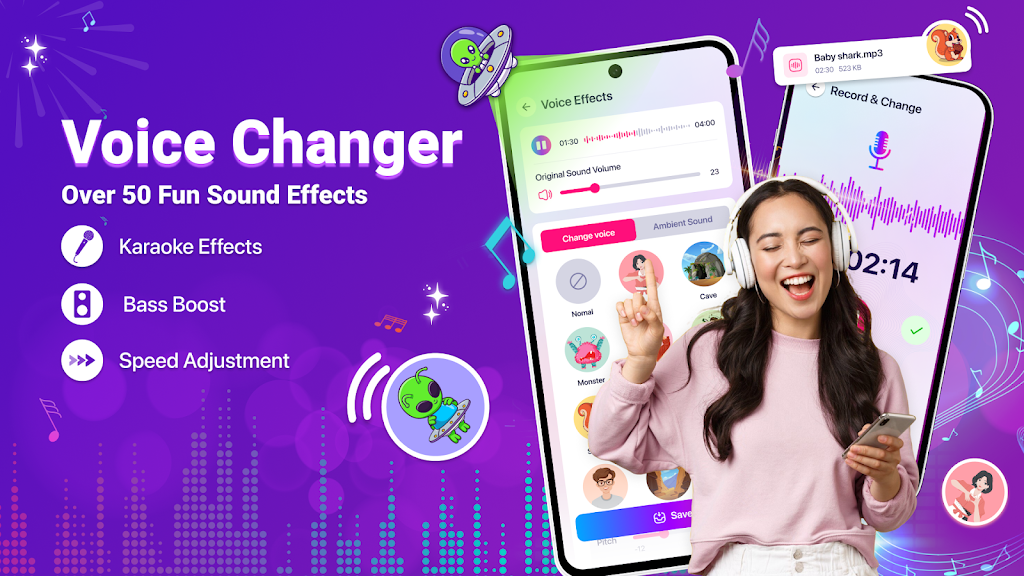
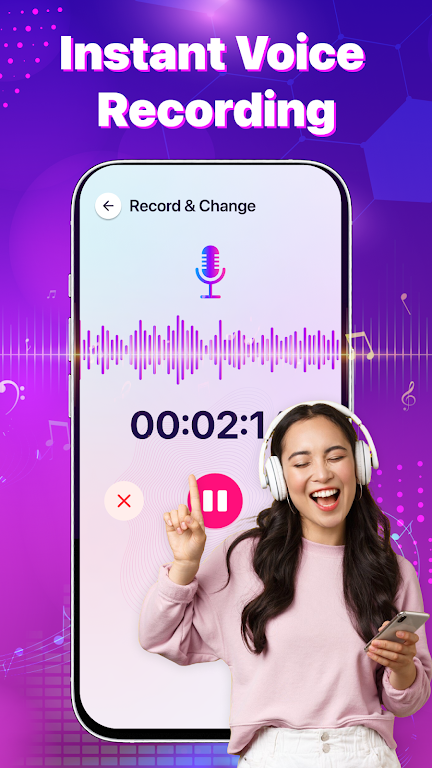
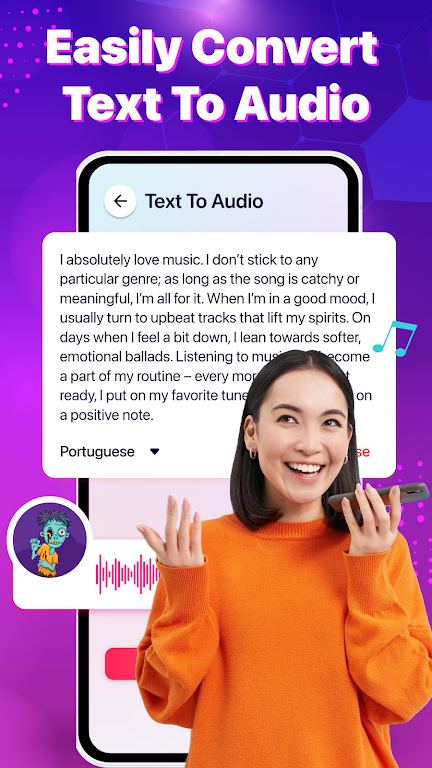
Voice Changer: Sound Effects transforms your recorded voice with dozens of playful and professional filters, letting you tweak pitch, add reverb, or become a robot in seconds. The app is intuitive, lightweight, and designed for quick edits, messaging, recordings, and social sharing across devices.
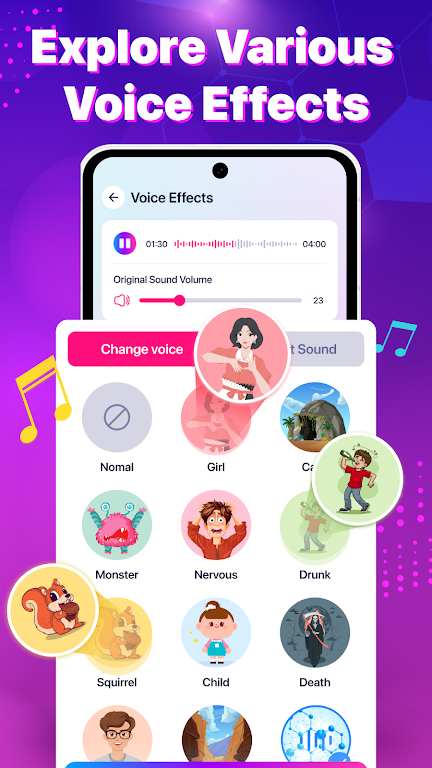
Voice Changer: Sound Effects bundles a range of audio effects that suit casual fun, content creation, and light audio post-production. You’ll find presets such as robot, helium, deep male, alien, echo, and cinematic reverb, alongside adjustable controls for pitch, speed, and background ambiance. The app supports both live recording and importing existing audio files for instant transformation.
The interface focuses on speed: a central record button, a list of effect thumbnails, and simple sliders for fine-tuning. New users can apply a preset with one tap, while power users can layer multiple effects, preview changes in real time, and save custom combinations as favorites. Exporting is straightforward with options to save locally, share to messaging apps, or upload to social platforms.
Beyond presets, Voice Changer: Sound Effects provides tools to sculpt audio precisely. Use pitch controls to shift vocal range, tempo adjustments to alter delivery, and EQ-like toggles to emphasize bass or reduce trebles. Add delay or reverb to create space, or apply distortion for character. Layered effects let you create unique sound signatures for clips, voiceovers, and prank calls.
The app is optimized to run smoothly on a wide range of Android devices. Real-time monitoring is available on supported hardware, and background processing keeps edits fast without draining battery. File compatibility covers common formats such as MP3 and WAV, and exported files maintain consistent audio quality suitable for streaming or further editing in desktop software.
To maximize effect quality, record in a quiet environment and keep the microphone a consistent distance from your mouth. If using ambient effects like reverb, try different room sizes via the app’s settings to avoid muddy results. For higher fidelity, import recordings from external microphones or use a headset with good noise rejection.
Sharing is built in: save an edited clip to your device, send it directly to chats, or post to social apps without leaving the app. Voice Changer: Sound Effects also supports clipboard integration for short audio snippets and can be used alongside messaging apps as a quick tool to spice up voice notes and replies.
The app keeps your recordings local by default and exposes clear permissions for microphone and storage access. Saved files are organized in a dedicated folder so you can manage or delete them easily. For those who want to keep a smaller footprint, trimming and export options allow you to keep only the final versions you need.
Voice Changer: Sound Effects balances playful presets with meaningful controls for customization. It’s lightweight enough for casual users but offers enough depth for creators who want to shape their sound. The combination of quick sharing, robust presets, and adjustable parameters makes it a practical addition to any audio toolkit.
Start by recording a short clip or importing an existing file, select a preset, then experiment with sliders to taste. Save your favorite effect stacks to speed up future projects. Regular updates add new effects and compatibility improvements, keeping the app fresh and responsive to community feedback.