
BHLink
Version: 4.3.3.1
39.30MB
4.1
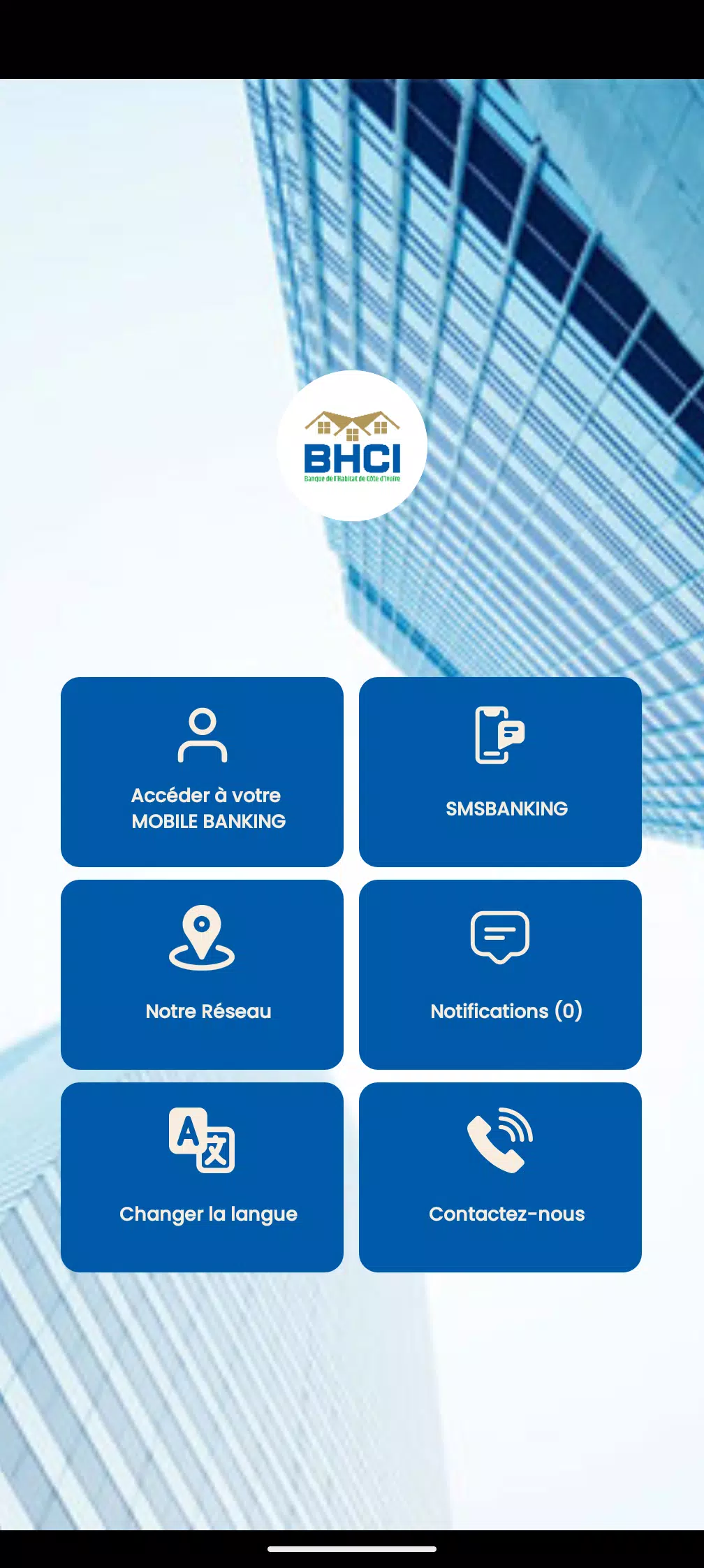
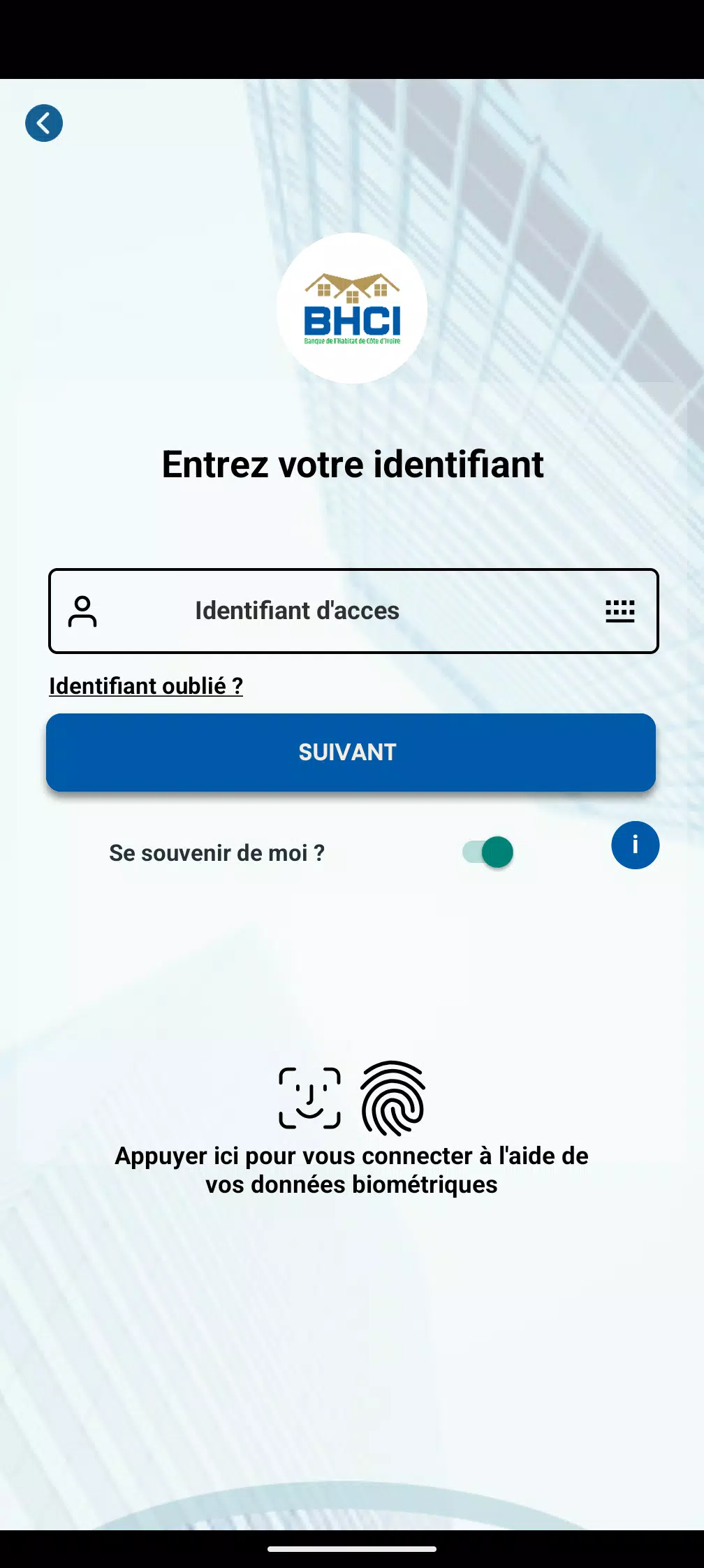
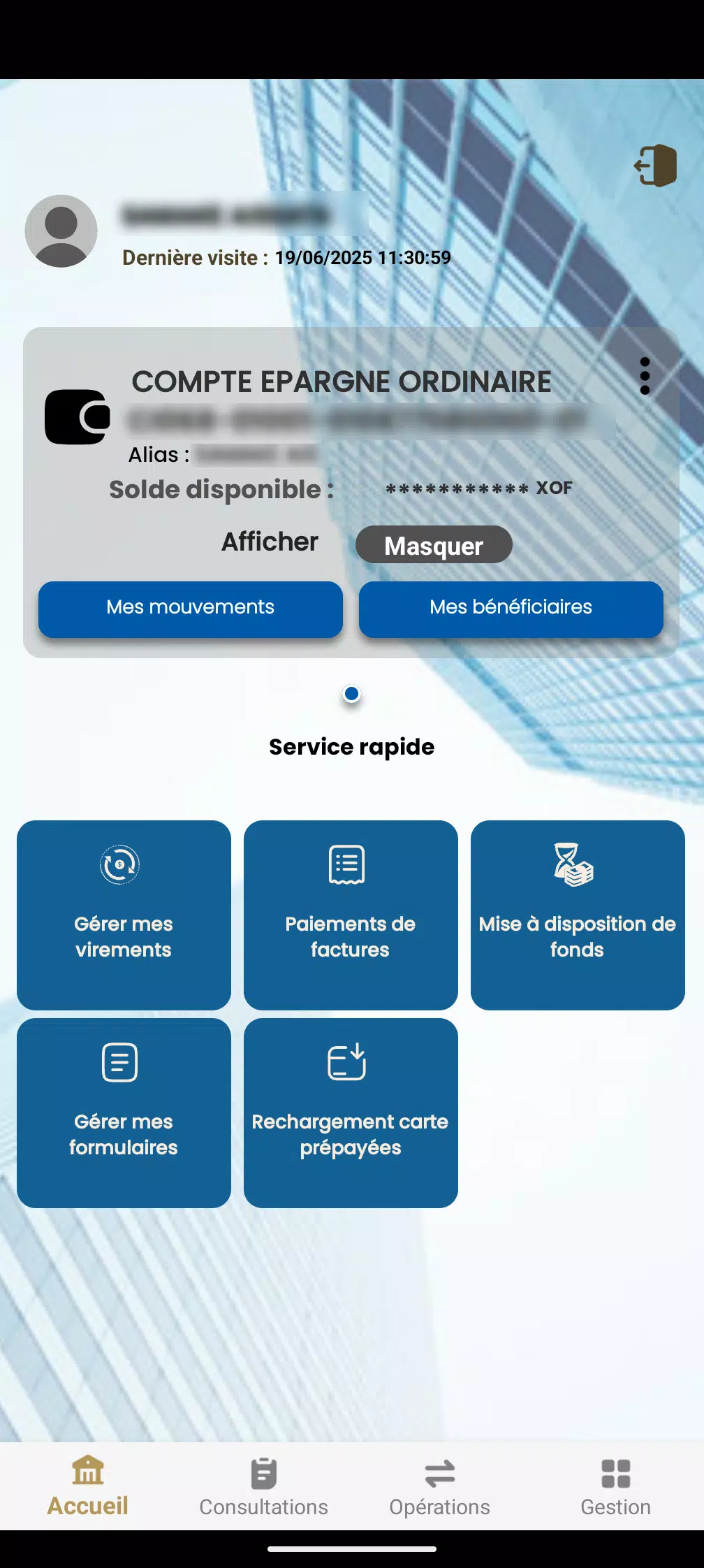
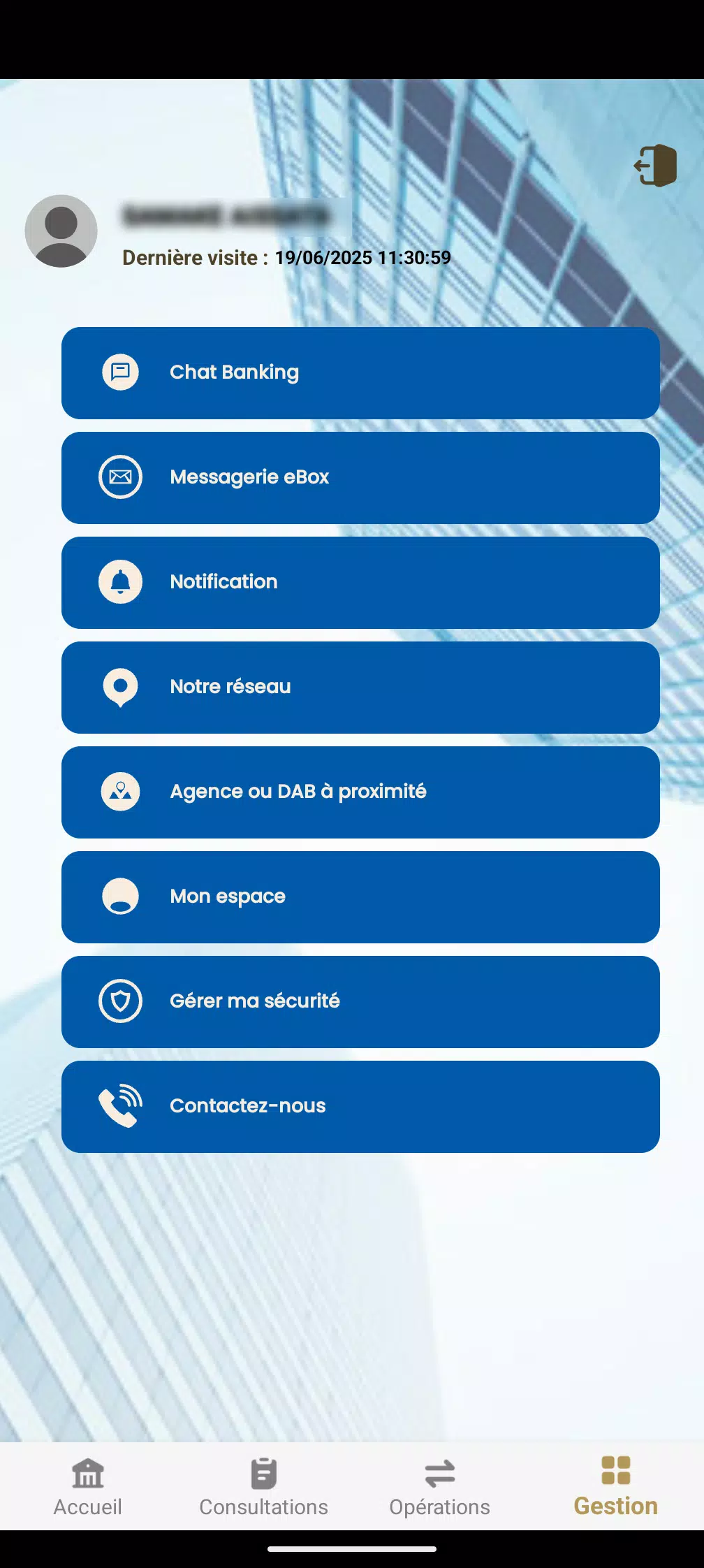
BHLink is a lightweight connectivity and productivity app that lets Android users create secure device links, share files, and sync settings across devices. It focuses on fast transfers, simple pairing, and intelligent session management, helping power users and teams move data reliably without complex configurations or cloud dependency.
Designed for professionals and everyday users who need dependable local transfers, BHLink positions itself as a bridge between devices. It avoids bulky account sign-ups and emphasizes direct connections: Wi‑Fi Direct, hotspot bridging, and local network discovery. The result is faster handoffs and fewer points of failure compared with cloud-first sync tools.
On first launch BHLink scans available local networks and prompts you to create or join a session. A simple QR code or short code makes pairing intuitive: one tap to accept the connection. After pairing, the app indexes shared folders and presents available content in a compact file browser. Transfers use encryption and run over the fastest available local path to reduce latency.
The interface keeps common tasks within reach. Primary actions—send, receive, and sync—are visible on the main screen. Background transfers continue when the app is minimized and you can set bandwidth limits to prevent interference with other apps. For teams, BHLink supports named sessions so members can rejoin a recurring transfer group without repeating setup steps.
BHLink allows nuanced control over what moves between devices. You can define sync rules, exclude file types, or set retention policies for older versions. Advanced users will appreciate the ability to map folders to custom aliases and schedule recurring syncs. These options make the app useful for both one-off transfers and ongoing workflows like content updates for remote staff.
Performance is a major selling point. BHLink prioritizes local throughput, switching seamlessly between Wi‑Fi Direct and LAN routing depending on conditions. File integrity checks and retry logic reduce the risk of corrupted transfers. Tests on typical home and office networks show consistent speeds and low CPU usage, which helps preserve battery life during extended operations.
The visual design favors clarity: flat icons, readable typography, and a focused color palette. Onboarding walks through pairing and a first transfer in under two minutes. Contextual help explains each option without overwhelming the interface. Notifications keep you informed of progress and let you jump back into the app to review completed sessions.
Users who want fast, private transfers without relying on third-party cloud storage find BHLink attractive. It strikes a balance between power and simplicity: advanced options are present but not intrusive. The app performs well across a range of devices and network scenarios, making it a practical alternative for teams, freelancers, and anyone who needs more control over how files move between devices.
Installation is straightforward from the Android package. After granting storage and network permissions you can create your first session in moments. Regular updates add protocol improvements and bug fixes, and the app logs provide enough detail to troubleshoot common network issues without exposing sensitive data. For users prioritizing local control and speed, BHLink is a compelling tool to streamline device-to-device workflows.