
Studydrive: Study & Flashcards
Version: 4.5
55.91MB
4.3
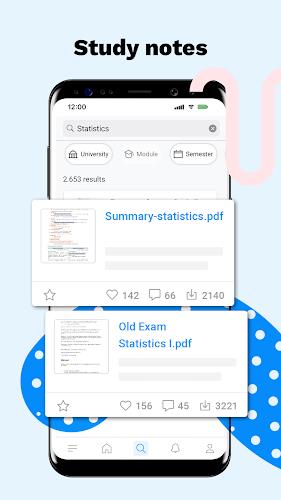
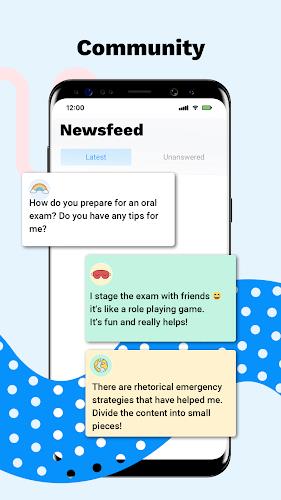
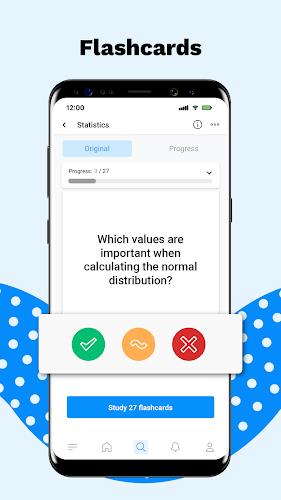
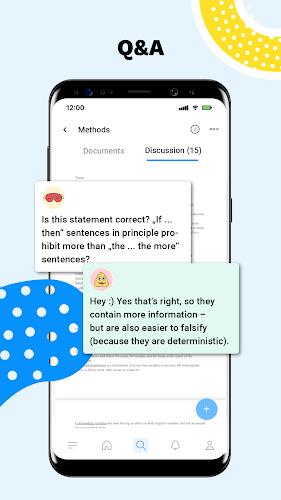


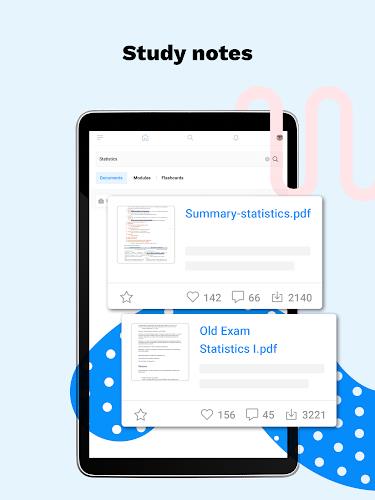
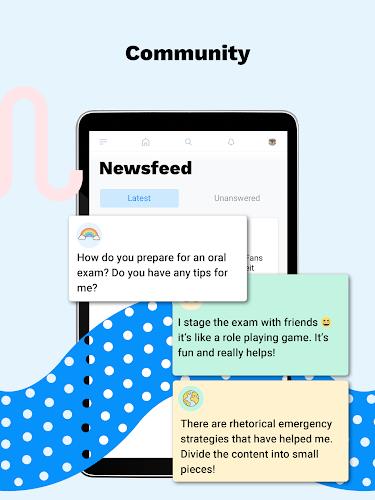
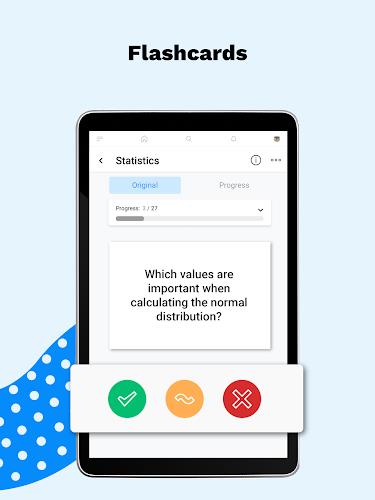
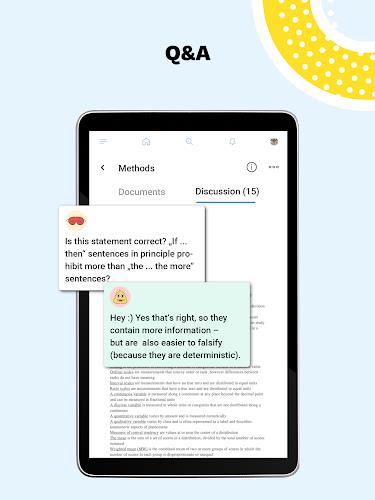



Studydrive: Study & Flashcards is a focused learning app that combines digital flashcards, collaborative notes, and spaced repetition to boost study efficiency. Designed for students, it streamlines revision, organizes course materials, and helps retain information through smart review cycles and simple, clean presentation.
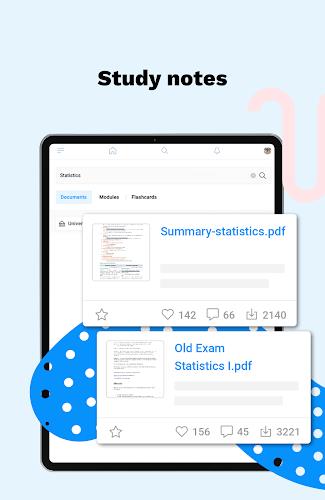
Studydrive: Study & Flashcards centralizes study resources and active recall tools in one place. It replaces scattered paper notes with searchable digital flashcards and shared documents. The app is built to reduce time wasted on organization and increase time spent on retention and understanding.
The toolkit focuses on practical features that students use daily:
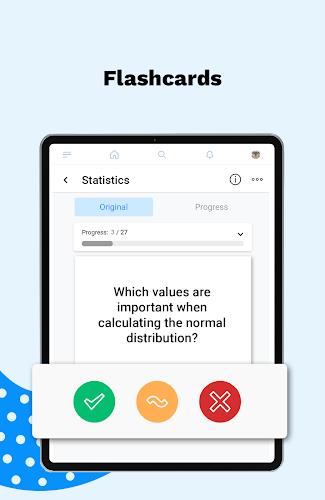
Using Studydrive: Study & Flashcards starts with creating a deck or importing materials from a course. Regular short sessions—10 to 20 minutes—work best, since the spaced repetition engine adjusts review intervals based on your performance. The app emphasizes active recall: you attempt an answer before checking the solution, which is more effective than passive rereading.
The interface is intentionally uncluttered. Navigation is minimal: decks, reviews, and shared resources are accessible from a few tabs. Cards use large text and clear spacing, making them easy to read on phones during short breaks. Settings let you customize study length, daily goals, and notification cadence so the app fits into varied schedules.
Performance-wise, the app runs smoothly on most modern Android devices. Loading times for large decks remain low due to efficient data handling. Offline access for downloaded decks means you can study without a constant internet connection. Syncing is fast when you go back online, ensuring your progress is consistent across devices.
Customization options let you tailor study sessions to your needs. You can:
These controls give power users the ability to design a revision workflow that matches course intensity and exam timelines.
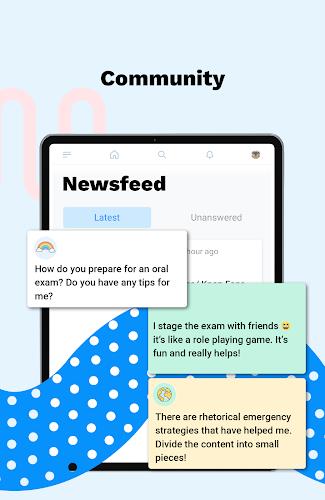
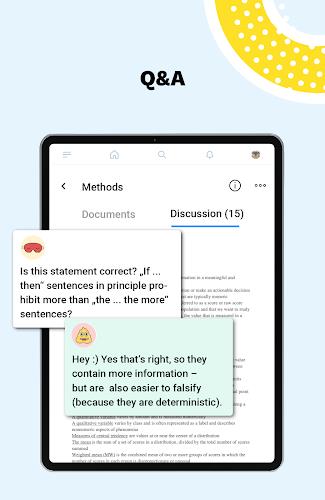
Studydrive: Study & Flashcards includes community-oriented features that can speed up content creation. Students can upload sample answers and notes, which others can browse or adapt. Peer feedback and simple commenting tools help refine study materials and clarify tricky concepts.
To get the most out of the app, follow a few practical steps: start by converting one lecture into a small deck, focus on key concepts rather than entire paragraphs, and schedule daily short reviews instead of long cram sessions. Gradually expand decks and take advantage of shared notes where appropriate.
Students appreciate Studydrive: Study & Flashcards for its balance of simplicity and effectiveness. The combination of active recall, spaced repetition, and collaborative content reduces study friction. It’s especially helpful for exam preparation, language learning, and dense technical subjects where frequent short reviews yield better retention.
Installing the app is straightforward. After setup, import or create your first deck and run a timed review to familiarize yourself with the flow. Regular use builds momentum: the app tracks progress so you can see improvements over weeks rather than just cram for a single test.
For anyone wanting a compact, study-focused tool that supports collaboration and long-term retention, Studydrive: Study & Flashcards presents a practical solution that fits modern student routines.