BeautyPlus Video
Version: 2.1.200
111.27MB
4.2
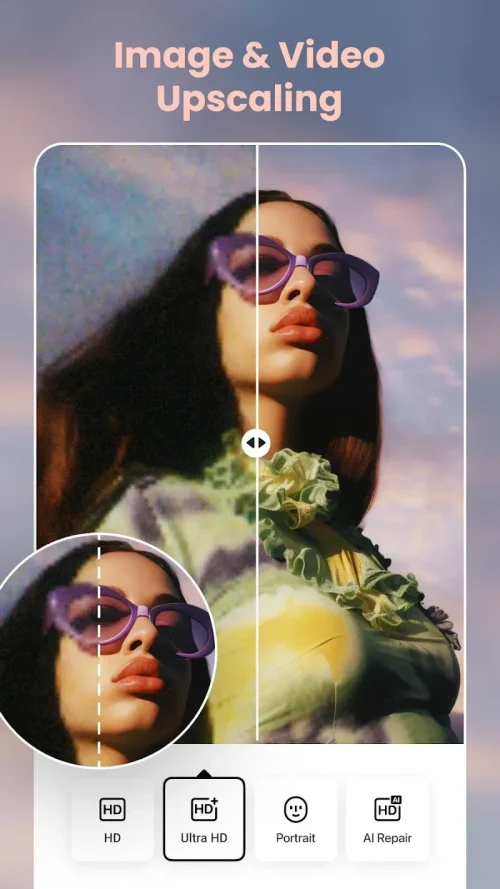
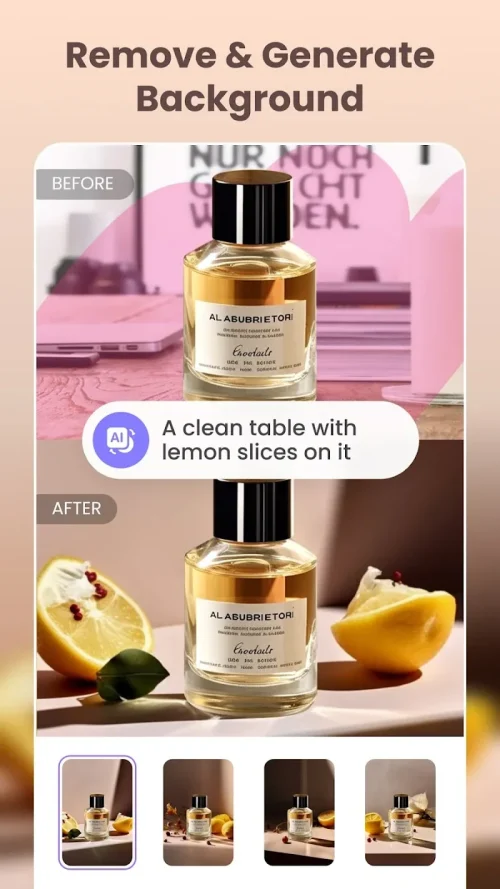
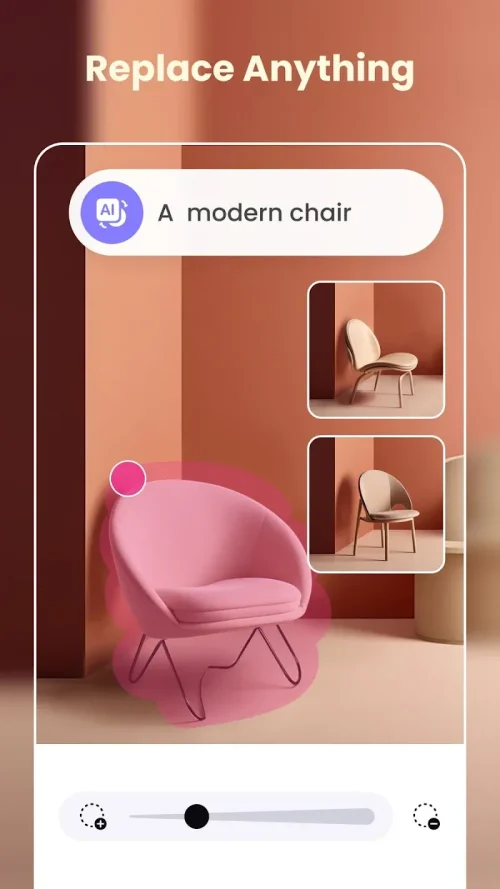
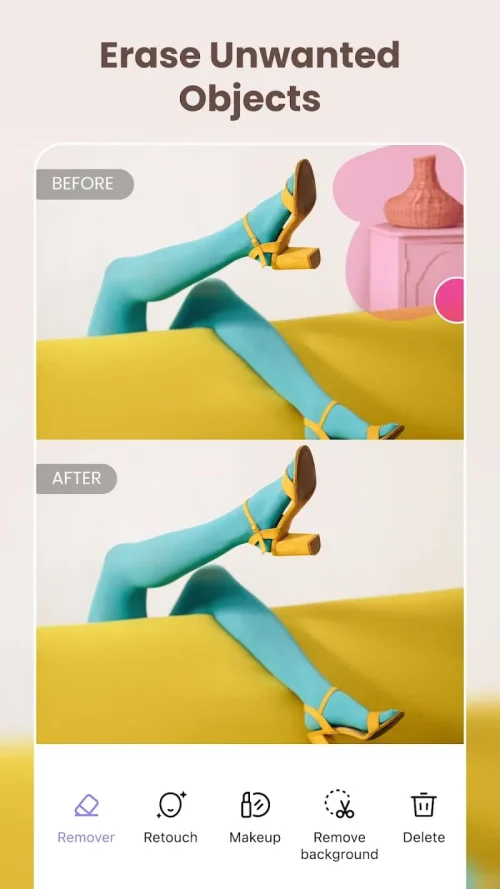
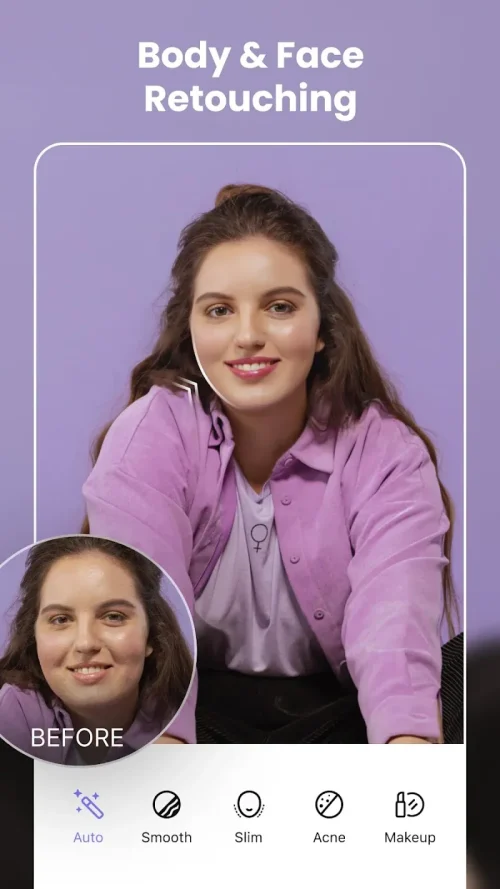
BeautyPlus Video is a mobile video editing app designed to simplify portrait enhancement and creative clips with a range of beauty filters, AR effects, and fast editing tools. It lets users polish skin tones, add makeup-like touches, and assemble short videos ready for social sharing with minimal effort.
Built for casual creators and influencers, BeautyPlus Video combines face-aware retouching with basic timeline editing. Crop, trim, and splice clips; apply smooth skin filters and subtle blemish removal; or experiment with virtual makeup and lighting adjustments. The app prioritizes quick results: many tools are automatic yet remain adjustable for finer control.
The workflow is designed to be approachable: import or record a clip, select a face-retouch preset or manually tune sliders, then refine the edit on a single-track timeline. Users can lock an effect to a face so it follows movement, making motion tracking simple even for novices. Exporting offers multiple resolutions; choose a file size that fits your platform and bandwidth needs.
Beyond basic retouching, BeautyPlus Video provides customizable tools for creators who want more than presets. Manual sliders let you adjust smoothing intensity, eye size, and jawline definition. Color controls include temperature, saturation, and selective color adjustments. For dynamic edits, speed ramping and reverse playback are available, plus a selection of transitions to smooth scene changes.
Optimized for a wide range of Android devices, the app balances real-time effects with battery and memory constraints. On modern phones you’ll notice fluid previewing and rapid exports; older devices may experience longer processing times for complex filters. The interface scales to various screen sizes and supports common aspect ratios used by social platforms.
Once editing is complete you can export in different resolutions and aspect ratios tailored for feed posts, stories, or short vertical videos. Direct sharing options simplify posting to social networks or saving to your gallery. Compression settings allow you to prioritize quality or smaller file sizes depending on upload limits.
The app requests permissions needed for camera access, storage, and microphone, which are standard for multimedia apps. It’s advisable to review permission settings and the app’s privacy policy to understand how data and media are handled. Local edits remain on your device unless you choose to upload or back them up.
BeautyPlus Video is suited for creators who want polished, portrait-focused content without a steep learning curve. Casual users will appreciate the one-tap enhancements and AR fun, while more experienced editors can fine-tune parameters and layer effects for a distinct look. The balance between automation and manual controls makes it flexible for a variety of short-form video projects.
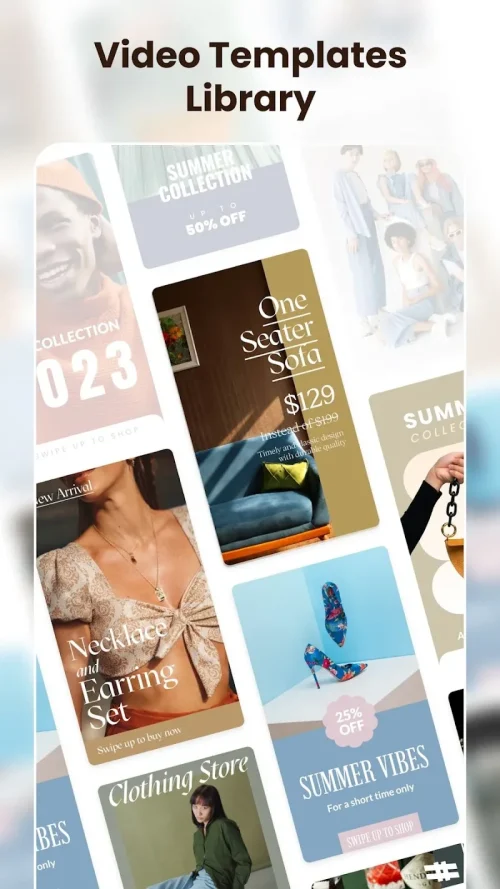
To begin, install the app, grant basic permissions, and explore the template library to see common styles. Try recording a short clip and apply a preset to observe live tracking and smoothing. From there, experiment with manual adjustments and export settings to find the best configuration for your platform and audience.
BeautyPlus Video streamlines the process of creating visually appealing portrait videos, offering a practical mix of automated beauty tools and hands-on editing features that cater to fast-paced content creation.