Weather Alarm - Swiss Meteo
Version: 8.8.2
21.81MB
4.2
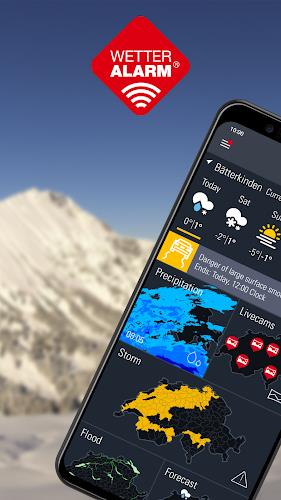
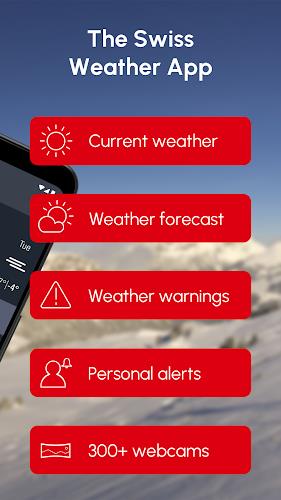
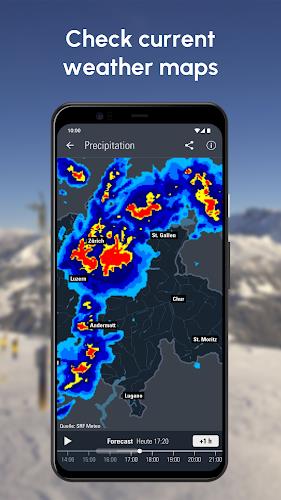
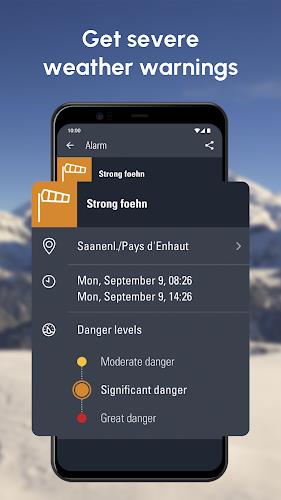
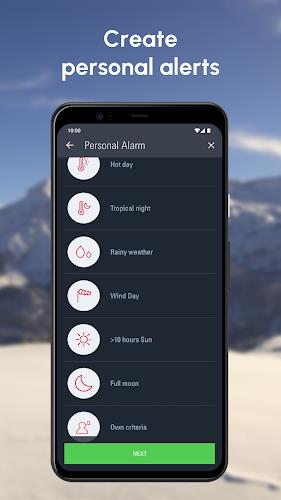
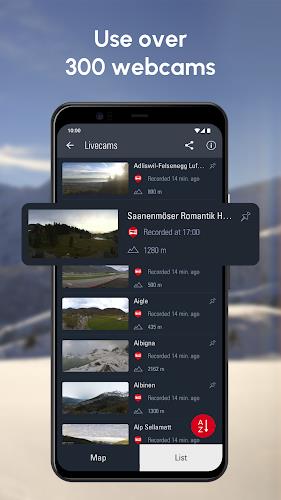
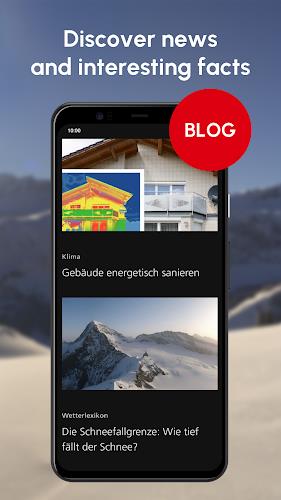
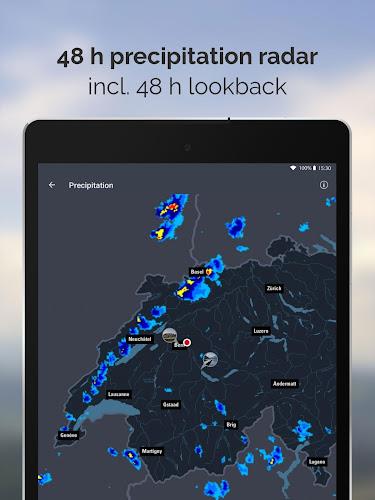
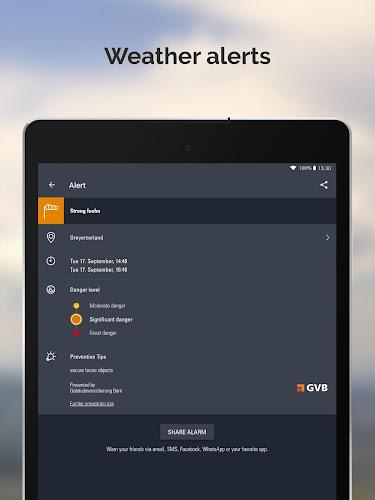
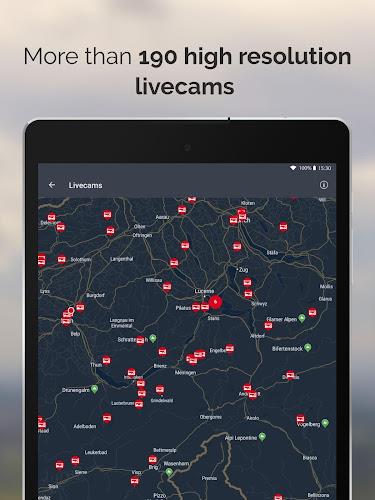
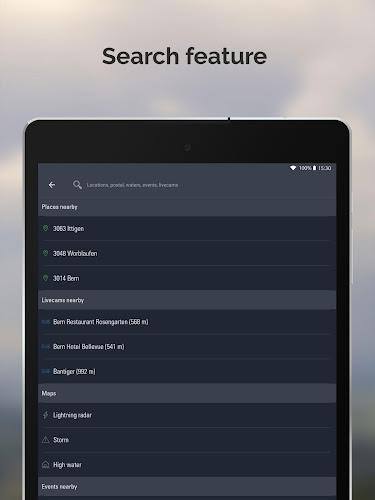
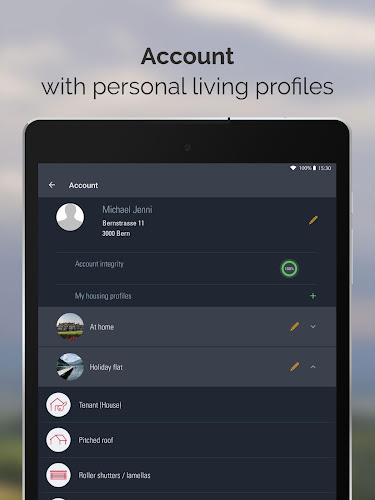
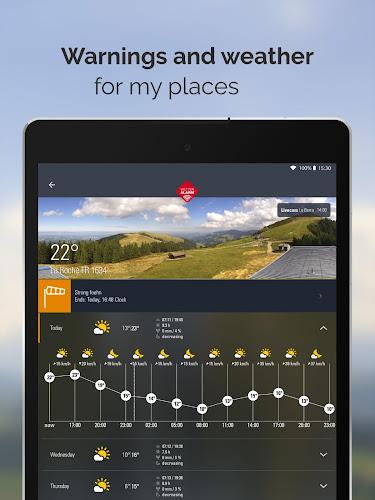
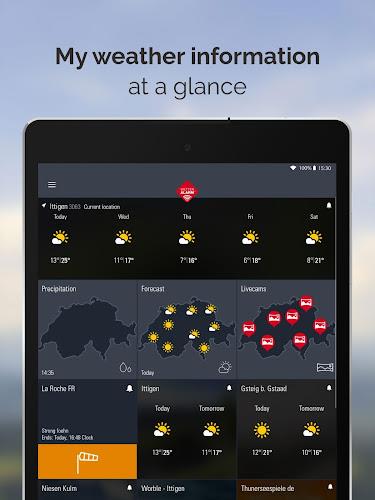
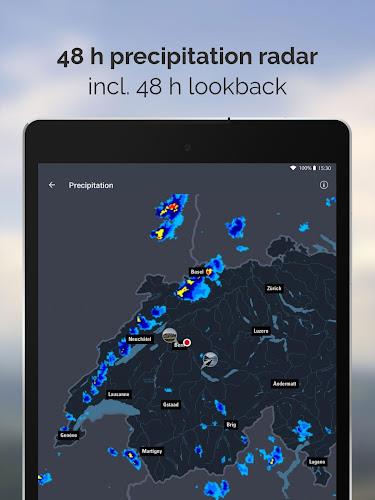
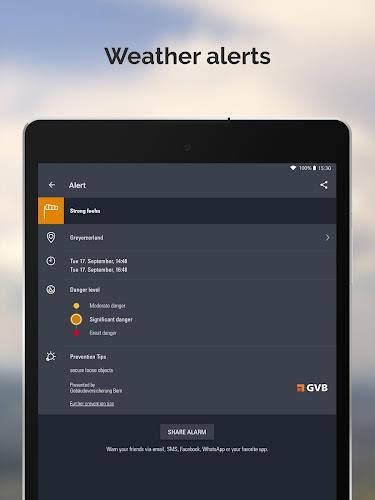
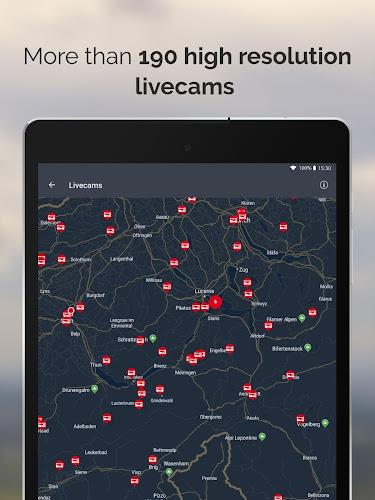
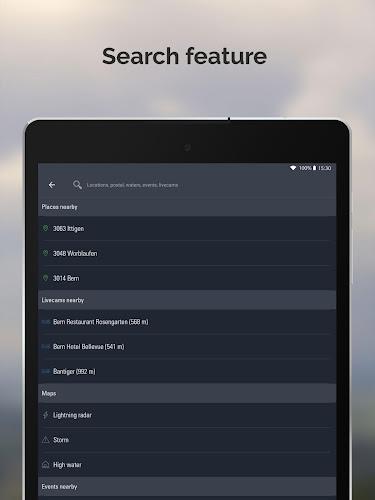
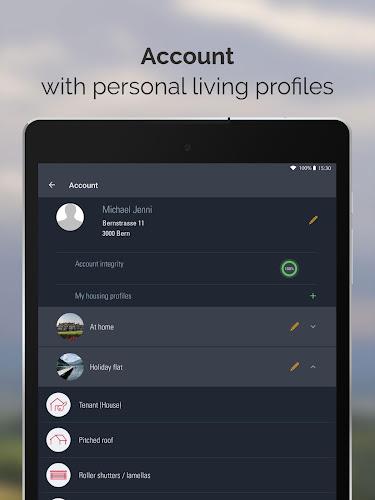
Weather Alarm - Swiss Meteo delivers accurate, location-based weather alerts and scheduled alarms tailored to changing conditions. It wakes you for frost, rain, strong winds or clear skies and provides concise forecasts. Designed for commuters, planners and outdoor workers, the app helps you make smart choices before stepping outside each day.
Weather Alarm - Swiss Meteo is a compact utility that combines short-term forecasting with an alarm system. Rather than just showing a forecast, it notifies you when selected thresholds are met — temperature, precipitation, wind gusts — so you can act promptly. The app focuses on usability and practical utility for daily routines.
The app pulls meteorological data and converts forecasts into actionable alarms. Users select conditions — for example, temperature below 0°C or more than 2 mm of rain — and set the alarm behavior. When the forecast crosses the threshold, Weather Alarm - Swiss Meteo triggers a notification or sound. This event-based approach reduces unnecessary alerts and keeps notifications relevant.
Customization is a main strength. You can create multiple profiles for different needs: a commuter profile that warns of rain, an athlete profile tuned to wind and temperature, or a travel profile focused on snow and ice. Alerts can repeat, be limited to specific time windows, or only occur on defined weekdays. The interface walks you through each option so adjustments are straightforward.
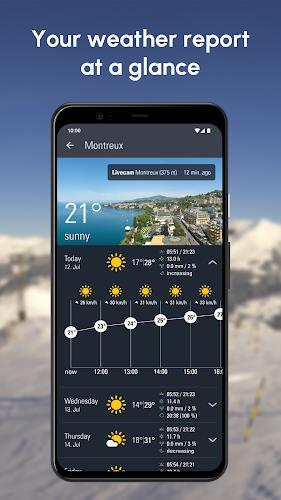
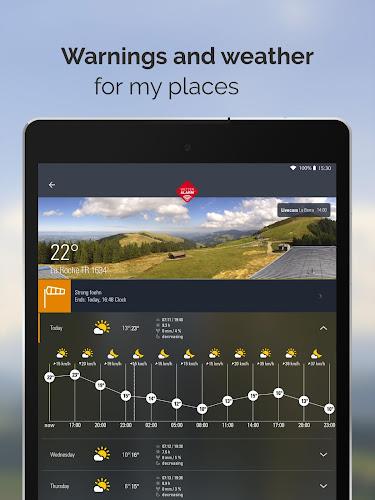
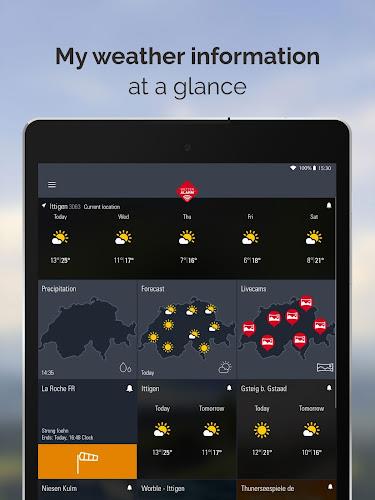
The visual design favors clear icons and readable text. Forecast timelines are presented as compact graphs, while alert rules live in a simple list you can edit quickly. The app balances information density with clarity: essential metrics are prominent, while deeper details are one tap away. A minimal learning curve helps new users set up meaningful alarms fast.
Weather Alarm - Swiss Meteo emphasizes dependable updates without draining resources. Data requests are scheduled based on forecast volatility; more frequent checks occur when conditions change rapidly. The app caches recent forecasts so it remains responsive offline and reduces network calls when possible. Notifications are delivered reliably even with typical background restrictions on modern Android builds.
For commuters, set an early-morning rain alert that triggers only before 9 AM on weekdays. For parents, create a school-day frost warning that fires if temperatures will dip overnight. Outdoor workers can combine wind and precipitation thresholds to decide whether to delay tasks. These workflows turn bulk weather data into clear decisions.
Installation is straightforward: grant location access for best results, pick your initial alert rules, and review notification permissions. Weather Alarm - Swiss Meteo integrates into daily routines without demanding constant attention, offering targeted warnings that help users plan smarter outings and safer commutes.