
Imgur
Version: 7.15.3.0
69.90MB
4.4
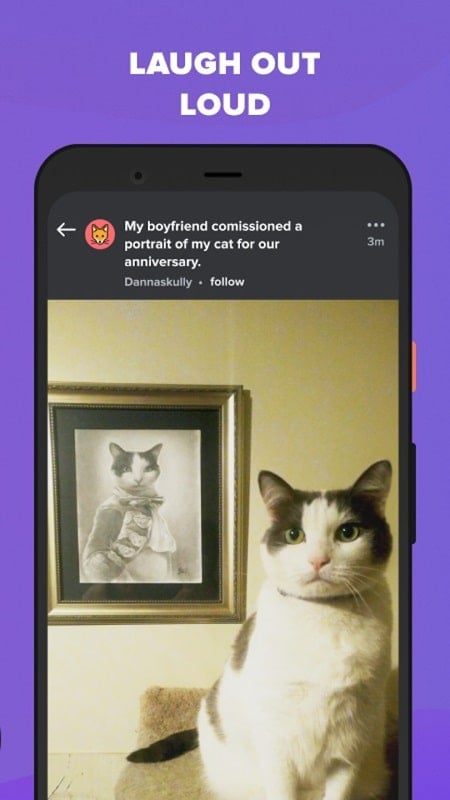
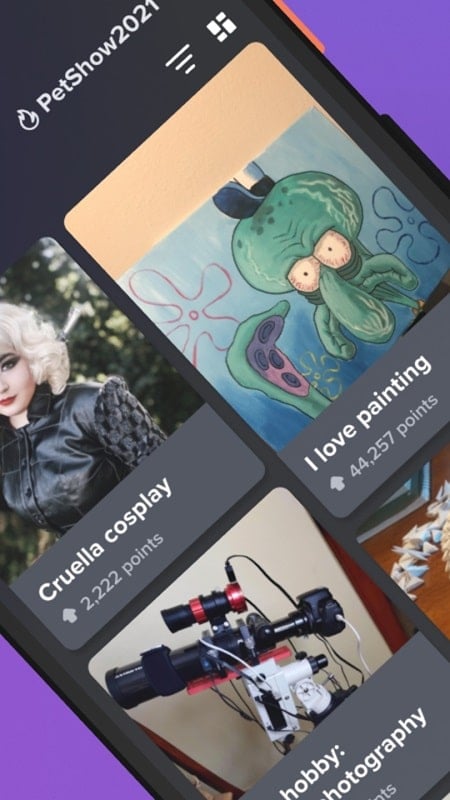
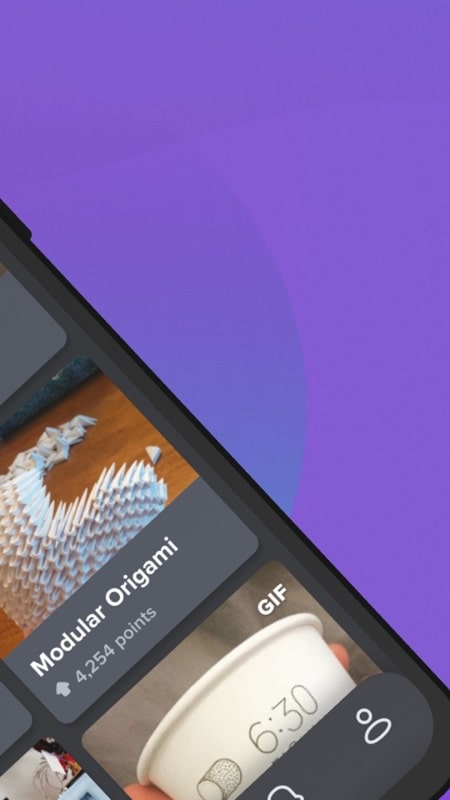
Imgur is a lightweight image-sharing app that lets users browse, upload, and organize pictures and GIFs with a focus on community-driven content and easy sharing. It combines a clean feed, quick upload tools, and comment-driven interactions to make discovering and contributing visual posts simple and fast.
Imgur provides a set of practical tools for anyone who wants to share images or explore viral media. You get unlimited browsing of curated galleries, fast uploads from your device or the web, and simple album creation for organizing multiple images. The app supports GIFs, short videos, and static images while offering upvote/downvote mechanics and threaded comments to surface the best posts.
The interface prioritizes visuals: large thumbnails, smooth scrolling, and swipe gestures make it easy to skim content. A bottom navigation bar gives quick access to the main feed, search, upload, and profile sections. Profiles contain your uploaded posts and saved favorites, and search uses tags and keywords so you can find niche topics or trending memes quickly.
Uploading is straightforward — select photos or video clips from your gallery, paste a URL, or capture new media with the camera. Before publishing you can add titles, captions, and tags, or group images into albums. Basic editing includes cropping, rotation, and trimming for short clips, plus a preview mode so you can confirm how posts will appear in the feed.
The social layer is central to the experience. Public galleries allow posts to gain visibility through community voting, while private albums stay accessible only to people you share. Share links directly to social networks, messaging apps, or embed images on websites. Notifications keep you informed about replies, mentions, and the performance of your posts, encouraging interaction with other contributors.
For regular contributors and moderators, Imgur supports quick batching of uploads and basic organization tools. Create named albums for recurring themes, reorder images inside an album, and copy shareable links for each item. The app is optimized to minimize steps between capturing media and publishing, which helps users maintain an active presence without repetitive friction.
Designed to run smoothly on a wide range of Android devices, Imgur balances image quality with performance. Adaptive loading reduces bandwidth by serving lower-resolution thumbnails in the feed and higher-resolution files on demand. Background uploads and resume-on-connect functionality mean large files can continue uploading even if you switch apps or lose network briefly. Memory usage is kept moderate to avoid slowdowns on older phones.
Privacy settings allow you to control whether posts are public, hidden, or private. Account options include changing usernames, linking external logins, and adjusting notification preferences. The platform also enforces community guidelines through a moderation system that flags content that violates rules; this helps keep feeds focused on shareable, safe media.
Installing the app and creating an account takes only a few minutes. After signing in, explore the main feed to get a feel for popular formats, then try a test upload to experience the publishing flow. With a few uploads and interactions you can quickly become part of the community and use Imgur as a go-to hub for sharing visual content from mobile.