
Icon Packer
Version: 1.18.1-release
20.90MB
4.1

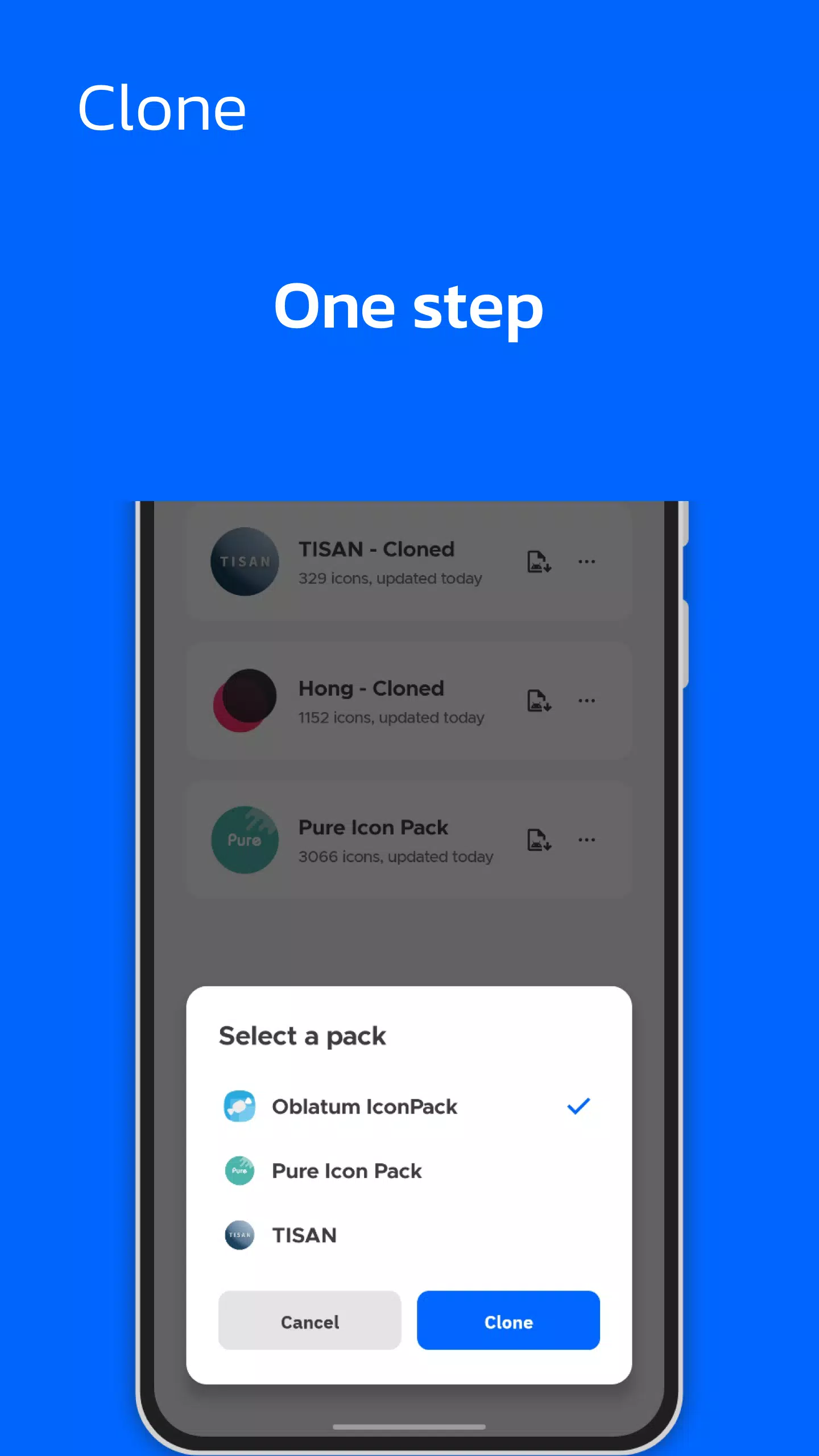

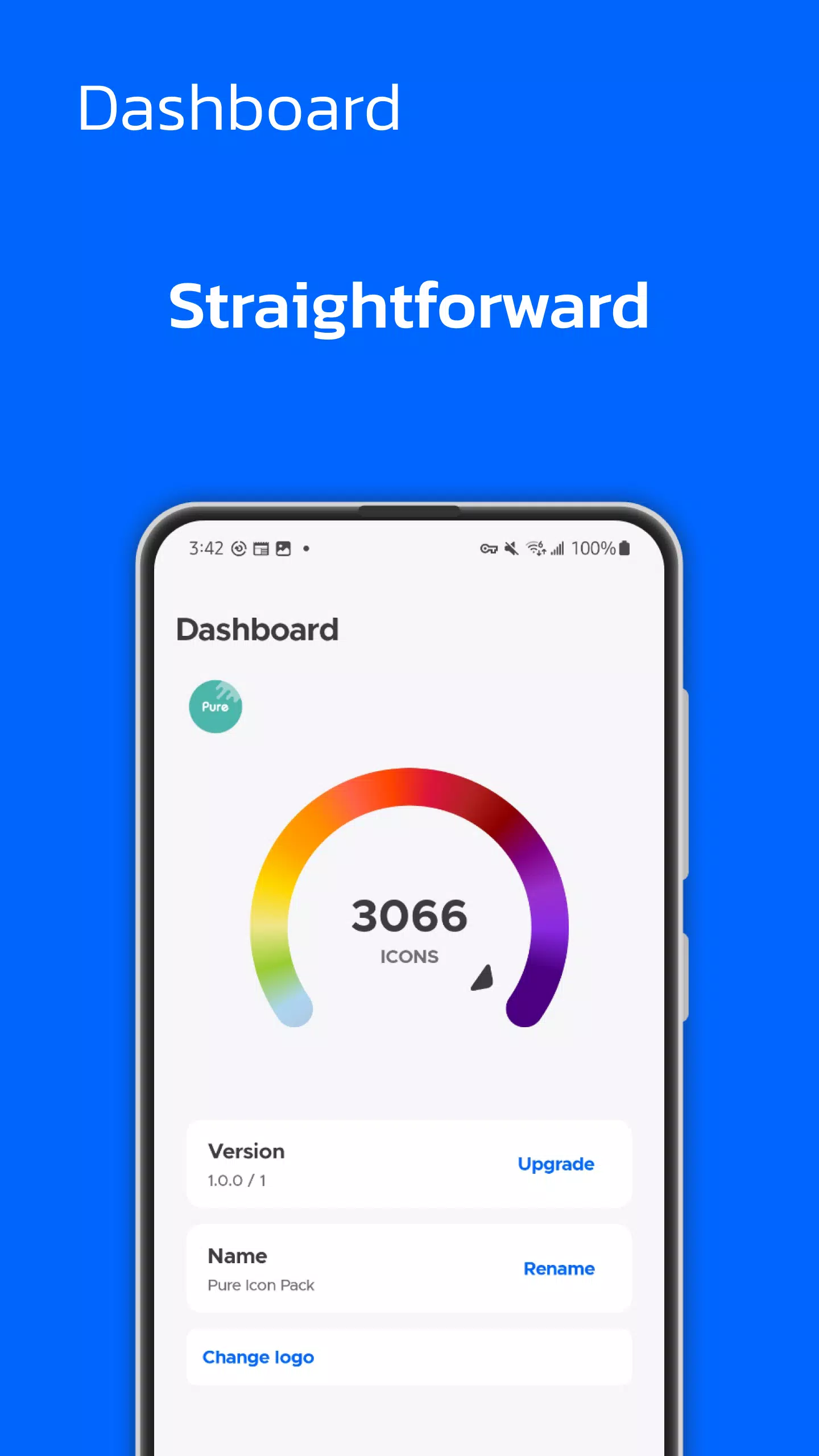
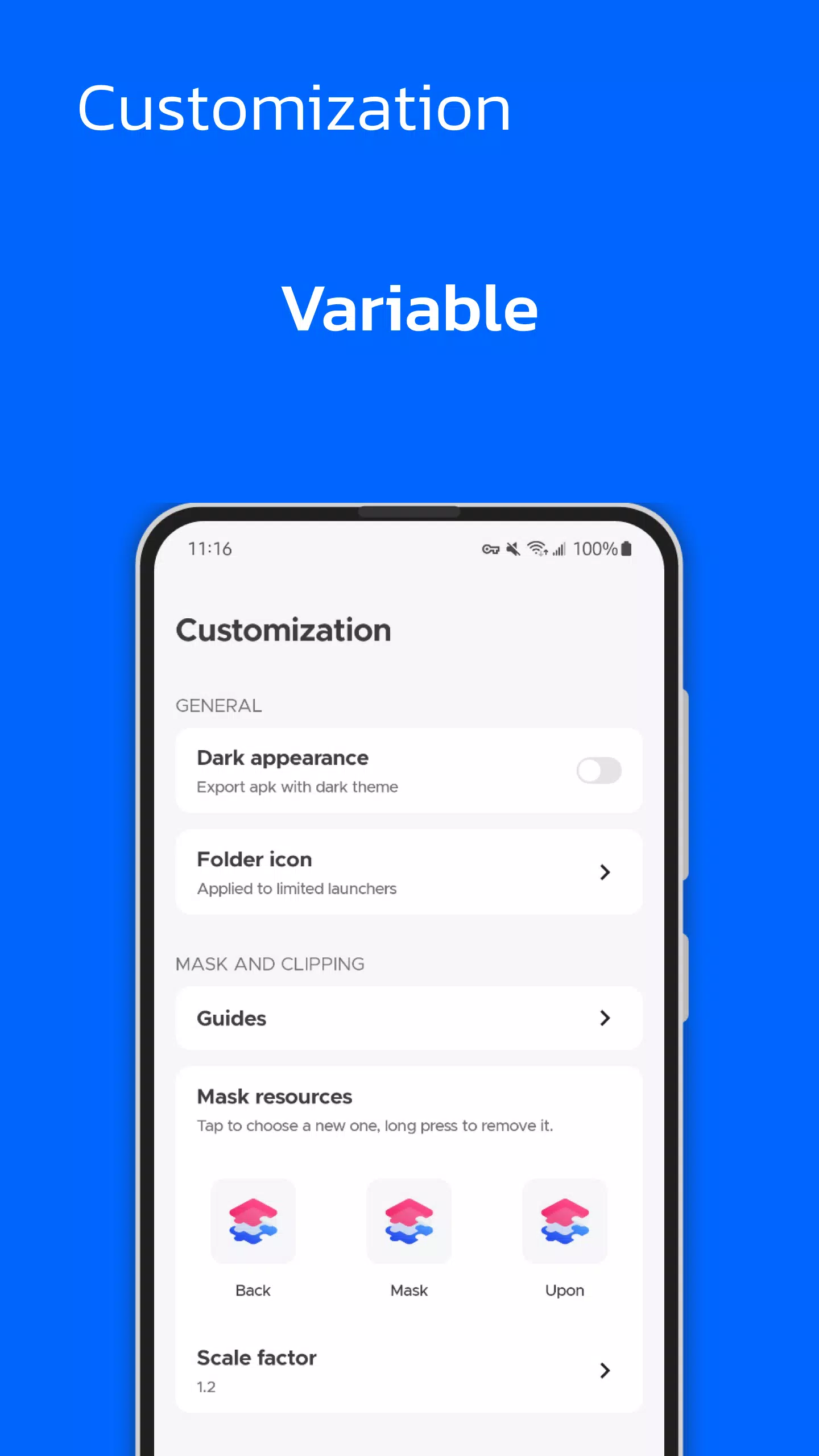



Icon Packer is a compact Android utility that simplifies icon management for launchers and home screens. It bundles, exports and applies custom icon sets, letting users convert folders of PNGs into ready-to-install packs. The app targets users who want tidy, consistent app iconography across devices.
Designed for hobbyists and power users alike, Icon Packer provides a straightforward workflow to assemble icon collections without needing graphic design tools. Instead of manually renaming and moving files, you point the app to a folder of images and it prepares a structured package compatible with popular launchers and backup solutions.
Icon Packer walks users through three main steps: select, configure, and export. First, select your image folder or import files directly from cloud storage. Next, configure target densities, output format, and naming rules. Finally, export the pack as a compressed file or install it directly to a supported launcher. The process reduces repetitive tasks and enforces consistent naming conventions automatically.
Beyond basic packaging, Icon Packer includes tools to fine-tune each icon. You can crop, add padding, or apply rounded masks to match your device aesthetic. The app also supports previewing icons against different wallpapers and grid layouts so you can see how a set will look live on a home screen before committing to export.
The interface is clean and focused on speed. Actions are grouped into clear stages with progress indicators for long operations such as batch resizing. Background processing lets you continue using the device while the app prepares large packs. Memory usage is optimized for mobile hardware and there are options to limit CPU or disk usage for older devices.
Icon Packer aims to play well with existing Android tooling. Export formats are compatible with most third-party launchers, icon switcher apps, and manual install paths. There is also an option to generate a zip that includes an installable XML manifest for quicker imports into supported environments.
For users who maintain multiple devices or distribute themes, Icon Packer speeds up repetitive workflows and reduces human error. The app’s manifest editing makes it simple to include versioning and attribution so recipients know how to credit your work.
Power users can automate parts of the process by preparing templates for export profiles. These templates store density sets, output formats, and compression preferences so you can re-run packaging tasks with a single tap. There are also options to sign packages or include a small README within the archive to explain installation steps for less experienced recipients.
To begin, install Icon Packer, grant access to the folders you plan to use, and run the bundled tutorial. The guided example demonstrates a full cycle from import to export. Regular backups of source images are recommended to avoid accidental overwrites during batch operations.
Icon Packer is a practical utility for anyone who crafts or curates icon collections. It trims the manual work out of delivering polished, launcher-ready packs while preserving flexibility for customization and advanced workflows.