TriviaMaker
Version: 6.3.7
102.10MB
4
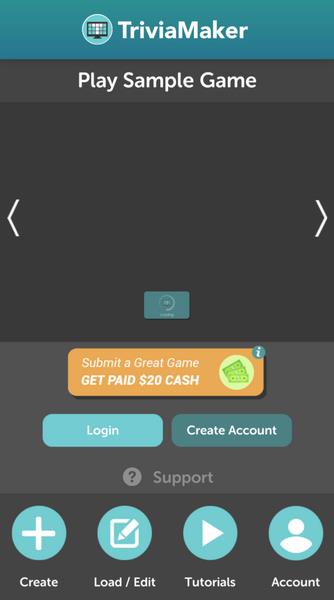
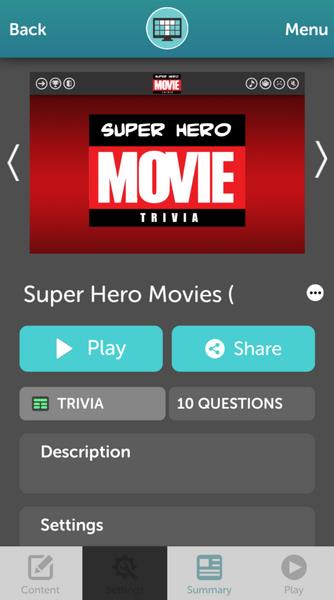
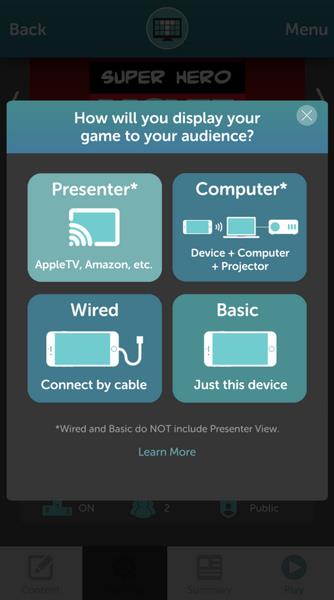
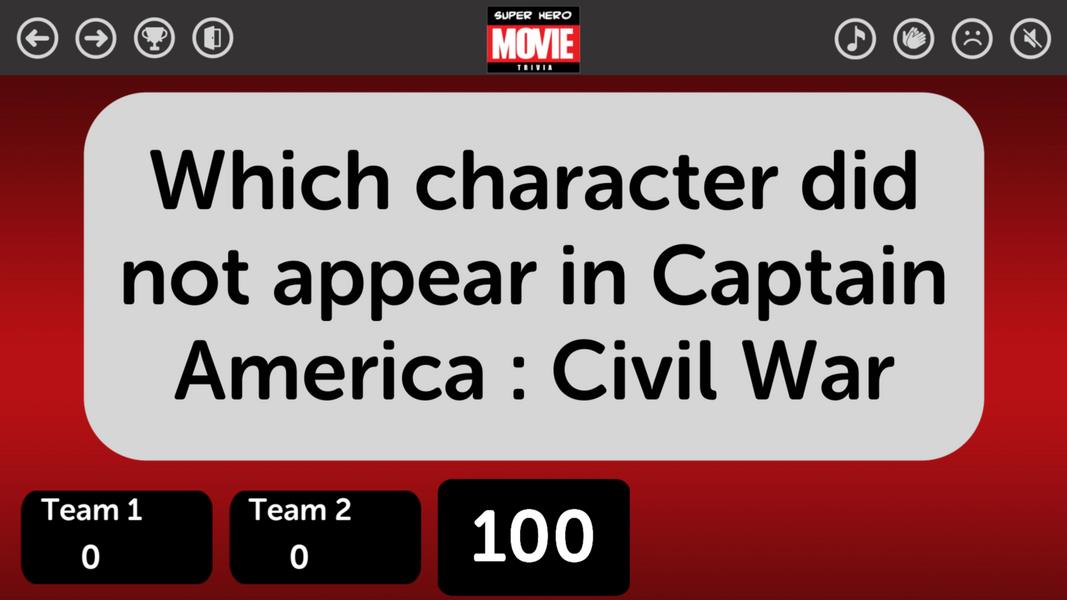
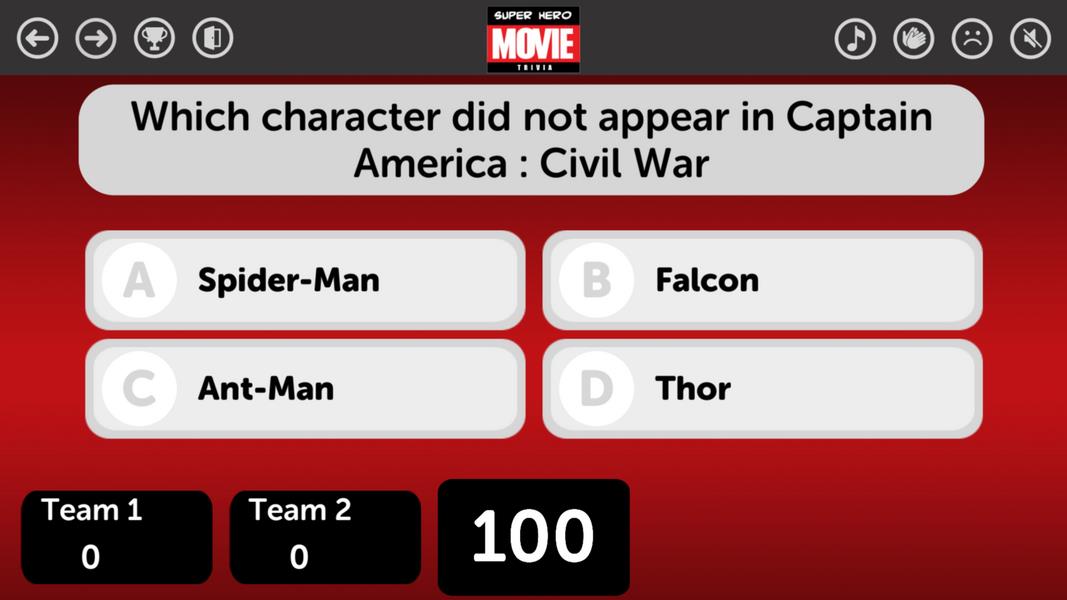
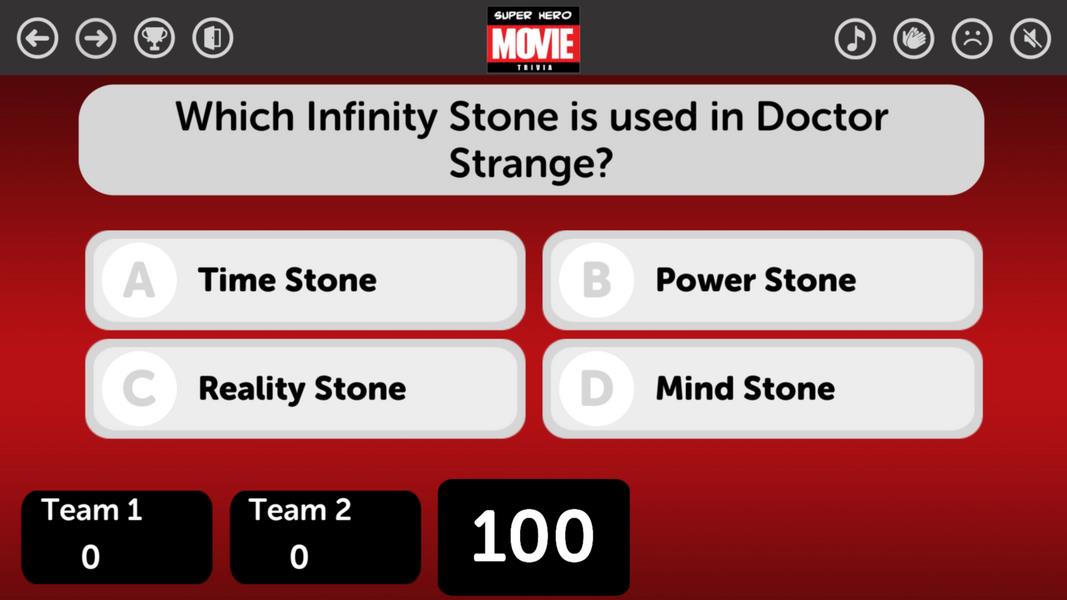
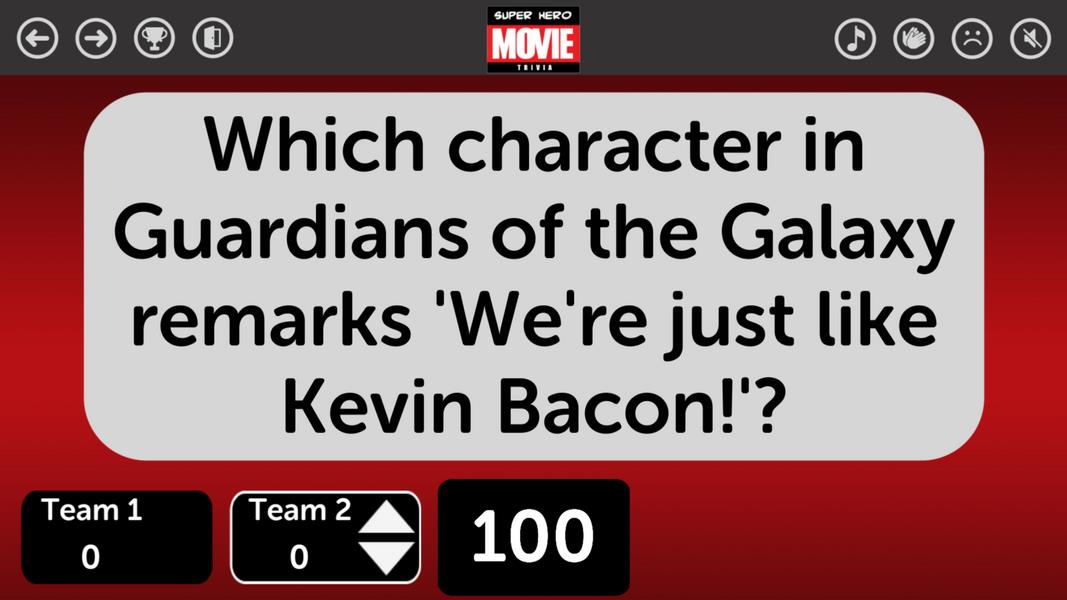
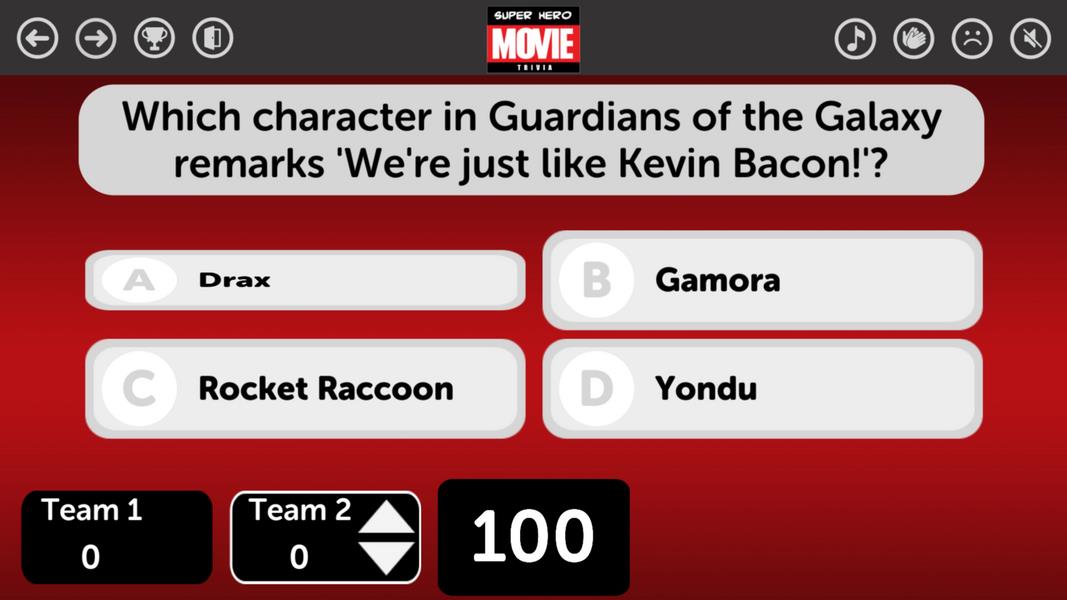
TriviaMaker is a flexible quiz and game-show creation app designed for teachers, presenters and event hosts who need to build interactive sessions quickly; it combines template-driven design, live host controls and reporting so you can run multiple-choice quizzes, polls or true/false rounds with minimal setup.
The app centers on a slide-and-round structure that keeps gameplay predictable for both hosts and participants. Questions are grouped into rounds, each round can include one or more slides, and hosts control pacing with timers and reveal options. During live sessions an on-screen leaderboard updates after each question to reward fast, correct responders, while configurable point values and tie-break rules let you shape progression and difficulty. For poll-style interaction and non-competitive rounds, anonymous response modes remove scoring and focus attention on feedback rather than rank.
Hosts interact through a straightforward control panel built to be usable from a tablet or laptop: start and pause rounds, advance slides, toggle timers, and reveal answers when ready. Participants join with a short session code or a link, answer from their phones, and see only the elements you choose to share. Input latency and answer aggregation are handled to keep timing predictable; host-side tools include an option to accept late answers, change time limits mid-game, and reset or skip questions without interrupting the session flow.
The authoring environment supports fast creation for non-technical users: create question banks, assign difficulty levels or point tiers to questions, and build progression paths by ordering rounds to increase complexity. Reusable templates and import support for spreadsheets make it practical to populate large quizzes, while preview and rehearsal modes simulate the live experience so you can adjust pacing and scoring before going on stage. Collaboration features let multiple creators edit the same quiz and sync changes in the cloud, preserving version history to roll back edits if needed.
Visual customization covers color schemes, background images, fonts and slide layouts so sessions match a classroom theme, corporate branding or event aesthetic. Templates include several game-show inspired layouts with optional animations and sound cues; you can swap styles without rebuilding content. Sound effects for correct and incorrect answers, configurable reveal animations and flexible font sizing help tailor the visual and audio language of your quizzes to the venue and audience size.
Replayability comes from mixing question banks, randomizing choices, and using modular rounds such as rapid-fire or team-vs-team modes. A challenge system based on point multipliers and timed rounds introduces risk-reward decisions for participants, and team mode encourages collaborative strategy while still tracking individual contributions for post-game analysis. Because you can save sessions as templates and edit question pools between events, it is easy to refresh content and create seasonal or topic-specific editions that keep regular audiences engaged.
The app is optimized for modern Android devices and common web browsers; media assets are cached to reduce lag during live play and to lower bandwidth needs. Offline editing is supported so hosts can build or rehearse quizzes without an internet connection, and results can be uploaded later when a connection is available. Accessibility options include adjustable font sizes, high-contrast themes and descriptive labels for media so sessions are easier to follow for participants with visual or hearing needs.
After a session built with TriviaMaker, built-in reporting summarizes participant performance, question-level correctness and response distribution. Educators can export results as CSV for grading or attendance tracking, while trainers use aggregate insights to spot knowledge gaps and plan follow-ups. Practical uses span classroom formative assessments, onboarding and compliance checks in corporate training, and live trivia nights or virtual meetups where an MC needs tight timing and clean audience controls.
Setup takes minutes: sign up, choose a template, import or type questions, and run a preview to verify timing and visuals. Invite participants with a session code or link and manage the event from the host panel; saved quizzes and templates streamline repeat events. With familiar controls, clear customization and straightforward reporting, TriviaMaker helps hosts produce engaging, repeatable interactive sessions without a steep learning curve.