Fruits and Vegetables for Kids
Version: 9.5
54.60MB
4
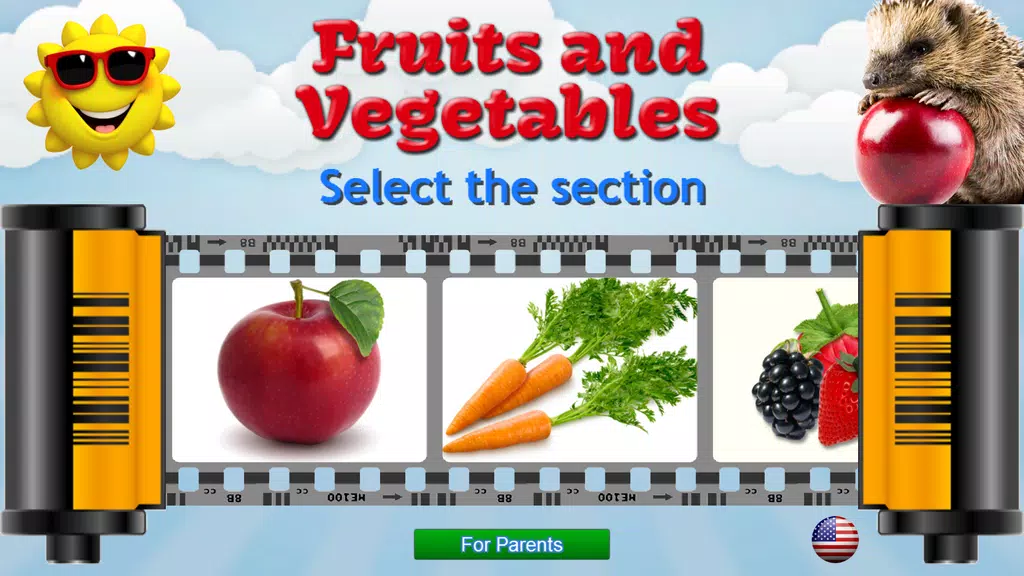
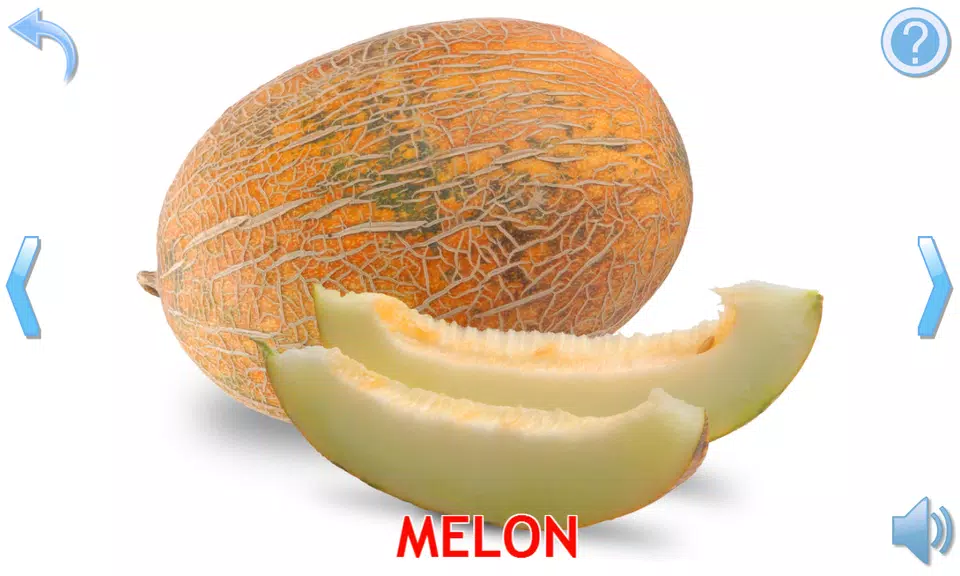
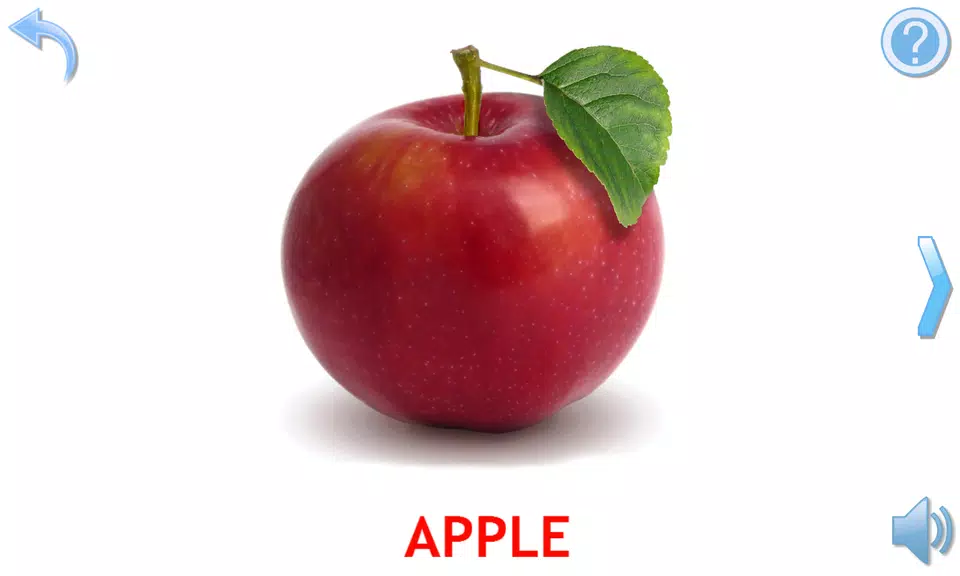
Fruits and Vegetables for Kids introduces young learners to colorful produce through interactive images, simple games, and clear audio pronunciation. Designed for preschoolers, the app blends playful exploration with educational prompts to teach names, colors, and healthy eating habits in short sessions that hold children’s attention.
Fruits and Vegetables for Kids is an educational utility created to make early food literacy fun and memorable. It focuses on recognition, vocabulary building, and basic nutritional ideas without overwhelming the child. Bright visuals, friendly voice prompts, and a few short mini-games guide a child through dozens of common fruits and vegetables, reinforcing learning with immediate feedback.
The design encourages short, focused play sessions suitable for preschool attention spans. Each item is introduced with a large photo or illustration, followed by an audio pronunciation and a short fact such as color or taste. Activities are intentionally repetitive in a playful way so children encounter the same words several times, which supports retention without feeling tedious.
Progress is non-linear and child-driven. Beginners can explore at their own pace, while slightly older children can move toward matching challenges and timed quizzes. The app adapts to frequent mistakes by presenting more practice opportunities for problematic items, boosting confidence before introducing new vocabulary.
The interface uses large touch targets, high-contrast icons, and minimal text so pre-readers can navigate effortlessly. Colors are vibrant but not saturated, striking a balance between appeal and clarity. Controls are placed consistently across screens, and the audio narration reduces the need for parental assistance during play.
Icons and buttons are intentionally oversized to support small fingers. Animations are short and rewarding rather than distracting. The overall layout is uncluttered: one learning task per screen keeps focus on recognition and pronunciation rather than multitasking.
Fruits and Vegetables for Kids works well as a supplemental tool for preschool routines. Short sessions can be used at snack time, during calm-down periods, or as part of a circle-time activity. Educators can use the app to introduce theme lessons about food groups, colors, or healthy choices, while parents can reinforce vocabulary at home using the same interface.
Installation is straightforward with a modest download size and minimal permissions. After opening the app, tap through a brief onboarding that demonstrates navigation and parental controls. From there, explore the categories and let the child choose a favorite item to start; this immediate choice fosters agency and curiosity.
Fruits and Vegetables for Kids appeals because it combines clear educational goals with a friendly, low-pressure interface. It encourages verbal practice, supports motor development through simple interactions, and introduces nutrition vocabulary in a way children can understand. The mix of images, speech, and playful tasks creates an engaging environment for early learners.
Whether used at home or in a classroom, the app offers a compact, well-paced introduction to healthy foods that parents and teachers can rely on. Regular short sessions, paired with real-world reinforcement, help kids remember names and feel more confident trying new fruits and vegetables.