Daily Petrol , Diesel Price :
Version: 17
5.90MB
4.5
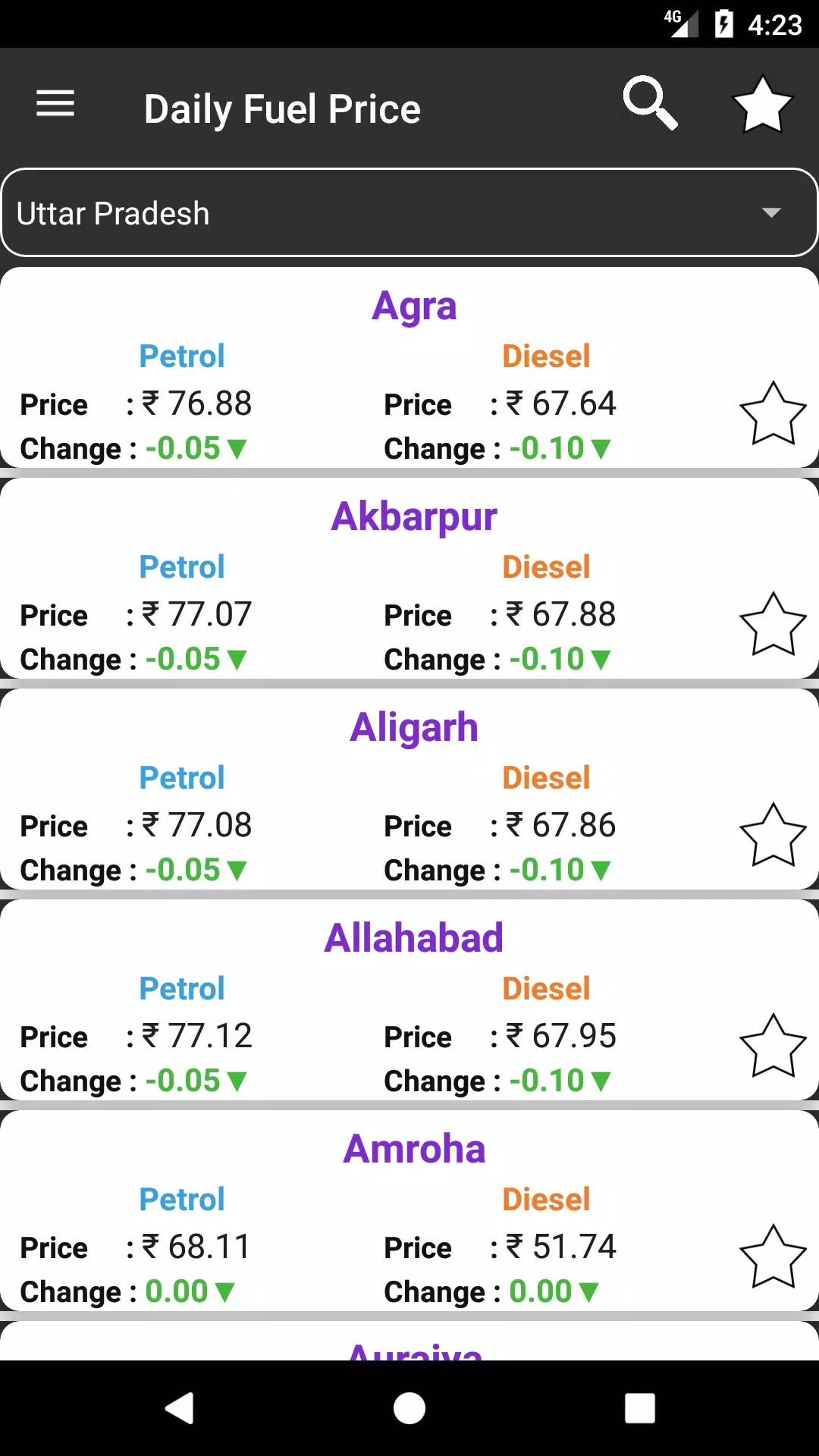
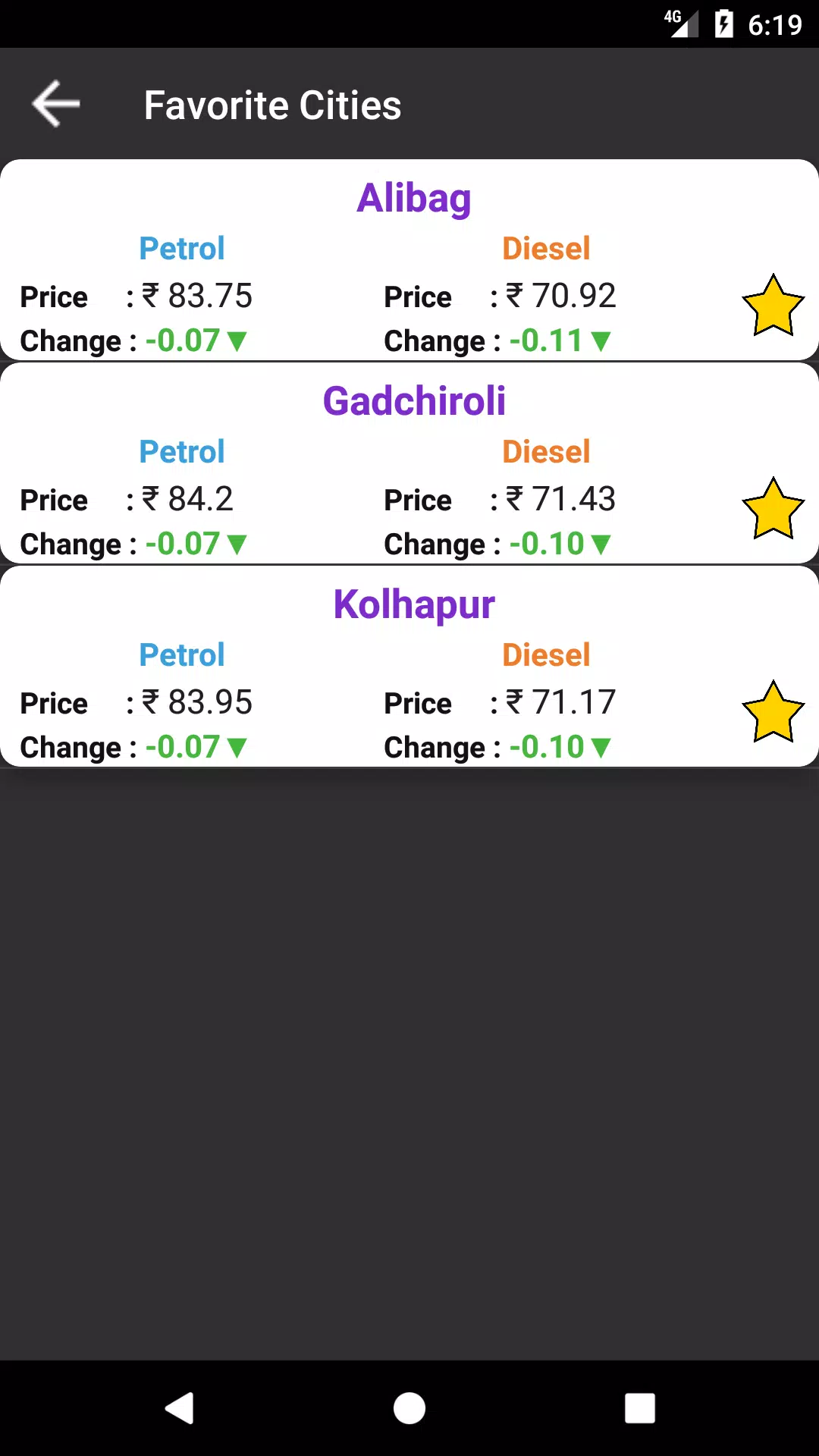
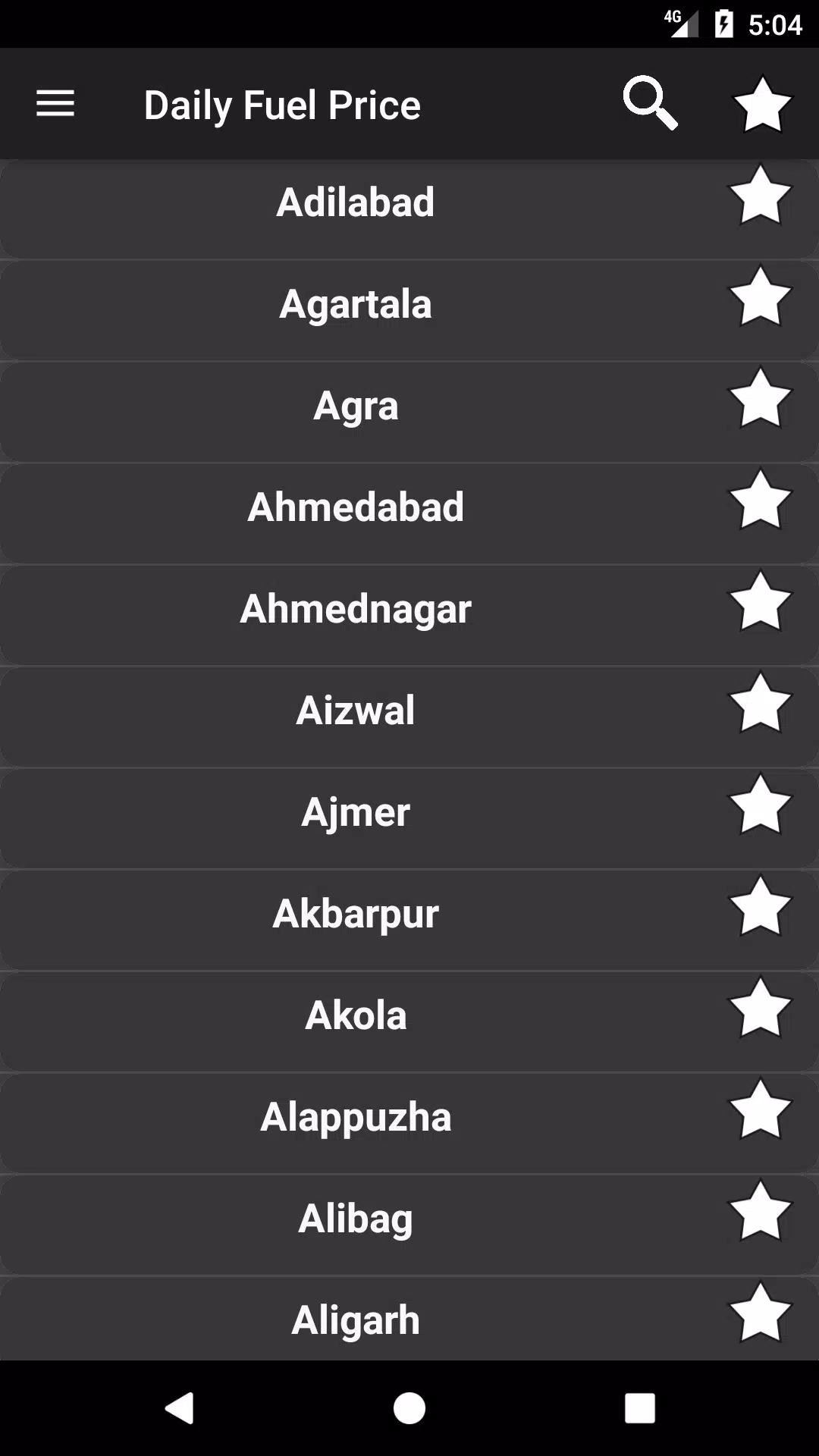
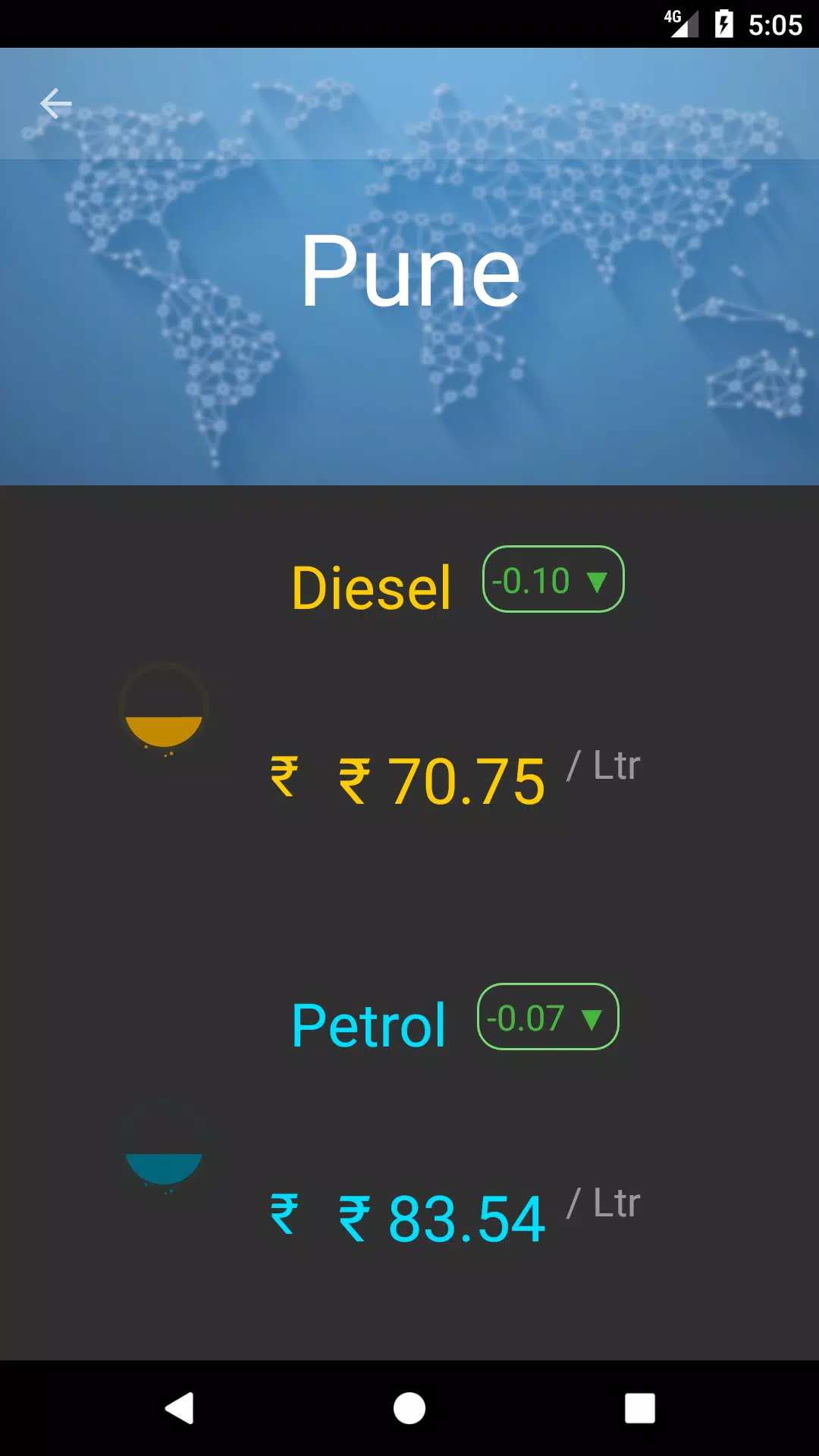
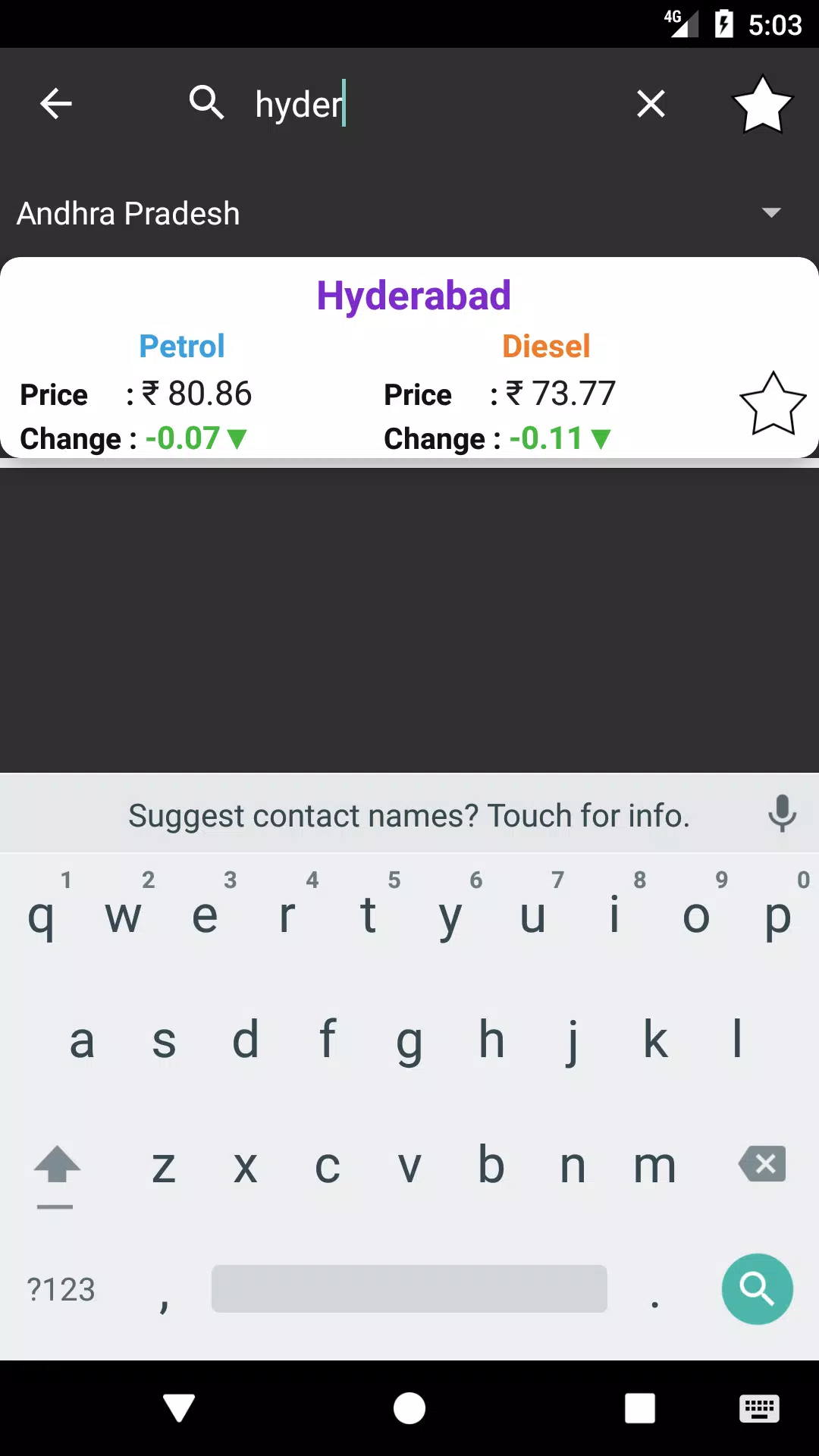
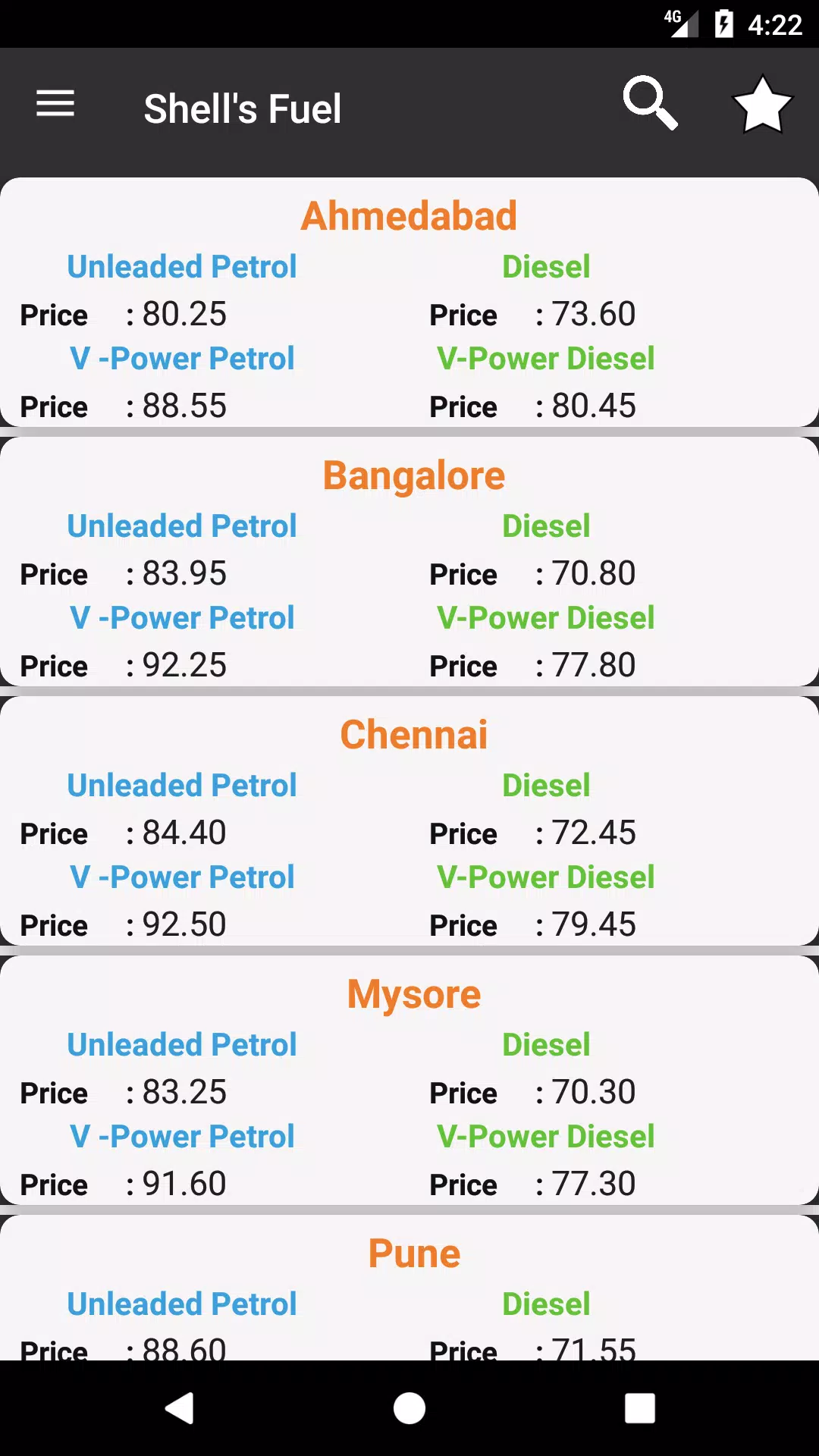
Daily Petrol , Diesel Price provides up-to-date fuel rates and station listings in a compact, easy-to-use interface. The app delivers daily petrol and diesel prices for nearby cities, supports quick searches, and offers historical trends so drivers and fleet managers can make informed fueling decisions without switching between websites or multiple apps.
The app focuses on delivering essential information fast. Daily Petrol , Diesel Price updates local fuel prices daily and displays them alongside distances and station names. A live search and filtering system helps you find stations by price, brand or distance. Price history charts and simple summaries let you spot trends quickly.
Information is collected from official sources and public feeds, then normalized for consistent display. When you open the app, it uses your location to show stations within a chosen radius. You can also manually select a city or postal code to check prices in other regions. The interface allows quick toggling between petrol and diesel rates and highlights the best value stations at a glance.
Design choices emphasize clarity and speed. The main screen lists stations with price, distance, and a small indicator for recent price changes. Tapping a station opens a detail view with address, contact info, and a simple trend chart. Frequent tasks are reachable in one or two taps: switching fuel type, sorting results, or bookmarking a station for later reference.
Daily Petrol , Diesel Price is useful for individual drivers looking to reduce fueling costs and for fleet operators managing many vehicles. Commuters can identify the cheapest station along a route, while logistics teams can monitor price fluctuations in multiple cities. The app also supports planning: view historical trends to decide whether to top up now or wait for prices to drop.
The app is optimized for fast loading on a range of Android devices and keeps bandwidth usage low by caching recent data. Background updates are configurable to save data or battery. Compatibility extends to most modern Android versions; mapping and GPS features use system services to provide accurate routing without adding heavy overlays.
Begin by granting location access so Daily Petrol , Diesel Price can show nearby stations. Set your preferred fuel type and a default search radius, then explore the local list. Use bookmarks to save frequently visited stations and enable notifications if you want alerts for price drops in selected areas. If you manage multiple routes, add custom locations to compare regional prices quickly.
For best results, verify your local region is supported and check the update frequency setting. Regularly clearing cached data can resolve display issues, while keeping the app updated ensures access to any new sources or mapping improvements. With a few simple adjustments, the app becomes a practical, time-saving tool for anyone who buys petrol or diesel regularly.