
Plugzy
Version: 1.1.1
4.40MB
4.1
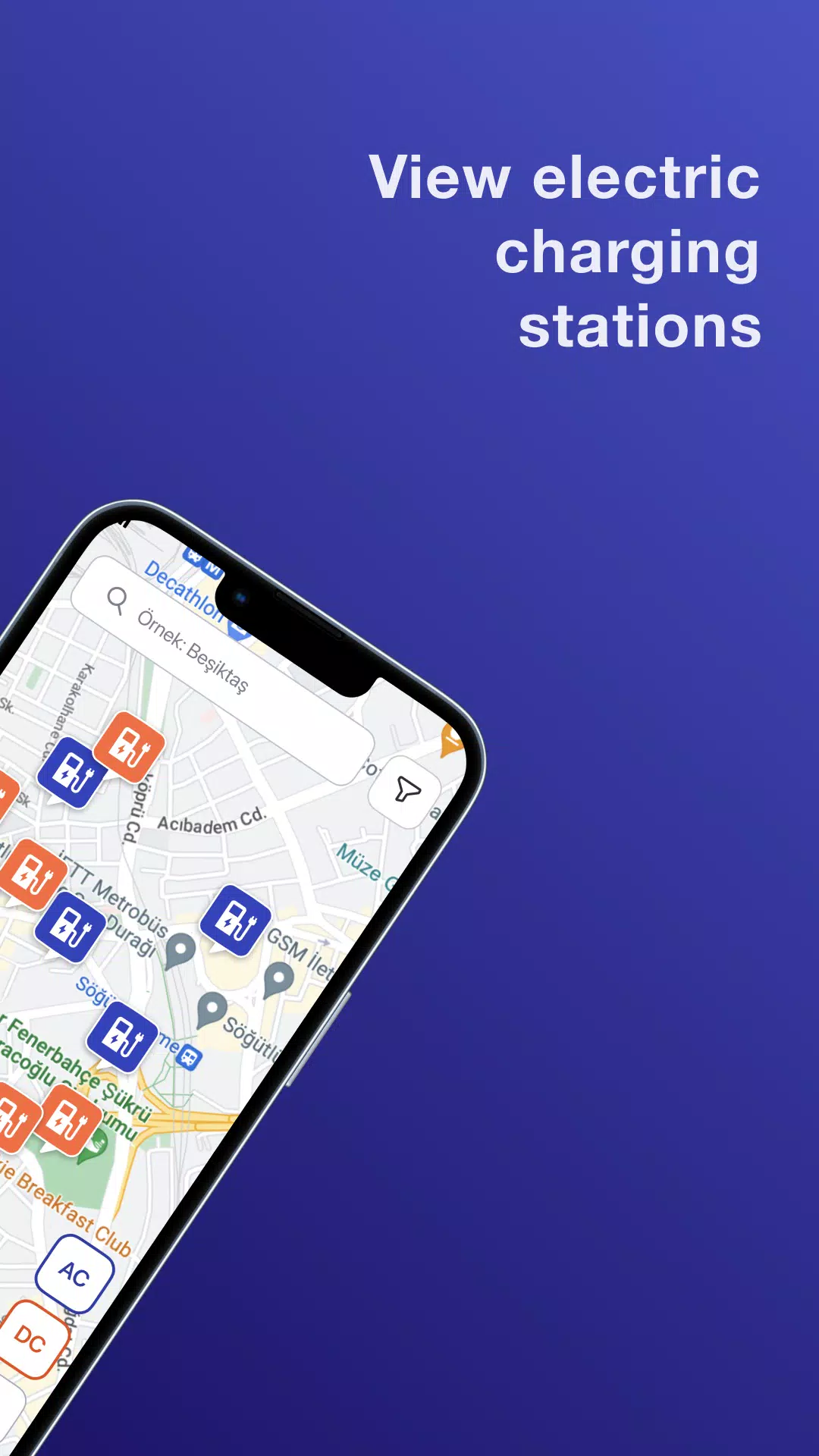
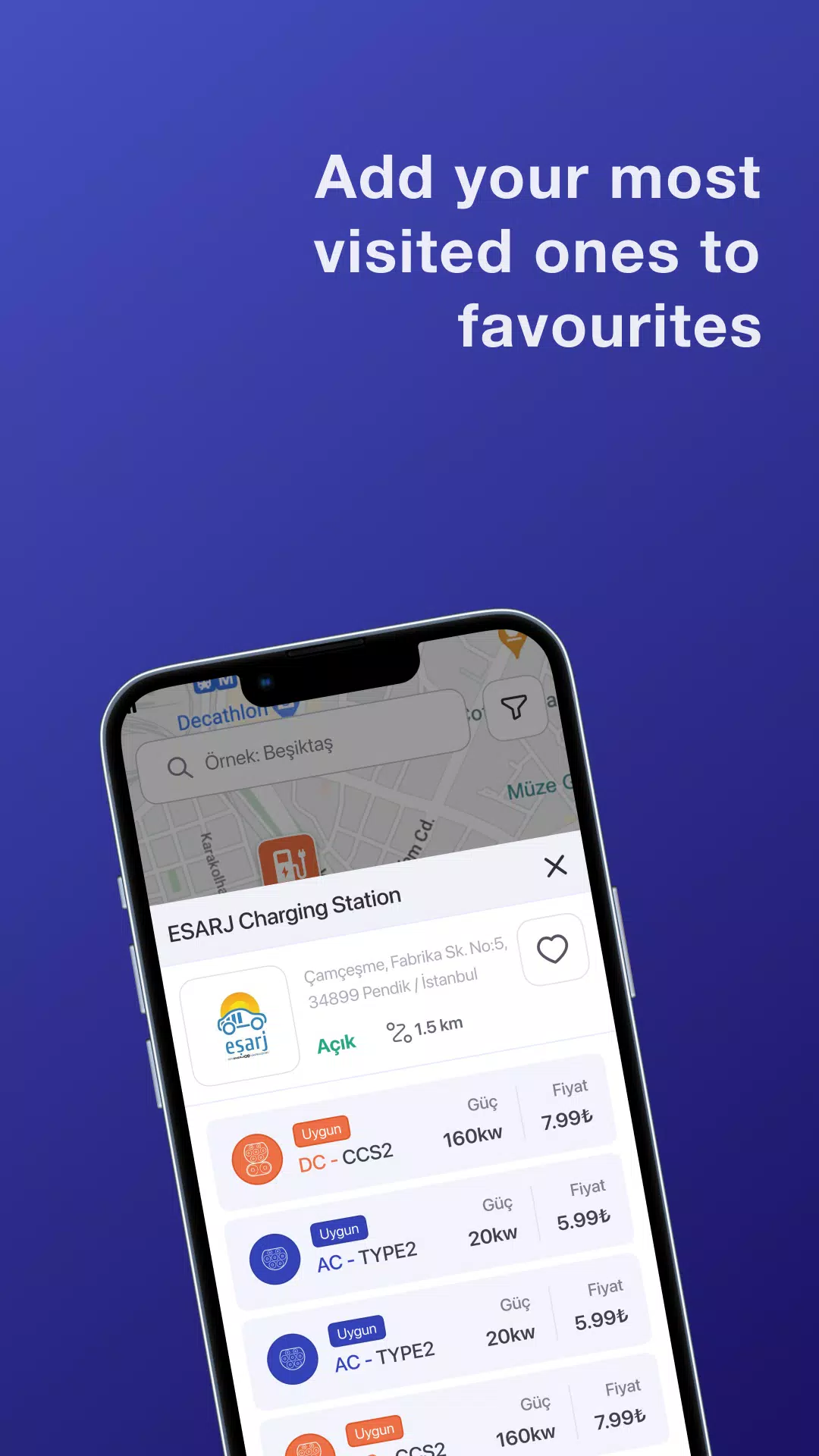
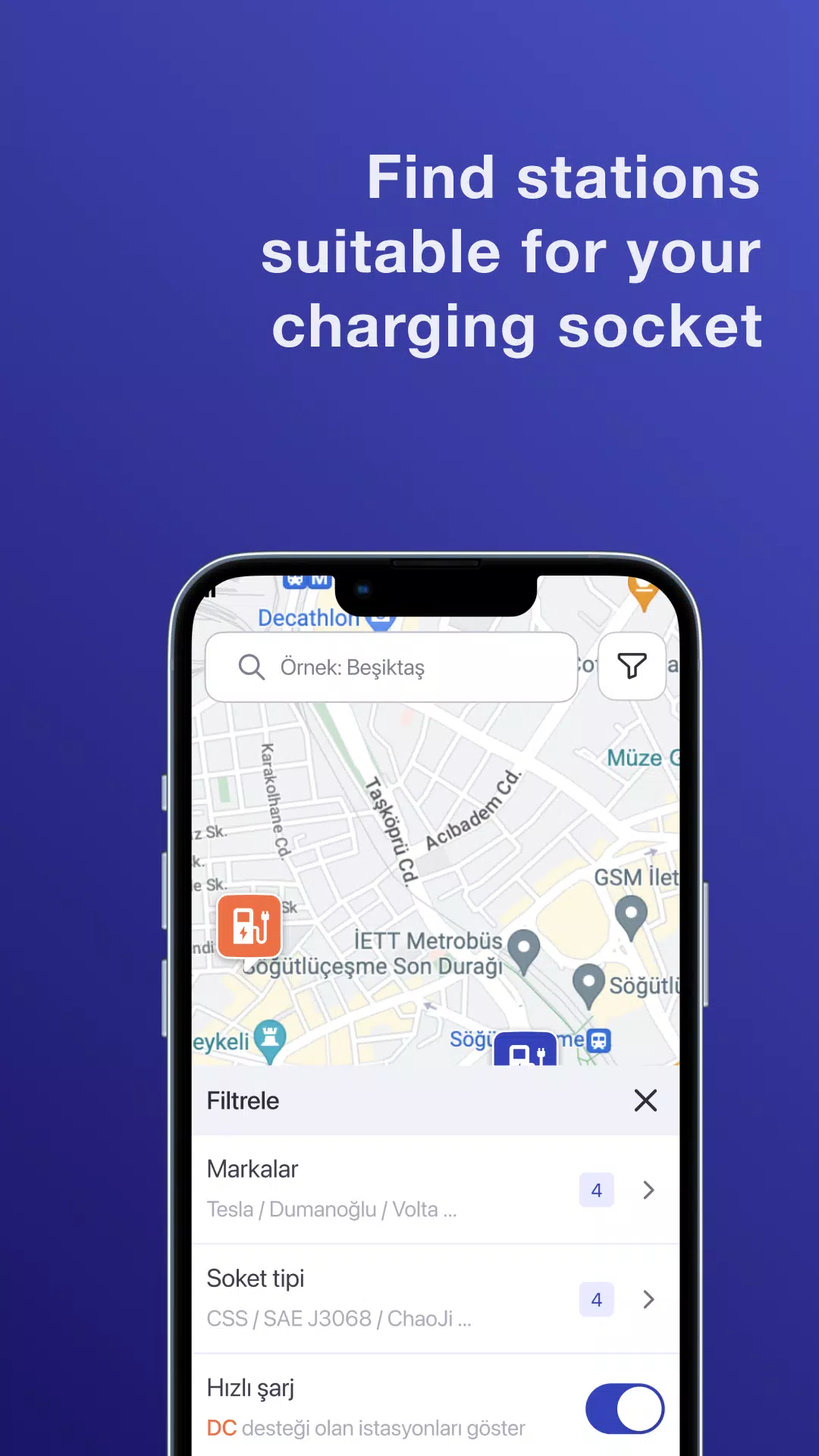
Plugzy is a lightweight Android utility that centralizes app plugins, automation routines, and device shortcuts into a single, easy-to-use hub. It streamlines repetitive tasks, connects services, and provides quick-access tools so you can customize workflows without writing code or juggling multiple apps.
Plugzy acts like an extension manager and automation center combined. Instead of scattered add-ons and isolated automation apps, it offers a unified place to install small functional modules, trigger actions from widgets or notifications, and chain tasks across apps and system settings. The result is faster daily interactions and fewer manual steps for common routines.
The feature set focuses on practical improvements to everyday phone use. Highlights include:
Design emphasizes clarity and speed. The main dashboard presents active plugins and recommended routines, while a discovery tab suggests new modules based on installed apps. Creating a workflow is a drag-and-drop process: pick triggers (time, notification, widget), select actions (launch app, change setting, send message), and test instantly. The interface balances friendly onboarding with deeper configuration panels for users who want precision control.
Plugzy integrates with common Android features and many third-party apps through intent-based actions and accessible APIs. It supports media players, messaging apps, file managers, and popular calendar services. Developers can build small adapters or use existing modules to bridge apps without needing system-level permissions. Compatibility testing aims to keep battery impact low while preserving reliable triggering across Android versions.
Customization is central: themes, icon packs for widgets, and named routines let you tailor the look and feel. Permission controls are granular — each plugin requests only the access it needs. If a module needs location or storage, those requests are visible when installing and can be revoked later. Profiles let you switch sets of plugins for work, travel, or home scenarios.
Plugzy is engineered to minimize background resource use. Most modules remain idle until triggered, and the app provides a performance monitor to show CPU and battery activity per plugin. Data synchronization uses encrypted storage and optional cloud accounts; you can keep backups locally. Privacy options let you limit telemetry, and the app documents what data is collected for support and diagnostics.
Real-world examples make the value clear: an evening routine that dims brightness, silences notifications, and launches a meditation timer; a travel profile that disables background sync, turns on battery saver, and opens maps; or a simple file-share plugin that compresses recent photos and prepares a message to a chosen contact. These small automations save time and reduce friction in repetitive tasks.
Installing Plugzy is straightforward. After installation, grant only the permissions needed for your chosen plugins. Browse the marketplace for recommended templates, enable a few starter routines, and try adding a home-screen shortcut. Over time you can expand the library of modules and refine triggers to match your habits.
Anyone looking to reduce daily taps and streamline app interactions will appreciate how Plugzy composes small, focused tools into meaningful workflows. It fits casual users who want ready-made templates as well as tech-savvy people interested in creating custom chains of actions without scripting.
Plugzy focuses on practical automation, low overhead, and clear privacy controls. With modular plugins and a user-friendly editor, it aims to make common smartphone routines faster and more predictable without forcing heavy permissions or complex setups.