
SC Emergency Manager
Version: 2.0.1
17.40MB
4.2
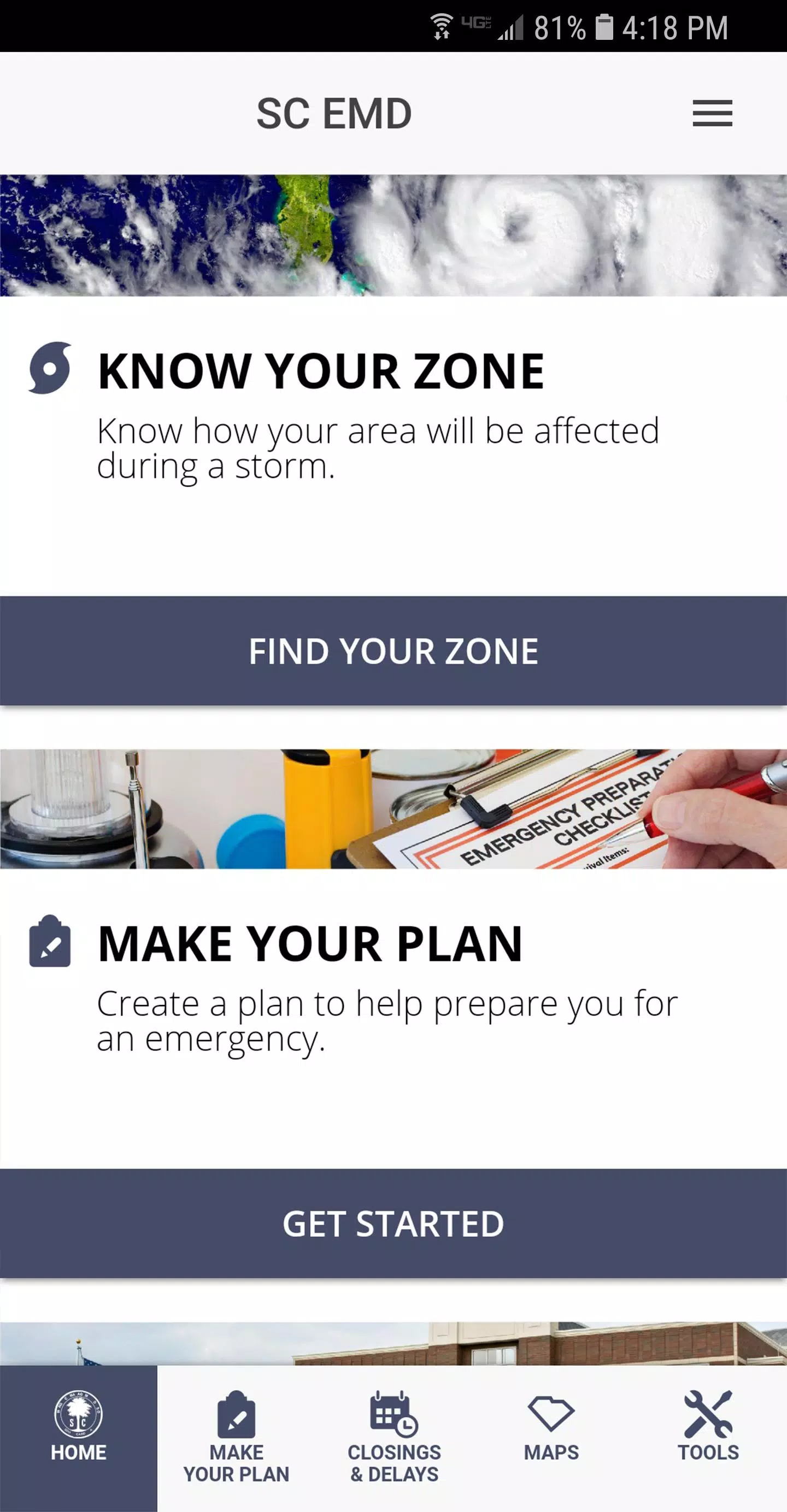
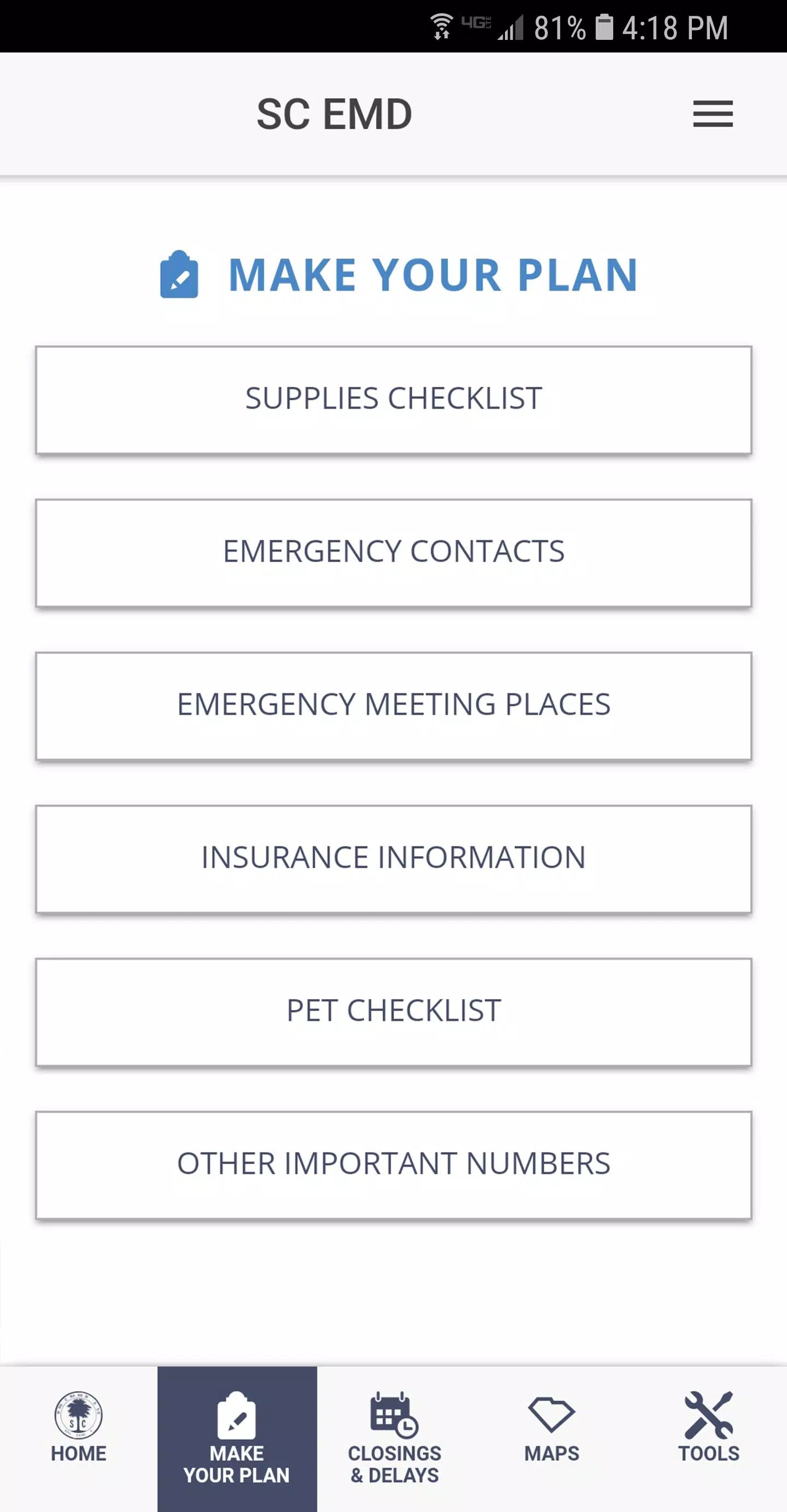
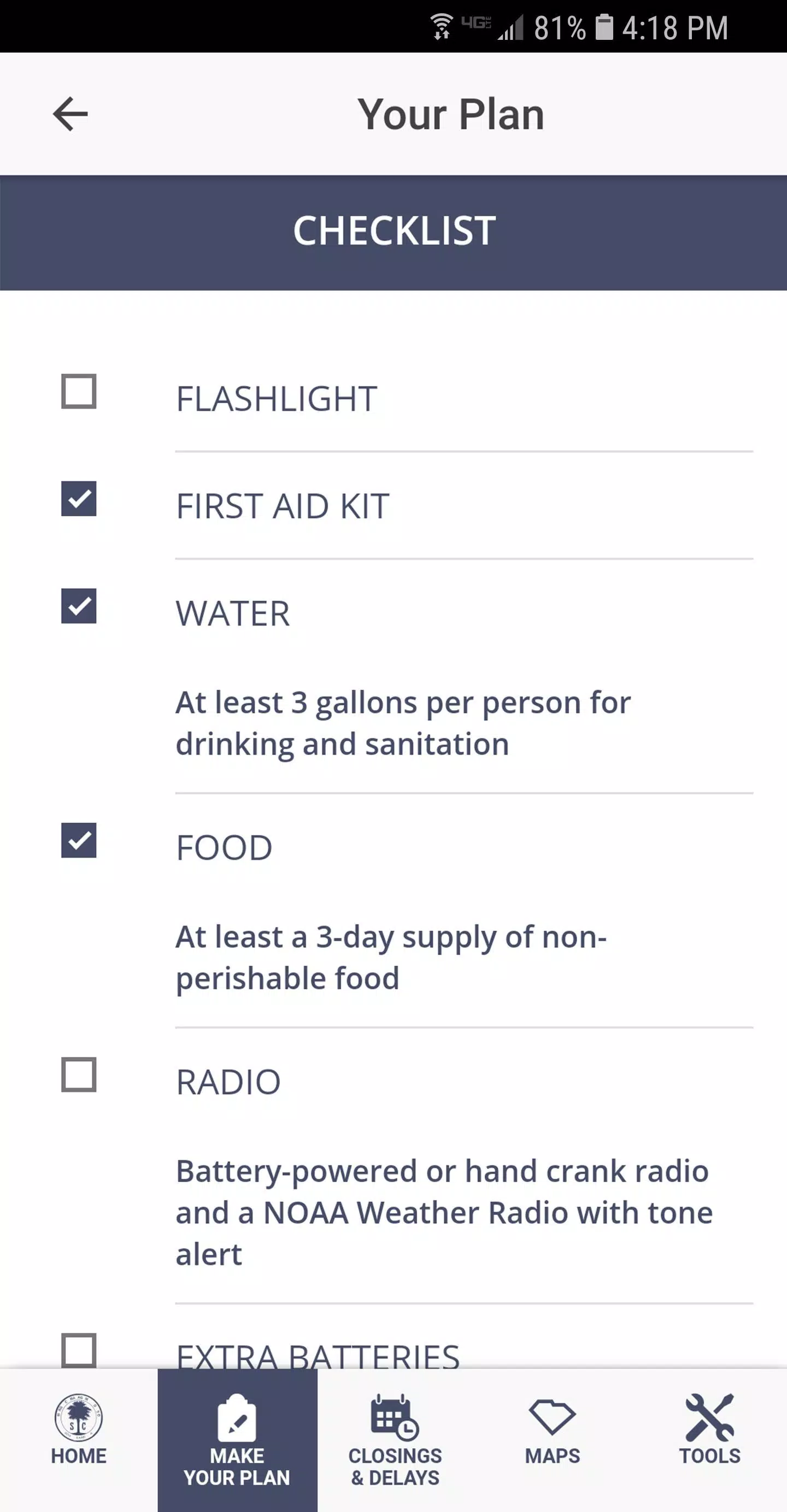
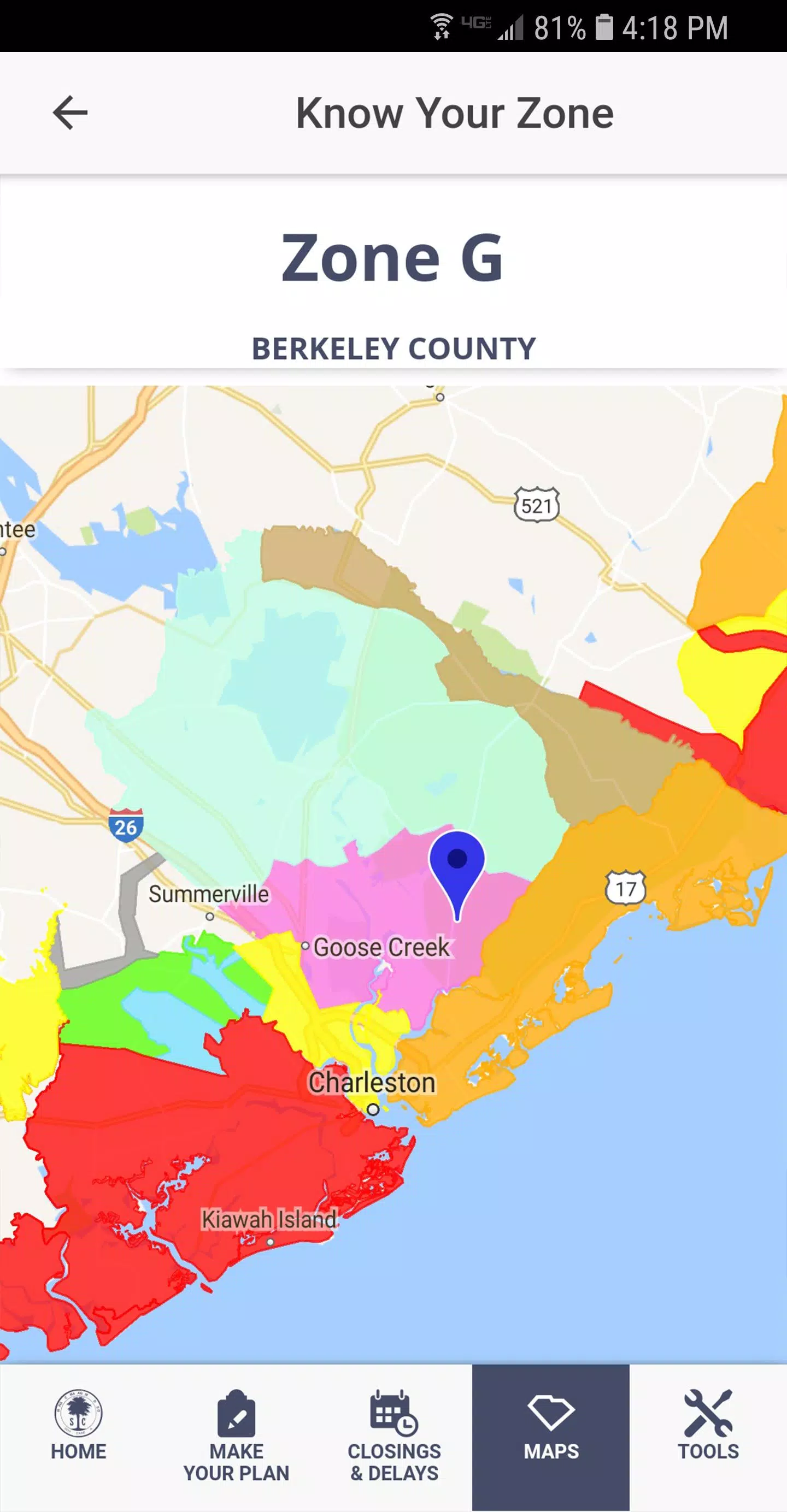
SC Emergency Manager is a mobile application designed to coordinate incident response, manage resources, and streamline communication during emergencies. It offers real-time alerts, task assignment, and situational mapping to help teams maintain accountability and respond faster while keeping stakeholders informed across agencies and jurisdictions.
SC Emergency Manager centralizes the tools responders need into a single, mobile-first platform. The app provides live incident dashboards, configurable alerting, and role-based access so supervisors and field crews see the information most relevant to their duties. Built-in templates for incident types and checklists help teams ramp up quickly without losing track of critical steps.
The interface prioritizes speed and clarity: large action buttons, color-coded statuses, and an at-a-glance incident timeline reduce cognitive load under stress. Field users can report assessments, attach photos or videos, and update resource status with a few taps. Supervisors use the same app to triage tasks, reassign crews, and approve requests without switching platforms.
Mapping is a core part of the experience. SC Emergency Manager supports layered maps showing hazards, critical infrastructure, and unit locations. Geofencing and proximity alerts notify managers when assets enter or leave priority zones. The app also integrates with common data sources and APIs so weather feeds, sensor alerts, and public safety databases feed directly into incident views.
Resource management tools let teams track personnel, vehicles, equipment, and consumables. Reserve and dispatch functions make it easy to allocate resources where they’re needed most, while inventory tracking reduces downtime by highlighting shortages before they become critical. Task boards and timelines show progress across multiple incidents so leaders can re-prioritize in real time.
Effective coordination depends on clear communication. SC Emergency Manager includes secure chat channels, group messaging by incident or role, and templated status reports that can be exported or shared with partner agencies. Incident notes are searchable and linked to specific tasks or geographic points, creating a complete audit trail that supports after-action review and compliance.
Designed for demanding environments, the app employs encryption in transit and at rest, multi-factor authentication, and detailed access controls to protect sensitive data. Offline mode caches critical maps and forms so users remain operational without connectivity; changes sync automatically once a connection is restored. Optimizations for battery and data usage keep the app responsive during long shifts in the field.
Getting started is straightforward: administrators configure incident types, roles, and communication channels through a web console while field teams install the mobile client. SC Emergency Manager supports policy-driven templates and optional integrations with dispatch systems, CAD, and GIS platforms. Training materials, in-app tips, and sandbox exercises shorten the learning curve and help teams validate workflows before live events.
Organizations choose this platform for its focus on usability under pressure, flexible integration options, and the ability to centralize situational awareness. By replacing fragmented tools with a unified incident management workflow, agencies and response teams reduce duplication, improve response times, and maintain clearer records for coordination and reporting.
Before deployment, evaluate connectivity plans, role assignments, and integration points to maximize value. Regular drills using the app ensure configurations match real-world needs and help staff become comfortable with rapid updates and role changes during incidents. With thoughtful implementation, SC Emergency Manager becomes a practical hub for everyday preparedness and major incident response alike.