
Sanadin Selfie
Version: 4.3
3.30MB
4.5
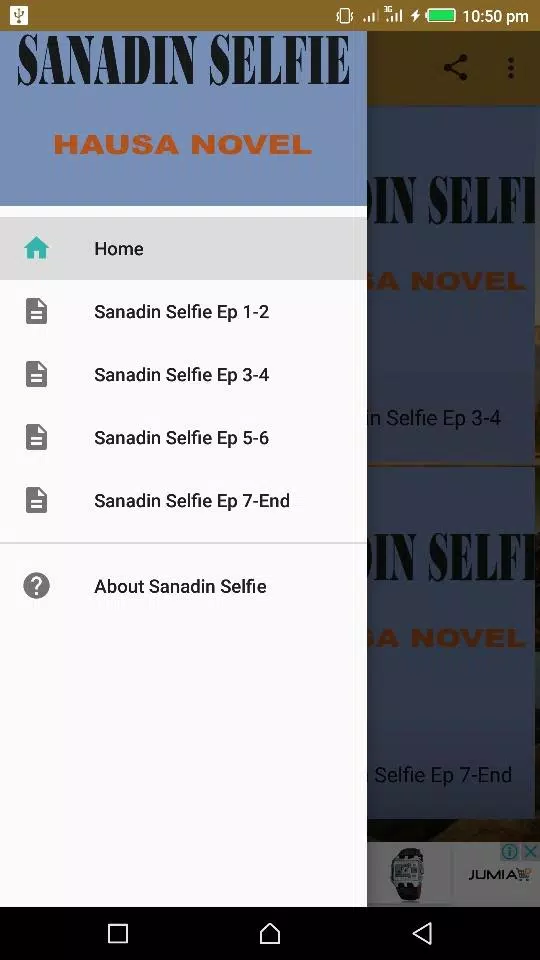


Sanadin Selfie transforms everyday phone photography into polished portraits with a single tap. This app blends intelligent camera controls, real-time beauty filters, and background editing tools to help users capture flattering selfies quickly. Designed for ease and precision, Sanadin Selfie is suitable for social sharing, professional profiles, and creative photo experiments.
Sanadin Selfie focuses on combining automated enhancements with granular controls. It detects faces automatically, suggests composition improvements, and applies subtle retouching so images look natural rather than overly processed. The app supports both quick one-tap fixes and deeper manual edits for users who want full creative control.
The interface is arranged for speed: a clean camera preview takes center stage, with context-aware controls along the edges. Tools appear only when relevant, minimizing clutter and making the capture process intuitive. After shooting, the editor opens instantly with a chronological stack of adjustments that can be toggled on or off.
Sanadin Selfie offers nondestructive editing so every change can be reversed or fine-tuned later. Brush and mask tools let you target specific areas for correction, and a layered approach keeps edits organized. Tone curves, selective color, and highlights/shadows controls offer photographers familiar adjustment options in a mobile-friendly layout.
The app is optimized to run smoothly across a wide range of Android devices. Hardware acceleration speeds up real-time previews and saves, while on-device AI processing protects privacy and reduces upload times. Sanadin Selfie scales camera features based on device capability, enabling higher resolution captures on flagship phones and essential functionality on mid-range models.
Sanadin Selfie makes it easy to export images in multiple formats and resolutions. Choose from social-ready presets for platforms like Instagram, or export full-resolution files for archiving or printing. Built-in sharing shortcuts let you post directly to social networks, messaging apps, or cloud storage without leaving the app.
Position your light source in front of you, use portrait mode for depth, and enable face detection to let Sanadin Selfie refine focus and exposure automatically. For natural edits, keep AI retouching intensity moderate and use the preview toggle to compare before and after states.
Download and grant camera and storage permissions to begin. Step through the guided tutorial to learn essential gestures and tools, and try the one-tap enhance on a test shot to see immediate improvements. Regular updates introduce new filters and optimization improvements, so check the app store notes for new features.
Sanadin Selfie processes most enhancements on-device, minimizing data transmission. The app clearly lists required permissions and offers settings to control cloud syncing and backup. Users can export or delete photos at any time, maintaining full control over personal images.
With a balance of automation and manual tools, Sanadin Selfie helps users achieve professional-looking selfies without a steep learning curve. Whether you want a quick polished shot or a crafted portrait, the app presents a thoughtful set of features that streamline the mobile photography workflow.