TCDC Digital Resource
Version: 1.6.6
12.40MB
4
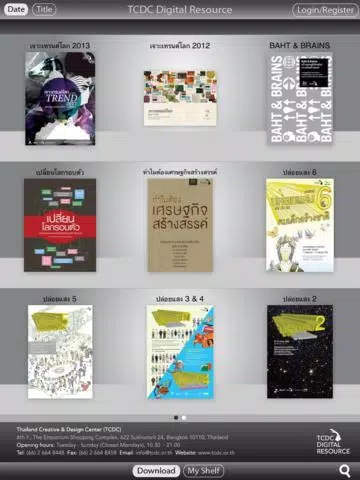
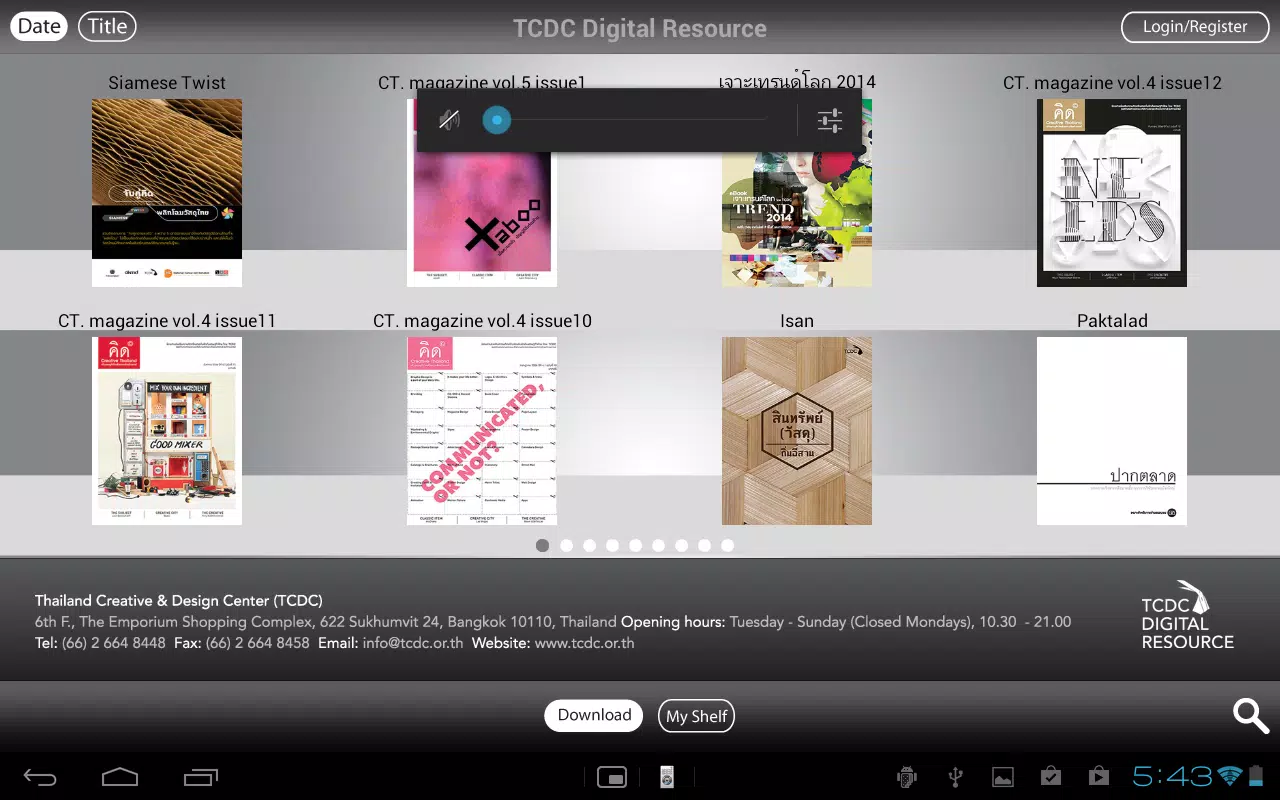
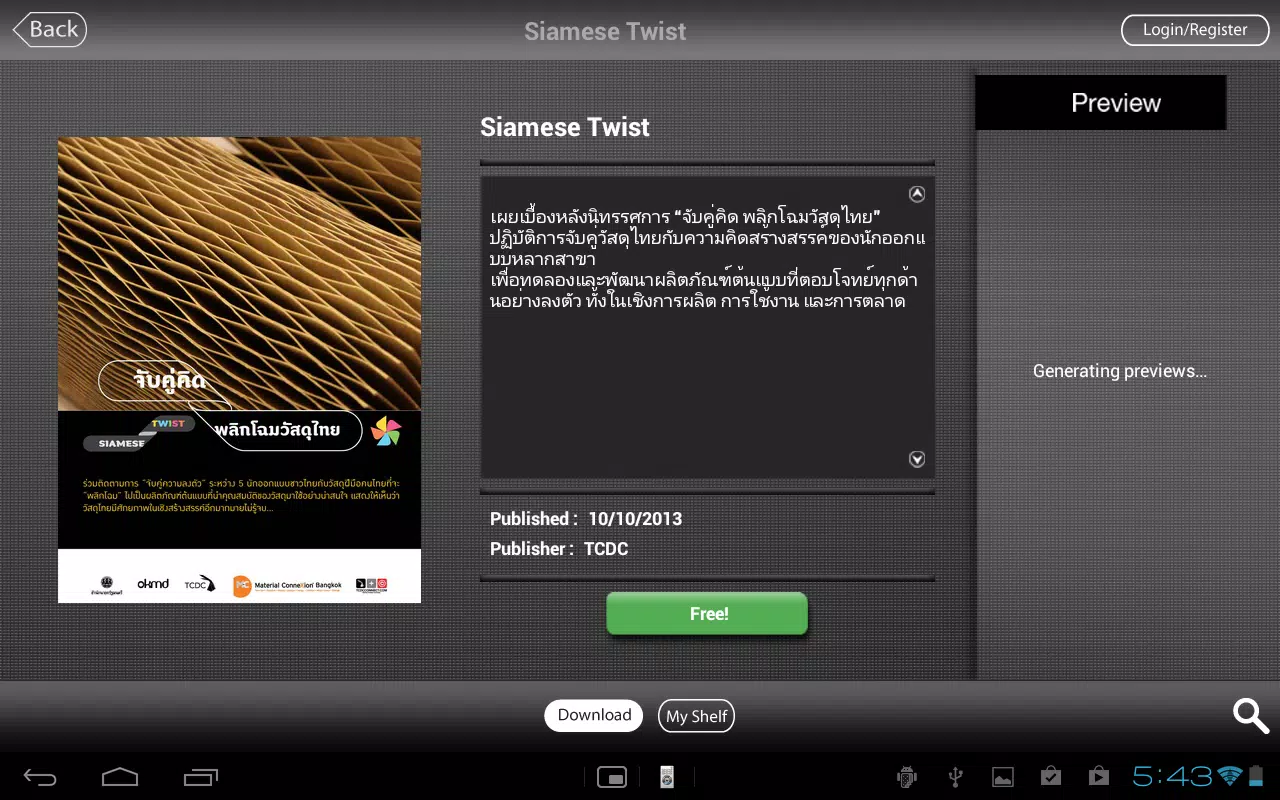
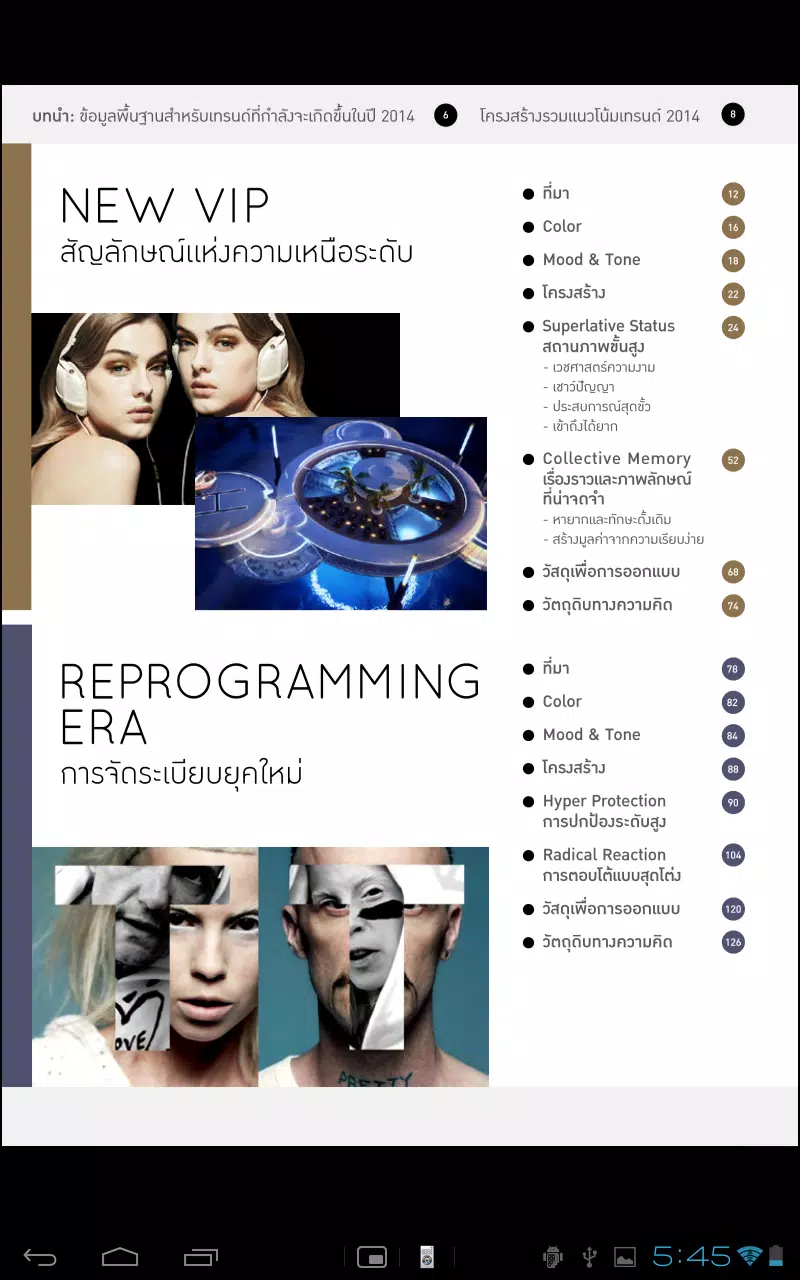
TCDC Digital Resource is an intuitive Android app that organizes educational materials, design references, and multimedia assets into a searchable library for students, designers, and educators. It streamlines access to curated content, annotations, and offline reading so you can research, plan, and present ideas from any device.
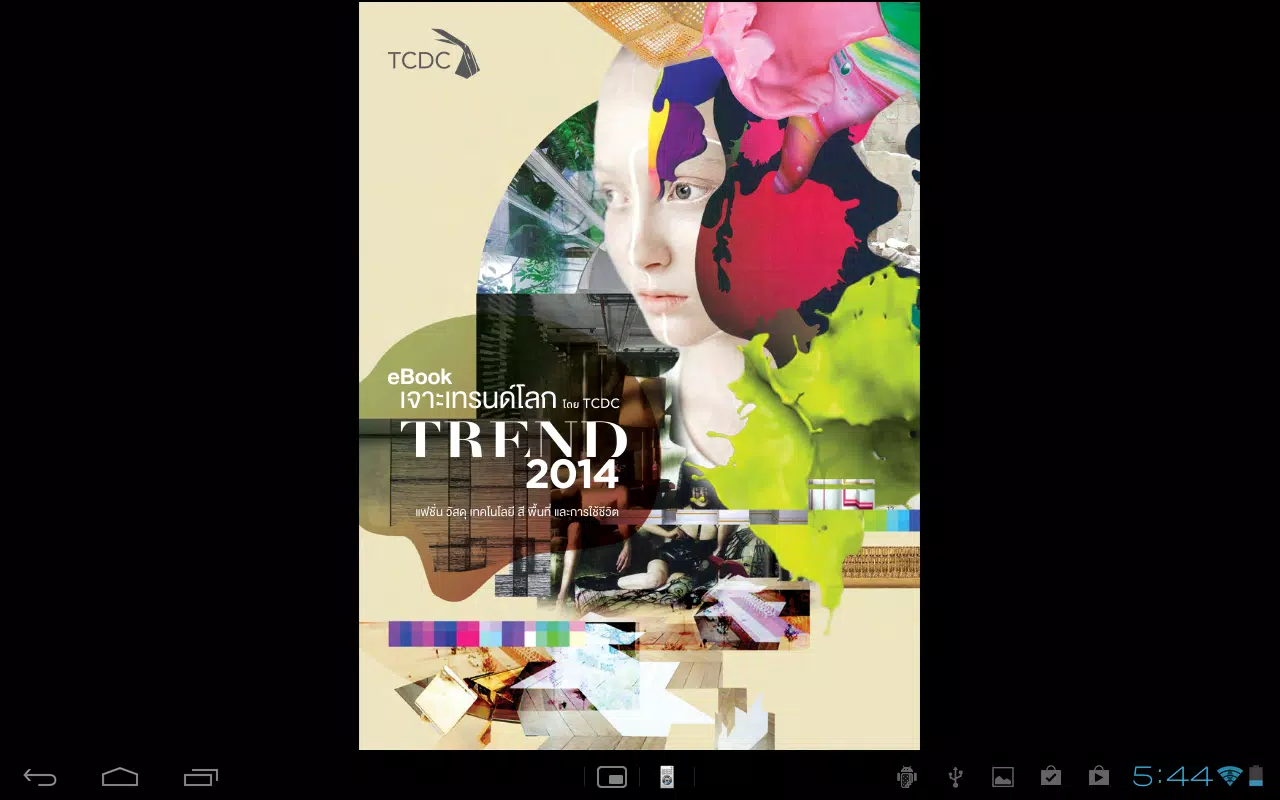
TCDC Digital Resource centralizes learning materials and creative references in a single, well-structured environment. The app supports PDFs, high-resolution images, video clips, and interactive documents, allowing users to view and annotate files in place. Content is grouped into collections and tags so you can quickly locate relevant resources without sifting through multiple sources.
The app’s toolbox is designed for practical use. Key features include a powerful search engine that indexes full text and metadata, a bookmarking system for fast retrieval, and note-taking tied to specific documents. Built-in viewers render complex layouts and images without converting files, while annotation layers let you highlight, comment, and attach sketches directly to pages.
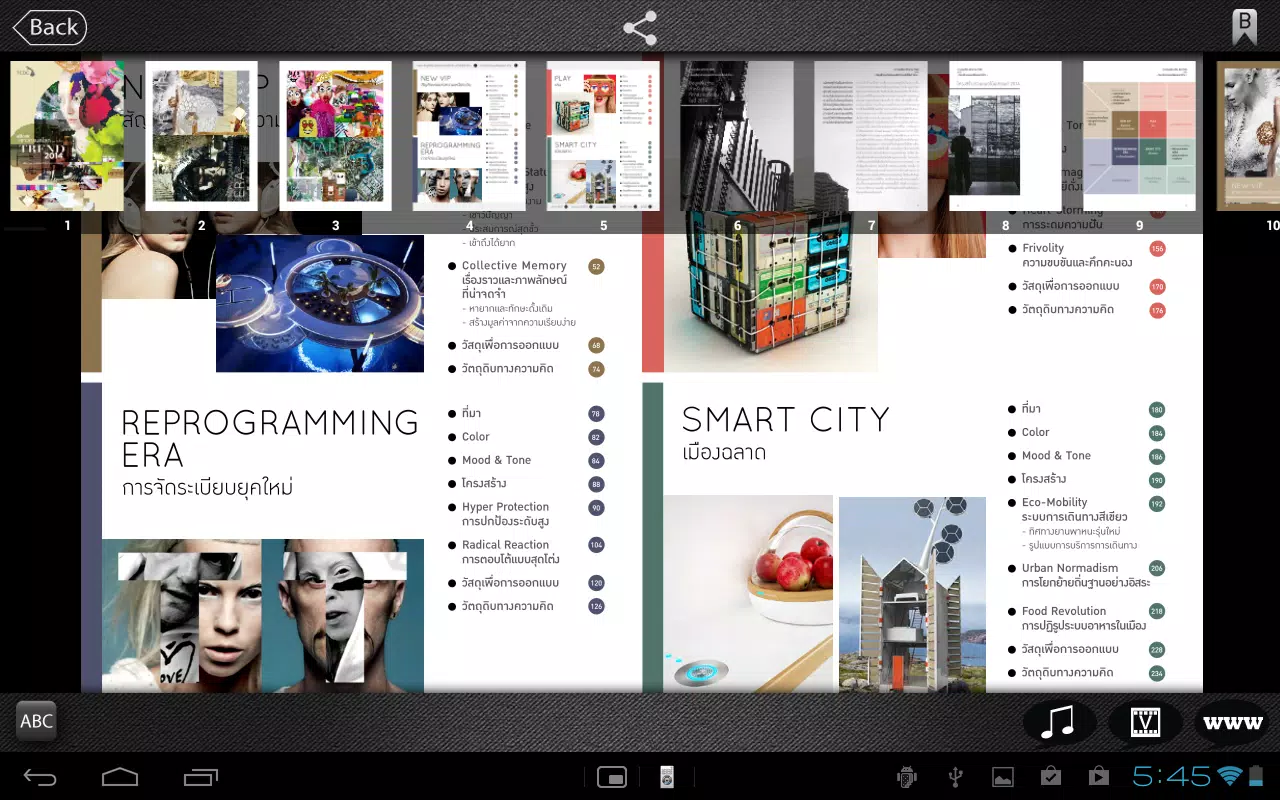
The user interface focuses on clarity and speed. A responsive toolbar adapts as you switch between reading, editing, and browsing modes. The home view surfaces recent and recommended items based on your activity. Navigation gestures make flipping between pages and collections effortless, while customizable layouts allow a two-panel or single-panel viewing experience depending on screen size.
TCDC Digital Resource is built for creative workflows and academic routines. Use it to collect references during research, assemble mood boards for design projects, or curate reading lists for teaching. The app integrates with common cloud storage providers so you can import or export materials without interrupting your process. Collaboration options let teams share collections and exchange annotated versions.
One notable strength is offline readiness. Mark important collections for offline access and continue working without a network connection. When connectivity is restored, the app syncs changes and merges annotations intelligently, minimizing conflicts. Version history keeps track of edits so you can revert to earlier states if needed.
Findability is a priority. The search interface combines keyword suggestions, configurable filters, and quick-access tags. Advanced filters include date ranges, file type, author, and course. Saved searches become dynamic collections that update as new matching material is added, making it easier to maintain topical libraries over time.
TCDC Digital Resource is optimized for modern Android devices and offers smooth performance even with large libraries. The app uses adaptive image loading to balance clarity and speed on different hardware. Compatibility extends across Android versions commonly in use and supports tablets and phones with layouts that respond to screen size and orientation.
Security features include local encryption for offline collections and optional passcode or biometric locks for the app. Permissions are scoped to only what’s necessary for file import, camera use for scanning, and cloud sync. Administrators can manage access controls when the app is used inside institutions, ensuring that sensitive materials remain restricted.
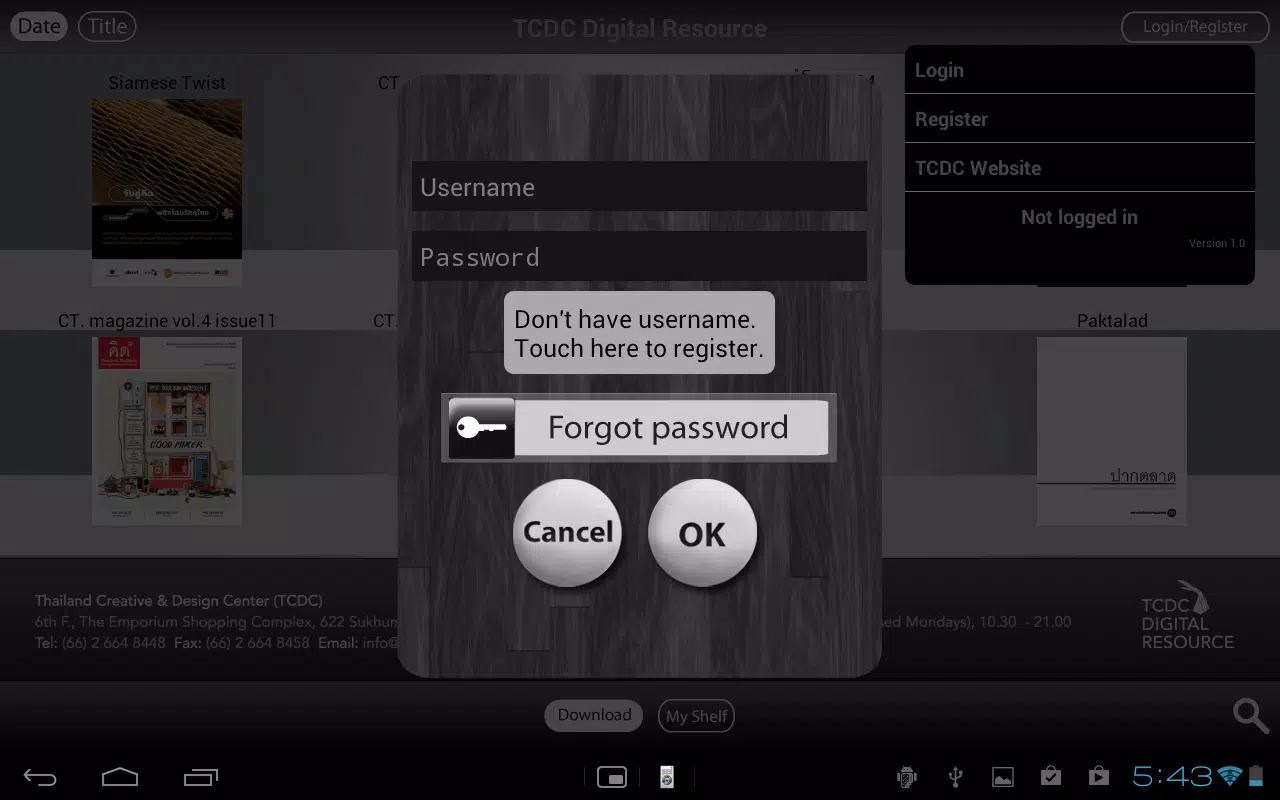
Begin by creating an account or signing in with your institutional credentials. Import a few sample files to learn how annotations, collections, and offline packs work. Explore the settings to connect cloud accounts and customize sync frequency. For teams, invite collaborators to a shared collection and try annotating the same document to experience real-time coordination.
TCDC Digital Resource combines robust organization features with a reader-first interface and solid offline capabilities. It's particularly useful for educators, designers, and researchers who rely on a curated set of materials and need dependable access across multiple devices. Frequent updates keep the app aligned with new file formats and user-requested enhancements.
Download TCDC Digital Resource to streamline your content management and keep your ideas organized, searchable, and ready to share whenever inspiration strikes.