
Bend Pill Box
Version: 7.4.8
9.40MB
4
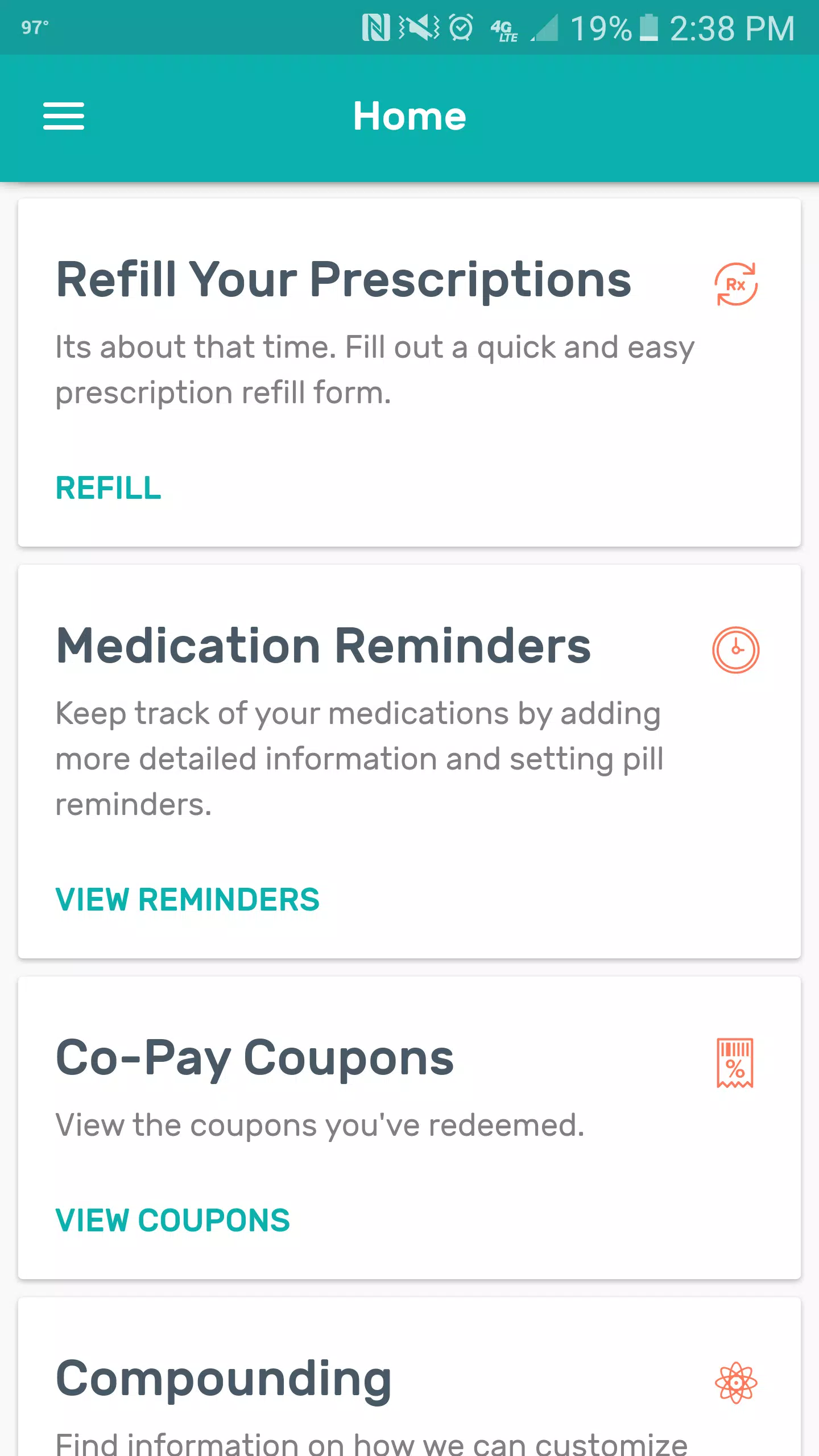
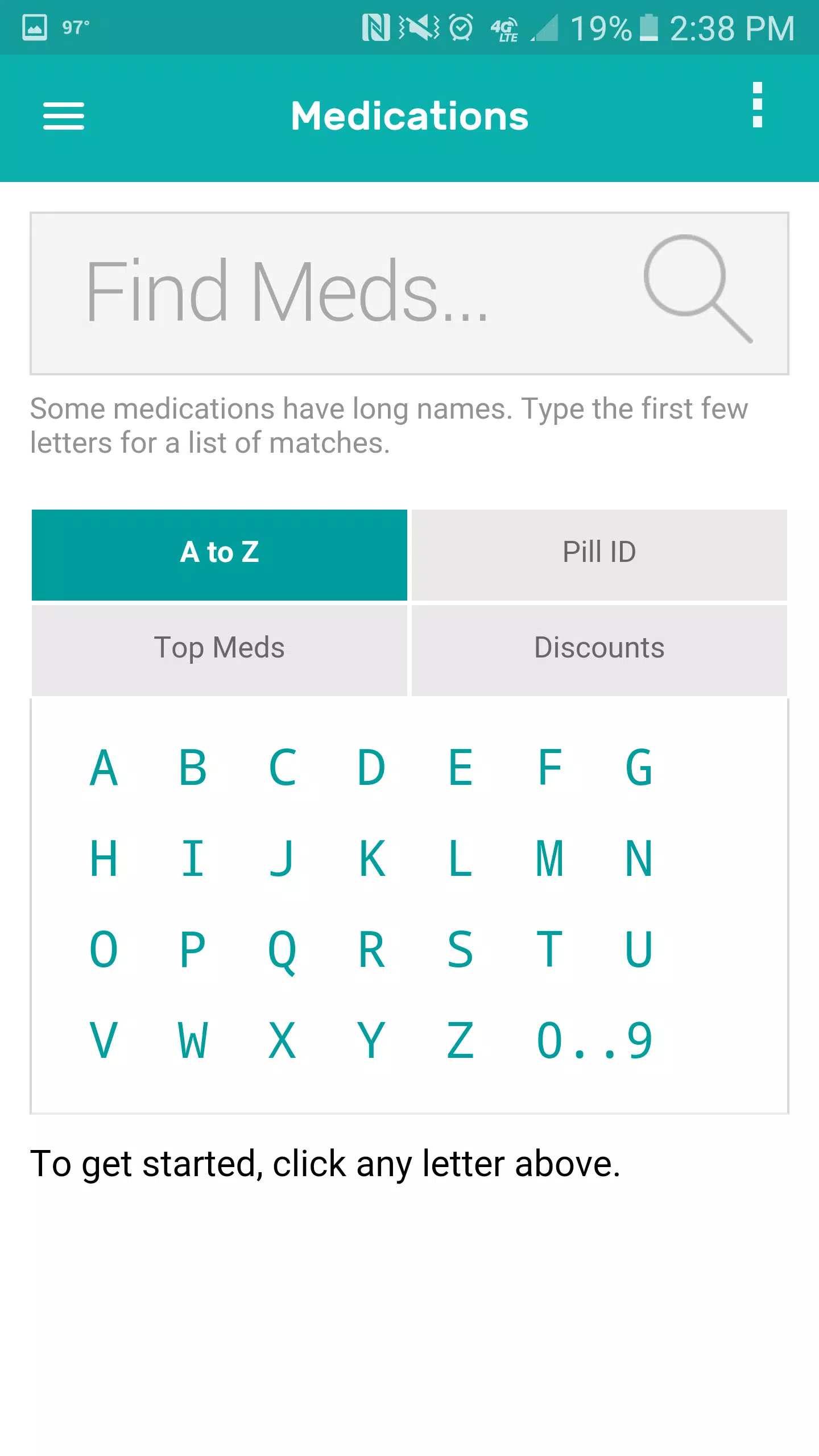
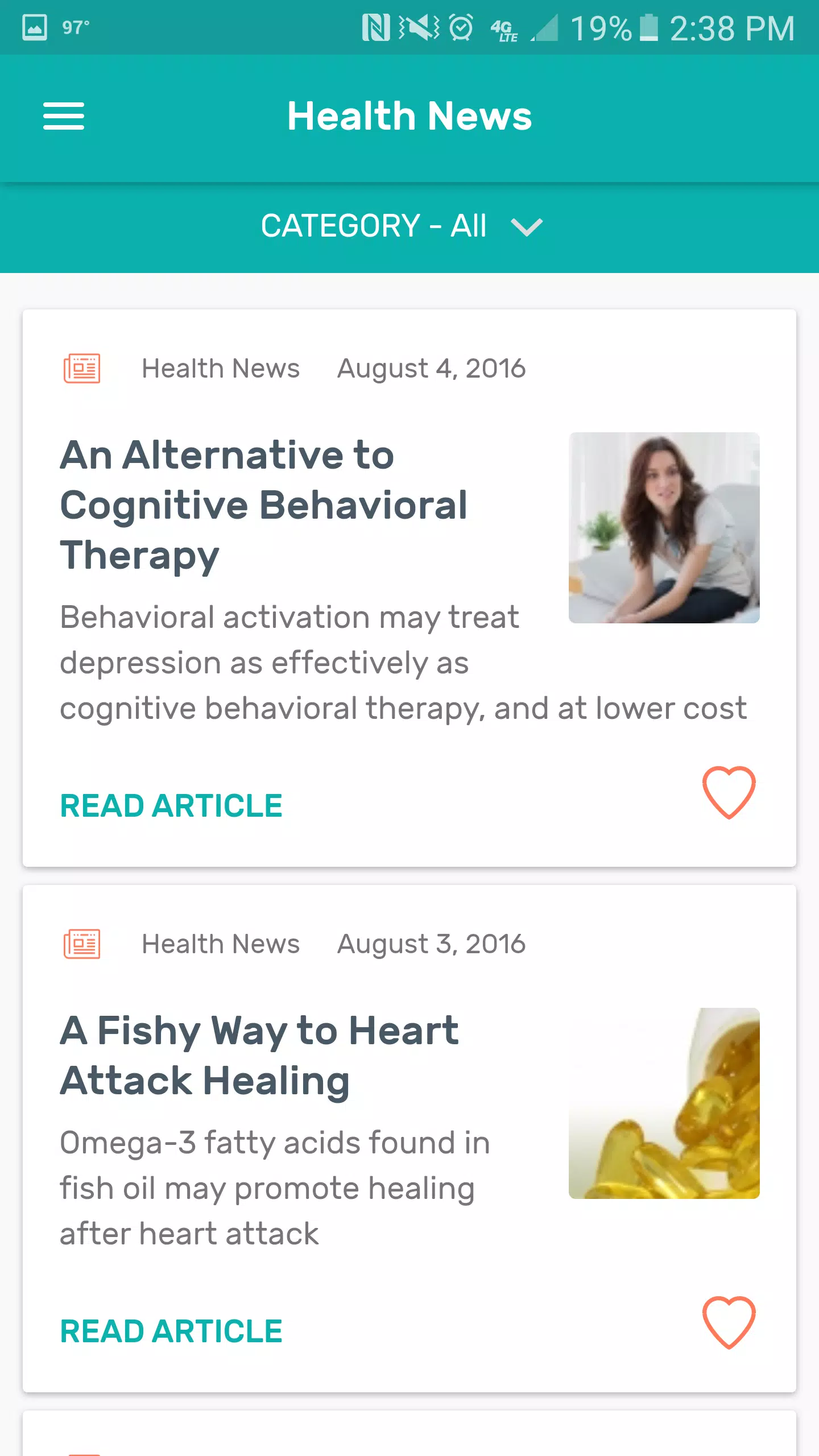
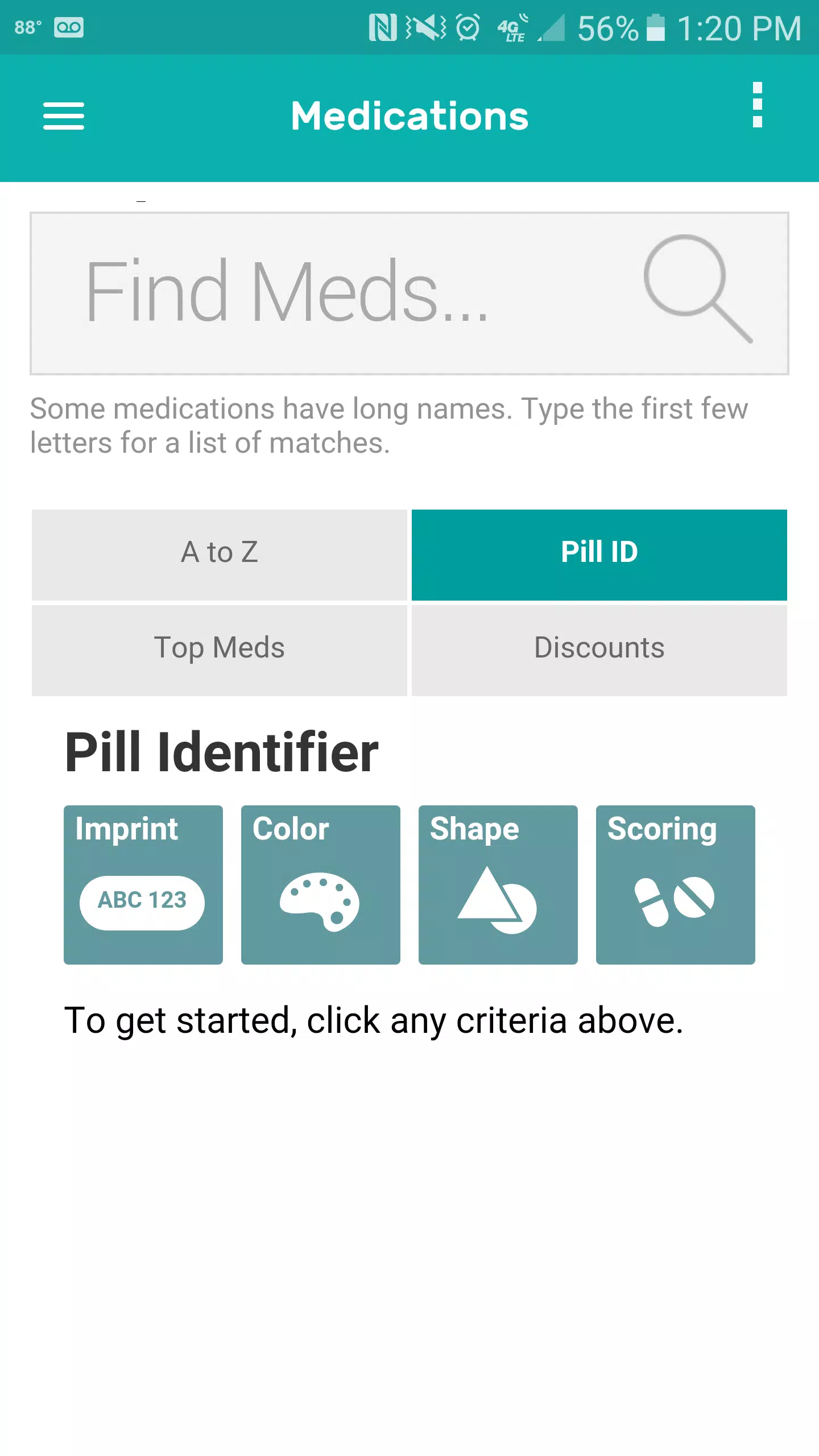
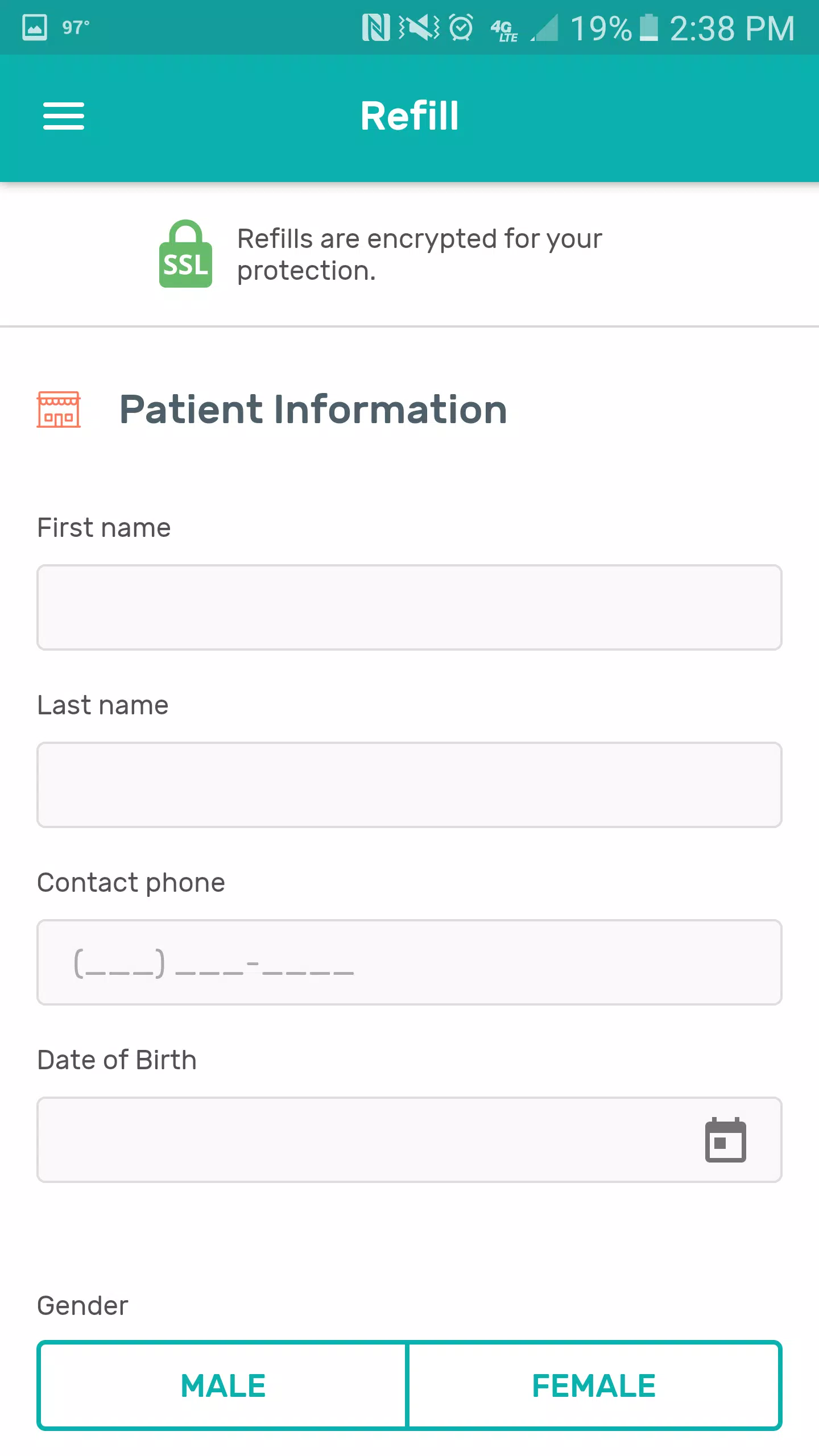
Bend Pill Box helps you manage medications, schedules, and refills with clear reminders, secure records, and quick logging. Designed for daily routines and complex prescriptions alike, Bend Pill Box streamlines dose tracking, allows custom schedules, and supports multiple user profiles to keep medication organized and timely.
Bend Pill Box is a compact medication management utility built for Android users who need reliable reminders and straightforward tracking. The app focuses on reducing missed doses through flexible alarms, visual confirmations, and a simple interface that avoids clutter. It is useful for caregivers, chronic-condition patients, and anyone juggling several medicines.
The setup flow is straightforward. Add medications by name, choose dose size, frequency, and any special instructions. For complex schedules, the app supports interval dosing, specific weekdays, and time windows. When a reminder triggers, the interface presents one-tap confirmation to mark a dose as taken. Bend Pill Box validates entries to avoid accidental duplicate reminders and lets you edit upcoming alerts in seconds.
User interface choices emphasize speed and clarity. The main dashboard lists upcoming doses with large icons and color-coded statuses. Navigation is minimal: a few tabs cover medications, history, and settings. Visual cues—such as pill images or color bands—help quickly identify items at a glance. Settings include theme options for light or dark modes and adjustable text sizes to improve readability.
The app includes practical tools that support daily medication routines. A refill calculator predicts when supplies will run out based on the dosing schedule. Export options create tidy CSV files for sharing with doctors or pharmacists. Some builds can integrate with calendar apps to show reminders alongside other appointments, and a widget places the day’s doses on your home screen for quick access.
Bend Pill Box stores data locally by default and enables encrypted backups for peace of mind. You can protect the app with a PIN or biometric lock on supported devices. The privacy settings let you control whether analytics are shared with developers, and there is a clear policy for how data is handled when syncing to the cloud.
Performance is optimized for battery life and background reliability. Alarms are lightweight and persist across reboots. The app performs well on a range of hardware, from low-end phones to flagship devices. Users report reliable notifications and fast load times when browsing history or editing schedules.
People pick this app because it blends practical features with a non-intrusive interface. The combination of granular reminder controls, refill forecasting, and clear logging gives users confidence in their medication routines. Caregivers appreciate the multi-profile support, and frequent travelers find the export and widget features handy for maintaining continuity across devices.
Download from the app store, grant notification permissions, and follow the setup wizard to add your first medication. Most users are up and running in under five minutes and can rely on the app to send timely alerts and keep accurate records thereafter.