
SOXO
Version: 1.0.0
68.80MB
4.1
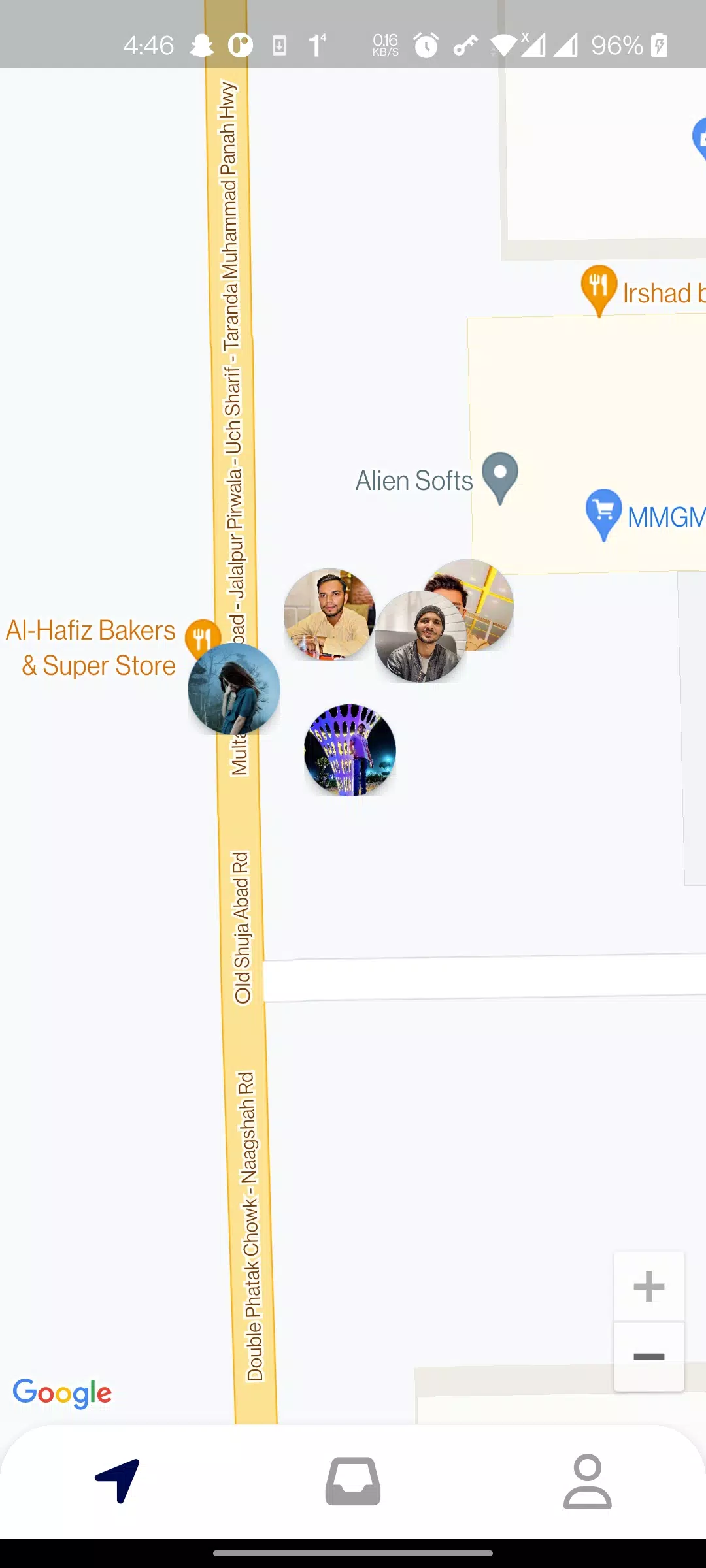
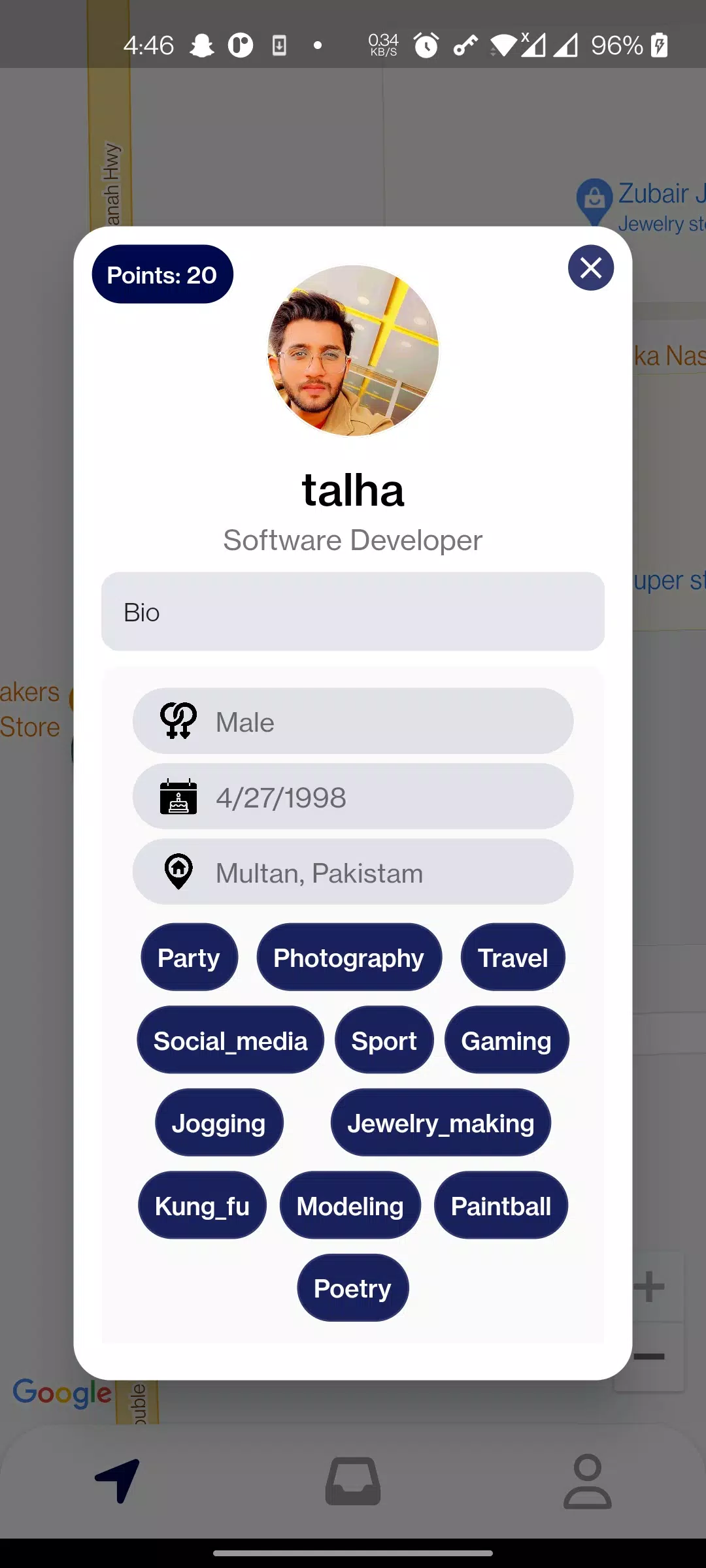
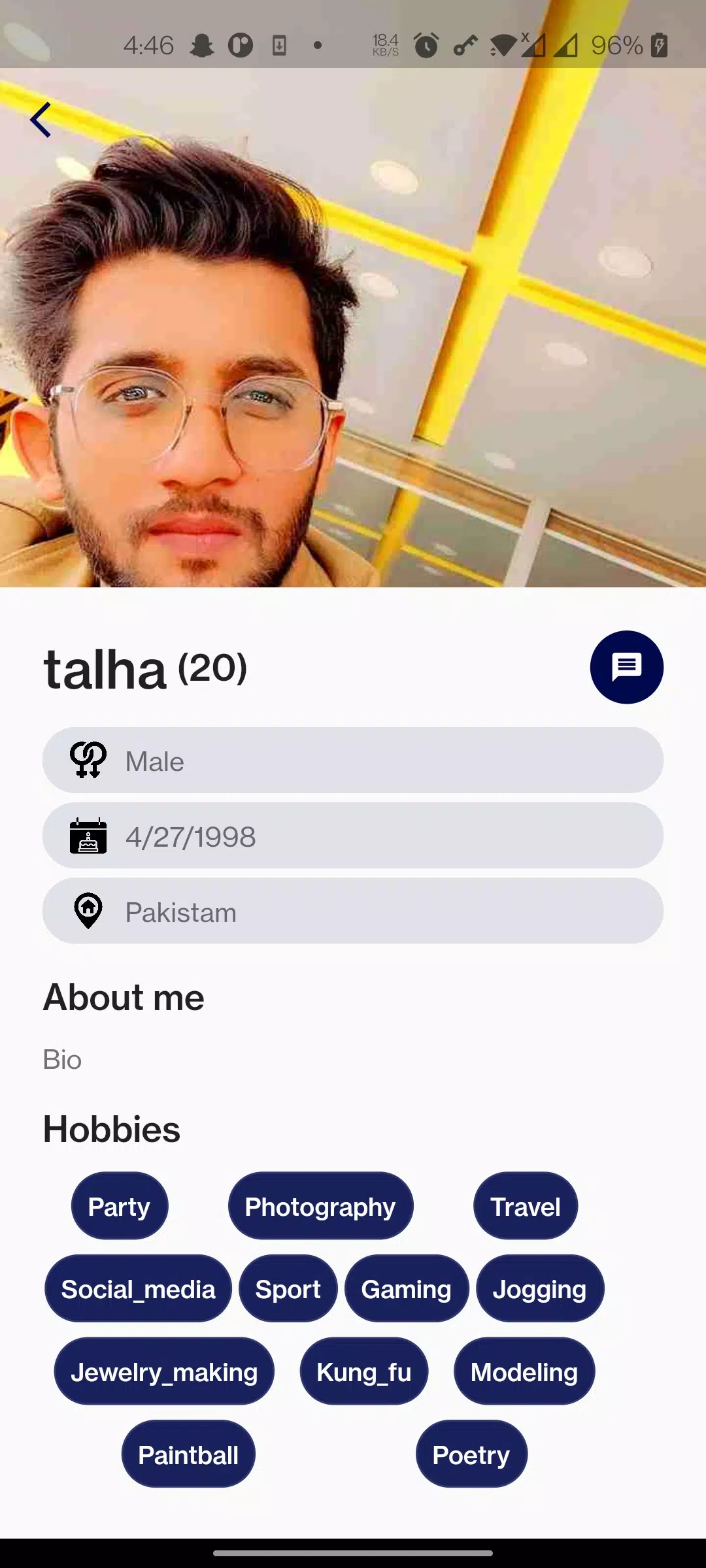

SOXO is a compact Android utility designed to simplify daily workflows by combining fast file handling, task organization, and secure cloud sync in one intuitive interface. It targets users who want a reliable, low-friction tool to manage files and tasks without navigating a maze of settings or paying for unnecessary extras.
SOXO positions itself as a practical productivity companion. The app emphasizes speed and clarity: clear navigation, quick access to recent items, and tight integration with popular storage services. It doesn’t try to be everything at once; instead, it focuses on core capabilities that people actually use every day.
When you open SOXO, the home screen places recent files and active tasks front and center. Swipe gestures and contextual menus help you act quickly: long-press to batch-select, drag to move, or tap to share. The app links tasks to files so you can attach a note to a document and mark it complete once processed.
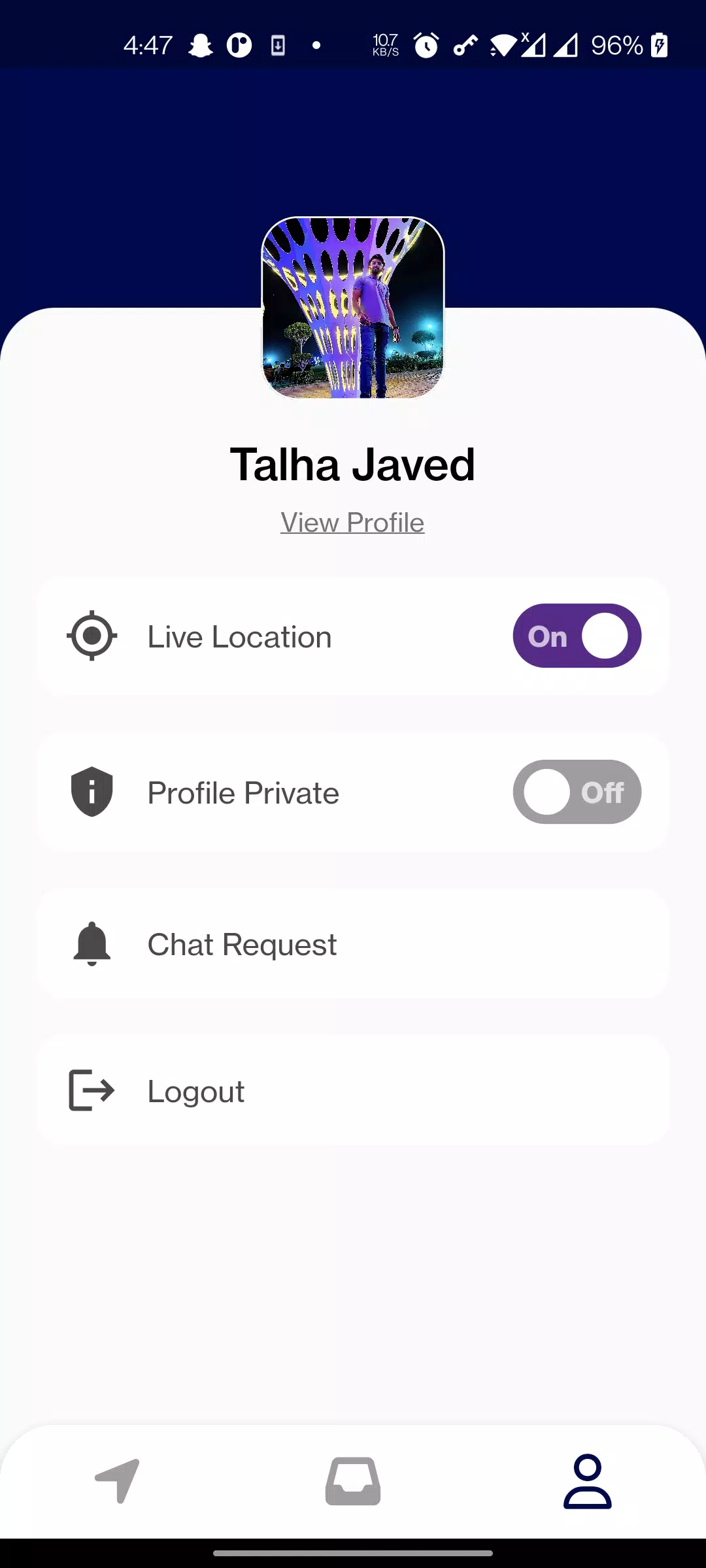
SOXO offers flexible settings without overwhelming the user. You can adjust theme accents, toggle compact or spacious list views, and define default actions for file types. Power users will appreciate customizable swipe actions and the ability to create template tasks for recurring jobs.
The interface in SOXO is streamlined. Buttons are sized for one-handed use, and primary controls sit within thumb reach. Animation is crisp but unobtrusive, and the app’s footprint is optimized so it remains snappy on mid-range devices. Background syncing is configurable to prevent battery drain.
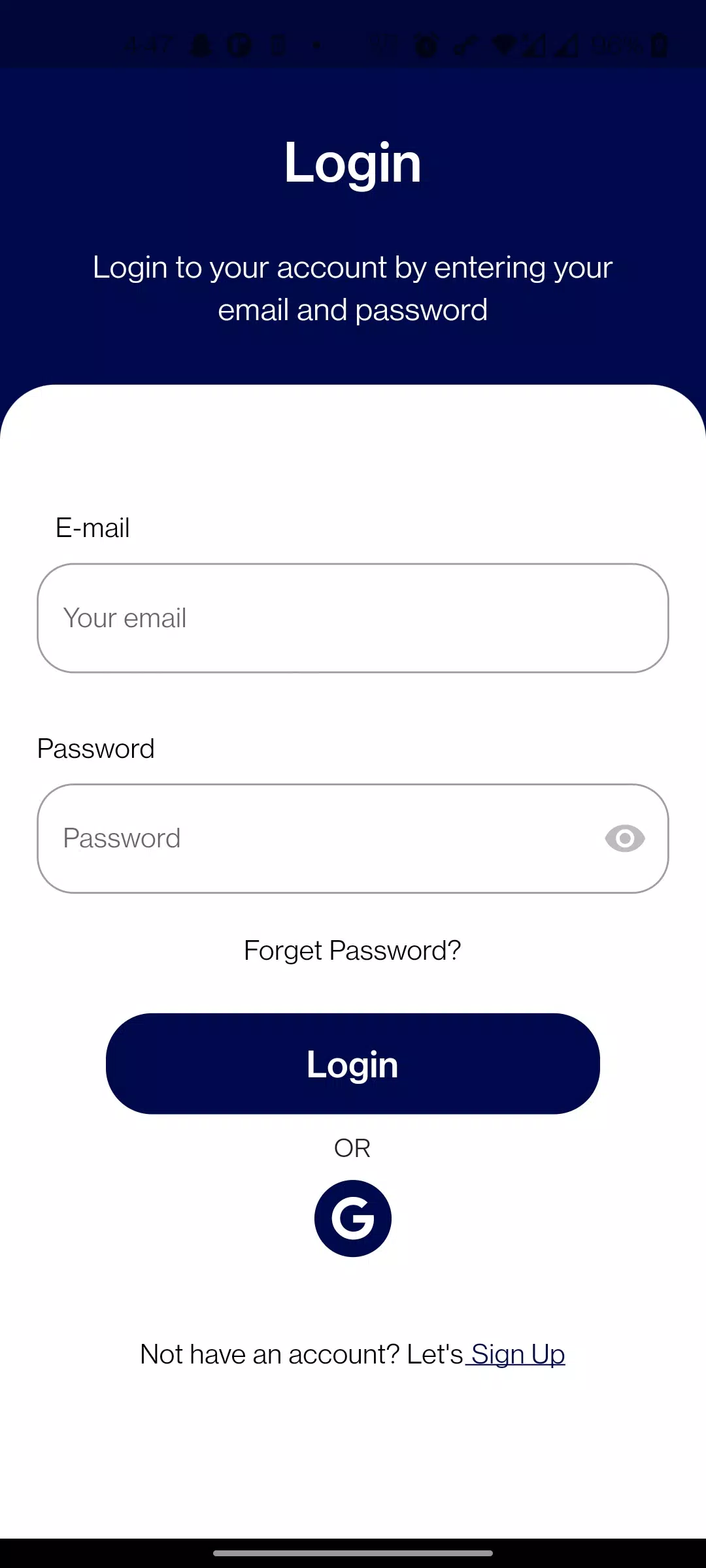
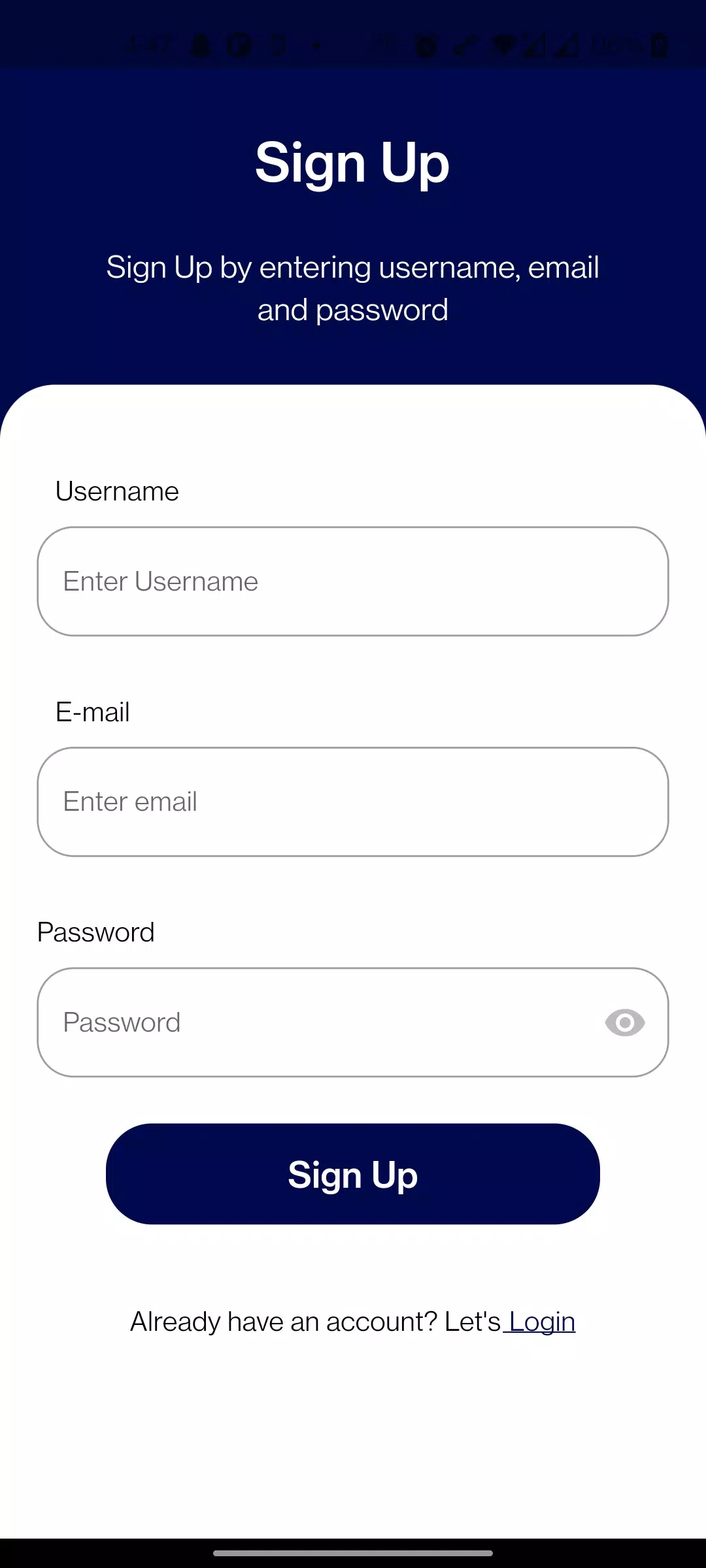
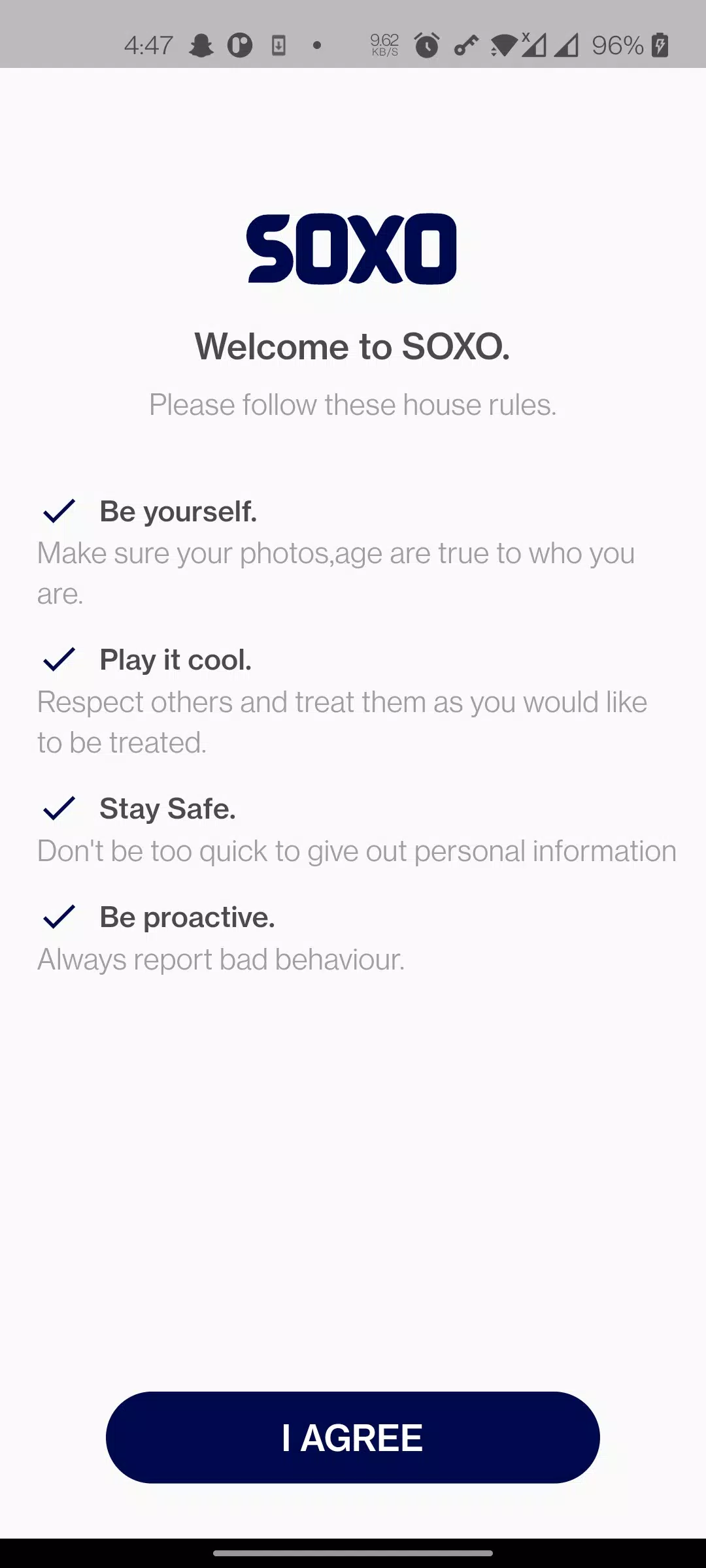
Set up takes only a few minutes: install SOXO, grant storage and optional cloud permissions, and choose your preferred sync destinations. A short onboarding tour highlights key gestures and where to find settings. If you already use cloud services, linking accounts happens through standard OAuth flows for security and ease.
Start by organizing a small set of folders and migrating frequently used files first. Use task templates to automate repetitive entries, and enable biometric unlock if privacy is a priority. Regularly review synced items to keep your device uncluttered; SOXO’s selective sync makes this painless.
Users praise SOXO for removing friction from everyday tasks: it reduces the number of apps needed to manage documents and reminders, keeps storage organized, and provides reliable encryption without complex configuration. For anyone who values simplicity paired with capable features, SOXO offers a balanced approach.
Whether you’re managing receipts, collaborating on a small project, or keeping personal documents in order, SOXO delivers a focused toolset designed around real user routines. The app’s combination of speed, sensible defaults, and optional advanced controls makes it a strong choice for productivity-minded Android users.