
Question
Version: 1.15
19.20MB
4


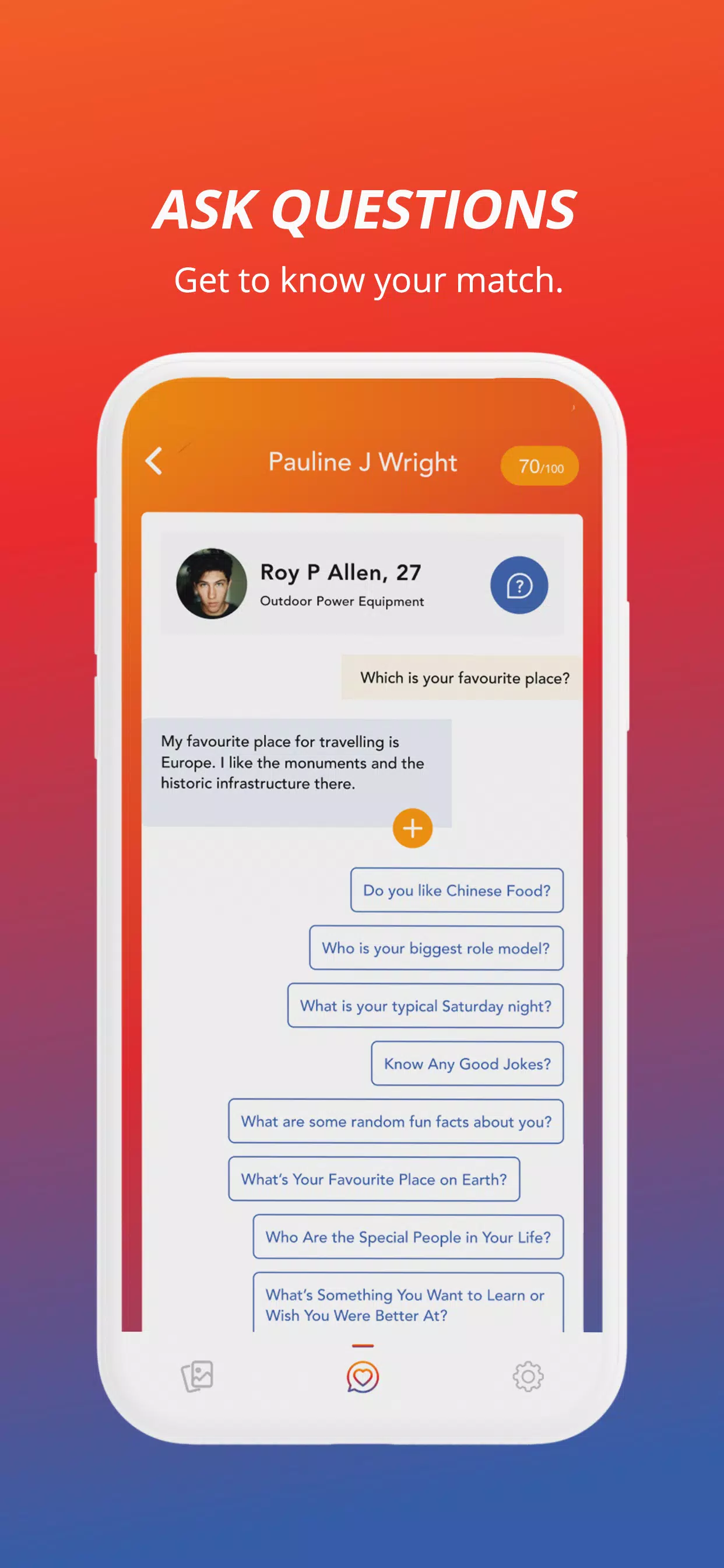
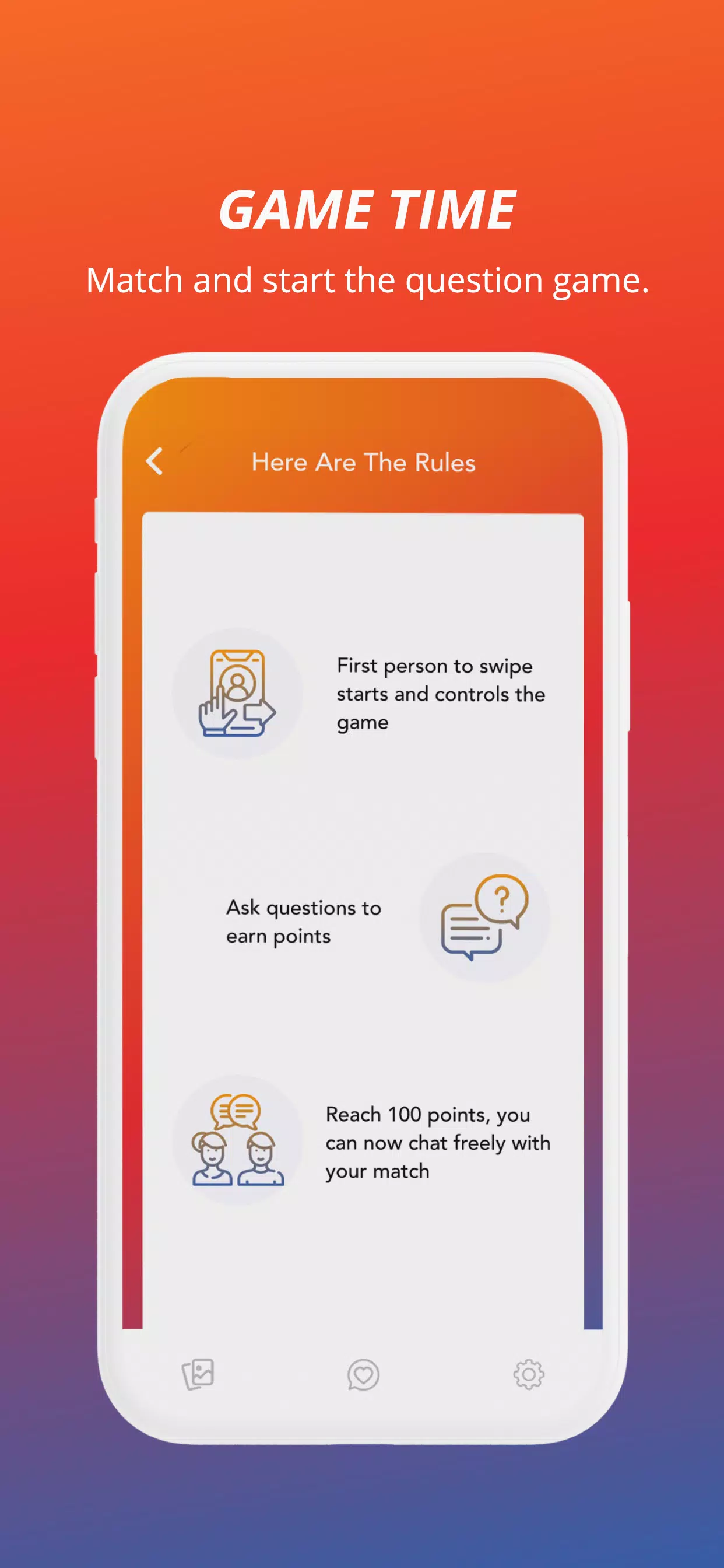

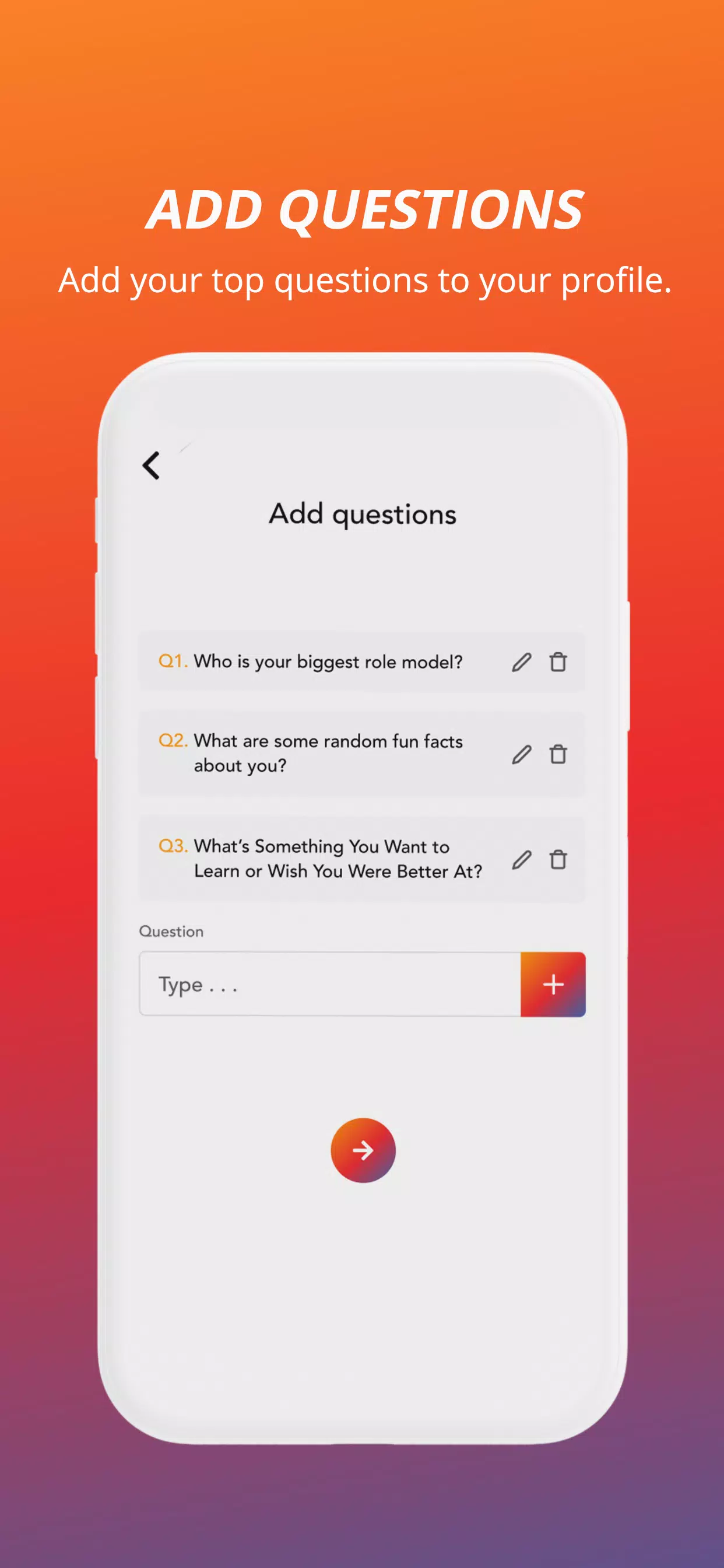
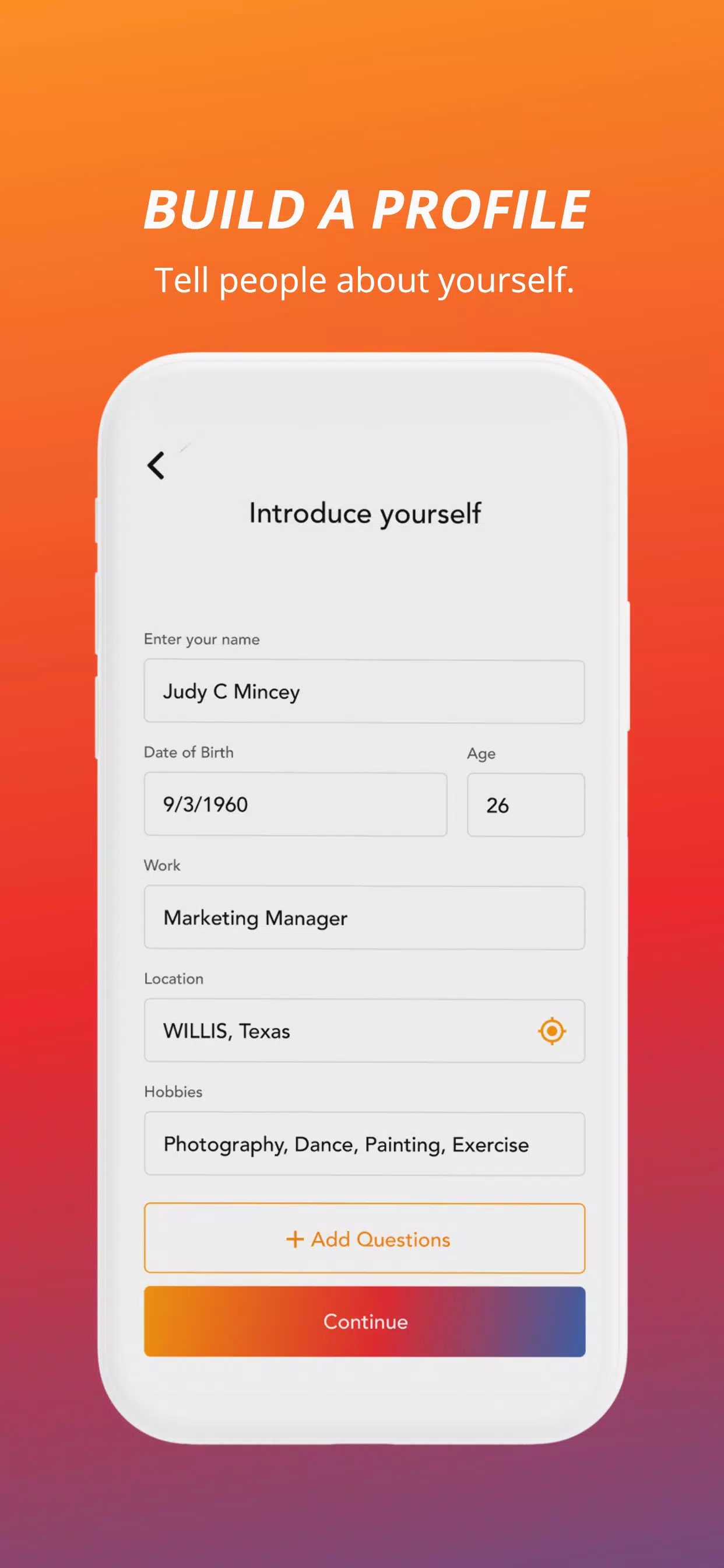

Question is a compact productivity tool designed to help teams collect, organize, and resolve queries across projects. It streamlines feedback, tracks outstanding items, and centralizes answers so teams spend less time searching and more time acting. Ideal for managers, developers, and support staff needing a single source of truth.
Built for organizations that juggle multiple conversations, Question reduces noise by turning scattered questions into a searchable, actionable backlog. Rather than relying on email threads, chat logs, or ad-hoc spreadsheets, the app creates a focused workspace where every question has context, ownership, and a resolution path.
Question focuses on practical capabilities that teams actually use. The core features are straightforward and designed to lower friction during daily workflows.
Teams start by creating a question card whenever an uncertainty arises — whether from a customer ticket, pull request, or internal review. That card is enriched with metadata and assigned to an owner. As conversations progress, updates are logged directly on the card, and when a resolution is reached the status is updated. The whole lifecycle is visible to stakeholders, making it simpler to spot bottlenecks.
Question emphasizes clarity and speed. The interface uses a clean layout with a left-hand navigation pane, a prioritized feed of active questions, and a detail view that keeps history and attachments in one place. Pages load quickly, and background syncing ensures offline edits are preserved and applied when connectivity returns.
To fit into existing toolchains, Question supports integrations with common platforms. Connectors allow questions to be created automatically from incoming support emails, chat mentions, or ticket updates. Custom fields and tag taxonomies let teams adapt the app to their workflow without bloating the interface.
Collaboration is the app’s focus: commenting threads on each question keep discussions centralized, while @mentions and notifications make it simple to loop in the right people. A clear audit trail shows who changed status or added information, which reduces redundant follow-ups and improves accountability.
Start small: roll out Question with a single team or project to validate the process. Create a few standard templates for common question types and train members to include attachments and links up front. Use saved filters to monitor high-priority items and set weekly review sessions to prevent question buildup.
Adoption often comes down to measurable gains: reduced time spent hunting for answers, fewer duplicated efforts, and faster resolution cycles. Teams that need a lightweight, searchable record of unresolved issues find the app particularly useful. Managers benefit from clearer visibility into task ownership and progress.
Question includes basic access controls and role-based permissions so sensitive items are visible only to authorized users. Regular backups and encrypted data storage protect records, while activity logs support auditing requirements for regulated environments.
Onboarding typically takes minutes for individual users and a few days for organization-wide setup. Begin by importing any existing question lists or frequently asked questions, define a tagging scheme, and invite a pilot group. The app’s straightforward design minimizes training time and helps teams realize value quickly.
For organizations seeking a practical way to tame scattered inquiries and create a durable knowledge trail, Question provides a focused, efficient solution that complements existing communication channels while improving clarity and follow-through.