
VezcoGo
Version: 4.1.0.0307
86.20MB
4.3
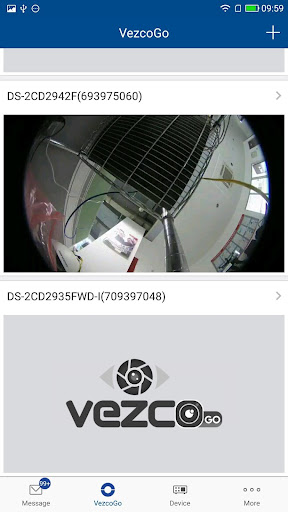
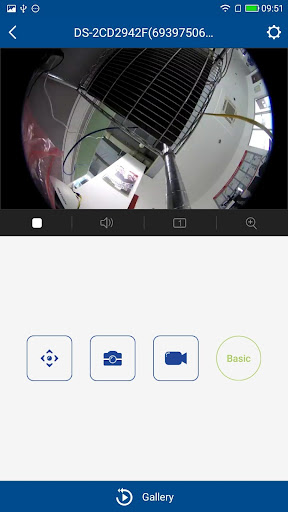
VezcoGo is a compact productivity app designed to streamline daily routines and task flows for mobile users. It combines a clean interface with smart automation, allowing users to organize schedules, set context-aware reminders, and sync essentials quickly across devices with minimal setup and intuitive controls.
VezcoGo focuses on reducing friction between intention and action. Rather than overloading with features, it prioritizes a few high-value tools: task lists with contextual triggers, fast note capture, and lightweight automation that connects calendar events, location, and notifications. The result is a nimble app that fits into varied workflows without overwhelming the user.
The interface is intentionally minimal. Primary actions are visible on the home screen and common workflows—like adding a task or setting a reminder—require only a couple of taps. Color-coded tags and a compact calendar view keep the screen uncluttered while still surfacing important items for the day. VezcoGo’s layout scales well between phones and tablets.
VezcoGo is engineered to be lightweight; startup and navigation are quick even on older devices. Background sync is optimized to run intermittently to preserve battery life while keeping data up to date. Animations are subtle, supporting the sense of speed without drawing attention away from the task at hand.
Users can tailor VezcoGo to their habits. Themes, compact vs. expanded list density, and custom quick-actions let people configure the app for brief daily check-ins or longer planning sessions. Automation templates can be edited and combined, enabling advanced setups without writing code.
Getting started with VezcoGo is straightforward. After granting optional permissions, the app guides new users through essential settings and offers a short template library to jump-start automation. Most users report feeling confident within minutes and being able to customize deeper behaviors after a few uses.
Feedback from early adopters highlights the clarity of the interface and the practical nature of the automations. Crashes are rare and the app recovers state reliably after interruptions. Notifications are prioritized to avoid overload while ensuring important reminders arrive on time.
VezcoGo is a fit for users who want a practical, mobile-first task manager with automation capabilities but without the complexity of enterprise tools. It suits commuters, busy professionals, and anyone who benefits from context-aware reminders and quick capture tools.
Overall, VezcoGo delivers a balanced set of features with thoughtful design decisions that favor usability. Trial its templates, adjust a few settings, and you’ll quickly see whether its lightweight automation and focused task tools match your daily habits.