
Echo Music
Version: 3.0.692
19.20MB
4.3
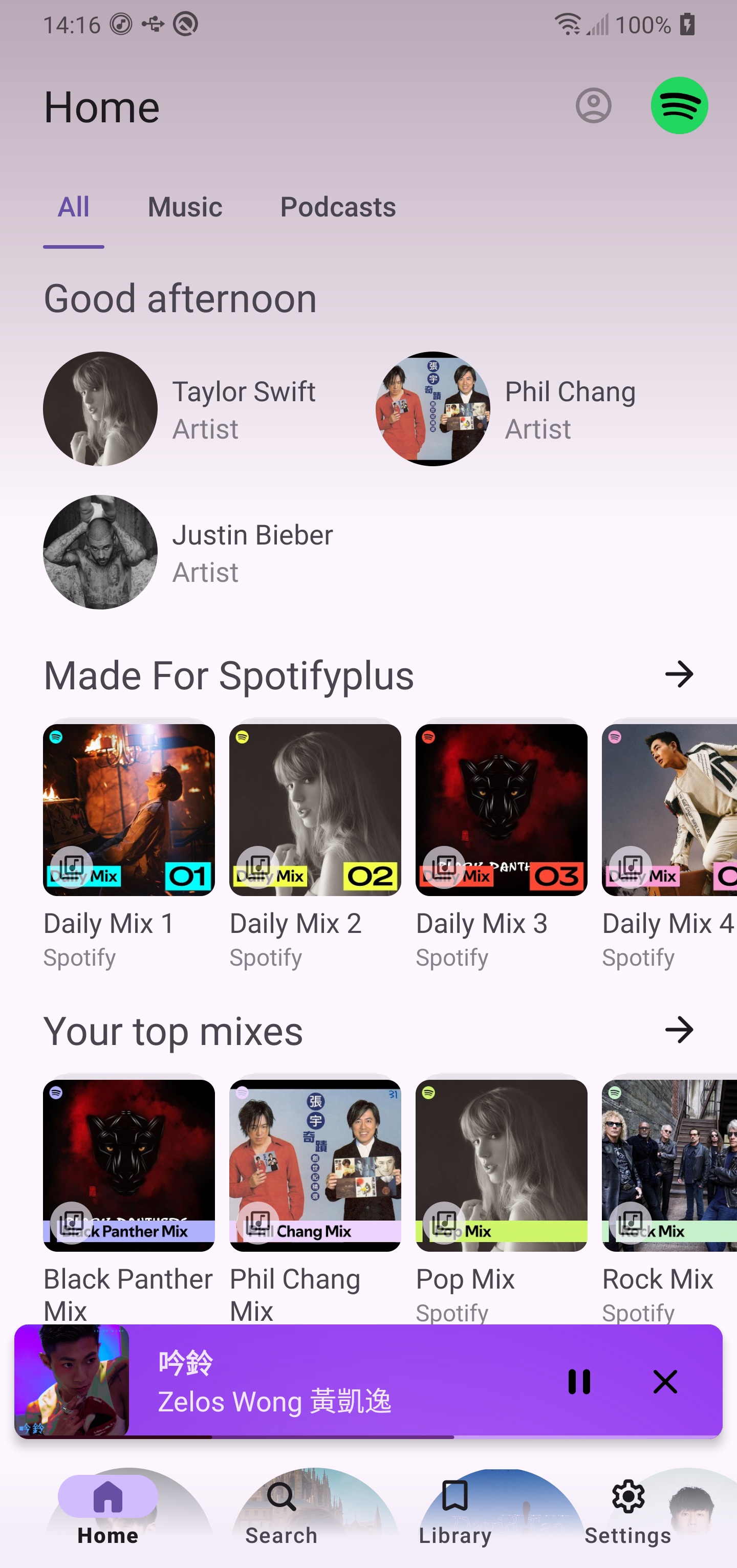
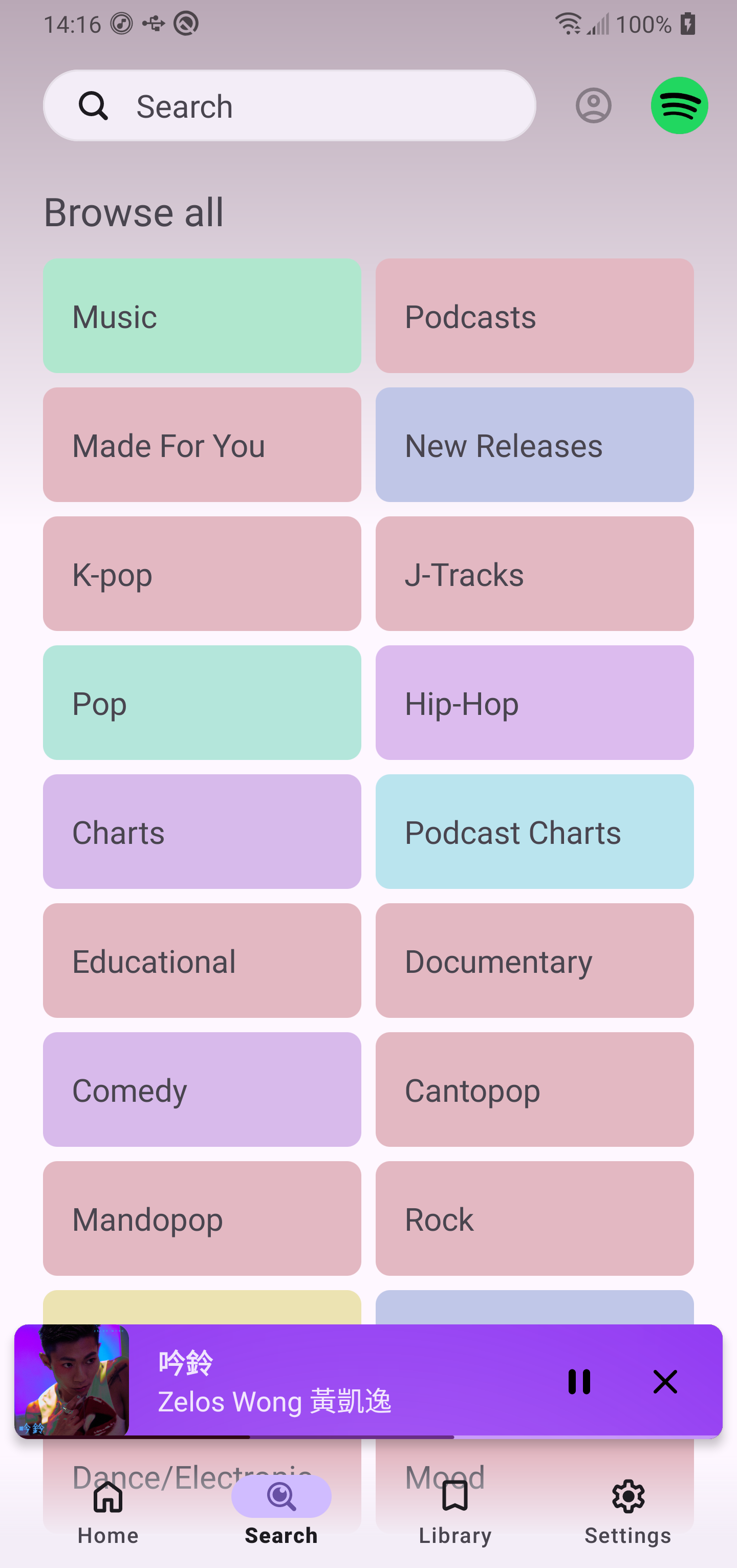
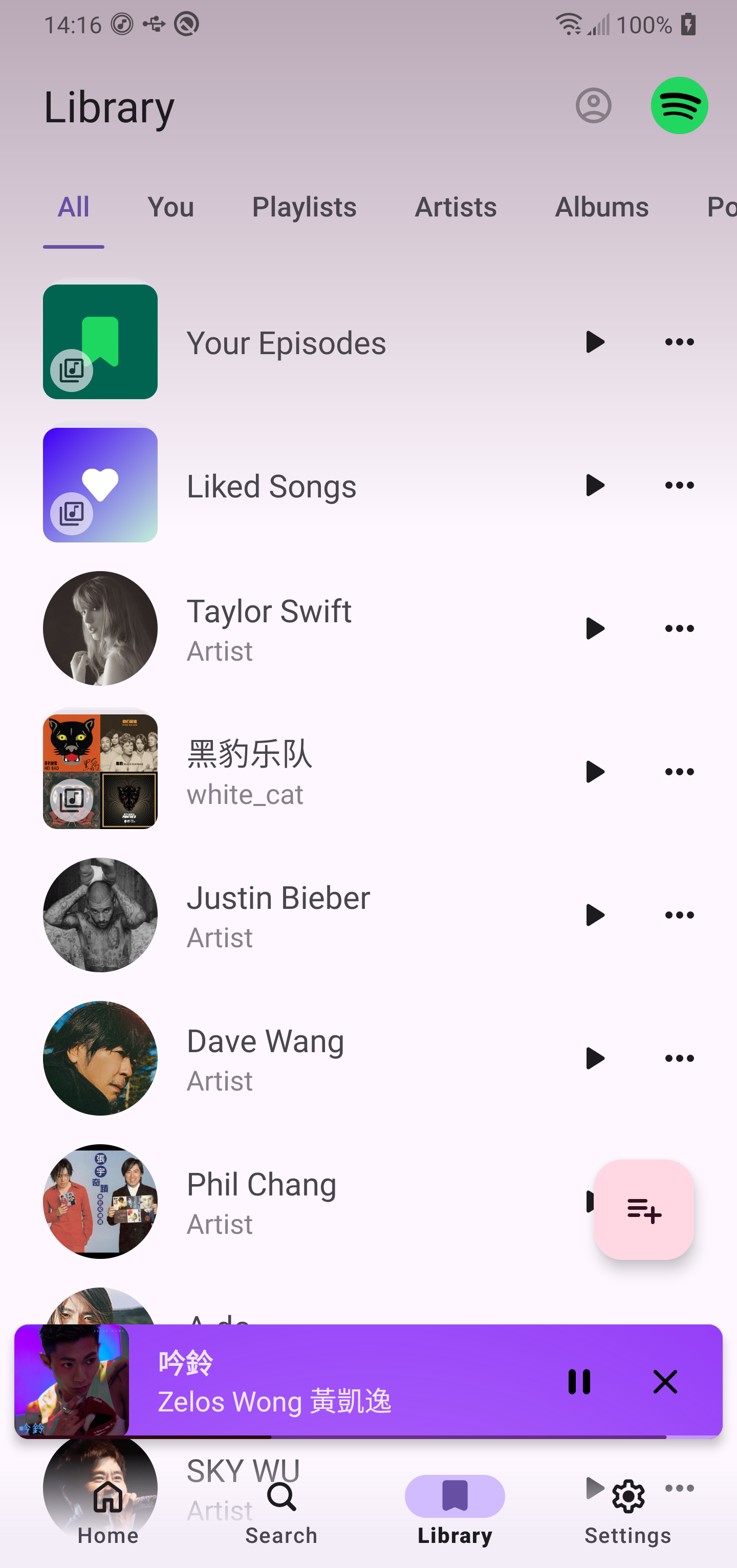
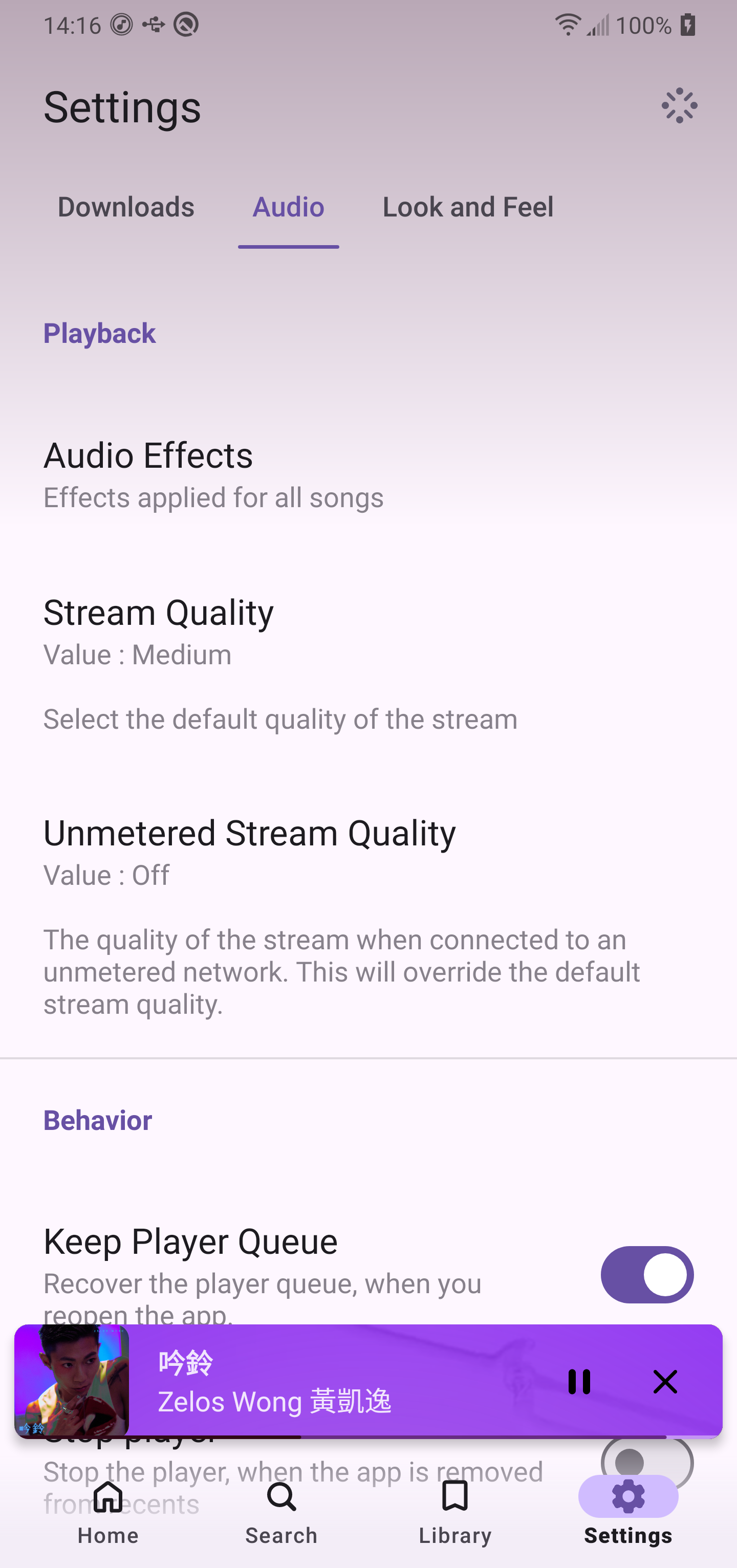
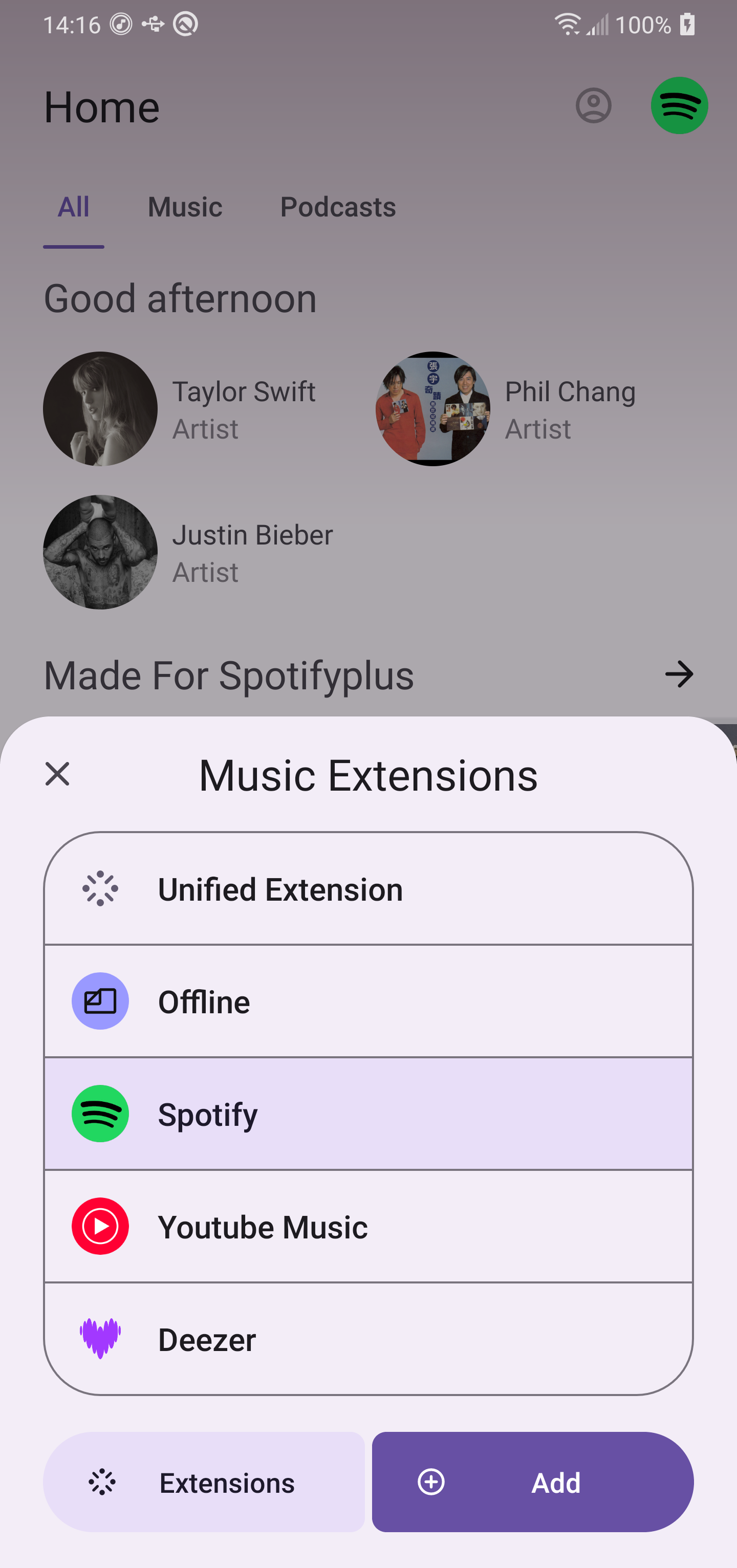
Echo Music is an extension-based music player built around a modular add-on system, offering an alternative to single-provider streaming apps while keeping the core interface lightweight and focused on playback. Echo Music lets you assemble small extensions to bring together local files, web sources, and third-party services into one unified playback queue so you can control where your music comes from without being locked to a single catalog. The app emphasizes modularity and user control, making Echo Music a good fit for listeners who prefer to curate sources, tailor playback behavior, and grow functionality over time.
The central idea behind Echo Music is that the base player remains intentionally minimal and stable, while optional extensions supply additional sources and behaviors. Extensions are small components that register a source (for example, a local folder scanner, a podcast feed connector, or a cloud-backed library bridge) or add playback utilities such as format support, gapless playback adapters, or an equalizer. Users install only the extensions they need, which keeps the app light on resources while enabling rich, personalized configurations as requirements change.
Playback control follows standard Android conventions: play, pause, skip, seek, and a persistent queue with easy reordering. The player integrates with system media controls so you can use hardware buttons and notification controls to manage playback without opening the app. For granular behavior, extensions can modify playback rules — for example, to enforce crossfade, resume positions, or smart shuffle — giving you a range of listening patterns that suit different content types such as audiobooks, podcasts, or music albums.
Rather than presenting a single, monolithic catalog, Echo Music offers a progression-like setup where your library grows as you add sources. Start with a local library extension to index files on your device, then add streaming or cloud source extensions as needed. This stepwise progression encourages a gradual customization process: each extension contributes new tracks, playlists, or browsing trees that merge into the app’s central playback and queue system, making it straightforward to refine how you discover and organize audio over time.
Customization is handled primarily through add-ons and in-app settings tied to the core player. You can personalize how lists are sorted, what metadata fields appear, and which playback behaviors are active. Visual themes and compact/expanded player modes can be adjusted for comfort and accessibility. Because many features are provided by extensions, you can tailor the app for light, minimal use or expand it into a full-featured hub depending on your preferences and technical comfort.
The visual design is intentionally focused on clarity: a clean playback view, a readable queue, and simple navigation between sources. This approach reduces clutter and puts player controls and metadata front and center, which helps when switching between different kinds of audio content. The UI also supports responsive layouts so the same player works well on phones and tablets, and it keeps attention on what matters—playback and easy access to your installed sources.
Echo Music supports offline playback through local file extensions and cached content provided by compatible add-ons. If you rely on files stored on your device or an SD card, the local library extension indexes them so they are available without a network connection. Offline support depends on the extensions you choose—some add-ons are explicitly designed to manage downloads and cached playback for intermittent connectivity.
Because Echo Music relies on third-party extensions, the quality and availability of some features depend on add-on maintenance. The base player is designed to remain stable and to gracefully handle missing or incompatible extensions, but occasional updates to extensions may be required to access certain online sources. Users should expect that some specialized content or service integrations are provided by community or developer-maintained add-ons rather than built into the core.
Echo Music aims to provide a straightforward listening experience with attention to accessible controls and predictable navigation. The modular approach increases replay value because you can continually refine the app by adding new sources, playback utilities, or interface tweaks. For listeners who enjoy configuring their tools and centralizing multiple audio feeds, Echo Music offers a flexible platform that grows with your needs while keeping the essential player fast and unobtrusive.