
Linux Commands
Version: 2.3.1
11.20MB
4.1
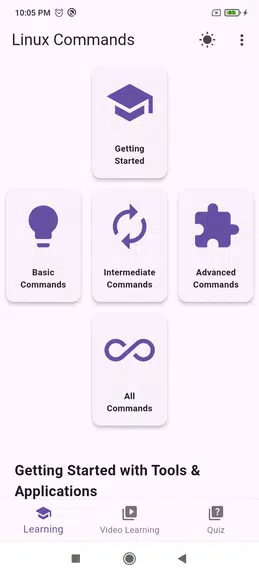
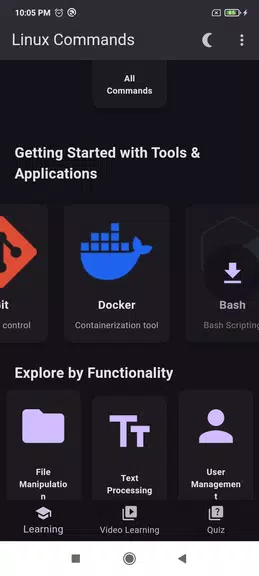
Linux Commands is a compact reference and learning app that organizes essential shell commands, examples, and options for both newcomers and experienced users. It provides searchable cheat sheets, clear syntax examples, and practical usage tips to speed up terminal workflows and make system administration tasks more accessible.
At its core, Linux Commands bundles a curated catalog of common and advanced shell utilities into a single, searchable interface. Each entry presents a concise description, common flags, example usage, and notes about platform-specific behavior. The app emphasizes clarity over verbosity, so you find the right command quickly without wading through long tutorials.
Linux Commands acts as a bridge between documentation and action. Use it while coding, troubleshooting a server, or learning the command line. Search for a command, check the flags, copy an example into your terminal, then tweak it to match your environment. The app is designed to minimize context switching so that you stay productive on the command line.
For users who want to build muscle memory, the app includes practical learning features: interactive quizzes that test recognition of commands and flags, scenario-based exercises that simulate everyday sysadmin tasks, and progressive lessons that introduce more advanced topics such as shell scripting, process control, and package management. These learning modes are optional and intended to complement hands-on experience.
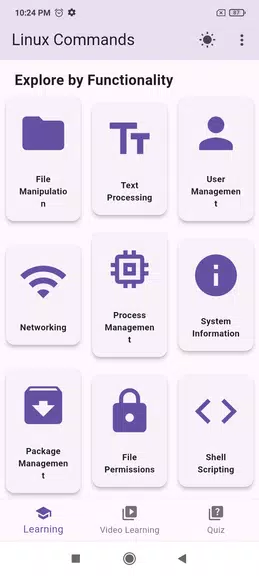
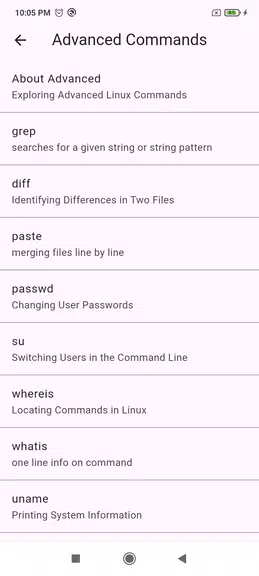
The interface is minimalist and text-focused, optimized for quick reading on phones and tablets. Commands are grouped by category (file handling, networking, system info, text processing), and each entry shows syntax, a short explanation, and several examples. Navigation relies on a persistent search bar and contextual breadcrumbs, so returning to a previous topic is straightforward.
Linux Commands is lightweight and designed to run smoothly on a wide range of Android devices. Because the content is stored locally, lookups are near-instant and do not depend on network performance. The app supports common Android accessibility features and scales well on different screen sizes, making it suitable for quick reference while working on a laptop, remote session, or a physical console.
Customize the app to match your workflow by creating custom command templates, grouping favorite commands into folders, and adjusting display options like font size and line wrapping. Users can also export and import bookmarks and custom snippets, which is useful when migrating between devices or sharing a curated command set with a team.
Because Linux Commands focuses on documentation and local examples, it does not require access to sensitive system resources or user credentials. Data such as favorites and history are stored on-device, and there are no background services that transmit usage data unless you explicitly enable sync or backup options.
Begin by searching for a common command like ls or grep to see how information is presented. Add a few frequently used commands to favorites, try an example in your terminal, and explore a short lesson on piping and redirection to get comfortable with pattern-based workflows. The app also offers quick tips that accelerate common tasks so you can apply what you learn immediately.
Linux Commands is useful for developers, system administrators, DevOps practitioners, and students learning Unix-like systems. It is equally helpful as a learning aid for newcomers and a compact reference for experienced users who need a fast reminder of syntax and options. With its balance of clarity, speed, and offline availability, the app becomes a go-to companion for daily command-line work.