
Kemendesa Corner
Version: 0.0.02
19.70MB
4.3
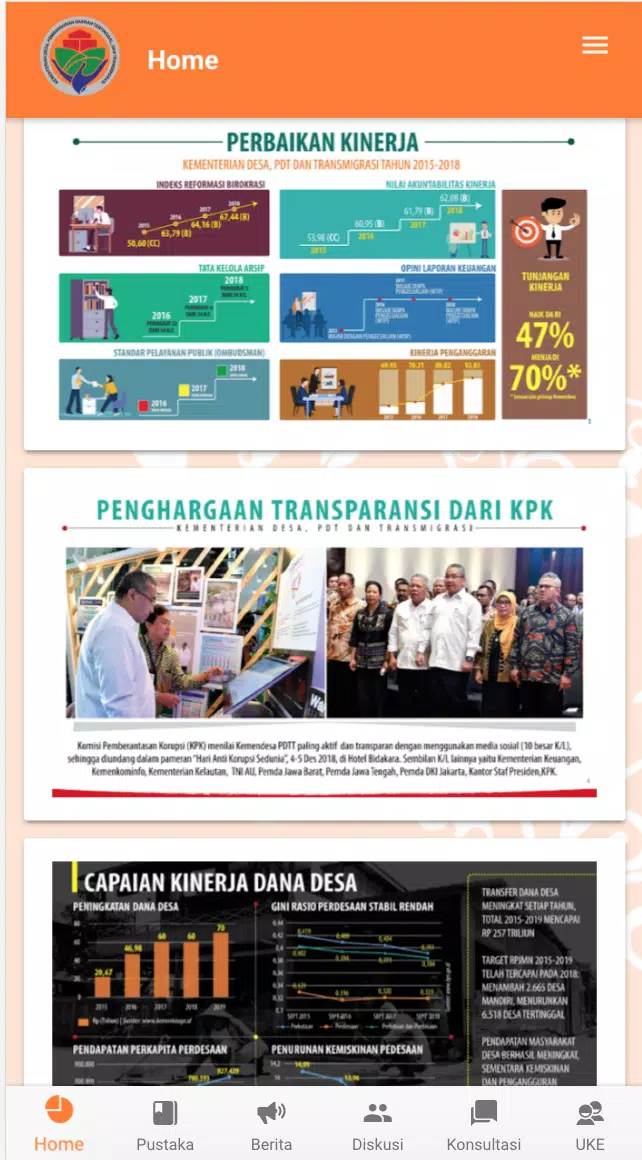
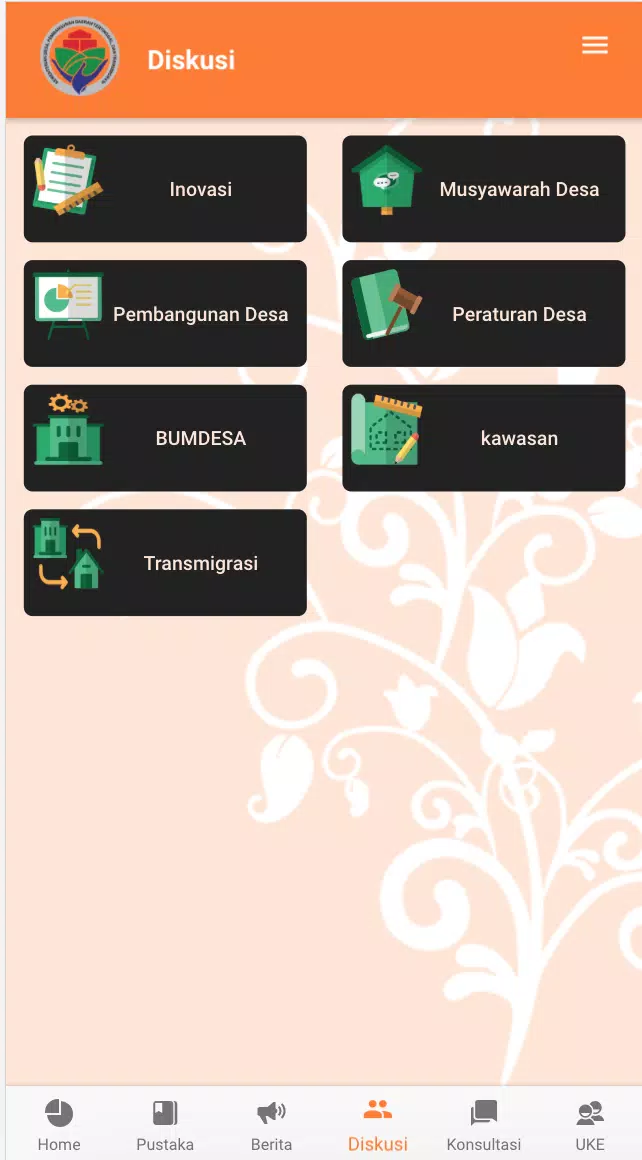
Kemendesa Corner is a centralized communication and resource app designed for employees of the Ministry of Desa, Pembangunan Daerah Tertinggal, and Transmigration; Kemendesa Corner gives staff quick access to news, documents, group messaging and consultation tools so teams remain aligned with policies, village development programs and internal initiatives.
The app organizes work around familiar sections: a searchable Pustaka (library) with reference materials, how-to videos and FAQs; a Berita (news) channel that aggregates internal announcements and program highlights; threaded Diskusi (discussion) spaces for topic-focused exchanges; Konsultasi channels for peer-to-peer question-and-answer; and UKE (Unit Kerja Eselon) groups for unit-level coordination. Each section supports tagging, filters and a robust full-text search so users can find legislation, templates, project updates or recorded training quickly. Recommended items, bookmarks and recently viewed lists help users return to important resources without repeated searching.
The interaction mechanics are optimized for routine workplace use: a persistent bottom or side navigation gives one-tap access to main modules, search supports natural-language queries and advanced filters, and content pages include clear action controls for bookmarking, sharing within the platform, downloading or flagging items for follow-up. Threaded discussions use familiar reply, mention and edit controls, while consultation channels include simple forms for submitting questions and attaching documents. Notifications can be tuned per channel so individual users control what appears in their feed and how alerts are delivered.
Rather than a game-style progression, Kemendesa Corner supports professional progression through features that track reading status, save learning progress in video tutorials, and allow users to mark completed checklists or reference items. Personalization options include a configurable home feed, saved searches, custom notification preferences and profile fields that reflect unit assignments. Role-based access and permissions ensure that managers, specialists and general staff see the appropriate documents, announcements and group memberships for their responsibilities.
The app follows a clean, utilitarian visual style that prioritizes legibility and quick scanning: high-contrast typography, consistent card-based layouts for items, and clear visual separation between news, resources and conversations. Content is organized into levels (global ministry news, regional updates, unit posts and personal saved items) so users can drill down from broad policy announcements to unit-specific coordination. Users can customize display density, font size and the types of content that populate their main screen to match personal workflow and device size.
Kemendesa Corner is built for repeated daily use: staff return to the news feed for updates, consult Pustaka for reference materials during project work, and use Diskusi or UKE channels to resolve operational questions. The platform supports offline access for downloaded documents and videos, letting staff work in low-connectivity areas and sync changes when connectivity is restored. These features increase the app’s practical replay value for users who routinely consult guidance, templates and recorded guidance while planning or supervising field activities.
User experience focuses on clarity and efficiency: consistent navigation patterns, contextual help within modules, guided onboarding for new employees and inline tips for advanced search and document management. Accessibility considerations include scalable text, clear focus indicators for keyboard navigation, and attention to color contrast to accommodate diverse users. Administrators can manage content cadence and topical channels; however, the platform’s usefulness depends on regular content updates and active participation from staff, and its primary design is for ministry personnel rather than a general public audience.