Olymp Trade Broker
Version: 9.8.2
28.80MB
4.4
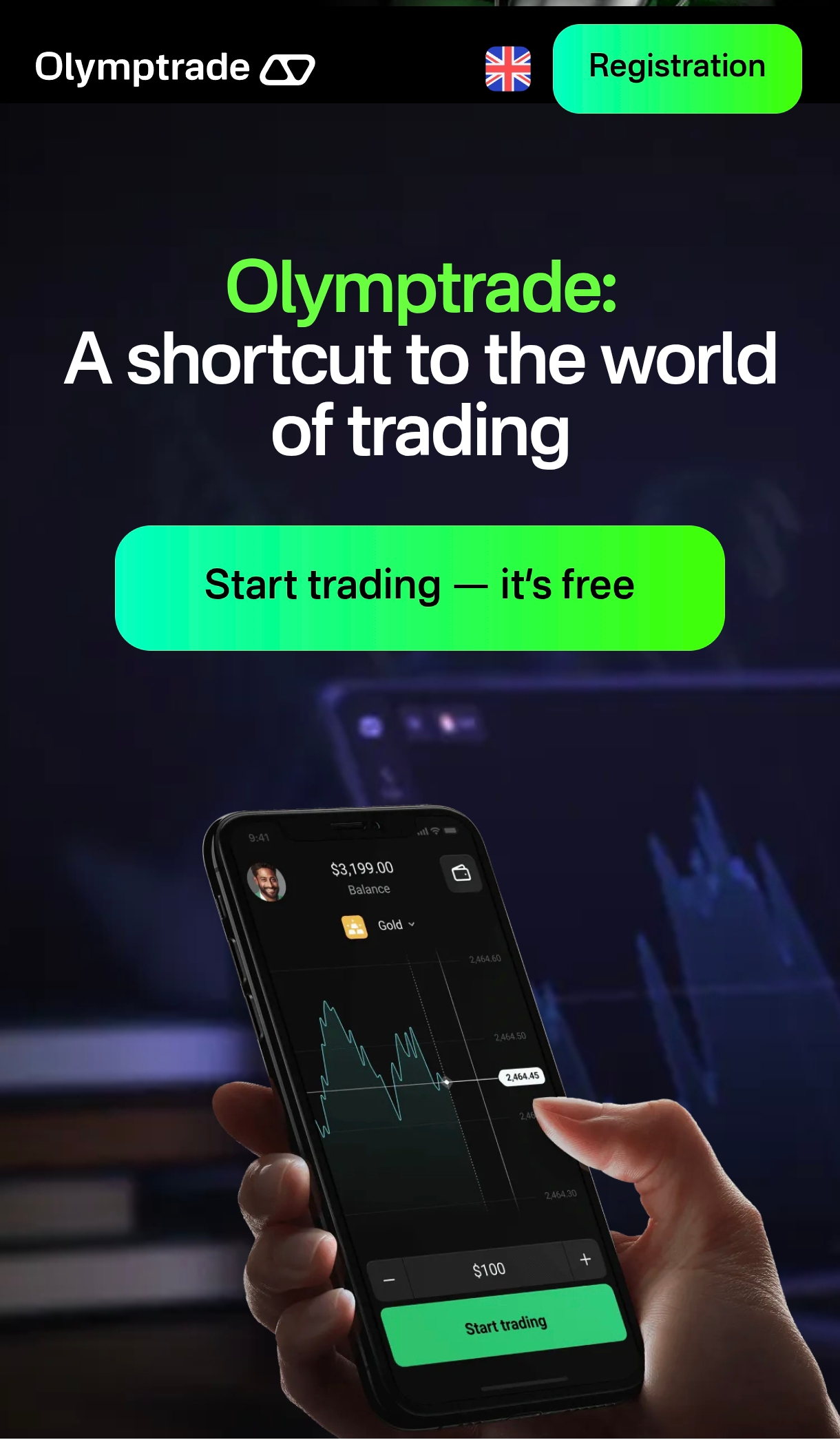
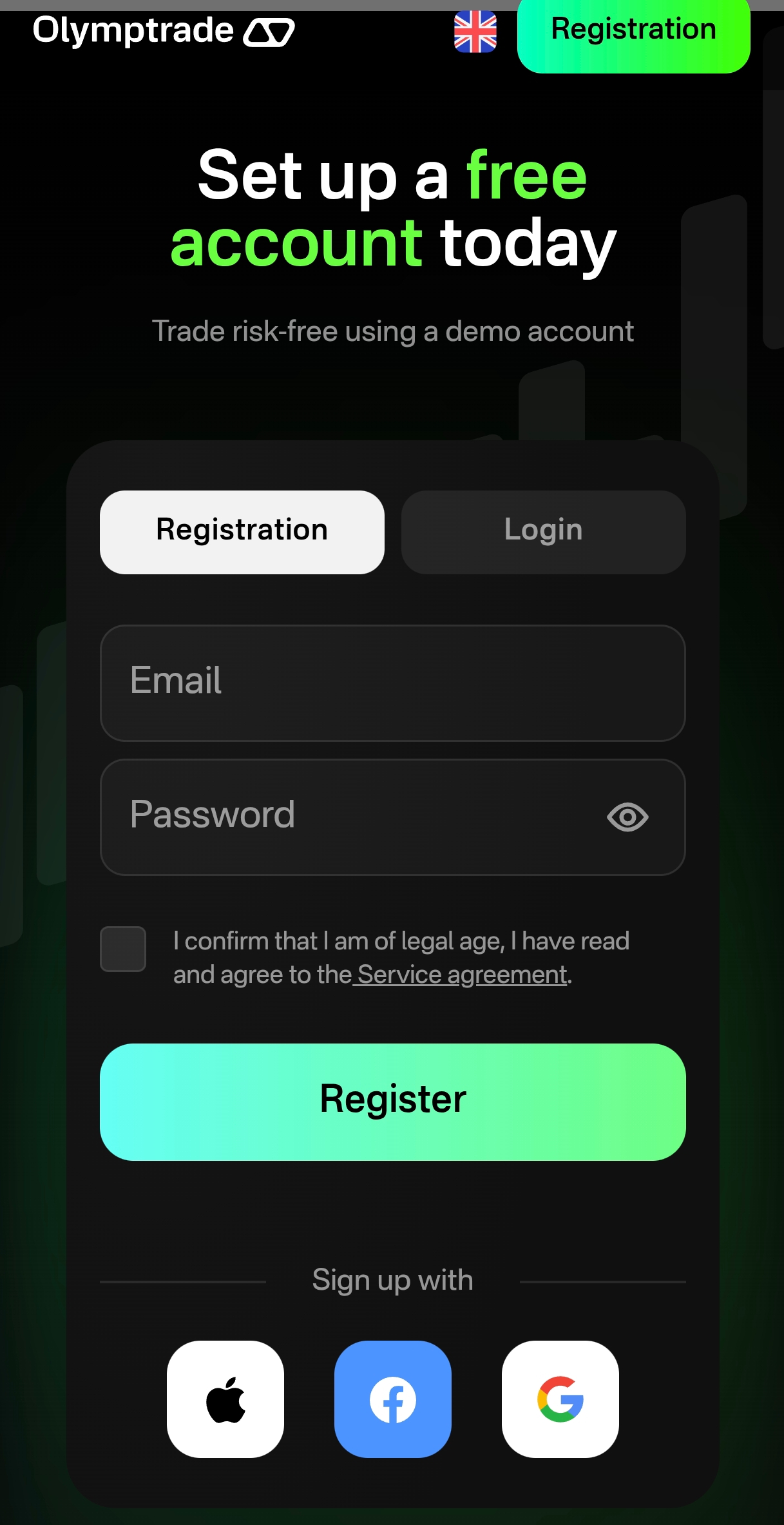
Olymp Trade Broker is an online trading platform designed to give retail traders a single mobile interface for accessing Forex, stocks, commodities, cryptocurrencies, indices and options. The Olymp Trade Broker app brings together Fixed Time Trade (FTT) mechanics alongside a traditional Forex trading mode so users can switch between short, time-bound contracts and conventional market orders. Built around charting, basic analysis and an integrated learning area, the app aims to help both new and experienced traders form a practical workflow for observing markets, testing ideas and executing trades.
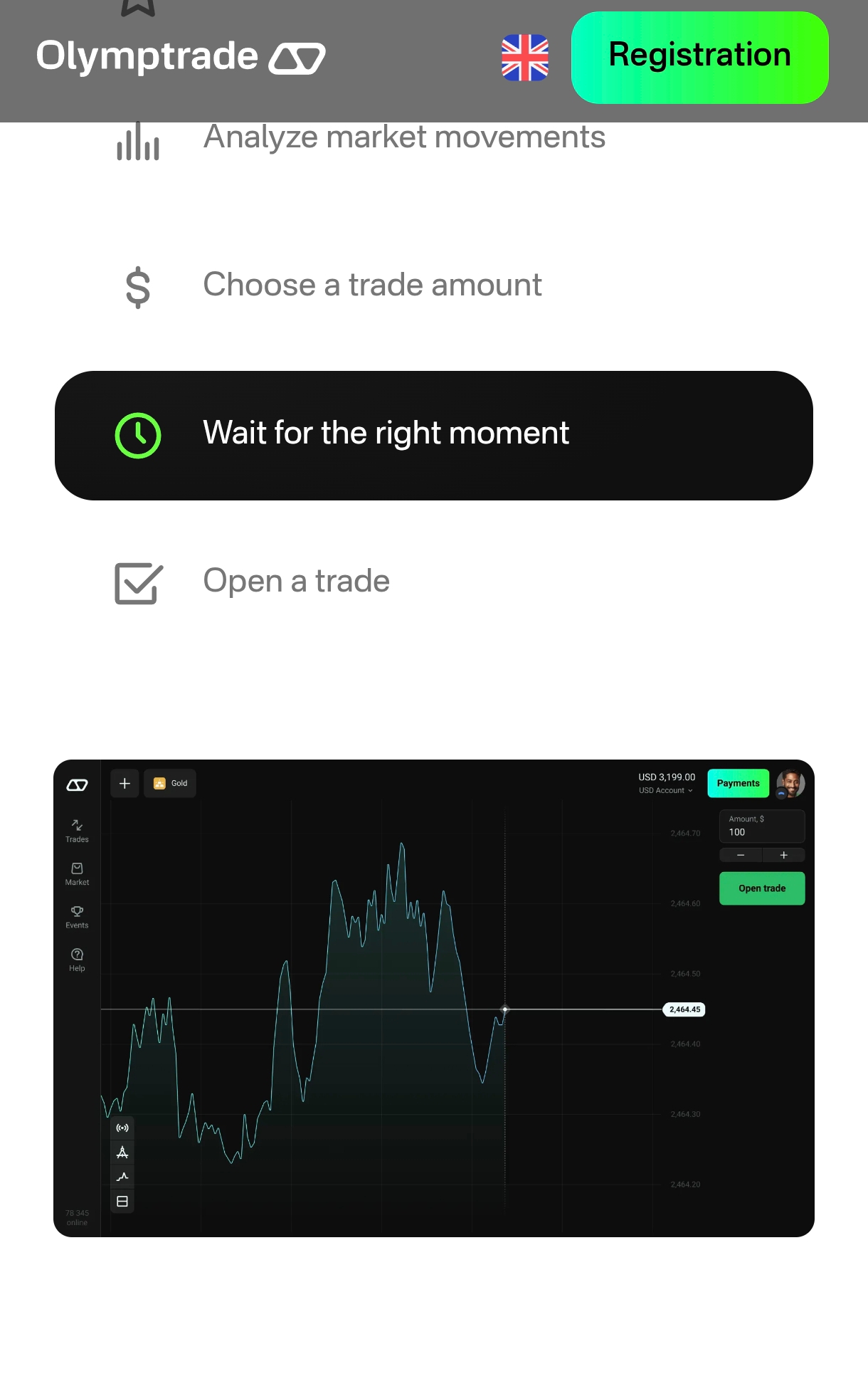
The interface focuses on direct touch controls for quick order placement and management: tap to open an order ticket, slide or choose timeframes, and set stop-loss or take-profit parameters when operating in Forex mode. In FTT mode, trades are created with a selected expiration time and stake, which simplifies execution for time-based strategies. Charts support multiple timeframes and common technical tools so users can switch between intraday views and longer-term perspectives without leaving the main screen. The responsiveness of controls and straightforward ticket flow reduce the friction of mobile trading and let you react quickly to price movements.
Olymp Trade Broker provides built-in charting and analysis tools intended to support trend identification and basic technical research. You can apply a variety of technical indicators and drawing tools, change chart types and adjust timeframes to match your approach. Chart settings are customizable so traders can save preferred layouts, adapt colors and line thickness for clarity, and use indicators together to refine entry and exit candidates. These options help traders who rely on visual analysis and pattern recognition to develop and rehearse strategies on the go.
A strong emphasis in the app is on learning and progression: a demo or practice environment allows newcomers to try both FTT and Forex modes without financial risk, helping to build familiarity with order types, chart tools and the app controls. Educational modules, tutorials and guided lessons explain core concepts such as risk management, position sizing, the differences between fixed-time contracts and spot Forex trades, and how to read common indicators. This progression path is designed so users can move from basic lessons to more independent analysis at their own pace.
The overall visual style prioritizes clarity: high-contrast charts and legible fonts make it easier to follow live price action on small screens, and the layout groups quotes, chart and order controls to minimize distraction. Accessibility features such as scalable text sizes and adjustable chart color schemes improve usability for different viewing conditions. The app streamlines frequently used functions into reachable areas of the interface so one-handed navigation and rapid decision-making are feasible for mobile traders.
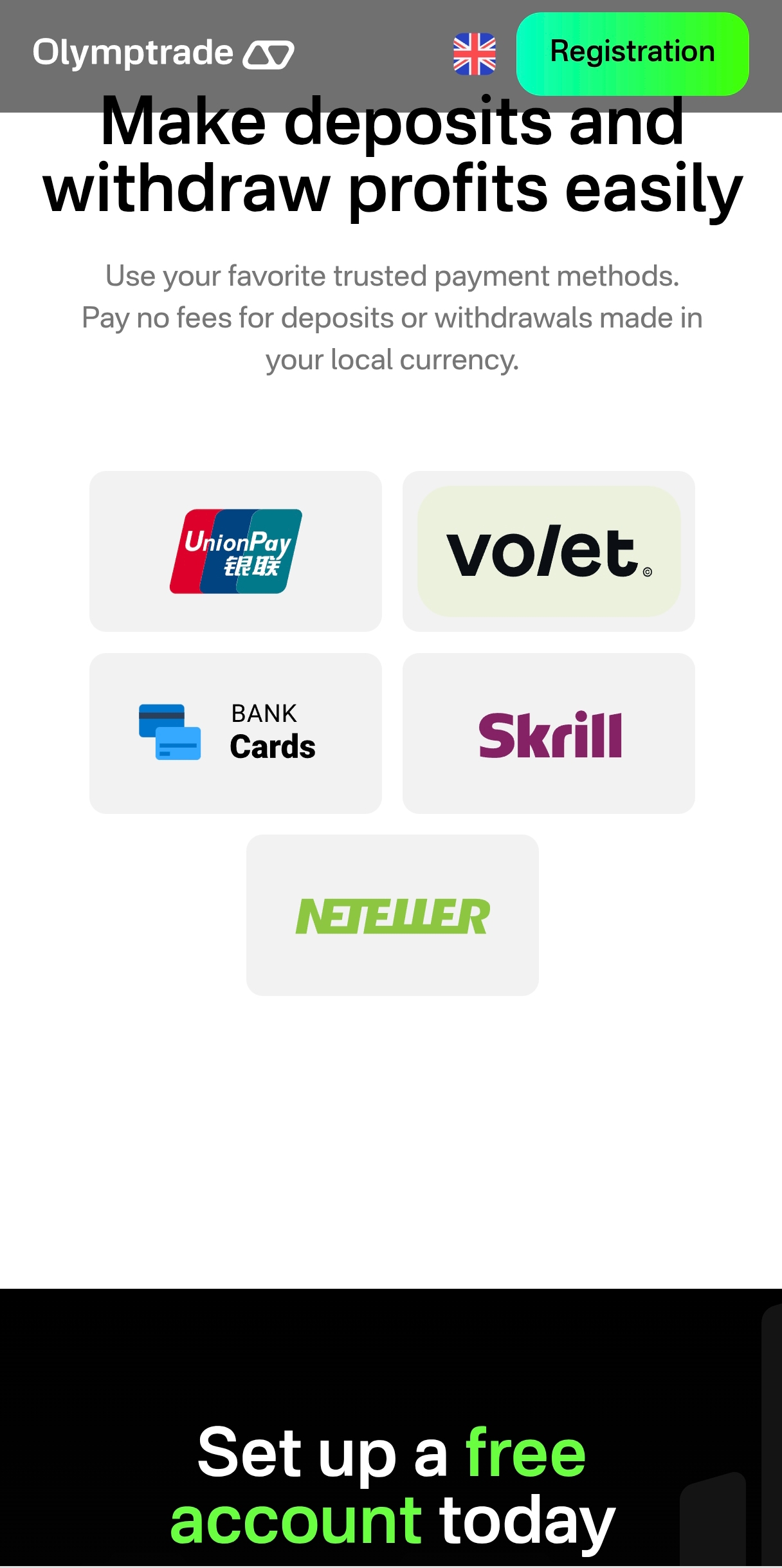
Olymp Trade Broker integrates account management features so users can monitor balances, view trade history and manage open positions from the same screen used for analysis. Customer support and in-app help sections provide guidance on common account and trading questions, and documentation covers basic compliance and deposit/withdrawal procedures. Regular updates to the app aim to address stability and performance, and the platform design helps maintain a consistent trading experience across a range of Android devices.
The replay and practice value of the platform comes primarily from repeated use of the demo environment and practicing different timeframe strategies. Challenges for individual users are self-imposed through strategy testing, discipline in risk controls and the ability to track performance over time. It is important to recognize that the FTT model suits traders who prefer short-duration bets, while traditional Forex trading is more appropriate for orders held with stops and limits; neither approach eliminates risk and losses are possible despite education and tools.
While the app focuses on live market access, some learning content and chart snapshots can be reviewed without active trading, but full functionality requires an internet connection to receive live quotes and submit orders. Advanced professional traders may find they need specialized desktop tools for in-depth analysis, and beginners should take advantage of the practice features to build skills before deploying real capital. Overall, Olymp Trade Broker offers a compact mobile environment that combines multiple asset classes, two distinct trading modes and educational materials to support users who want to observe markets, practice strategies and execute trades from a single application.