
Davy Liver Cars
Version: 20.10.1
5.40MB
4.3
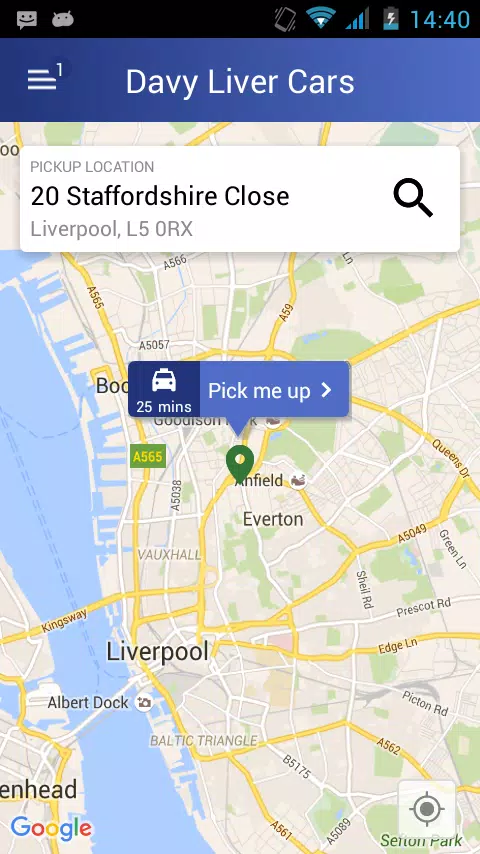
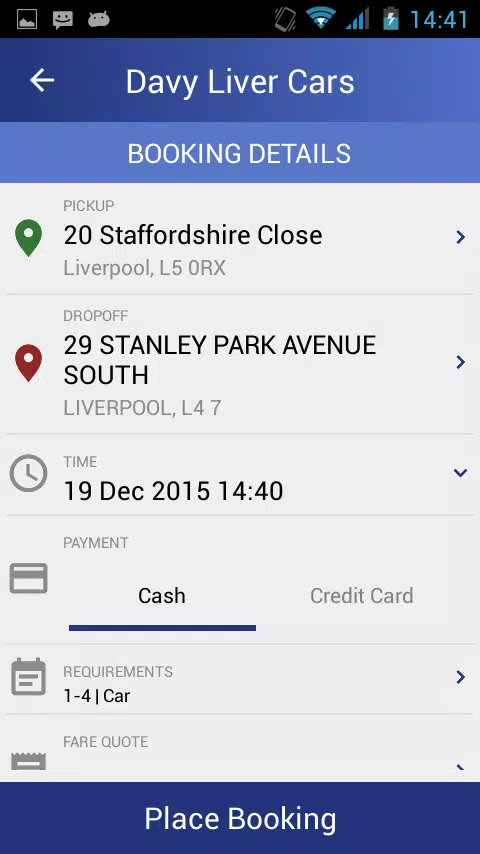
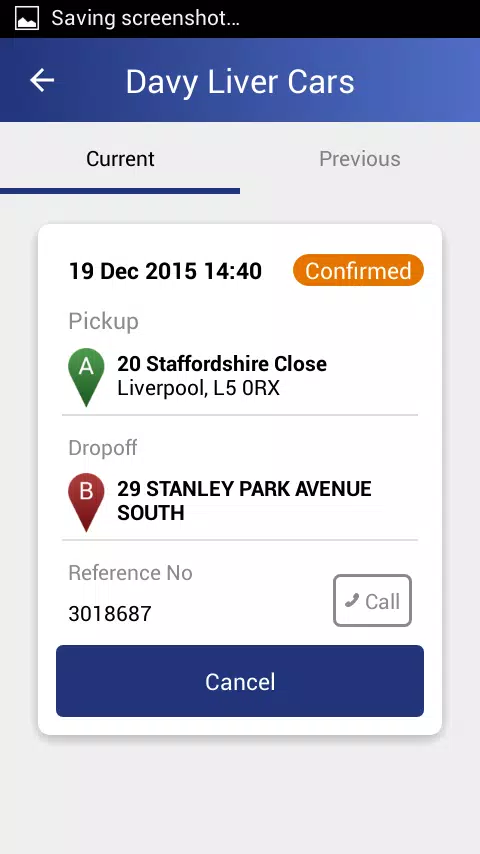
Davy Liver Cars brings a practical and polished taxi booking experience to Android users who want a straightforward way to arrange transport from their phone. The app focuses on fast booking for daily commutes, airport transfers or nights out, with clear on-screen controls so you can request a vehicle and see estimated arrival times in seconds. Designed for people who prefer predictable, trackable rides over complex setups, Davy Liver Cars combines a simple interface with the core tools most passengers expect: booking, cancellation, driver tracking and flexible payments.
The booking flow centers on quick entry of pickup and drop-off points, with optional saved addresses for frequent trips. Real-time map tracking shows the driver’s approach and estimated time of arrival, while push notifications update you at key moments from confirmation to arrival. Payment options include paying in cash or registering a card to pay securely through the app, and cancellation controls let you change plans when needed. The interface emphasizes clear labels and large tappable areas so routine bookings are quick and error-free.
To request a ride you enter or select an address, confirm vehicle type if available, and tap a single button to send the booking. The app uses a simple step-by-step flow rather than nested menus, so users can complete a trip request in only a few taps. Map controls include pinch-to-zoom and pan gestures that behave like other mapping apps, and a live marker shows the assigned vehicle. Notifications arrive as brief status messages and can be managed from the device settings so you control alerts and sounds.
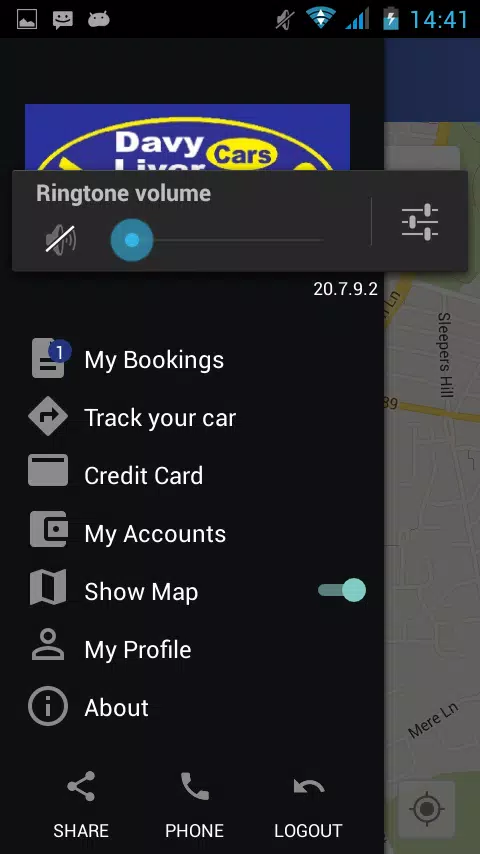
Instead of gamified progression, Davy Liver Cars offers practical progression through personalization and record-keeping: your account stores recent trips, saved pickup locations and preferred payment methods to speed future bookings. This trip history helps you review past journeys, check fares and access receipts for business expense claims. Saved locations and simple preference toggles reduce repeated input and create an experience that improves the more you use it.
The app’s visual approach is functional rather than flashy, using high-contrast text, clear icons and an uncluttered map view so information is easy to scan while on the move. Screen layouts prioritize the booking action and display estimated times prominently; secondary details such as driver name, vehicle type and contact options appear in a compact area. The app’s “levels” are essentially the booking stages—search, confirm, track and complete—each designed to minimize steps and cognitive load.
Davy Liver Cars supports basic customization to suit different users: you can save frequent addresses, choose a default payment method, and toggle notification preferences. Accessibility considerations include readable font sizes and an interface that works with standard Android accessibility tools such as screen readers and magnification. Controls are intentionally simple so users with limited mobility or less technical experience can still request and manage rides with confidence.
The app requires a compatible smartphone with mobile data and GPS to provide real-time booking, tracking and notifications; without a network connection you will not be able to request new rides. Some account data and recent trip receipts may be cached locally for reference when offline, but critical features such as live vehicle tracking and driver assignment need an active connection and accurate GPS signal. When signals are weak, the app will display approximate times and indicate reduced accuracy so you can adjust plans accordingly.
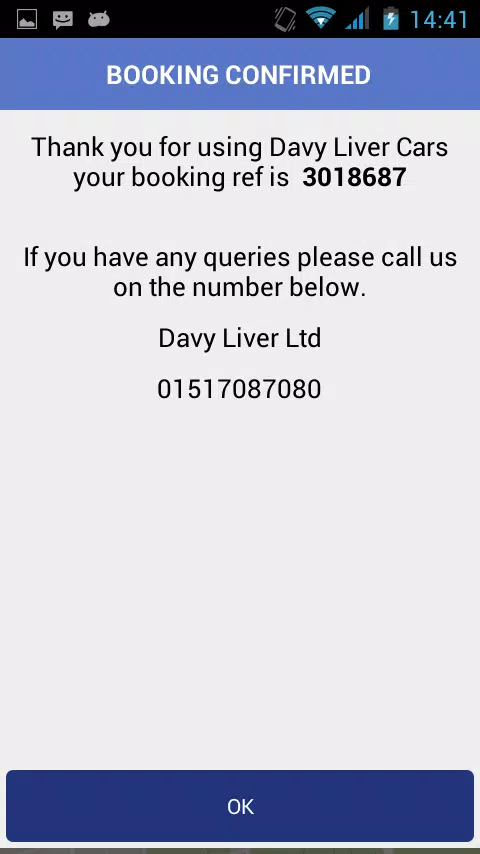
Payment handling is built around options to pay by cash or register a card for in-app billing; card details are managed through the platform’s secure payment mechanisms rather than stored in plain text within the app. Booking confirmations and digital receipts are available for most trips so you can keep records of fares. The app requests only the permissions required for location and contact with drivers, and you can manage these permissions through your device settings.
While Davy Liver Cars aims to be dependable, performance depends on external factors such as network coverage, GPS accuracy and driver availability in your area. The app works best in urban and suburban regions with good mobile service; rural users may experience longer waiting times or less accurate tracking. Device compatibility follows standard Android requirements, so very old phones or severely constrained hardware may not provide the intended experience.
Installing Davy Liver Cars is straightforward: create an account, add a payment method if you want to use card payments, and save a frequent address to speed future bookings. New users will find the first booking simple to complete and the live tracking useful for timing pickups. With clear controls and a focus on functional features, Davy Liver Cars is a practical tool for anyone who needs a reliable, no-frills way to book local transport from their phone.