
only
Version: 0.1.12.15
19.60MB
4.2
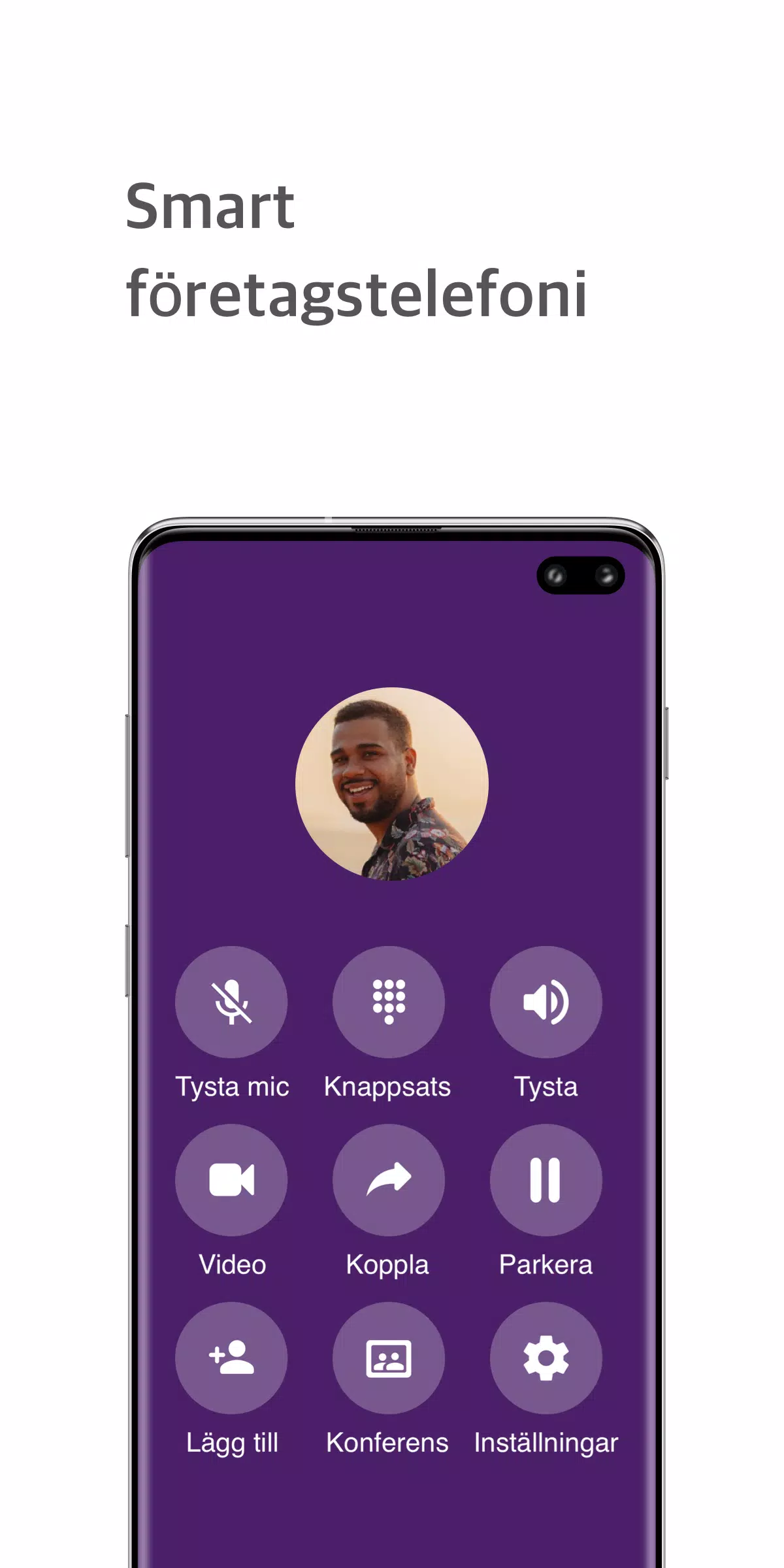
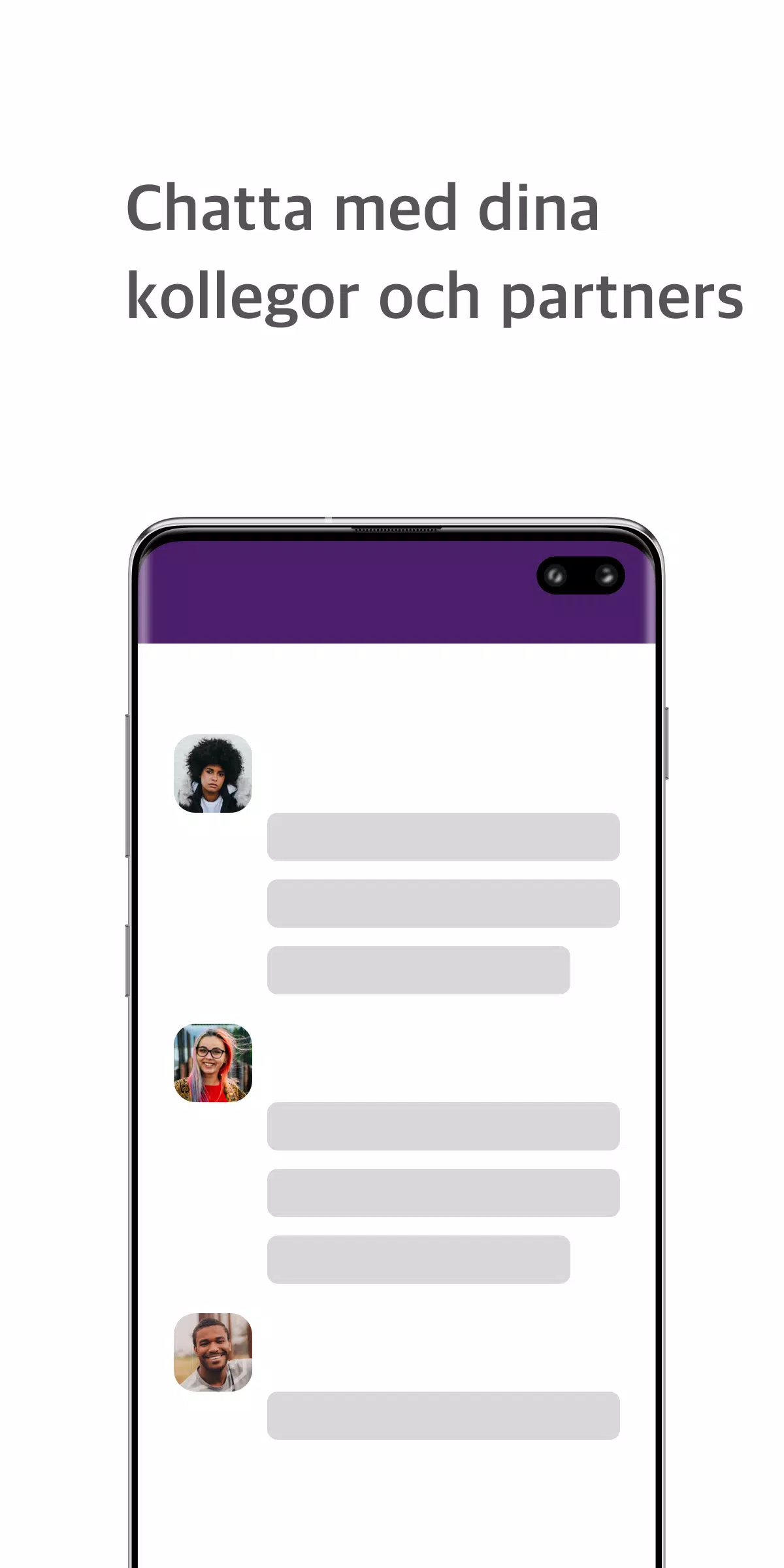

only is a mobile companion for PBX systems that turns traditional telephony into a unified collaboration tool for teams. only brings messaging, configurable channels, call recording and a real-time dashboard to monitor incoming and outgoing calls, and teams using only can schedule phone and video conferences, share documents and collaborate remotely from a single app.
This app connects to your existing PBX to centralize voice, messaging and meeting workflows. The core idea is to reduce context switching by exposing telephony functions alongside persistent team chats and department or project channels. Administrators can map extensions and groups from the PBX while users benefit from familiar chat controls, in-call tools and a dashboard that reflects live call activity without leaving the app.
Navigation is built around a simple tabbed layout and contextual controls: tap to call or join a scheduled conference, swipe conversations to archive or mute, and long-press messages or recordings for options like forward, download or add to a channel. The call UI exposes mute, hold, transfer and record toggles clearly during active calls. Notifications are granular so you can prioritize mentions, department channels or missed calls and adjust behavior per workspace or device.
Messaging supports one-to-one conversations and structured channels for departments and projects, with threaded replies and searchable history. Progression within an organization is reflected by role-based permissions: admins configure which users can enable group recordings, manage channel membership or initiate multi-participant conferences. These permission levels provide a clear operational progression for teams as they scale, and audit logs help track changes to channel membership and recording settings.
Call recording is available at both individual and group levels to support review and compliance workflows. Recordings are tagged with call metadata and appear alongside the relevant conversation or call record for playback. The real-time dashboard gives supervisors an at-a-glance view of active, queued and completed calls so teams can monitor load and response times. Dashboard filters let you focus on specific extensions, departments or time ranges for targeted oversight.
Schedule phone and video conferences directly from the app calendar or from within channels to keep meetings linked to project conversations. Document sharing and screen sharing are integrated for remote collaboration, enabling participants to review files or present screens during a scheduled session. Shared files remain attached to the channel or contact thread so important documents and meeting notes stay discoverable.
The interface emphasizes clarity with a neutral color palette, clear typographic hierarchy and compact widgets for call and message summaries. Users can customize notification rules, channel order and recording preferences to match their daily workflow. Small adjustments such as density controls and voice volume presets help teams tailor the app to busy contact centers as well as small office environments.
When network connectivity is intermittent, the app provides limited offline access to recent messages, cached call histories and previously downloaded recordings so you can review important information before reconnecting. Outbound actions like calling or joining live conferences are queued until a reliable connection is re-established. Administrators should plan PBX integration and bandwidth expectations to maximize uptime in distributed deployments.
only is designed with accessibility in mind: text scaling, clear focus states and compatibility with common screen readers help make core features usable for more people. Security depends on the underlying PBX deployment and any transport encryption it supports; administrators are encouraged to enable secure SIP/TLS and storage policies for recorded media and shared files. Role-based access controls and audit trails support compliance needs in regulated environments.
Because the app integrates with an existing PBX, available features depend on the deployed telephony system and administrative setup. Some organizations will need to enable group recording, conference bridges or screen-sharing services on the PBX side before those features are fully functional. The implementation is intended to complement on-premises or cloud PBX solutions rather than replace core telephony infrastructure.
For businesses seeking a single point of contact for calls, chats and scheduled meetings, only reduces friction by keeping PBX functions and collaboration tools together. Regular use rewards teams with searchable archives, consolidated recordings and clearer operational oversight, making everyday communications easier to manage and audit without switching between multiple apps.