IP Camera Pro
Version: 29.1.8
49.27MB
4.5
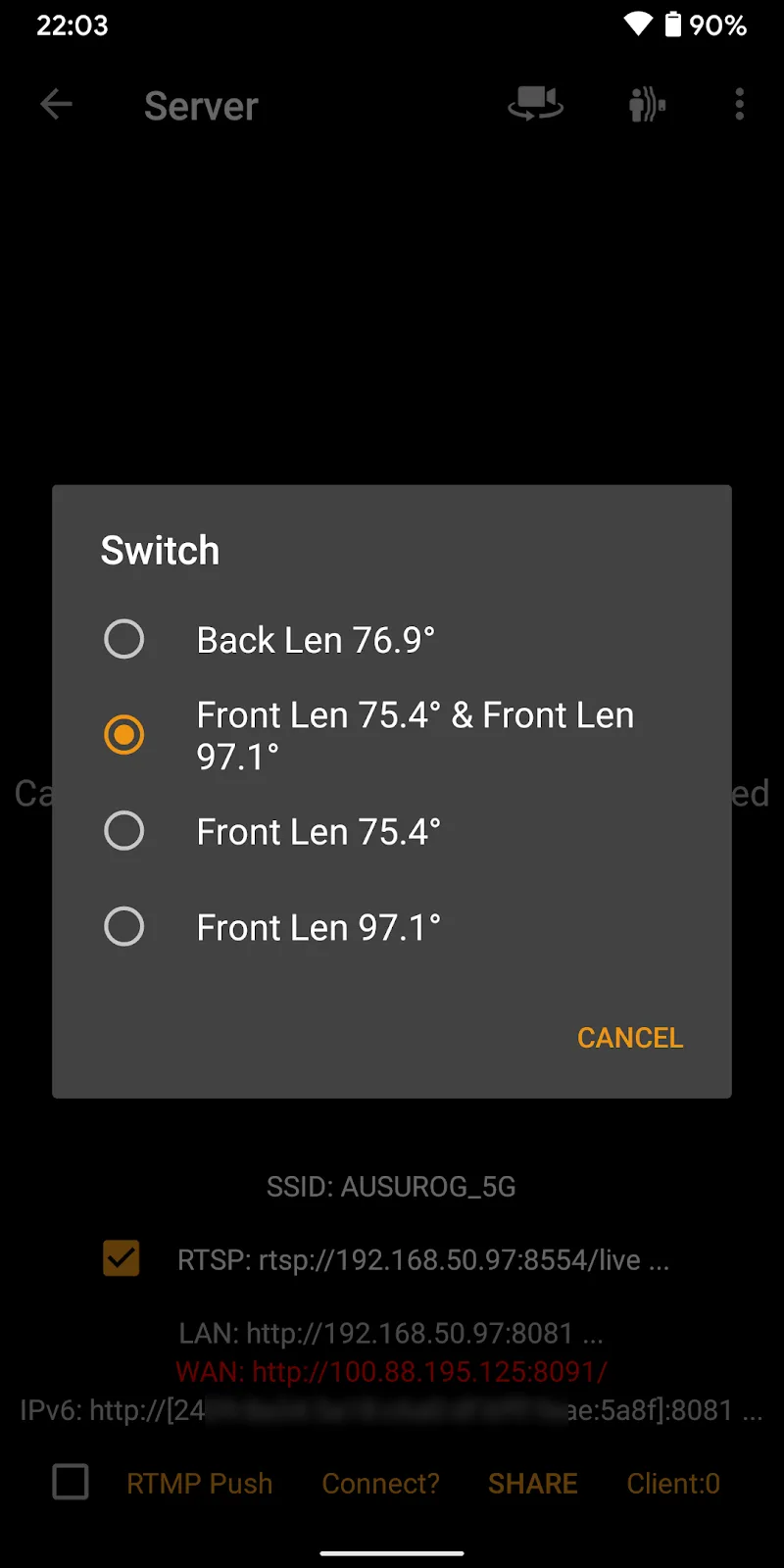
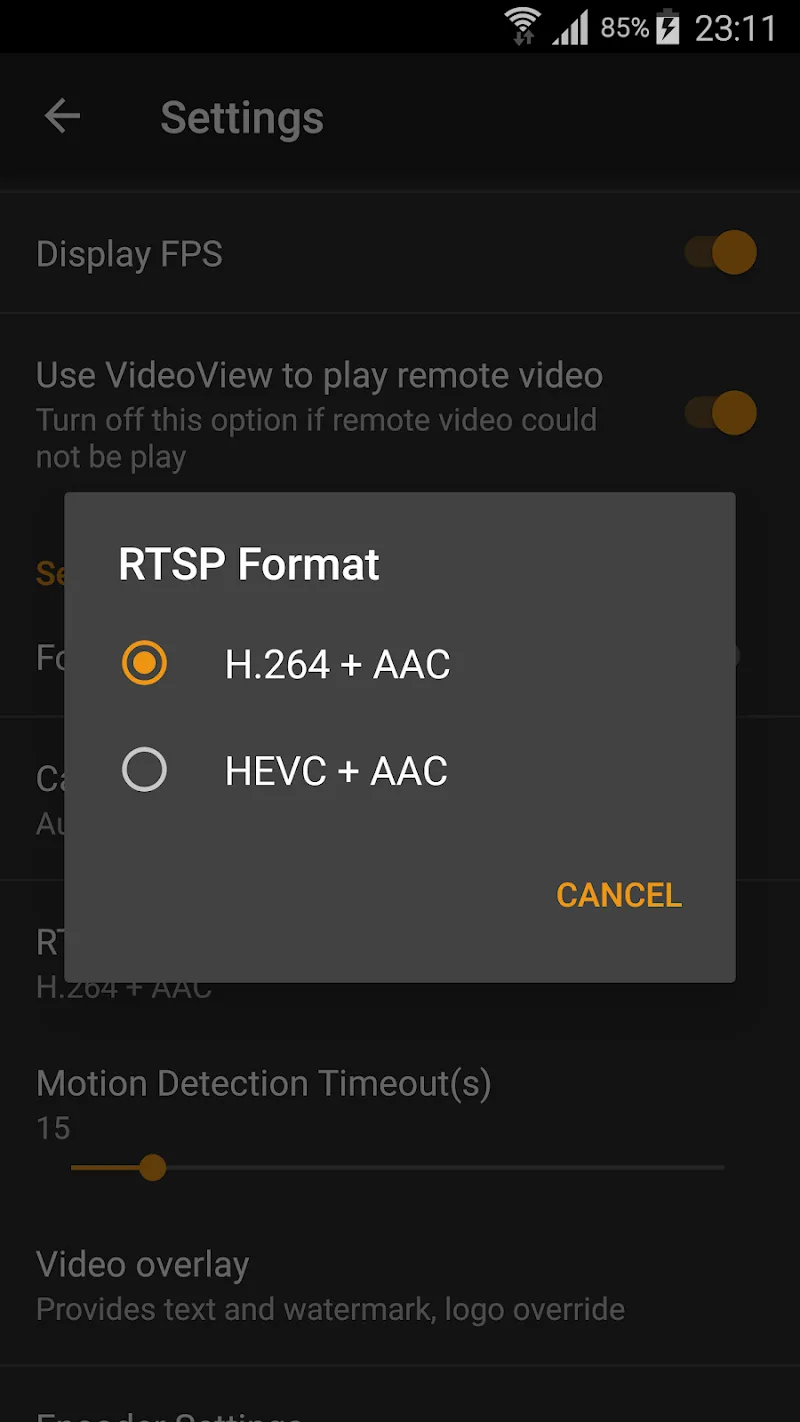
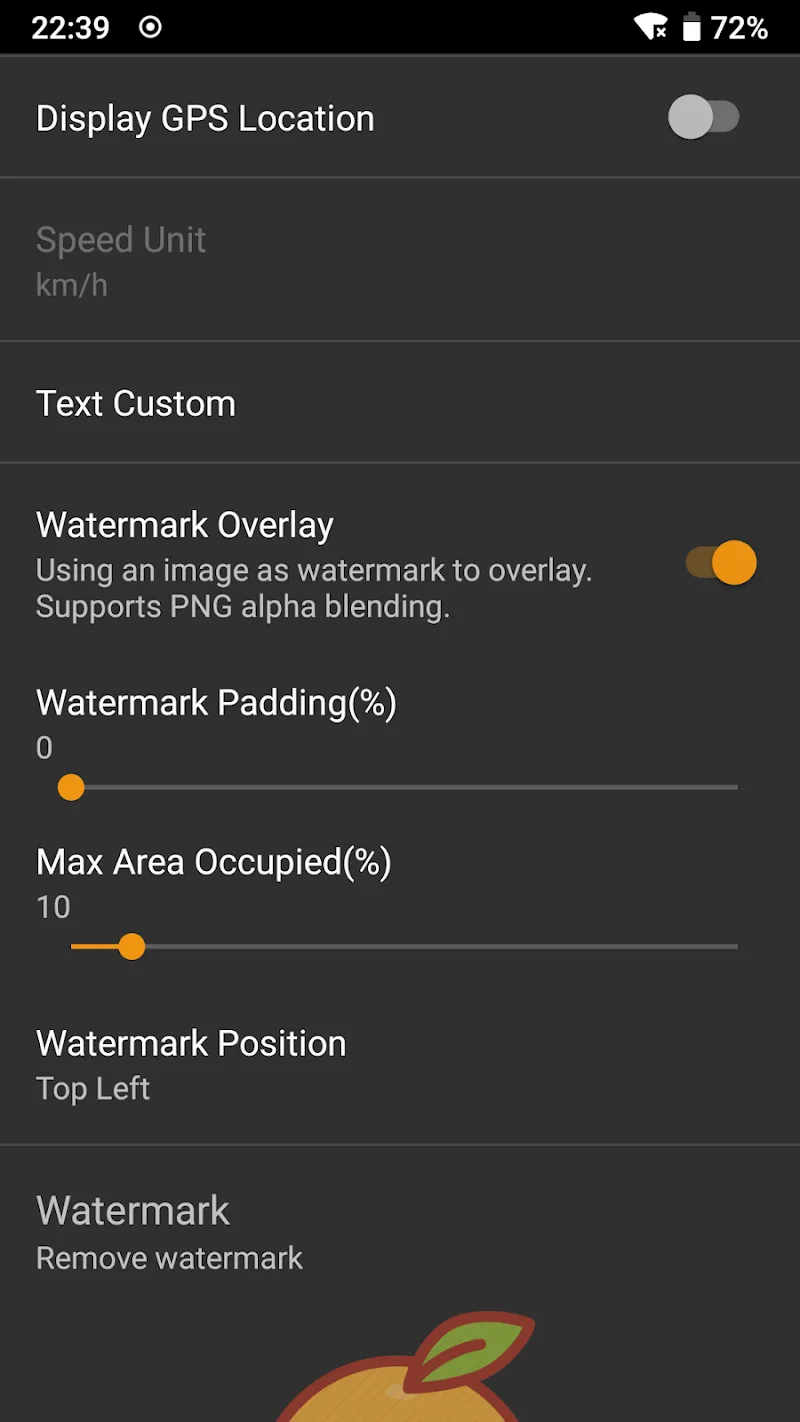
IP Camera Pro is a compact surveillance utility that turns mobile devices into reliable remote monitoring tools, combining live streaming, multi-camera support and recording options for home and small business use. It streamlines camera setup and delivers real-time feeds with manageable controls for everyday security and observation needs.
IP Camera Pro specializes in connecting to network cameras and smartphone cameras to provide continuous live view, motion-triggered recording and quick access to footage. The app supports a variety of camera protocols and offers basic controls for pan, tilt and zoom where hardware permits. It’s designed to reduce setup complexity while preserving essential monitoring capabilities.
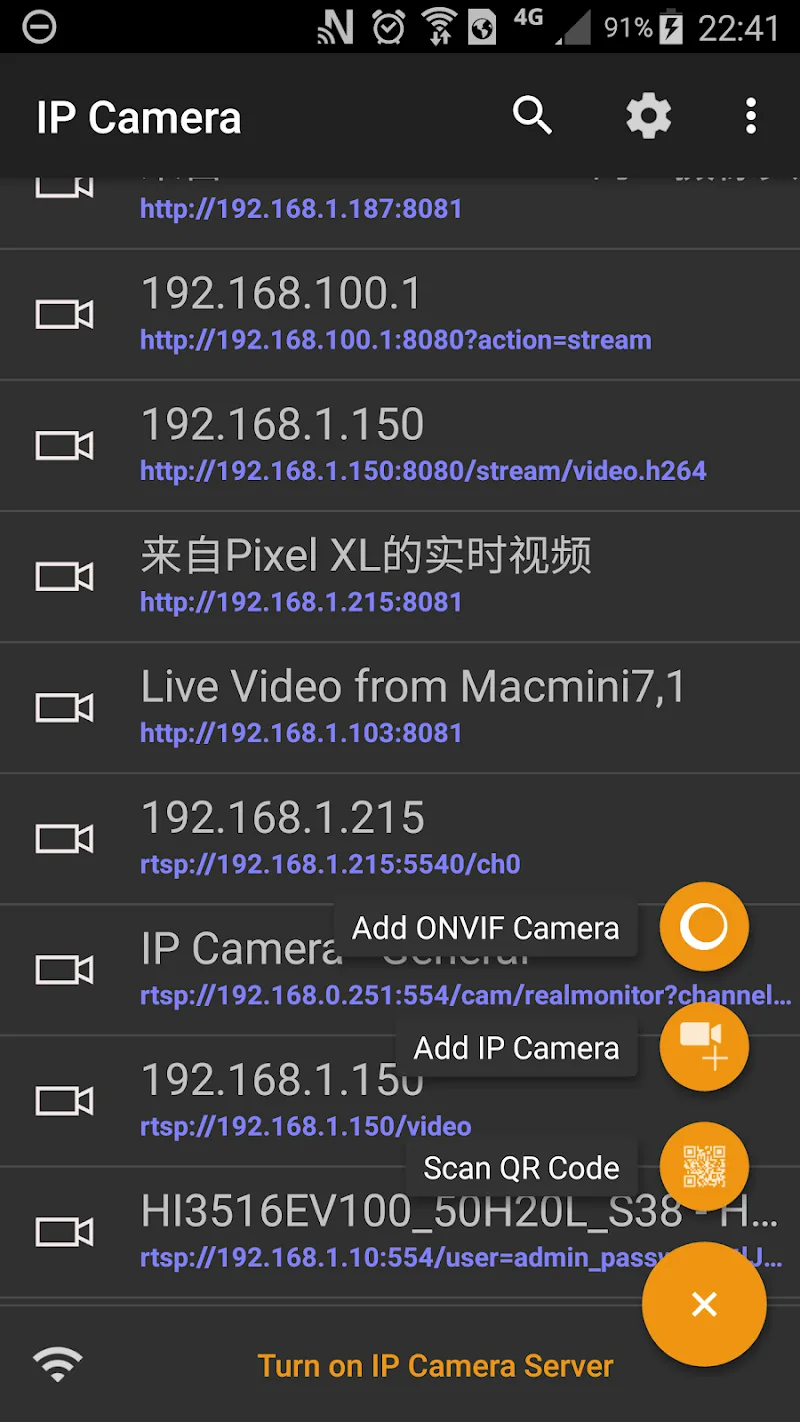
After installation, IP Camera Pro prompts you to add a camera using an IP address, QR code, or network scan. The app queries the camera for its stream URL and protocol, then displays the feed in a tiled or full-screen layout. Users can customize recording schedules, adjust sensitivity for motion detection and assign different storage locations for video files.
The user interface emphasizes clarity: thumbnails for each camera, a timeline for recorded events and quick-access buttons for snapshots and recording. PTZ operations are performed with on-screen gestures or virtual joysticks when supported. Settings are grouped by camera to keep advanced options separate from everyday controls.
IP Camera Pro focuses on steady frame rates and efficient bandwidth use. Compression and resolution adjustments help balance image quality with network limitations. Background recording and battery-optimized modes reduce resource drain on mobile devices while keeping essential monitoring active.
Recordings can be saved locally on the device, on a microSD card (if available), or to networked storage. The app includes a simple file browser for playback and export, making it straightforward to extract clips for sharing or archival. Automatic deletion rules help maintain available space without manual intervention.
Secure access is a priority: IP Camera Pro supports password protection and recommends using encrypted connections where available. Users should enable strong, unique passwords and change default camera credentials. Remote access features can be restricted to trusted networks to minimize exposure to the internet.
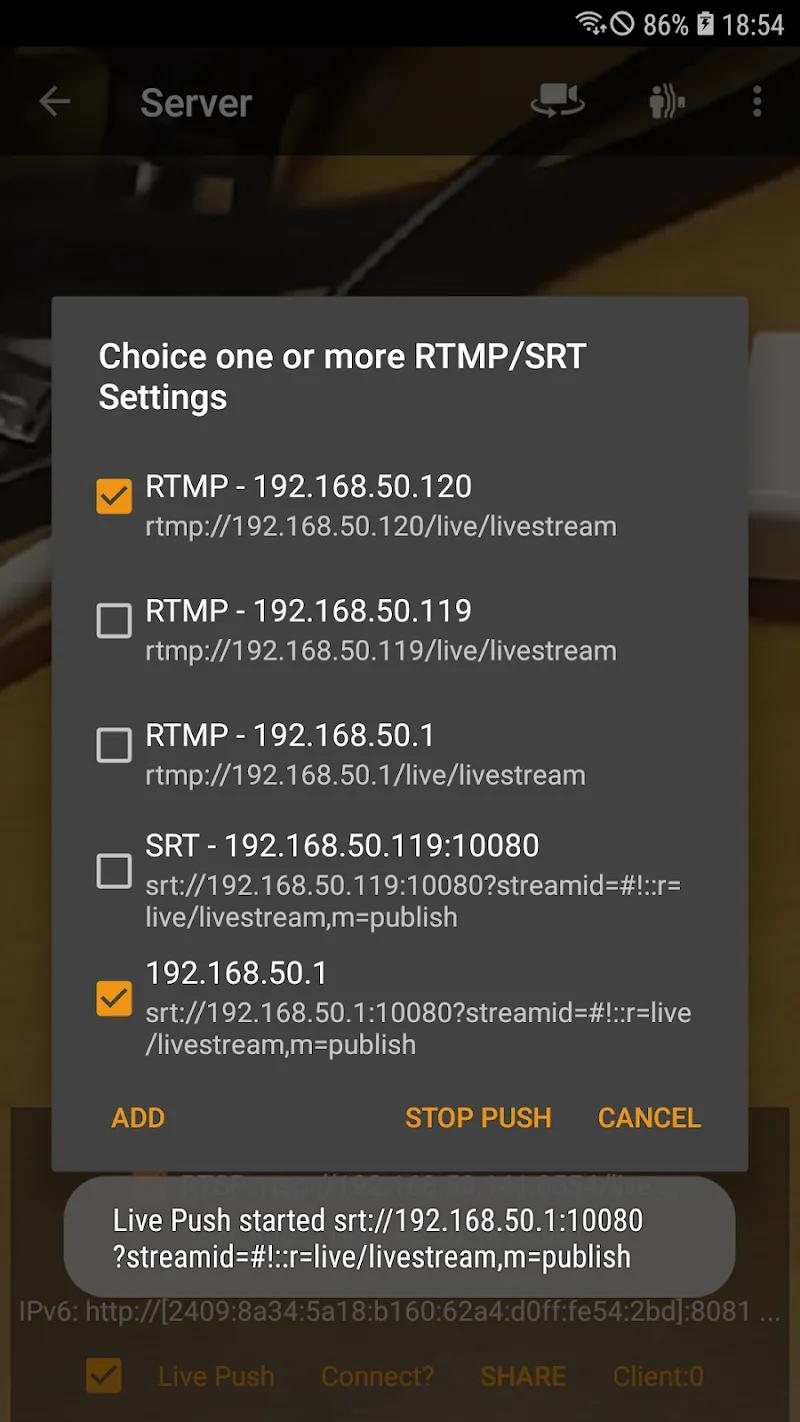
For users who need more control, IP Camera Pro exposes advanced options like stream type selection, bitrate limits and scheduled recording windows. Integrations with external notification systems or cloud storage are possible through available export and webhook features, enabling integration with broader security workflows.
To begin, install the app, grant required permissions for camera and storage access, and follow the guided wizard to add your first device. Many users find the onboarding straightforward: IP Camera Pro automatically detects many on-network cameras and supplies suggested configuration settings to speed setup.
The app aims to be approachable for casual users while offering depth for enthusiasts and small business owners. Built-in help and FAQ sections assist with common troubleshooting, and community forums or support channels typically cover brand-specific quirks. Regular updates refine compatibility and introduce incremental improvements.
Whether you need a single-room monitor or a small multi-camera installation, IP Camera Pro balances usability and functionality to deliver a practical monitoring solution for everyday security and observation tasks.