
Onshape 3D CAD
Version: 1.194.5557
42.90MB
4.4
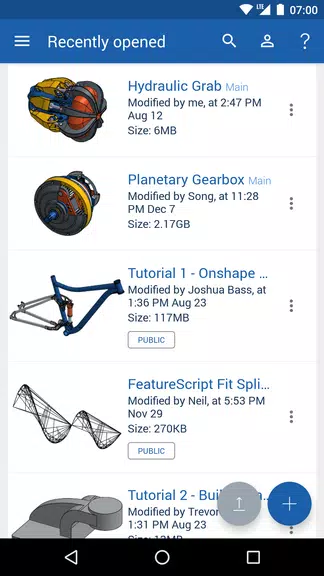

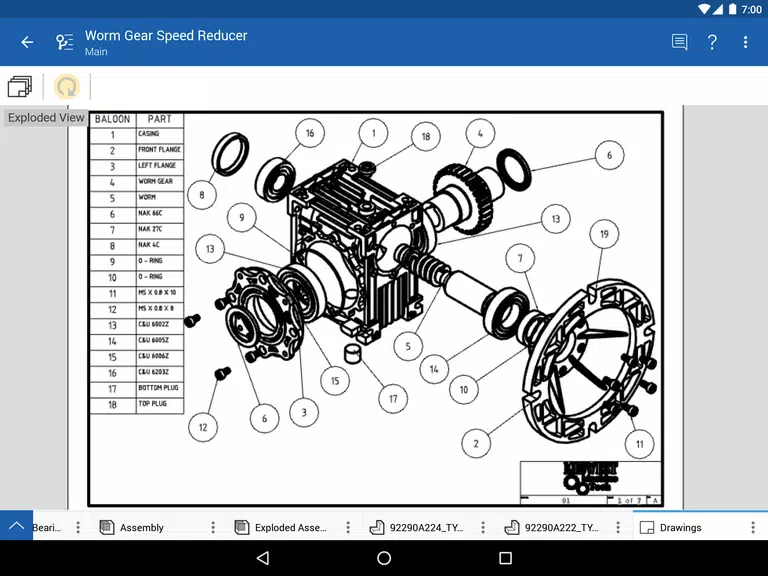
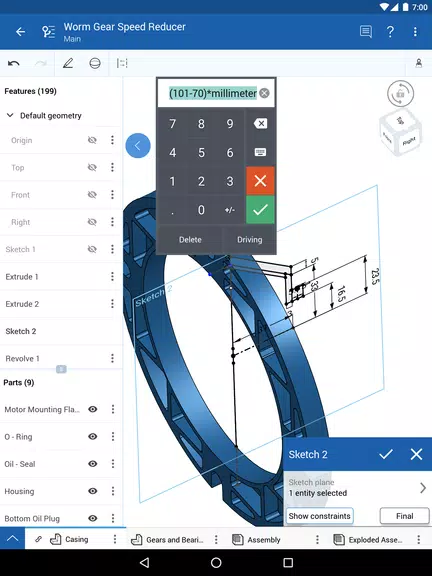
Onshape 3D CAD is a cloud-based 3D design software that enables users to create, edit, and collaborate on CAD models from anywhere in the world. With its powerful set of tools and real-time collaboration features, Onshape is ideal for teams and individuals working on engineering, product design, and manufacturing projects. As a fully browser-based platform, Onshape eliminates the need for complex installations or device-specific software, allowing seamless access across various devices. Whether you're designing a prototype, developing a product, or just exploring 3D modeling, Onshape provides an efficient, scalable, and user-friendly solution.
1. Cloud-Based Platform: Onshape operates entirely in the cloud, allowing you to access your projects from any device with internet connectivity, eliminating the need for desktop software.
2. Real-Time Collaboration: Onshape's built-in collaboration tools let multiple users work on the same design simultaneously, with real-time updates and version control to prevent conflicts.
3. Parametric and Direct Modeling: The platform offers both parametric and direct modeling tools, allowing users to work with different modeling techniques depending on the project requirements.
4. Comprehensive CAD Tools: Onshape comes with a complete suite of CAD tools, including sketching, assembly design, part modeling, rendering, and sheet metal, to handle all stages of product design.
5. Version Control and History Tracking: Every design change is saved automatically, with the ability to revert to earlier versions, making it easy to track your project’s evolution.
6. Mobile and Web Access: Onshape’s design environment is fully accessible on mobile devices and web browsers, making it easy to work on designs wherever you are.
1. Use the Collaborative Features: Take advantage of Onshape’s real-time collaboration by inviting team members to work on designs simultaneously. This ensures smoother workflow and faster iterations.
2. Master Version Control: Onshape automatically saves every change and tracks versions. Use this to your advantage by creating branches for different design variations and easily comparing them.
3. Leverage Templates and Libraries: Onshape has an extensive library of templates and pre-made components. Use these resources to speed up your design process and ensure consistency.
4. Learn Shortcuts for Efficiency: Familiarize yourself with Onshape’s keyboard shortcuts and command tools to speed up your modeling and improve productivity.
5. Use the Part Studios: Organize your project components efficiently by using Part Studios, which allows you to work on multiple parts in a single document and easily create assemblies.
6. Integrate with Other Tools: Onshape integrates with a range of third-party applications and tools (like CAM, ERP, and PLM systems). Use these integrations to enhance your design and production workflow.
Onshape 3D CAD is an incredibly powerful tool for engineers, product designers, and manufacturers. Its cloud-based structure, real-time collaboration features, and comprehensive suite of CAD tools make it ideal for modern, agile teams. Whether you're working solo on a personal project or collaborating with a team across different locations, Onshape streamlines the entire design process. With no installation required and full mobile and web access, Onshape provides unparalleled flexibility, making it a top choice for anyone looking to elevate their 3D modeling experience.