
Vpower v20010.1.0.27_15.1
Version: 20010.1.0.27_15.1
41.87MB
4.5


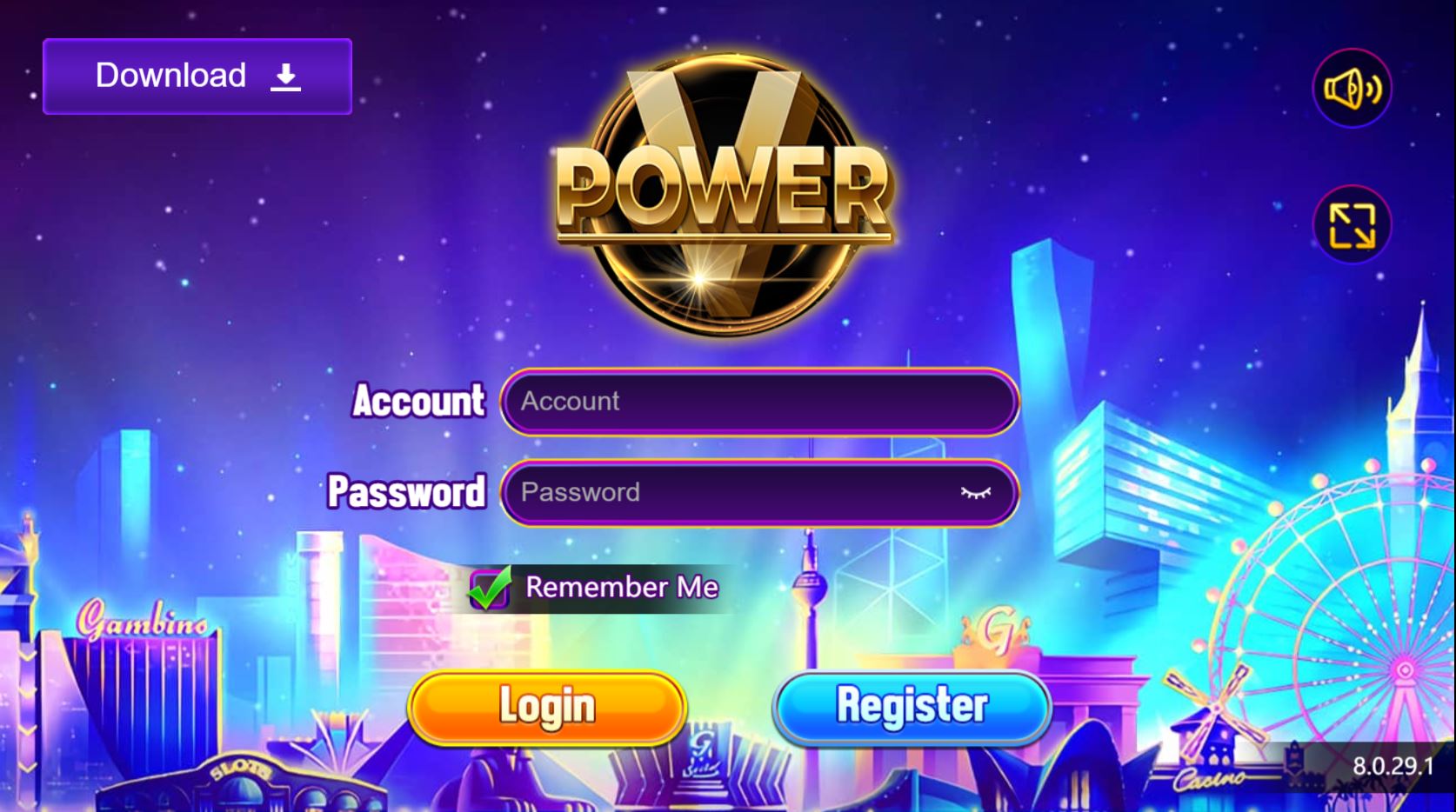
Vpower v20010.1.0.27_15.1 is a compact Android utility designed to optimize device performance, manage power consumption, and extend battery life with intelligent profiles and real-time monitoring. It brings one-tap tuning, background app control, and detailed usage analytics to help users balance performance and efficiency without complicated settings.
Vpower v20010.1.0.27_15.1 mixes straightforward controls with advanced options so both casual users and power users can shape how their device behaves. The app includes preset power modes, manual CPU and network throttling, and per-app hibernation to reduce wasted cycles. A dashboard visualizes current drain, screen-on time, and estimated remaining runtime.
The interface focuses on clarity: a main dashboard gives a snapshot of battery health and active optimizations while deeper menus let you tune settings. Vpower v20010.1.0.27_15.1 organizes features into intuitive sections: Monitor, Optimize, Profiles, and History. Workflows are designed around simple actions — tap to analyze, swipe to apply a profile, and long-press to edit rules.
For commuters, Vpower saves battery by limiting background sync and dimming connectivity while preserving notifications selectively. For travelers, the app switches to a low-power profile during long flights or when power outlets are unavailable. Power users can enforce CPU limits for specific apps to reduce heat and prolong device lifespan. The combination of scheduling and per-app controls allows fine-grained customization without constant manual intervention.
Vpower v20010.1.0.27_15.1 is engineered to run with minimal overhead so the app itself doesn’t become a battery consumer. Background services are kept lightweight and event-driven. Compatibility covers a broad range of Android versions and common device manufacturers, with fallbacks for devices where low-level controls are restricted by the operating system.
The app requests only the necessary permissions to monitor system metrics and manage apps. Local logs and usage history stay on-device unless you opt into cloud backup. Permission dialogs are grouped by function so you can review why each access is required before enabling it.
Installing Vpower v20010.1.0.27_15.1 is straightforward: allow the requested permissions, run the initial analyzer, and choose a recommended profile based on your typical usage pattern. The onboarding guide highlights three key steps: enabling monitoring, selecting a default profile, and scheduling an automatic nightly optimization.
Vpower v20010.1.0.27_15.1 combines automation, visibility, and control to give users a practical way to extend battery life and reduce unnecessary resource use. Its modular design lets you adopt basic features immediately while offering deeper customization for those who want to fine-tune device behavior. Regular updates enhance compatibility and refine heuristics used for adaptive profiles.
Keep the app updated to benefit from optimizations tied to new Android releases. Periodic reviews of profile rules ensure they remain aligned with evolving usage habits. With careful setup, Vpower helps maintain smoother daily performance and more predictable battery life without demanding constant attention.