
GBA Game Emulator
Version: 0.6
78.00MB
4.2

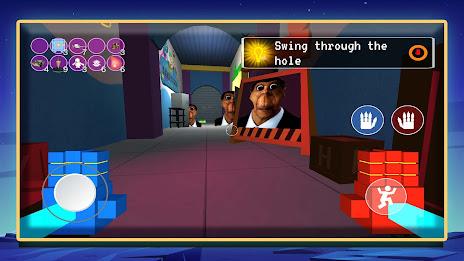
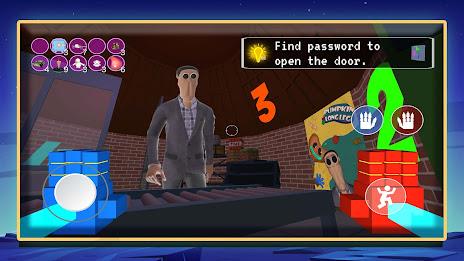
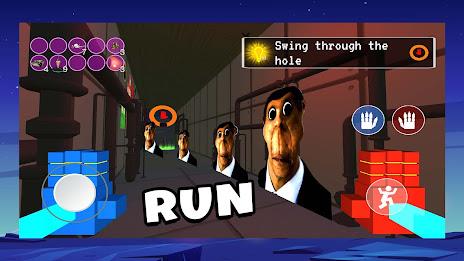
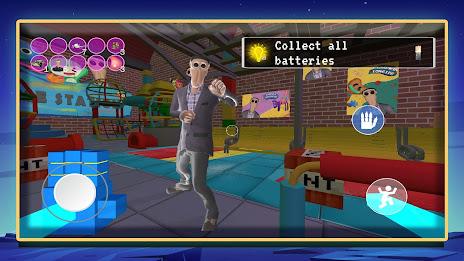

GBA Game Emulator brings the Game Boy Advance experience to your Android device, letting you play classic handheld titles without extra hardware. GBA Game Emulator launches quickly, loads popular ROMs from your device or cloud storage, and provides responsive emulation with configurable controls so you can replay favorites like Pokémon, Zelda or Super Mario in a familiar portable format.
The emulator uses a built-in JIT engine to deliver smooth performance across a wide range of phones and tablets, and it supports high compatibility with nearly all Game Boy Advance titles. You can save progress with cloud-backed save states and quick-access slots, map on-screen controls or pair external controllers, and use sensor input such as tilt, gyro and vibration when games require them. Local multiplayer over Bluetooth and Wi-Fi is supported for compatible ROMs, allowing nearby devices to link up for cooperative or competitive play without relying on online servers.
Gameplay in GBA Game Emulator mirrors the original GBA mechanics while offering modern input flexibility. On-screen touch controls can be resized and repositioned to suit different play styles and screen sizes, and button opacity or dead zones can be adjusted to reduce accidental presses. The emulator supports physical controllers and keyboard input where Android allows, so players who prefer tactile feedback can use Bluetooth gamepads. Sensor-driven titles can use tilt and gyro mapping, and vibration feedback helps recreate cartridge-era rumble effects on devices that support it.
Because the emulator runs original ROMs, progression systems and level structure remain faithful to each game's design. GBA Game Emulator enhances progression with a variety of save options: instant save states for experimenting at challenging moments, automatic suspend saves when exiting to the home screen, and cloud sync to move progress between devices. These mechanisms make it easier to revisit mid-level checkpoints, retry tough boss fights, or continue long RPG campaigns without repeating unwelcome sections.
The app preserves the visual output of Game Boy Advance titles while providing filters and scaling options to improve clarity on modern displays. Users can choose pixel-perfect scaling for a retro look, integer scaling to avoid interpolation artifacts, or soft filters that smooth sprites for larger screens. Screen orientation, aspect ratio locks and virtual border overlays can be customized, and color correction options let players fine-tune brightness, contrast and palette mapping to match their preferred retro aesthetic.
Replayability comes from easy state management, configurable difficulty substitutes and the ability to experiment with speed controls. GBA Game Emulator includes fast-forward and slow-motion features that help learning and practicing tricky platform segments, and save state branching encourages players to try alternate strategies without losing long-term progress. Because the emulator supports nearly the entire GBA library, players can explore diverse genres and revisit hidden or optional content across many titles, increasing long-term value.
The interface is designed to be approachable on first use while offering deeper options for advanced users. Menus are organized so common actions like loading ROMs, managing save slots and adjusting controls are a few taps away. Accessibility options include scalable controls for larger touch targets, adjustable on-screen contrast for visibility, and support for external assistive hardware where Android permits. The emulator also minimizes background resource use to preserve battery life during extended play sessions.
GBA Game Emulator works fully offline for single-player gameplay, with local save and load features available without an internet connection. Local multiplayer connects devices directly over Bluetooth or Wi-Fi for supported titles, enabling multi-device sessions in the same room without cloud reliance. Cloud save functions are optional and designed as a convenience for syncing across a user's devices rather than as a required service.
Game files are not included with the emulator; users must load legally obtained ROMs and respect copyright laws in their region. Some titles may require specific configuration tweaks to run perfectly on certain devices, and while compatibility is high, a small number of games may still present visual or audio glitches. GBA Game Emulator is an independent project and is not affiliated with original console manufacturers or intellectual property rights holders.
Falcon Game Studio develops and maintains this emulator, focusing on performance optimization and user-facing features. The team issues regular updates to improve compatibility, refine controls and add small features requested by the community. Falcon Game Studio emphasizes stability and responsive support, and continues to evolve the app based on real-world device testing and user feedback.