
Campus Talks
Version: 0.1.0
92.74MB
4.2
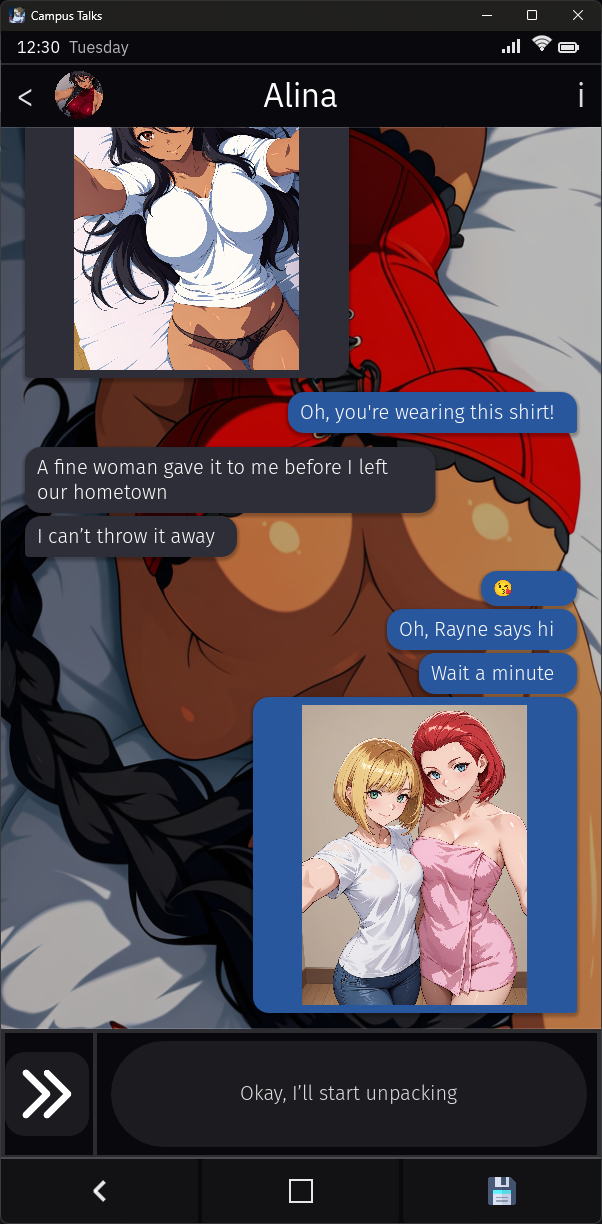
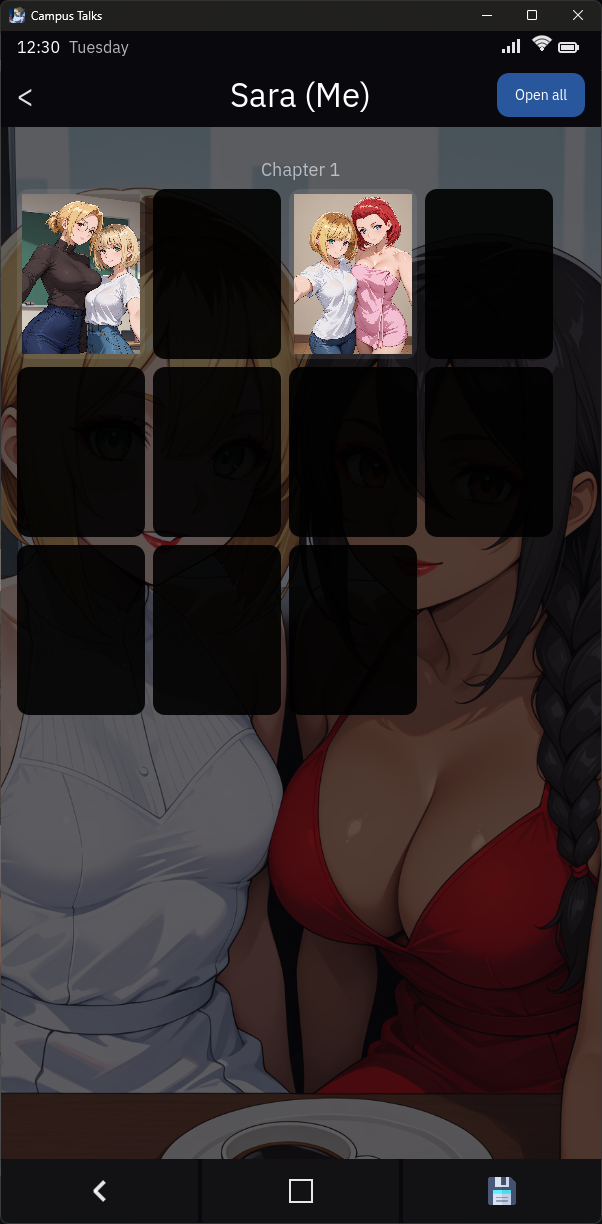
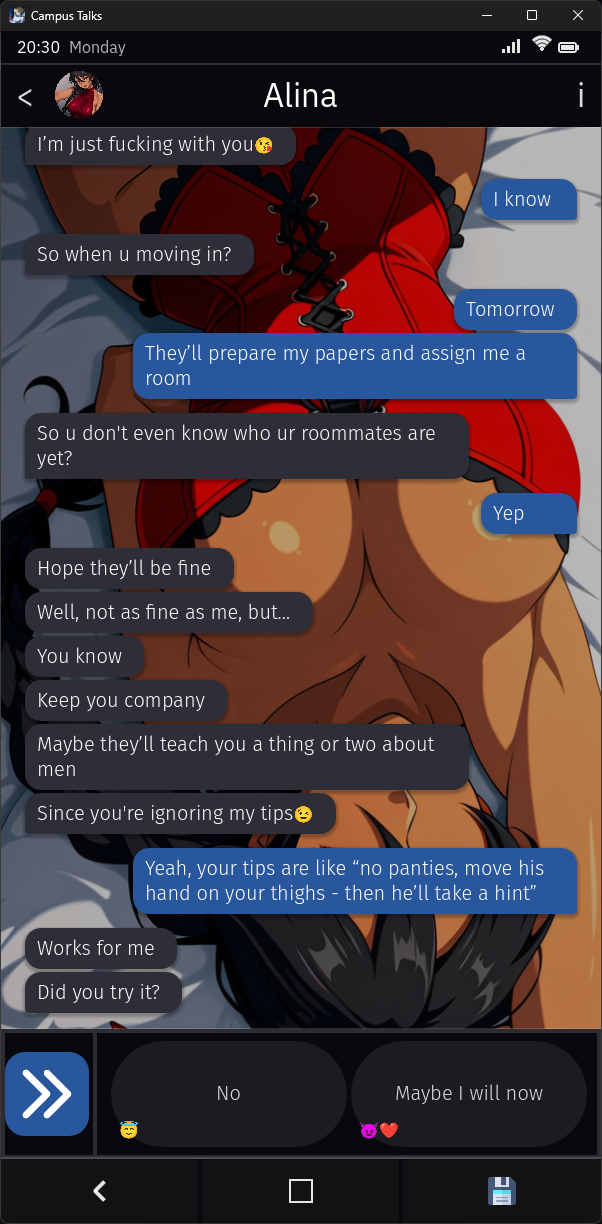
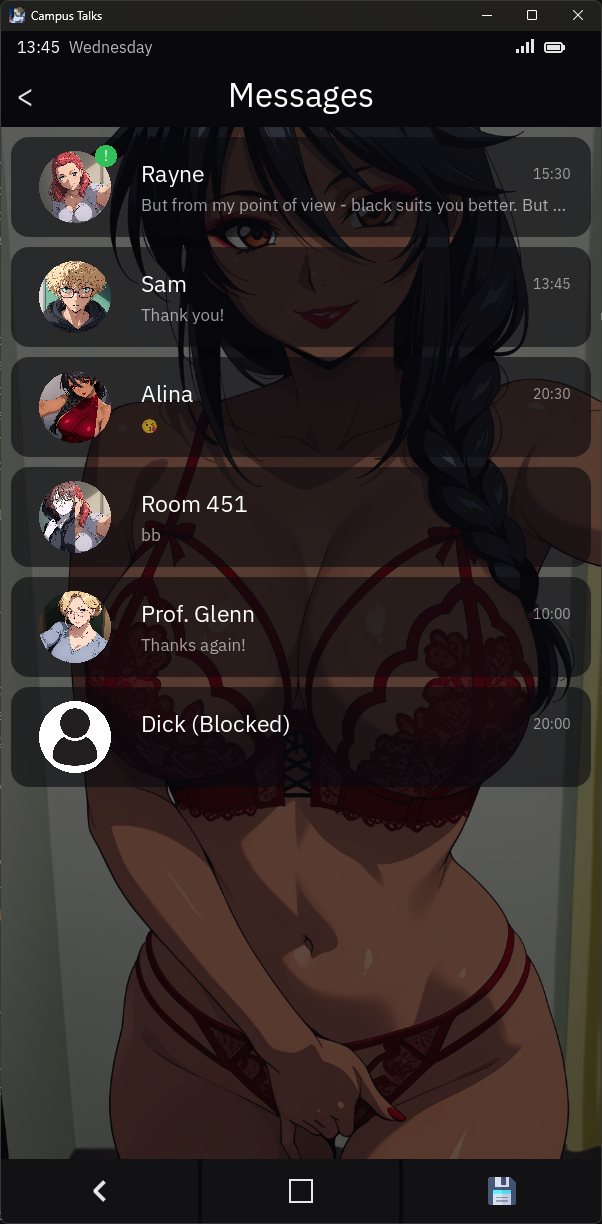
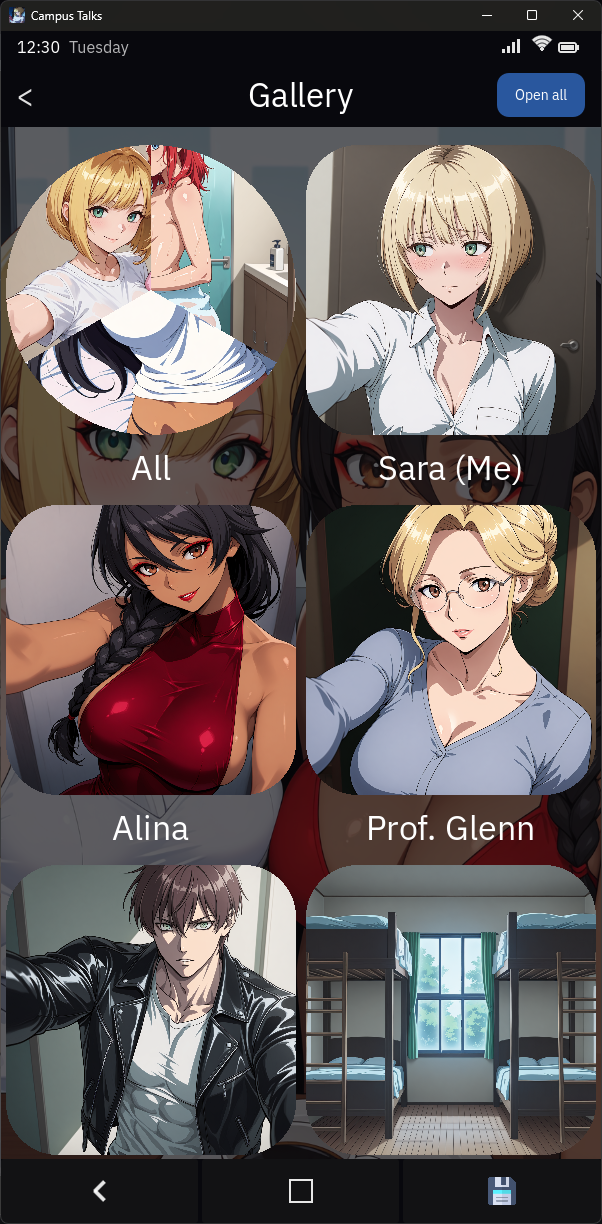
Campus Talks is a student-focused communication platform designed to connect classmates, clubs, and campus services in one polished interface. It streamlines event planning, group chats, and study collaboration while providing practical notification controls, easy group discovery, and a lightweight feed tailored to academic life.
Campus Talks offers a compact set of tools built for campus life. Users can create dedicated channels for courses, clubs, dorm floors, or ad-hoc study sessions. Integrated event pages let organizers publish dates, RSVP lists, and location pins. The app supports file sharing for lecture notes and slides, threaded discussions to keep conversations organized, and polls for quick decision-making.
The interface emphasizes clarity and speed. A left-hand navigation pane surfaces your active groups, upcoming events, and pinned announcements. Tapping into a channel reveals a chronological feed with clearly labeled message types: text, image, document, or calendar invite. Search is robust, letting students find messages, attachments, or members by keyword, course code, or tag.
Designed around group work, Campus Talks makes shared tasks straightforward. Create study groups with role assignments, upload collaborative documents, and attach deadlines to message threads. Built-in timers and checklists help keep study sessions focused, and voice notes let teammates share quick explanations when typing becomes inefficient. For project work, threaded replies help separate logistics from substantive discussion.
Events are central to campus life, and Campus Talks treats them as first-class objects. Organizers can set capacity limits, require RSVPs, and post follow-up resources. A discovery feed surfaces events by proximity, popularity, or academic relevance so students can find seminars, club meetings, or social mixers. Event organizers benefit from simple attendee export and reminder scheduling.
Campus Talks balances openness with privacy controls. Users choose visibility settings for profiles and channels, and moderators can configure approval rules for new members. Built-in reporting tools let administrators address inappropriate content quickly. For institutions that require tighter control, integration options allow single sign-on and directory synchronization so membership maps to official campus credentials.
Personalization keeps the experience relevant. Notification preferences are granular: mute specific channels, set quiet hours, or opt-in for urgent alerts from campus services. Themes and compact layouts let users prioritize content density versus readability. Channel tags and pinned messages help teams highlight important resources, while custom channel icons make navigation intuitive.
Campus Talks is optimized for mobile and tablet devices with efficient background sync to preserve battery life. Message caching reduces data usage on limited plans, and lightweight media previews prevent unnecessary downloads. The app provides offline access to recent conversations and queued message sending when connectivity returns. It’s compatible with modern Android versions and performs smoothly on mid-range hardware.
To fit institutional needs, Campus Talks supports integrations with calendar apps, file storage services, and campus directories. Administrators get a dashboard to manage channels, view analytics on engagement, and export member lists. Notifications can be routed through campus alert systems for critical communications, while API access allows custom workflow automation.
Signing up requires a verified email or single sign-on via campus credentials. After account setup, users are guided through joining recommended channels based on department, class schedule, or interests. Creating a channel takes only a few steps: name the group, set privacy, invite members, and add an event or resource. A short in-app tour highlights key features so new members can participate quickly.
For students, staff, and campus organizations seeking a focused communication tool, Campus Talks provides a practical mix of collaboration features, event management, and privacy controls designed specifically for academic life.




Ava the 3D Doll Mod
4.049.85MB

Aelindra: The Rite of Becoming
4.0109.00MB

Free Use App ~Stories of Hinomori~
4.5330.70MB

Summertime Saga: Realistic Remake
4.4173.24MB
Another Teen Titans Porn Game!
4.2140.40MB

Free Use App Stories of Hinomori
4.1330.70MB

Survivor Romania
4.217.90MB

Car Coloring Game offline
4.138.90MB