Learning games for Kid&Toddler
Version: 3.1
756.46MB
4.5
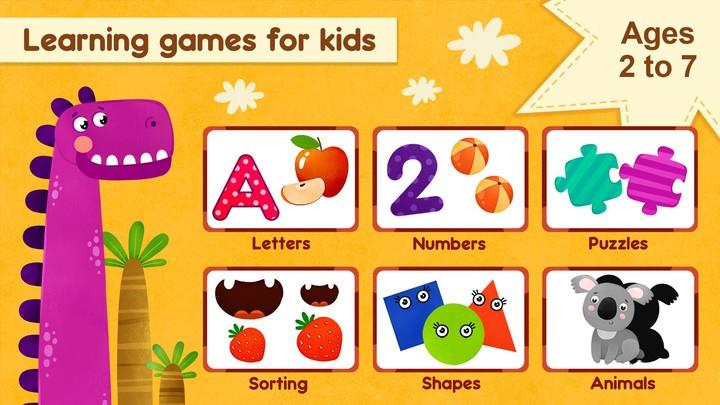
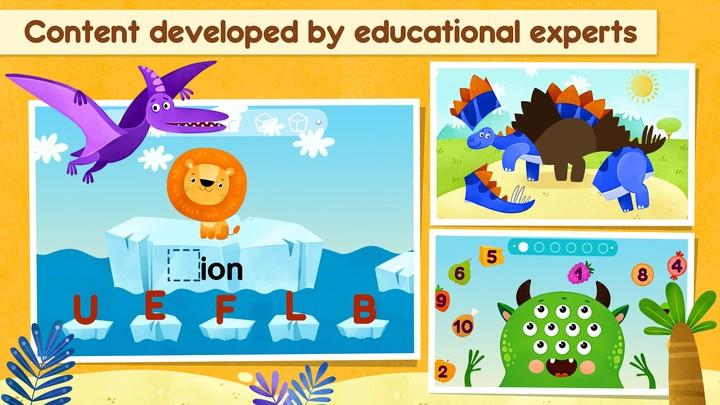
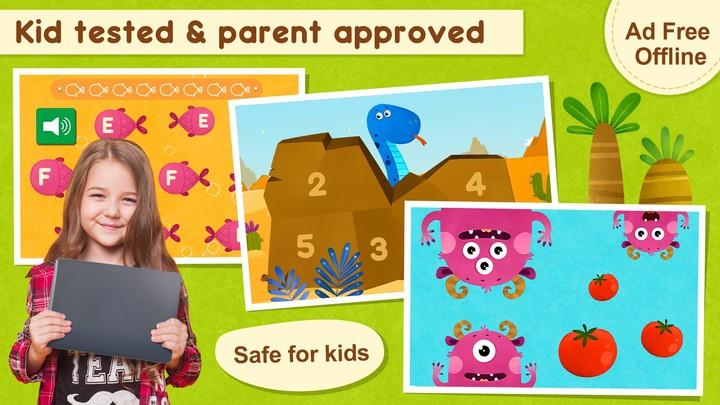
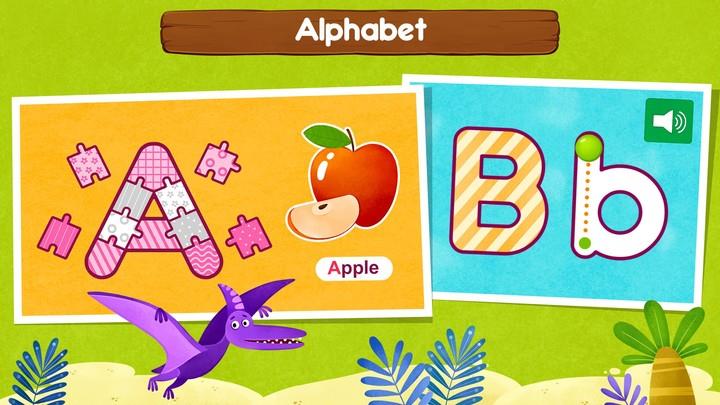
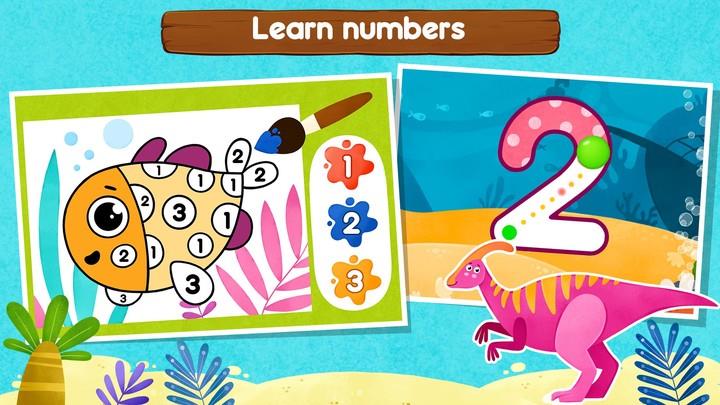
Learning games for Kid&Toddler is a child-focused educational app that combines colorful activities, gentle guidance, and milestone tracking to introduce letters, numbers, shapes, and basic problem-solving through short interactive sessions. It is designed for preschool children and toddlers to learn skills while staying engaged and safe.
This app aims to make early learning approachable for busy families. Learning games for Kid&Toddler organizes lessons into bite-sized modules that children can play independently or with a caregiver. Progress is visible at a glance, and content adapts to a child’s pace so each session feels rewarding rather than repetitive.
The interface groups activities into themes like language, math, creativity, and motor skills. Visual cues and sound effects guide young users without overwhelming them. A simple reward system keeps motivation high, and a lightweight parent dashboard summarizes achievements, time spent, and suggested next steps.
Sessions are short — typically three to seven minutes — so they fit into routines like snack time or car rides. The app uses prompts, touch interactions, matching games, and simple puzzles to teach concepts. Hints appear when a child hesitates, and celebratory animations reinforce correct answers. Caregivers can quickly launch a themed pack or let the app pick a balanced mix.
Learning games for Kid&Toddler supports multiple profiles so siblings can keep separate progress records. You can adjust audio volume, toggle background music, and select a preferred difficulty level. The design uses large buttons and high-contrast visuals, which makes the app accessible for early learners and children with limited fine motor skills.
The app runs smoothly on entry-level and mid-range devices, with minimal load times between activities. Animations are optimized to be engaging without draining battery life. Menus are clearly labeled and illustrated, so even non-readers can navigate using icons. Regular updates refine stability and add seasonal content to keep the experience fresh.
Set short, consistent play sessions to build routine and reinforce learning. Use the parental dashboard to review progress weekly and focus on areas that need practice. Turn on the offline packs before outings, and involve children in choosing themes to increase ownership. For shared devices, switch profiles to keep reward streaks accurate.
Families often highlight the app’s gentle progression and clear reporting as useful tools for preparing children for preschool. Learning games for Kid&Toddler balances guided learning with playful exploration, allowing kids to experiment without frustration. The combination of short activities and visible milestones helps caregivers stay informed without constant oversight.
Download and create profiles in under five minutes. The onboarding introduces core mechanics with an interactive walkthrough so children understand how to tap, drag, and match before jumping into lessons. For parents who want quick results, enable recommended learning packs and check the dashboard after a few sessions to see initial progress.