My Story
Version: 1.13.4
58.20MB
4.5
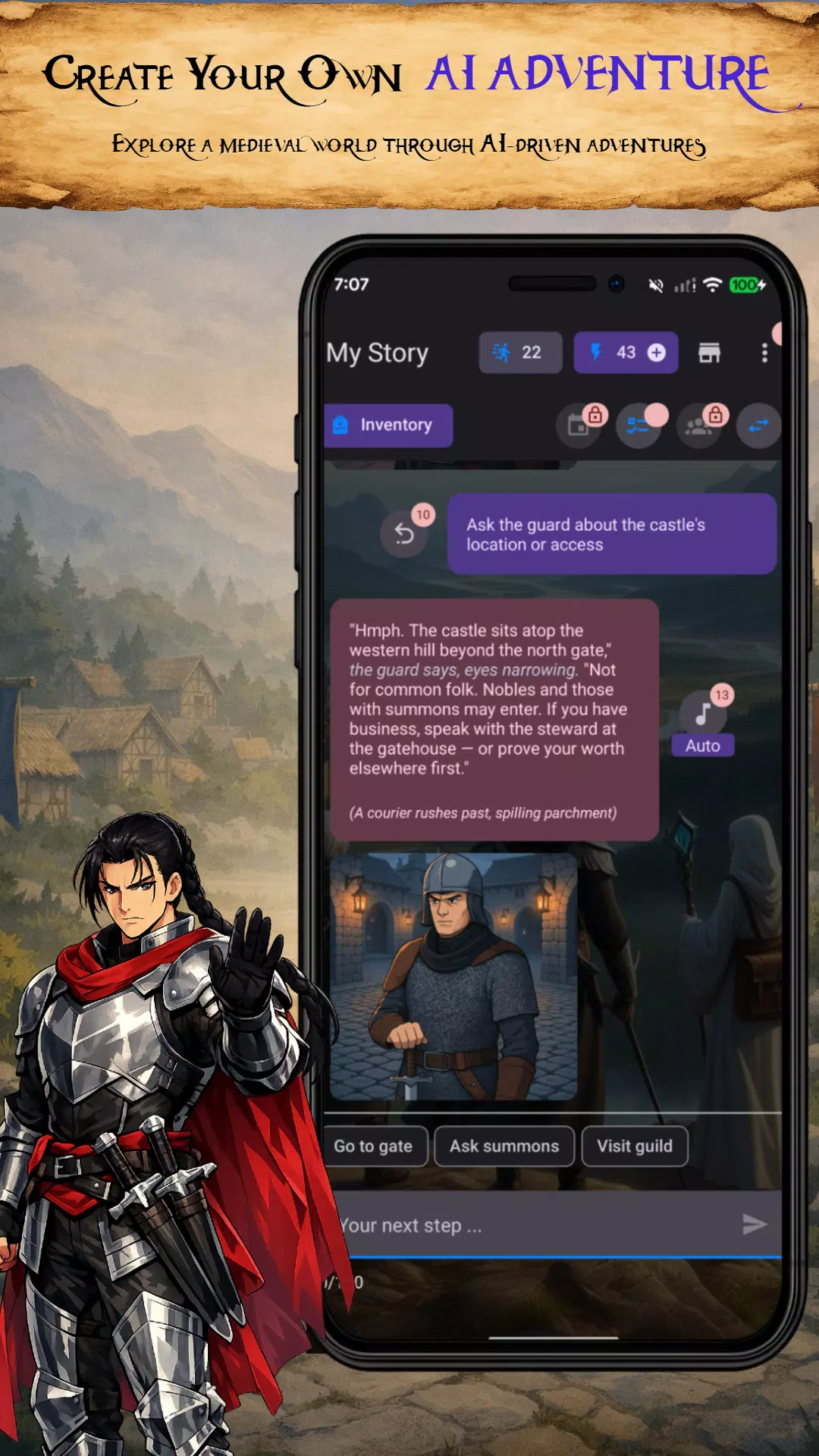
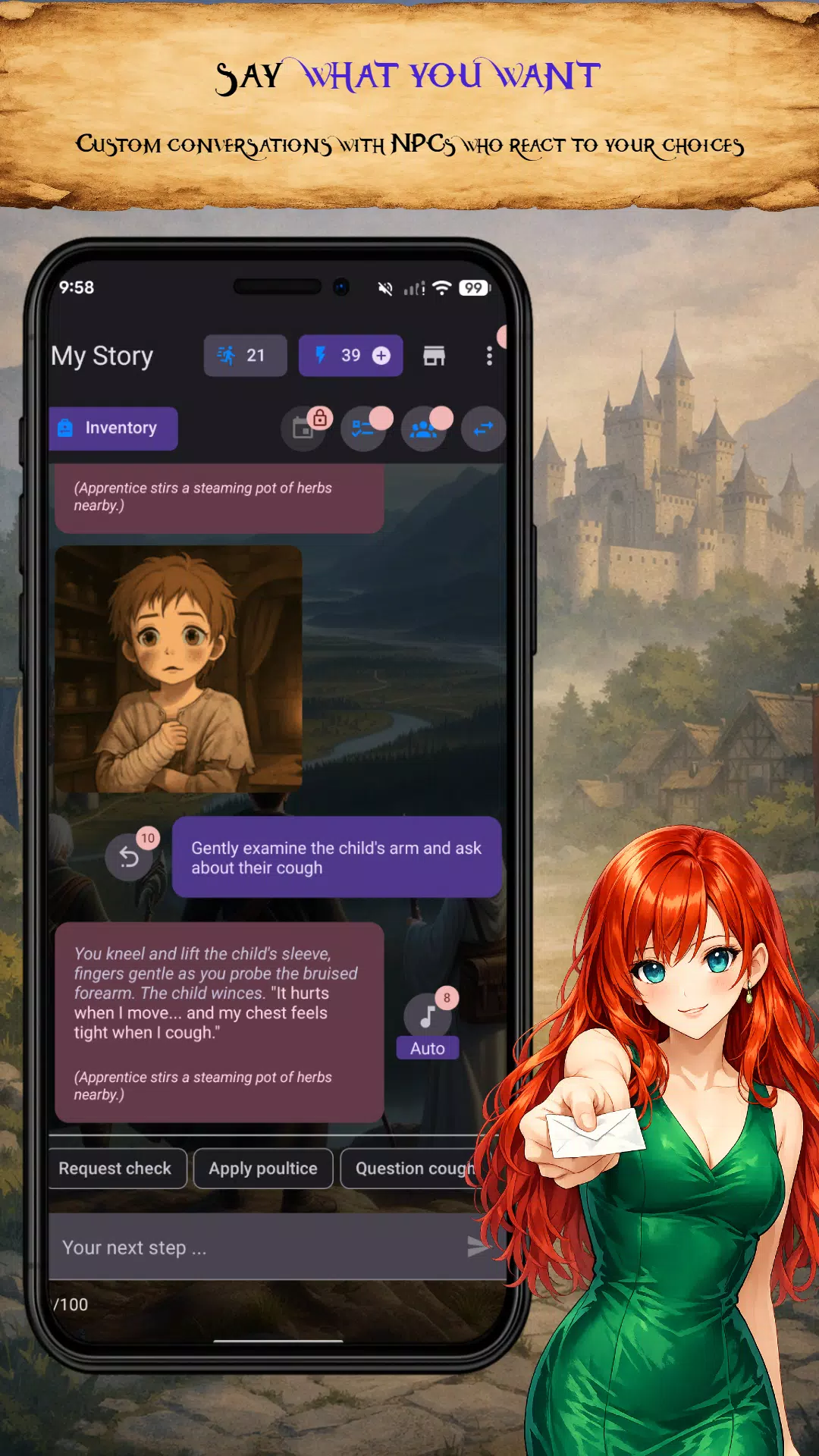
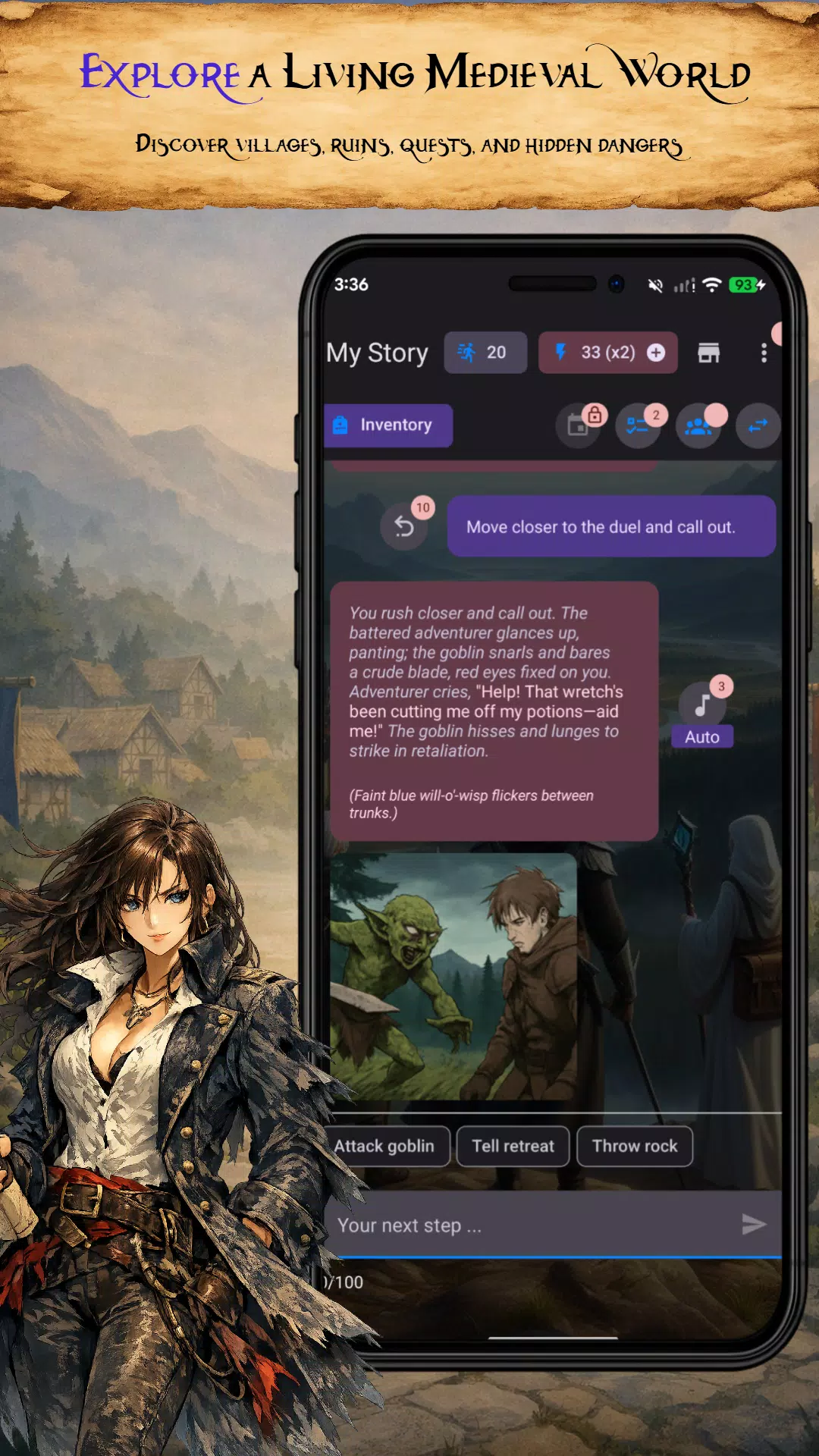
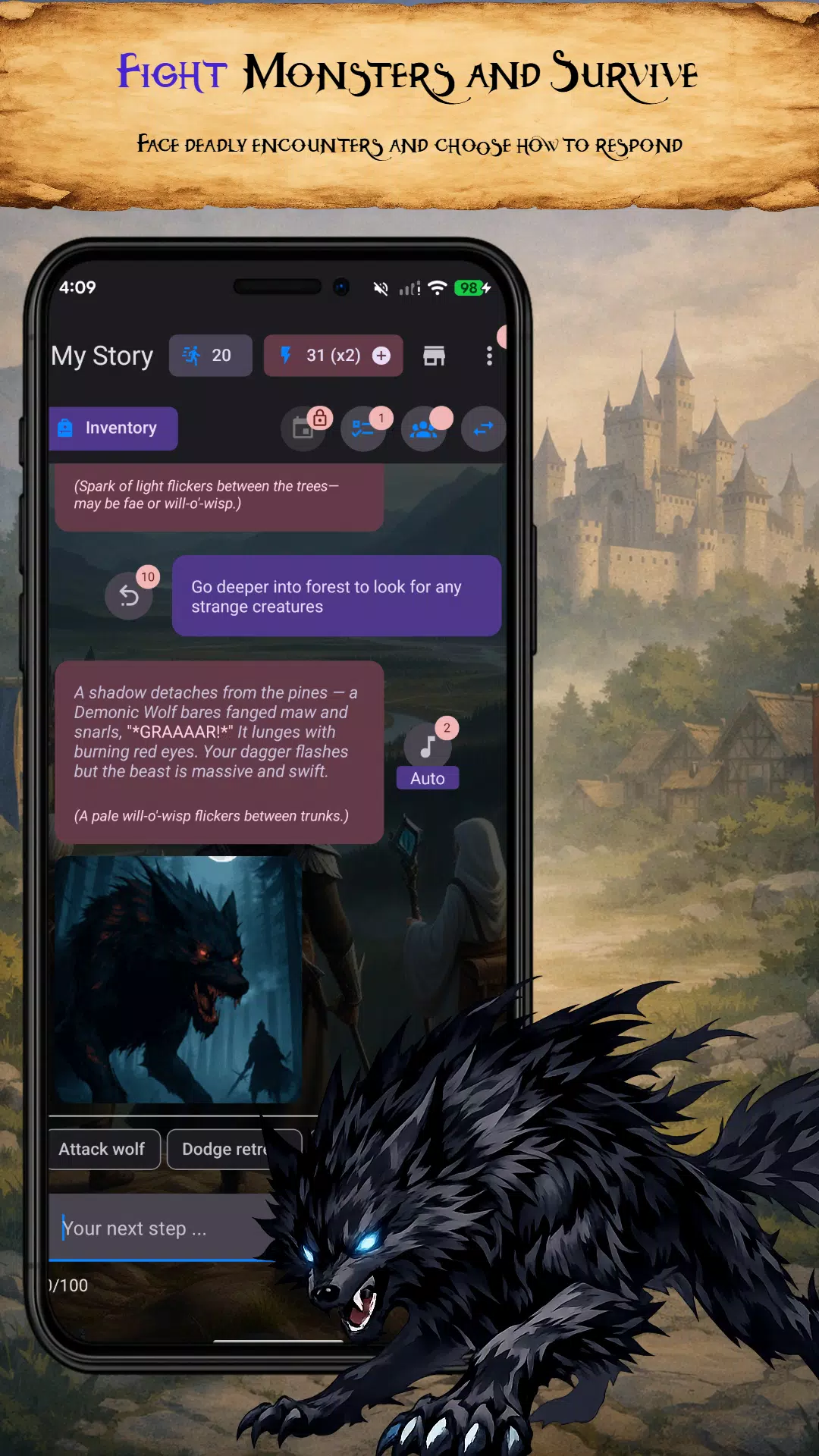
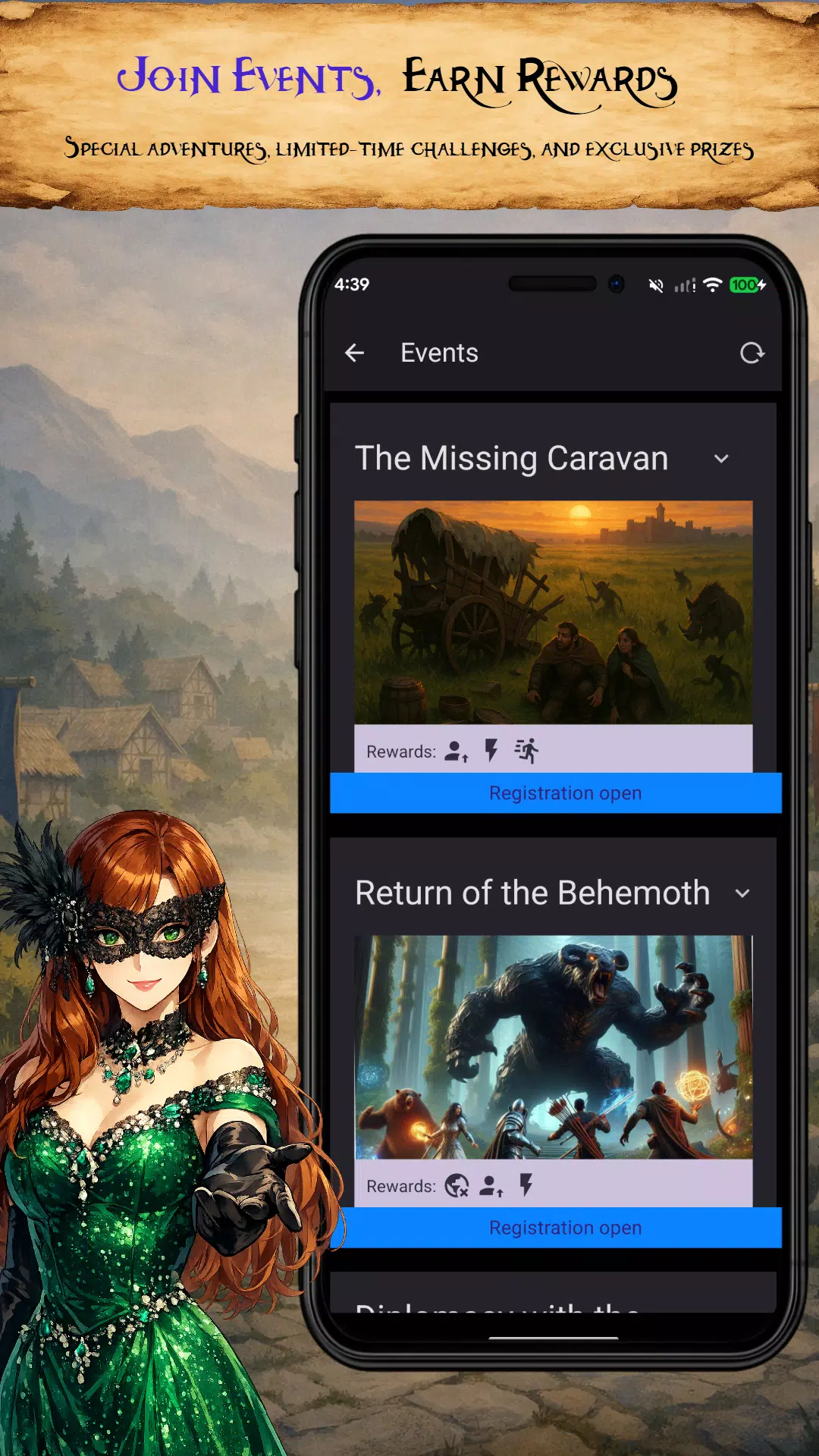
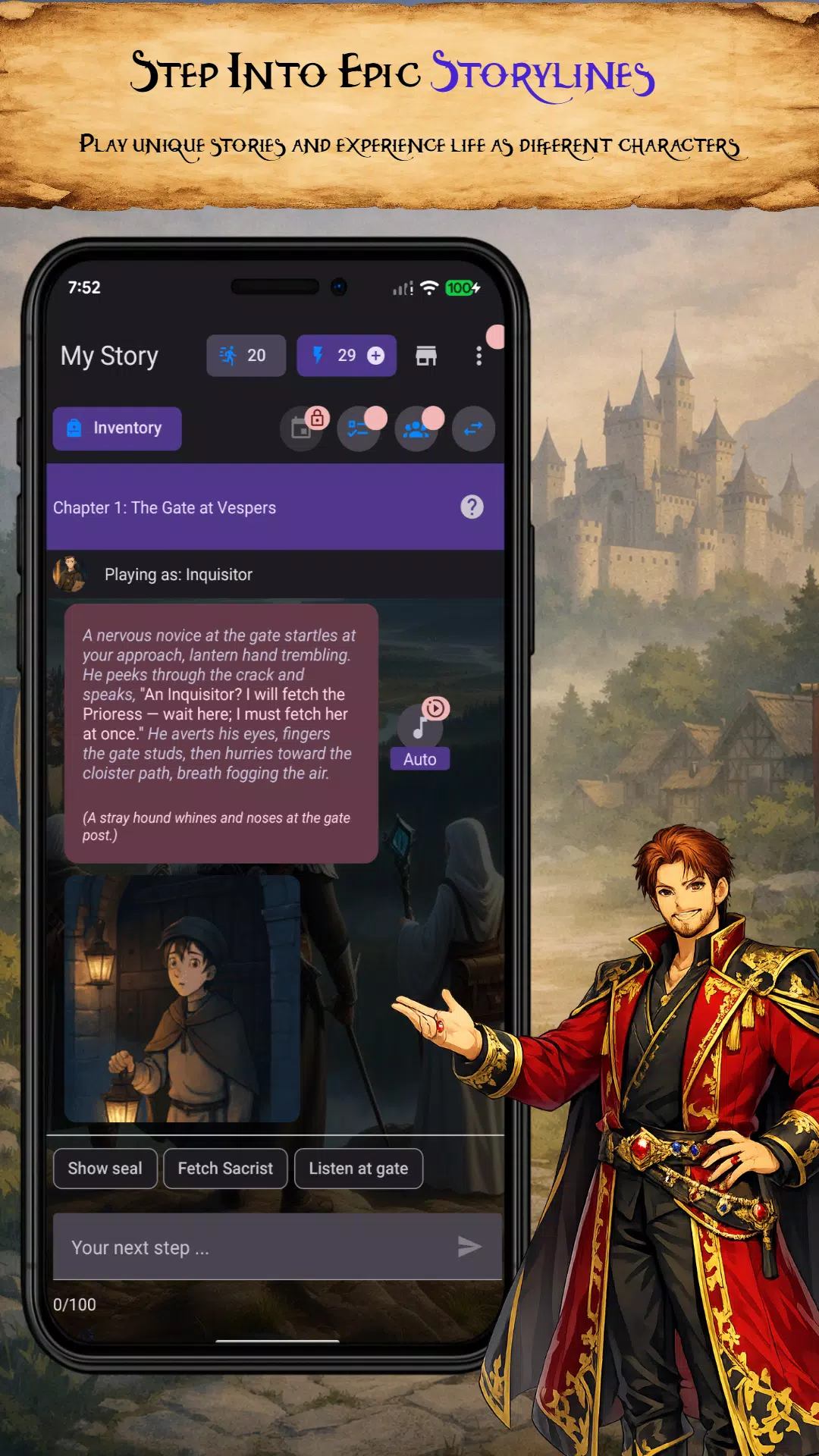
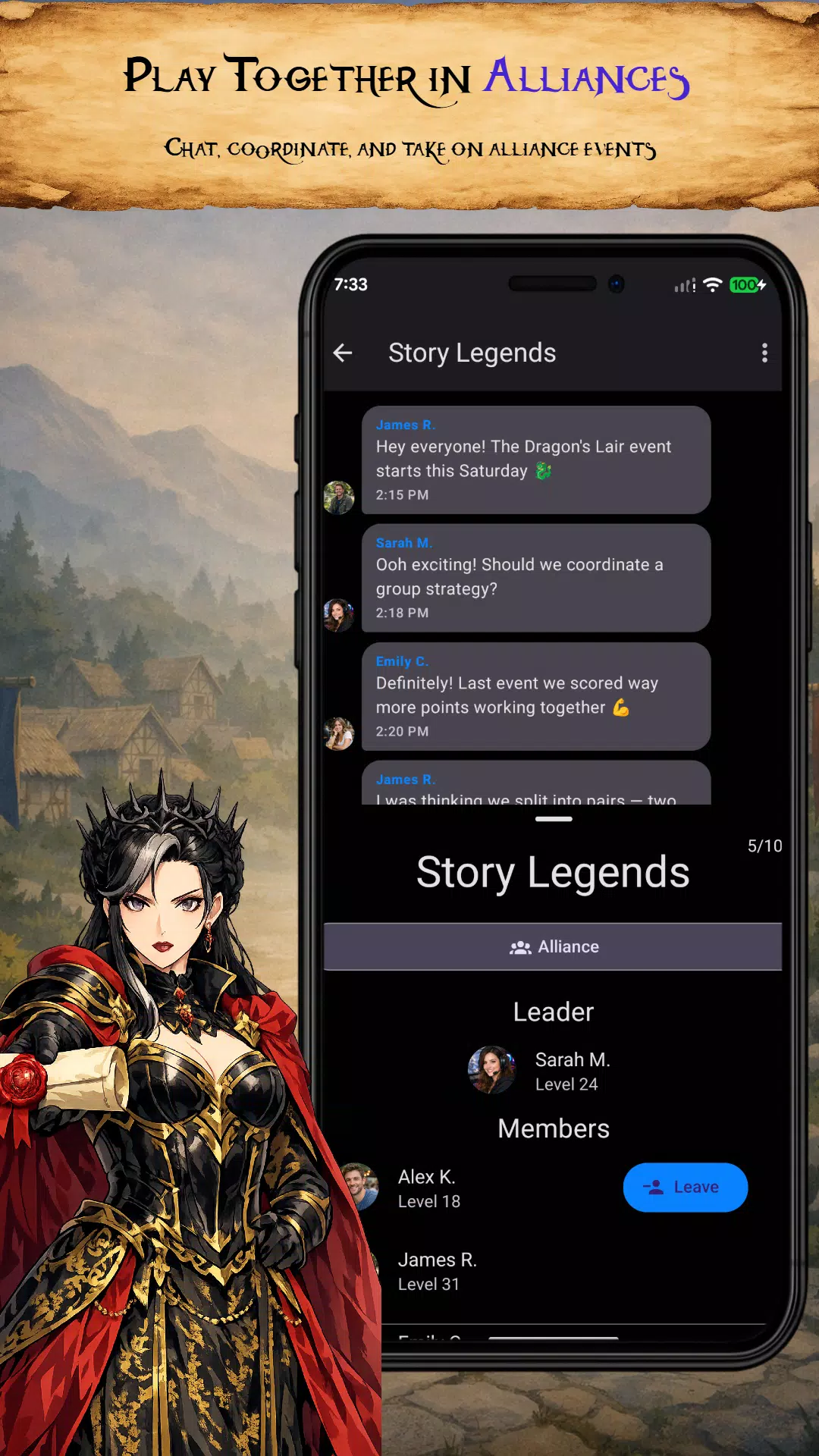
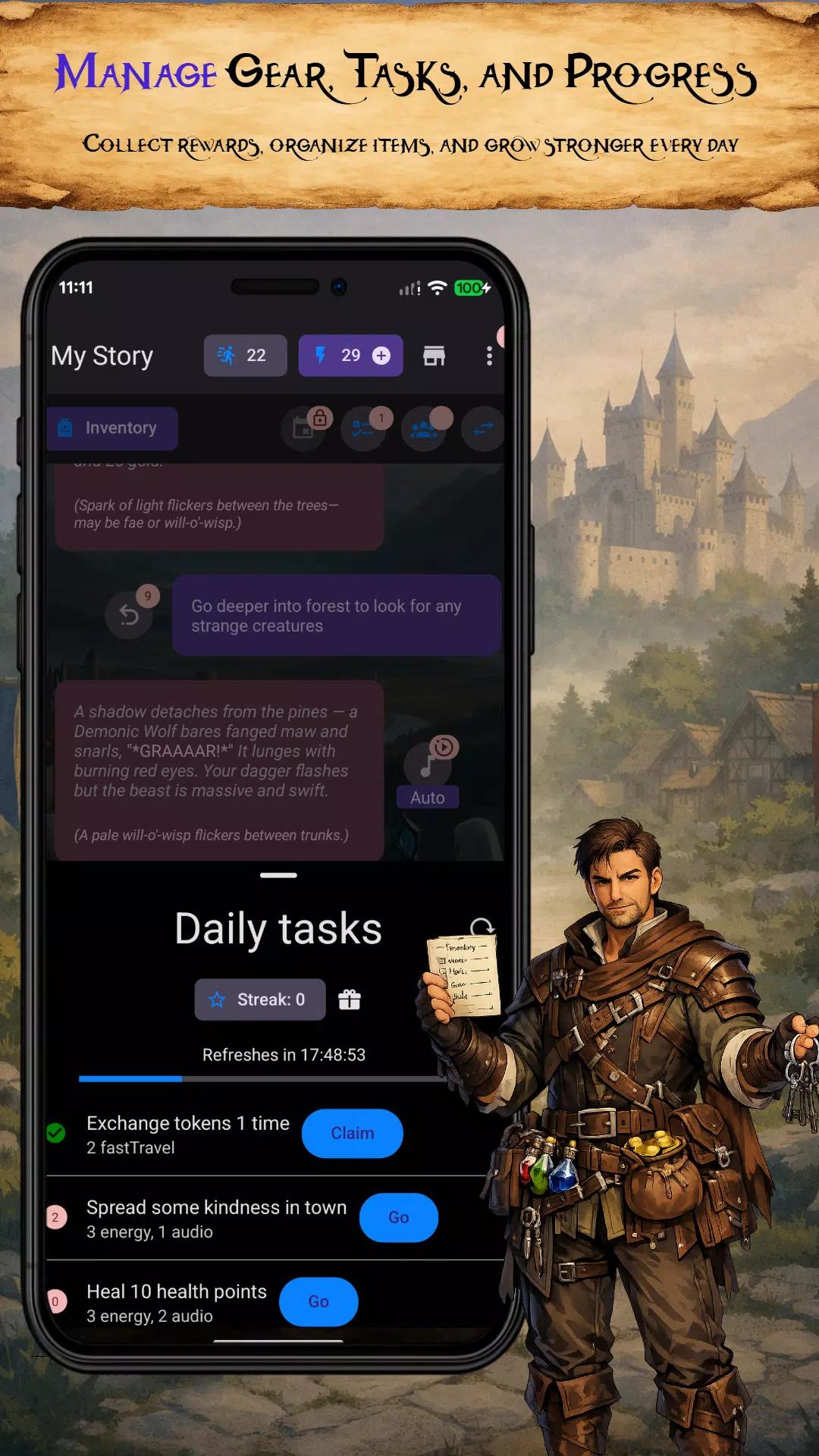
My Story is a mobile storytelling app that lets creators design branching narratives, visuals, and character interactions without needing coding skills. It combines a drag-and-drop editor, customizable templates, and simple publishing tools to help writers, educators, and hobbyists craft interactive tales for readers and players on the go.
My Story positions itself as a compact authoring suite for Android. The interface balances approachability with depth: newcomers can assemble a short interactive vignette in minutes, while experienced creators can layer complexity through conditional branches and media assets. The focus is on clarity—menus are labelled plainly and the workflow moves from scene creation to testing to export.
The app supports multiple story types, from linear short stories to multi-branch interactive novels. Authors can create dialogue-driven scenes, timed events, and player choices that influence outcomes. Visual components include background images, character sprites, and simple animations that give narratives a polished look without heavy asset management.
The layout groups tools into intuitive panels: a scene list, the editing canvas, and a properties panel for fine-tuning text and assets. Menus avoid jargon, and contextual help appears when users first encounter more advanced features like scripting blocks or audio mixing. The app keeps primary controls within thumb reach, which is helpful for one-handed editing on phones.
Customization is one of My Story’s strengths. Creators can import their own artwork or use the bundled asset packs. Text styling is flexible, with options for fonts, sizes, and text boxes that sit over images. For users who want a distinctive look, layered backgrounds and character positioning produce more cinematic scenes.
Performance is well-optimized for mid-range devices. Projects with moderate asset counts run smoothly, and the preview playback maintains consistent timing for dialogues and choices. Large projects can increase memory usage, so it’s wise to manage image resolution and audio file sizes. Frequent auto-saves help prevent data loss during long editing sessions.
Beginners will find it helpful to plan story branches on paper or in a simple flowchart before building. Use templates to establish your core structure and replace placeholders gradually. Keep media files compressed and name assets clearly to speed up searching. When testing, toggle between the preview and properties panels to quickly iterate timing and dialogue pacing.
Many users appreciate the combination of power and accessibility. The app removes barriers to entry for interactive storytelling while still offering features that support complex narratives. Educators use it to design branching lessons, and hobbyists enjoy sharing playable stories with friends. The export options make it simple to distribute finished works or keep them private for classroom use.
Download My Story from the official app store and grant basic permissions for storage to import assets. Create a new project, choose a template, and immediately start adding scenes. The built-in tutorial walks through creating your first choice node and previewing the outcome. For those who plan to publish regularly, backing up projects to cloud storage is recommended.
Overall, My Story is a practical tool for anyone interested in interactive narratives. It strikes a useful balance between creative control and usability, making it a solid option for writers, teachers, and indie developers exploring story-driven content on mobile devices.