
LifePop - Life Simulator
Version: 1.1.23
521.30MB
4.3
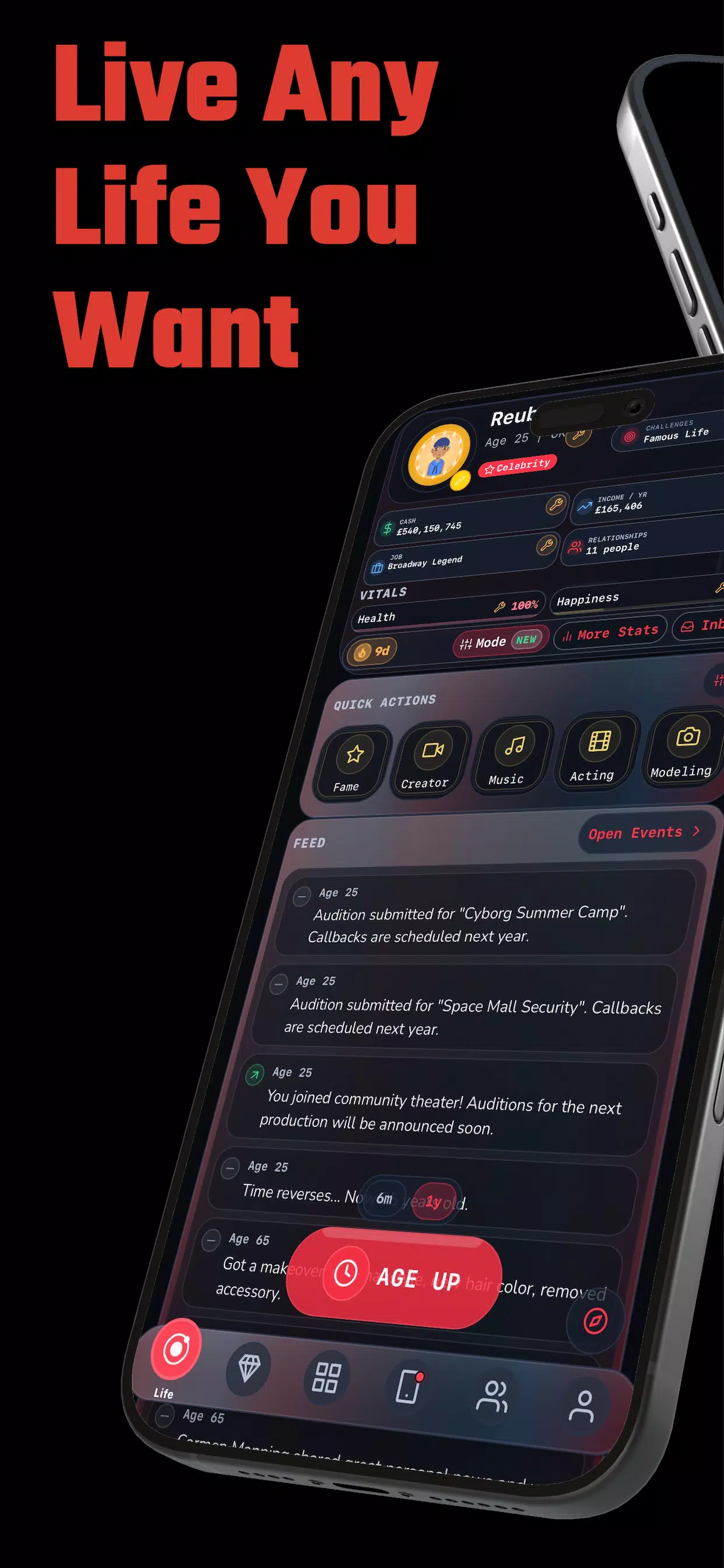
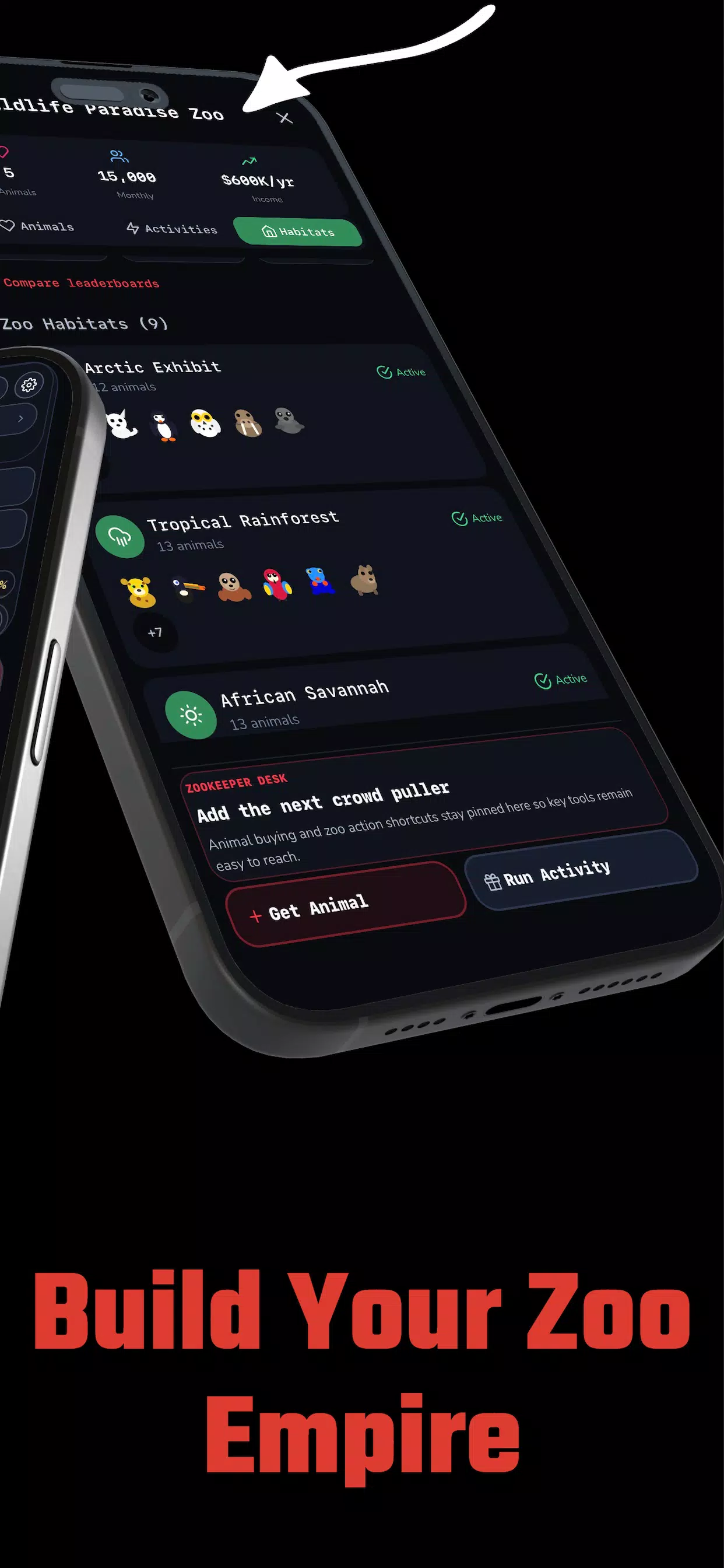
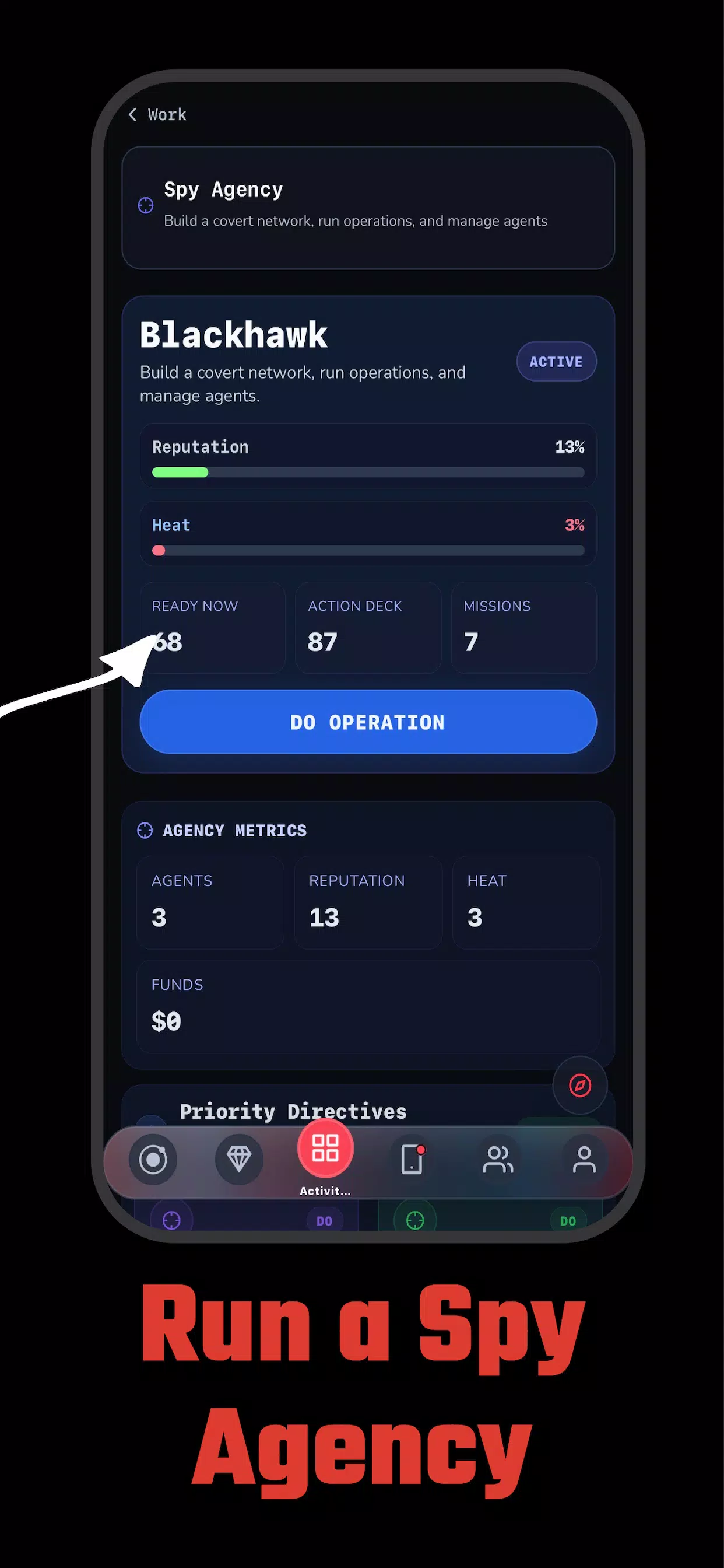
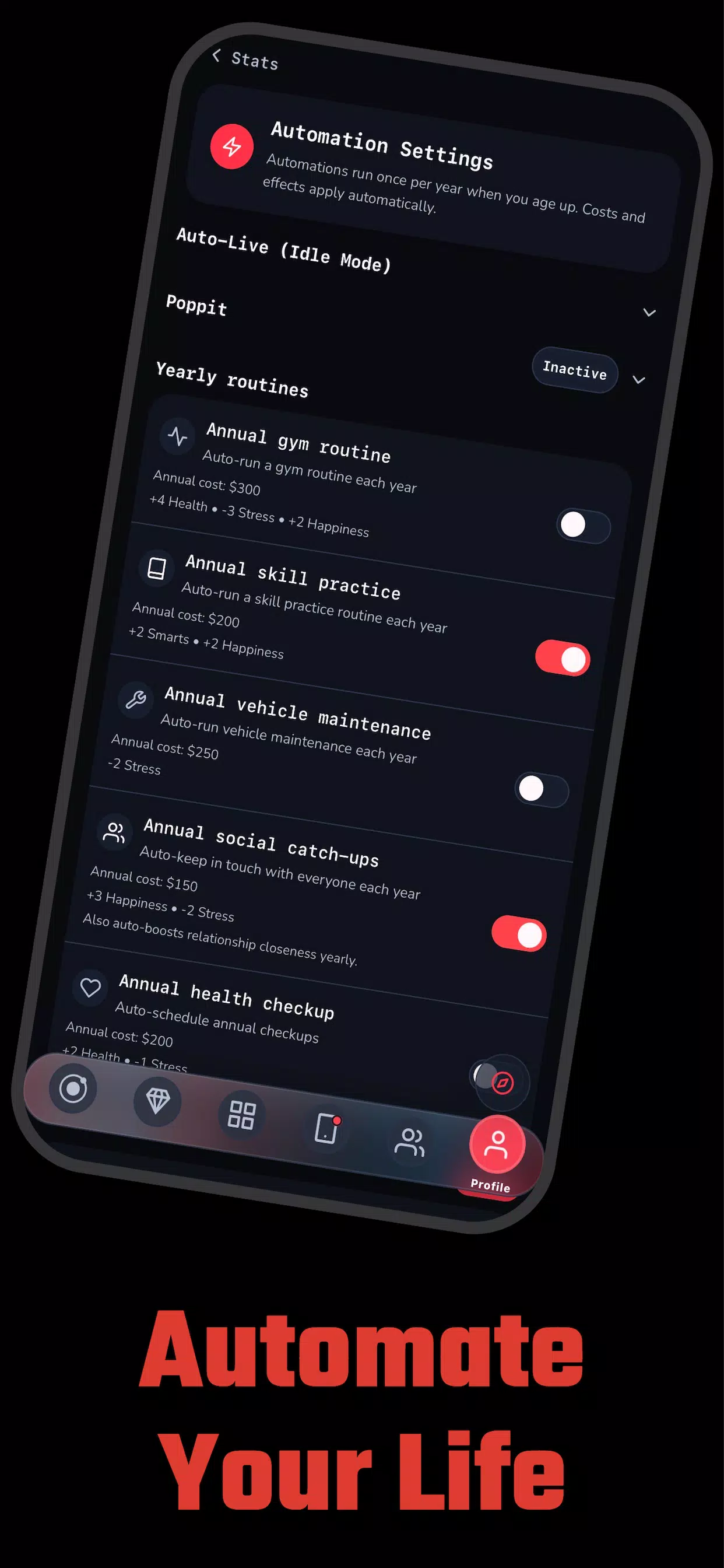
LifePop - Life Simulator places you in the role of a single character whose everyday choices shape career paths, relationships, resources, and long-term outcomes in a compact, vibrant world; the game balances strategic planning with accessible controls and emergent storytelling so both short sessions and longer runs feel rewarding.
LifePop is built around branching decisions that have measurable consequences rather than simple win-or-lose outcomes. Events unlock based on your decisions, background traits, and the cumulative state of skills and relationships, producing surprising narratives that feel personal. The design encourages experimentation: different starting traits and small changes in priorities often lead to substantially different mid- and late-game experiences.
The core loop is a daily-action system in which you assign time to activities such as work, study, hobbies, socializing, and rest. Actions use energy and money resources and have cooldowns or delayed effects, so planning ahead matters. Controls are touch-first and optimized for phones and tablets: tap to select activities, long-press for detailed result previews, and sliders or quick-select buttons let you allocate time without interrupting flow. Clear tooltips explain outcomes and probabilities so new players can learn by doing.
Progression in LifePop - Life Simulator ties experience gains to specific skills, reputation, and milestones rather than simple level numbers. Jobs and projects provide performance-based progression, while reputation opens new social opportunities and storylines. Players can pursue specialization to excel in one area or balance multiple stats for a more flexible playstyle. Trade-offs such as health versus overtime work or social investment versus career focus keep decisions meaningful across the entire run.
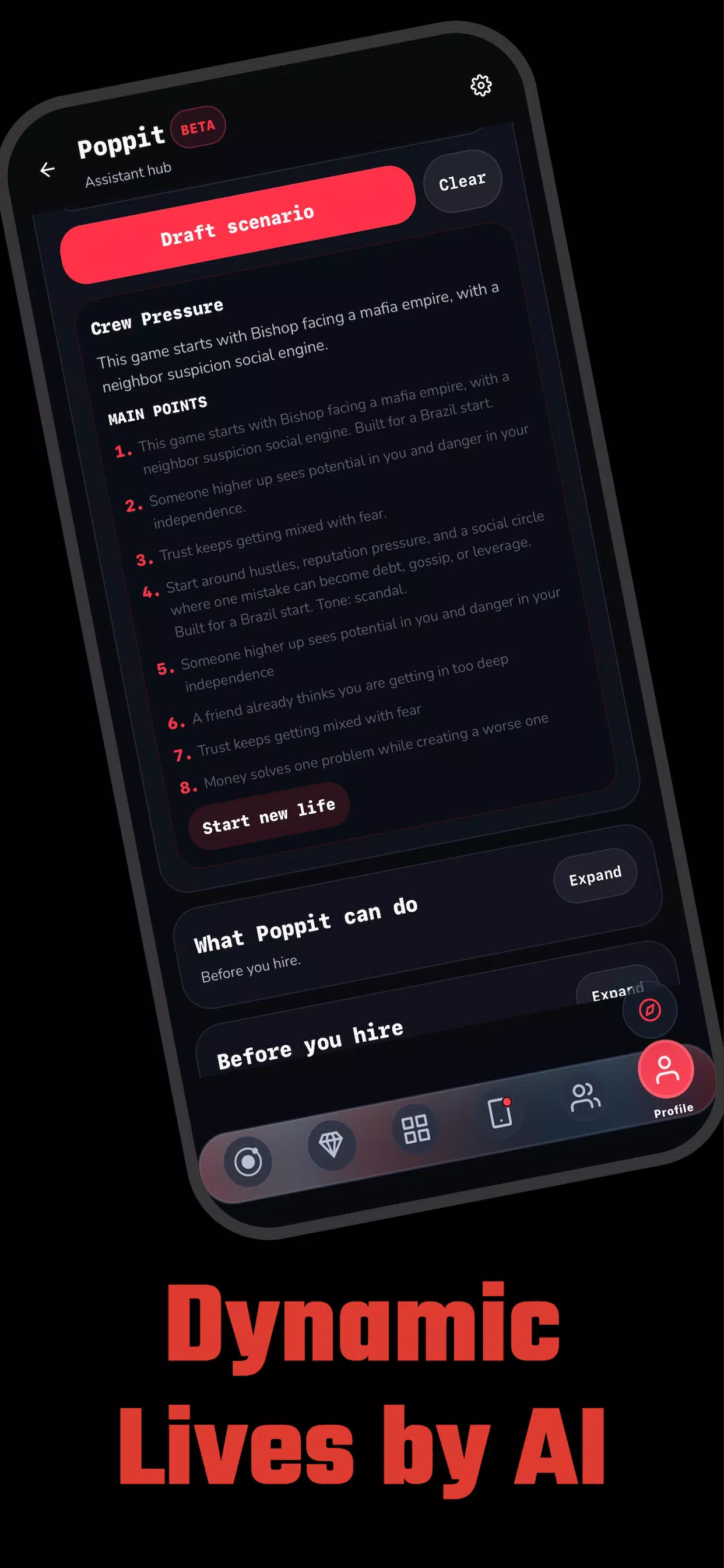
Character creation includes appearance options, background choices, and starting traits that shape your initial stats and narrative seeds. As you progress, cosmetic and functional upgrades such as housing improvements, tools, and lifestyle choices change both how your character looks and how they perform. The scenario editor expands personalization by letting you design custom events and conditions, which supports creative play and adds community-driven variety when shared with others.
The game adopts a stylized, colorful aesthetic that emphasizes readability and personality over photorealism. Icons and HUD elements are designed to be legible at small sizes, and animations are tuned to run smoothly on mid-range devices. Load times are brief and an optional low-detail mode reduces visual complexity and battery use for longer sessions on less powerful phones.
Rather than distinct linear levels, LifePop uses life stages and episodic events to create a layered structure of challenges and opportunities. Early-game tutorials and constrained scenarios ease players into mechanics, while later stages introduce multi-step projects, promotions, and complex social situations that require planning. Optional challenge modes let you try limited-resource runs or scenario-specific objectives, and a save-and-rewind feature encourages risk-taking by allowing limited retries without losing significant progress.
Replayability comes from varied starting conditions, the interplay of systems, and the scenario editor that increases content diversity. The user experience emphasizes clarity: the HUD shows time, money, energy, and active timers, while context-sensitive guidance appears only when helpful. Short daily play segments are complemented by deeper strategic layers, so the game is approachable for a quick break but also rewarding for longer planning sessions.
LifePop includes accessibility options such as adjustable text size, color-contrast modes, and simplified control presets. Tooltips and a detailed help section explain mechanics without overwhelming newcomers, and control sensitivity settings let players tailor input behavior to their device. These choices make the game usable by a wide range of players and play styles.
The core single-player experience is designed to work offline so you can play without a persistent connection; optional community features require connectivity but are not necessary to enjoy or progress. The install footprint and permissions are kept modest, and the interface scales across phones and tablets to maintain a consistent experience on different screen sizes.
When you install LifePop - Life Simulator the onboarding tutorial briefly guides you through time allocation, basic resource management, and how rewinds and saves work. New players should prioritize establishing steady income early, protect health to avoid costly setbacks, and experiment with one or two core skills to understand their long-term effects. Use the scenario editor and rewinds to test approaches without fear of permanent loss, and review in-game summaries to learn from past runs and refine strategies for future play.