
StreamBound
Version: 1.05
776.10MB
4.5






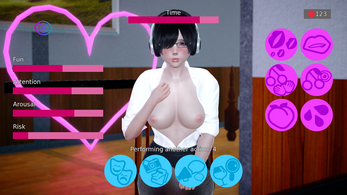

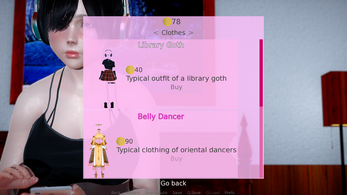



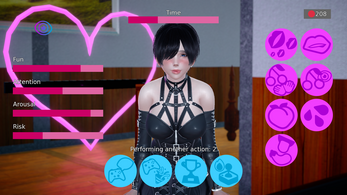

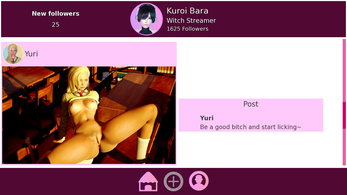
StreamBound is a compact workflow platform designed to simplify live streaming setup, coordination, and analytics for creators and small production teams. It centralizes scene control, chat moderation, and multi-platform distribution while offering lightweight automation so creators can focus on content rather than technical overhead.
StreamBound acts as a control hub for streamers who want to manage broadcasts with fewer tools. It connects to popular streaming services, provides scene and source management, and adds scheduling and automated overlays. The app reduces repetitive tasks and brings essential production controls into a single interface.
The interface prioritizes clarity. Panels are arranged to surface the most-used controls: a preview window, scene list, and chat column. Essential toggles sit within reach, while advanced settings are tucked into contextual menus to avoid clutter. StreamBound’s drag-and-drop layout editor helps users build scenes visually without diving into code or complex templates.
StreamBound supports common capture sources and integrates with streaming platforms via standard protocols. It works alongside popular encoders and can operate as a standalone broadcaster for simpler setups. Third-party plugin support enables direct connections with services for alerts, donations, and subscriber counts, keeping creator revenue streams intact.
A major strength is the macro system. Users can define sequences of actions—change scene, play video, mute mic—then bind them to hotkeys or schedule them. This is useful for recurring segments like ad breaks, guest intros, or post-show wrap-ups. Macros minimize the need for a dedicated operator during smaller productions.
Branding is straightforward: upload assets, arrange overlays, and set theme presets that apply across scenes. StreamBound supports variable placeholders to dynamically insert usernames, follower milestones, and countdown timers. Color schemes and font choices can be saved as profiles for quick switching during different show types.
Beyond live control, StreamBound collects viewing statistics and session logs. After each broadcast, users receive a concise report highlighting peak viewership, chat engagement spikes, and technical issues. These insights assist creators in planning content, optimizing stream times, and troubleshooting recurring performance problems.
Built with lightweight performance in mind, the app aims to minimize CPU and GPU overhead. It offers adaptive bitrate support and automatic fallback settings to preserve stream stability when network conditions change. Connection health indicators help identify whether issues stem from local encoding or outbound bandwidth.
StreamBound is attractive to solo creators, small teams, and educators who need streamlined production without investing in complex hardware. Its combination of automation, centralized tools, and analytics makes it a practical choice for creators looking to professionalize their broadcasts while keeping setup simple.
Whether you’re scaling a weekly show or producing one-off events, StreamBound reduces friction in the streaming process and helps maintain consistent, polished broadcasts with minimal overhead.