
Decision Maker
Version: 1.0
0.00MB
4.5
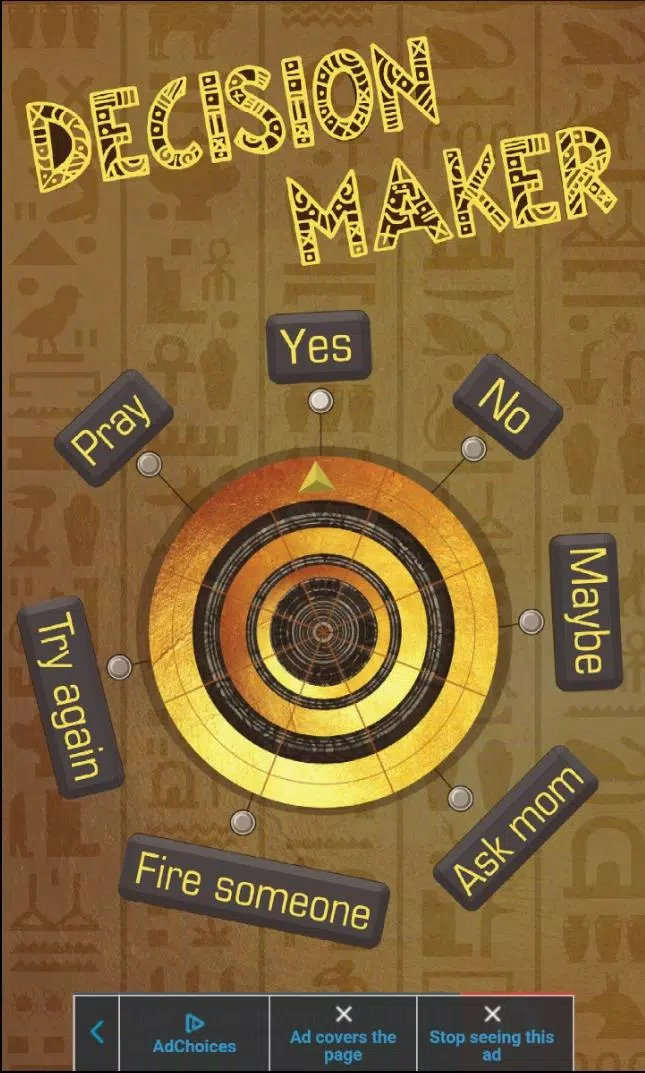

Decision Maker is a compact productivity tool that helps you resolve choices quickly using lists, weighted scoring and randomized options. Designed for individuals and small teams, it turns indecision into structured steps, offering multiple decision modes and a clear activity history to track what influenced each outcome.
At its core, Decision Maker simplifies everyday choices: from picking a lunch spot to prioritizing project tasks. It combines quantitative methods—like score-based ranking and weighted criteria—with quick randomized picks for low-stakes situations. You can save templates, compare alternatives side-by-side, and revisit previous decisions to learn from patterns.
Start a decision by listing possible options, then add criteria that matter—cost, time, enjoyment, or any custom factor. For analytical choices, assign weights and give each option a score for every criterion. Decision Maker calculates totals and presents a ranked list with breakdowns so you can see why one choice outranks another.
If you need a fast answer, switch to random selection or let participants vote. Group sessions aggregate submissions and show consensus levels, making it simple to move forward when collaboration is required. Notifications keep participants informed without cluttering your main workflow.
The interface favors clarity: clean lists, accessible controls, and visual score indicators. Animations are minimal to preserve responsiveness on mid-range devices. Loading times are short and the app handles lengthy option lists and multiple criteria without lag. The layout adapts to phones and tablets so you can work comfortably on different screens.
Decision Maker includes light and dark themes and adjustable font sizes for readability. Color-coded result bars and optional tooltips help new users understand scoring mechanics. Shortcuts and a widget option offer fast entry for recurring decisions.
Professionals use the app for prioritizing product features, freelancers for choosing client proposals, and families for planning activities. It’s also handy for classrooms where teachers need a neutral method to assign groups or settle ties. The range of modes makes the tool flexible across contexts.
Users appreciate how Decision Maker reduces friction in everyday choices. Its mix of structured analysis and lightweight randomness covers both important and casual situations. The sharing features make it practical for teams that need quick alignment without lengthy meetings.
Install the app from your device store, grant basic permissions for notifications and sharing, then create a free account to sync templates across devices. Most users can create and complete a decision in under a minute after a brief tutorial. Premium tiers unlock advanced exports and team management controls.
For anyone tired of indecision, Decision Maker provides a practical, well-designed toolkit to reach clearer choices faster. Its balance of features, performance, and collaboration options makes it a strong fit for personal productivity and small-team workflows.