
AIDA Quiz
Version: 1.9.8
39.90MB
4.3
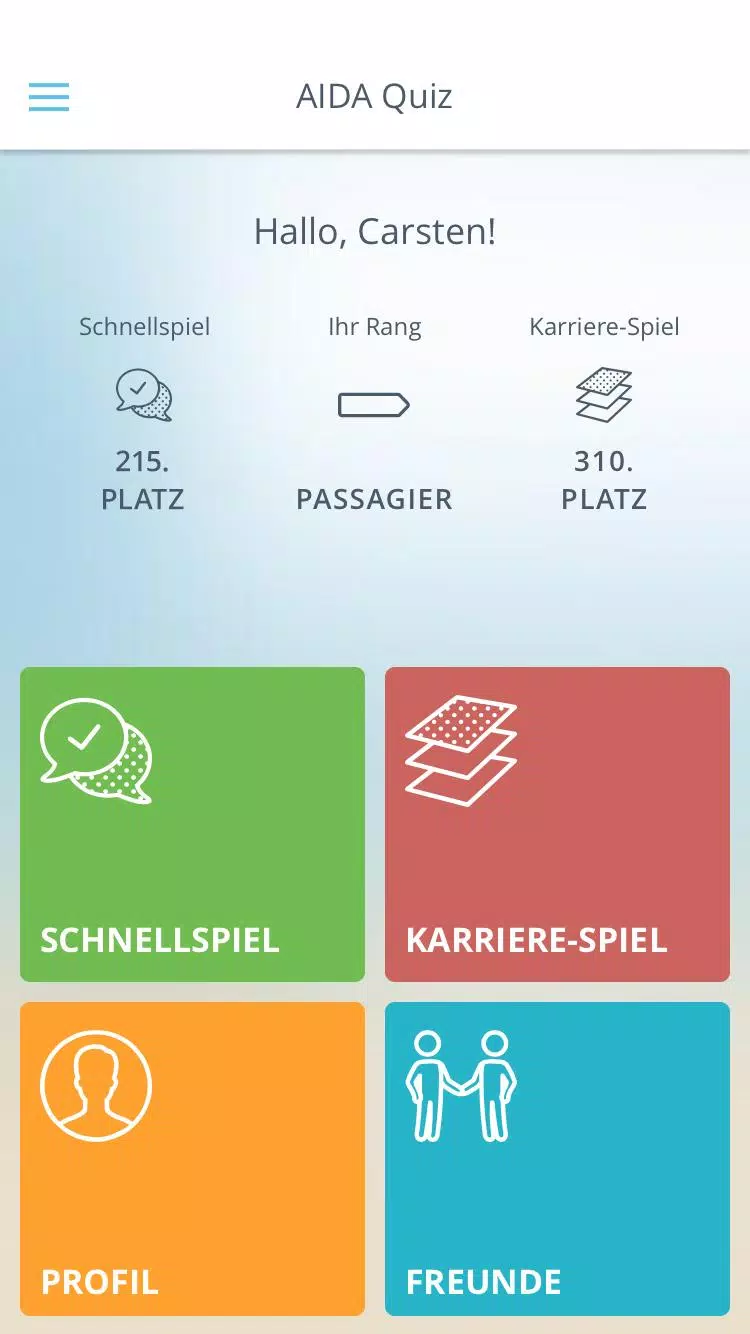
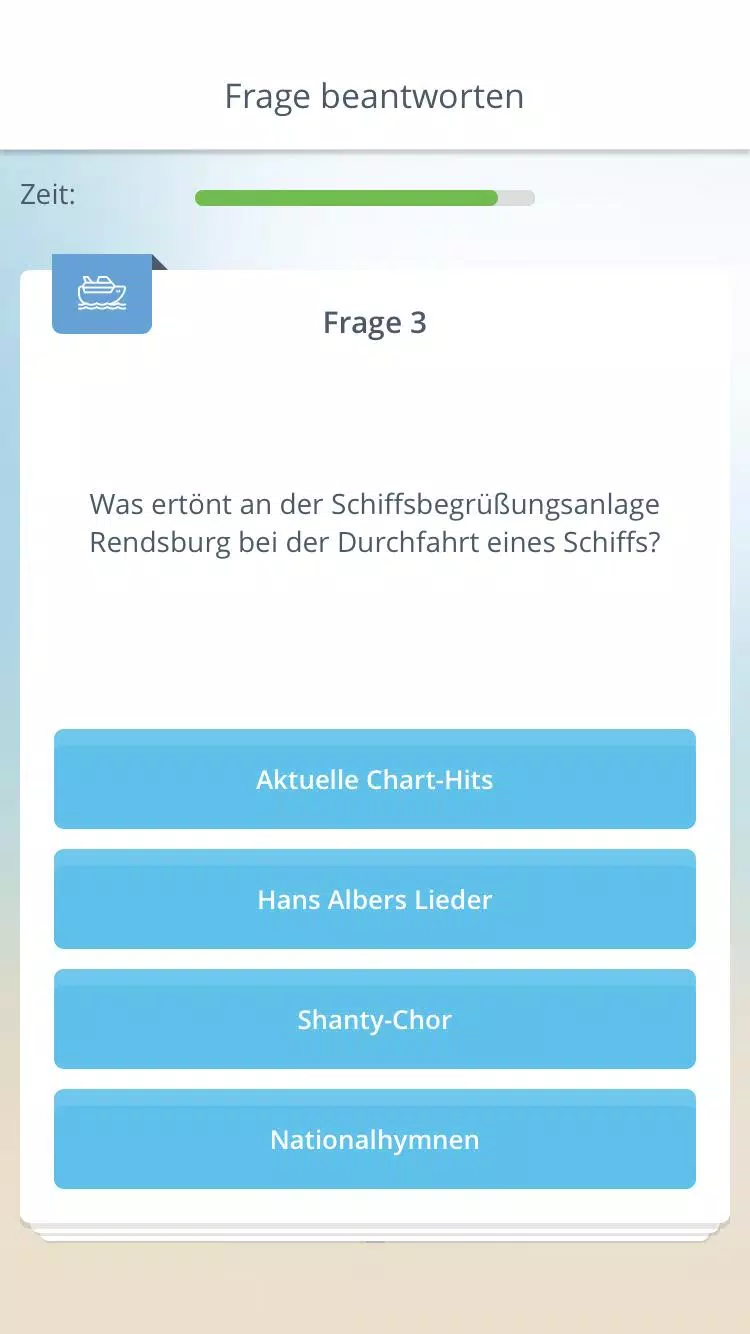
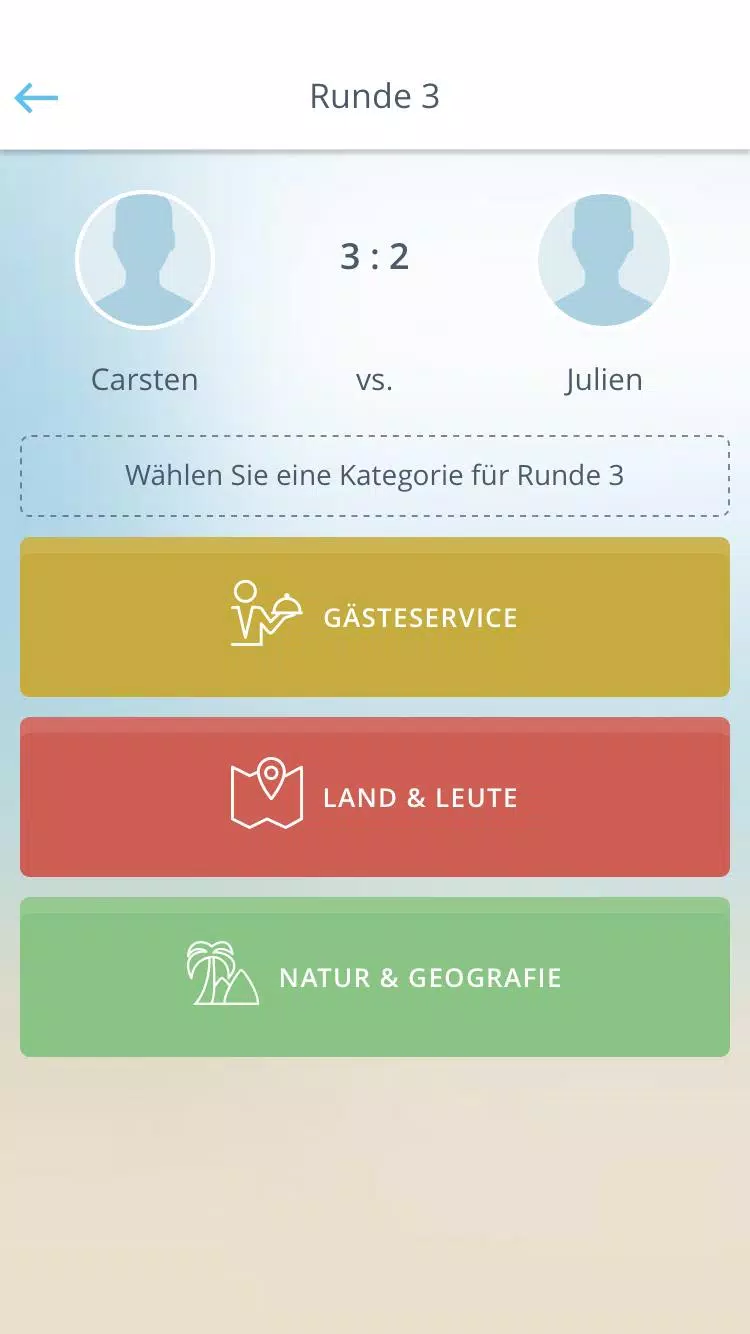
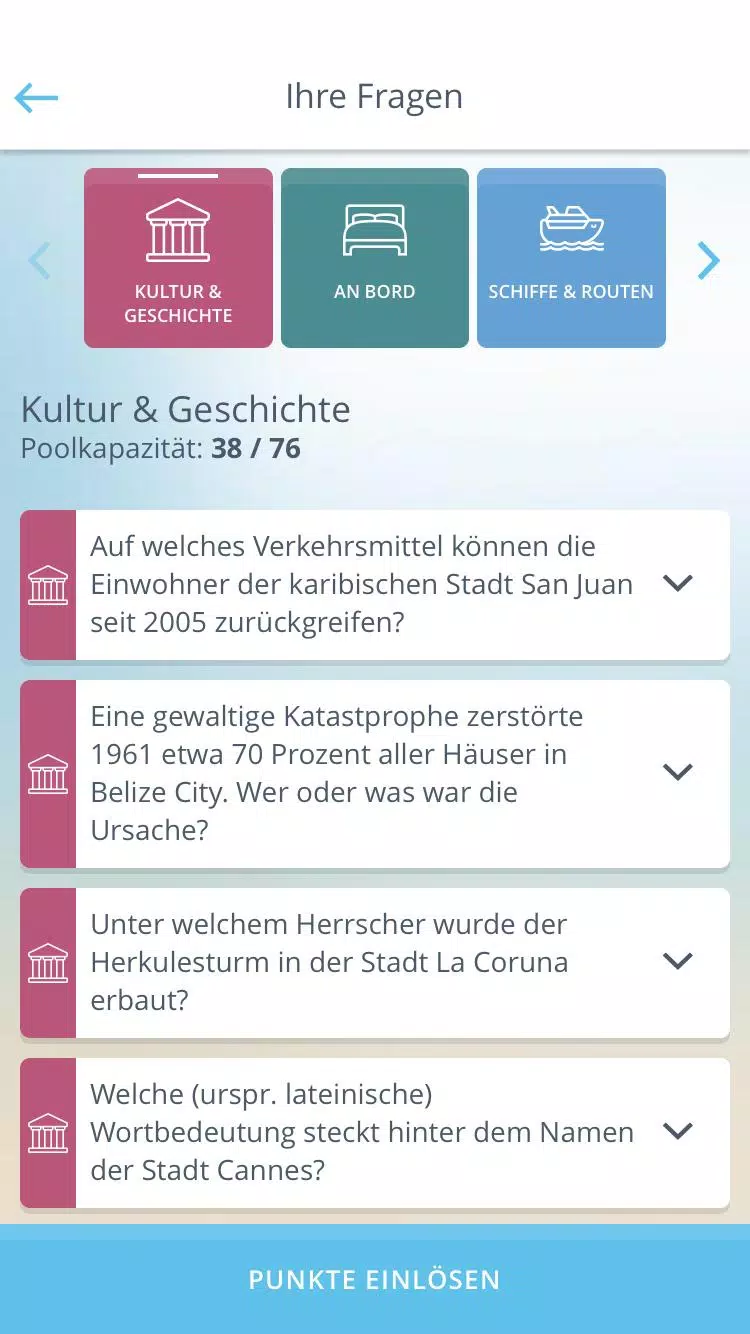
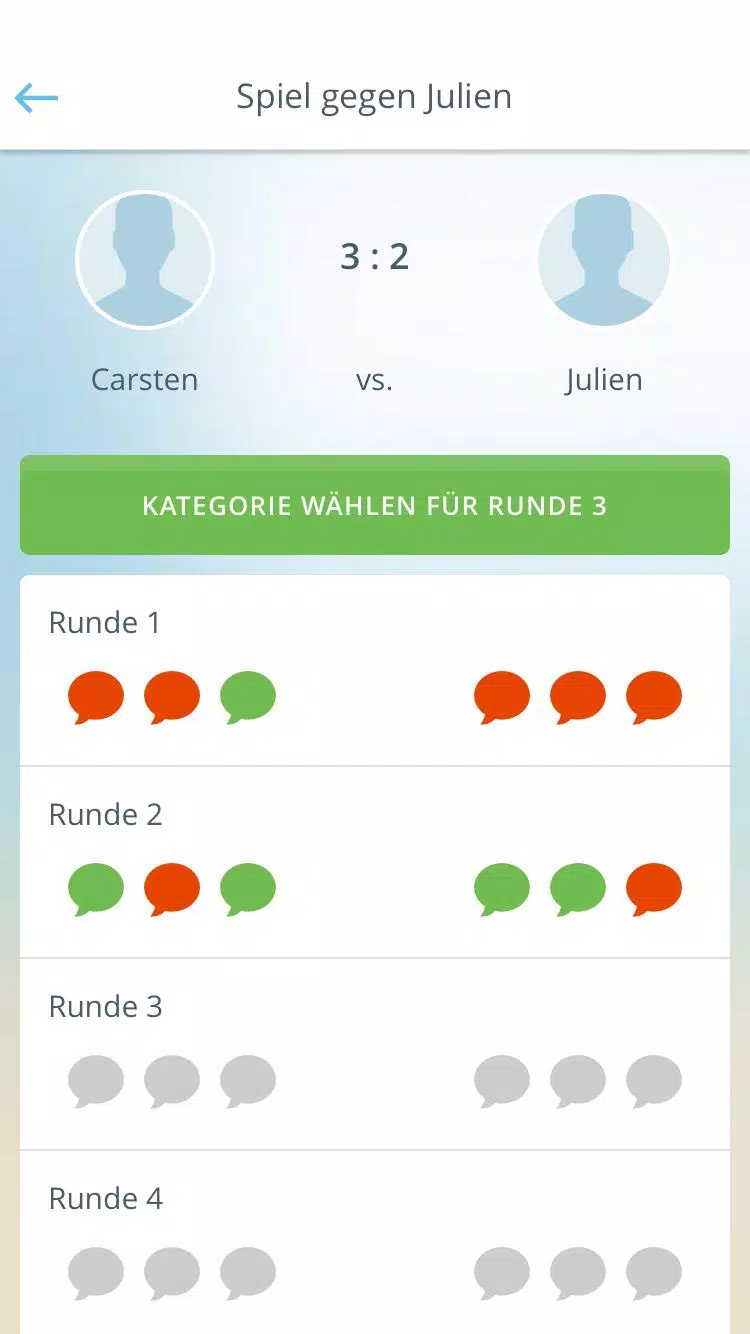
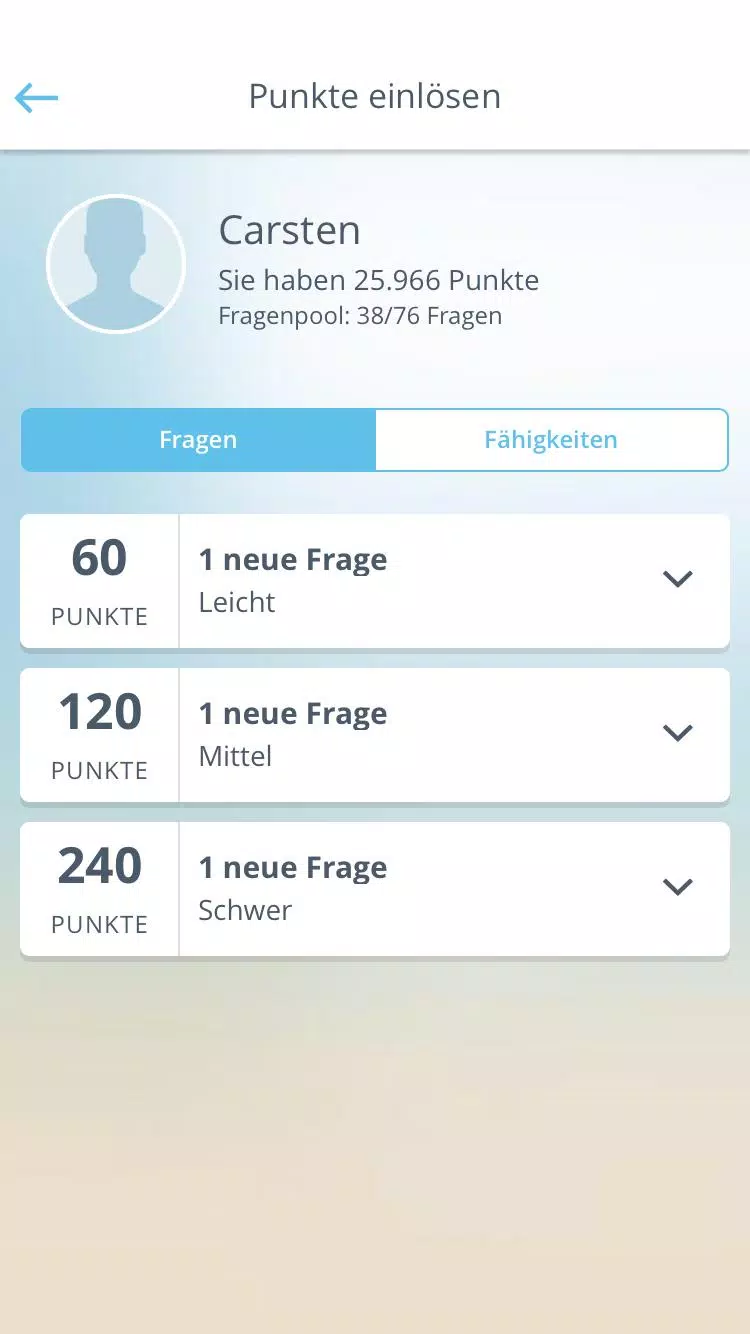
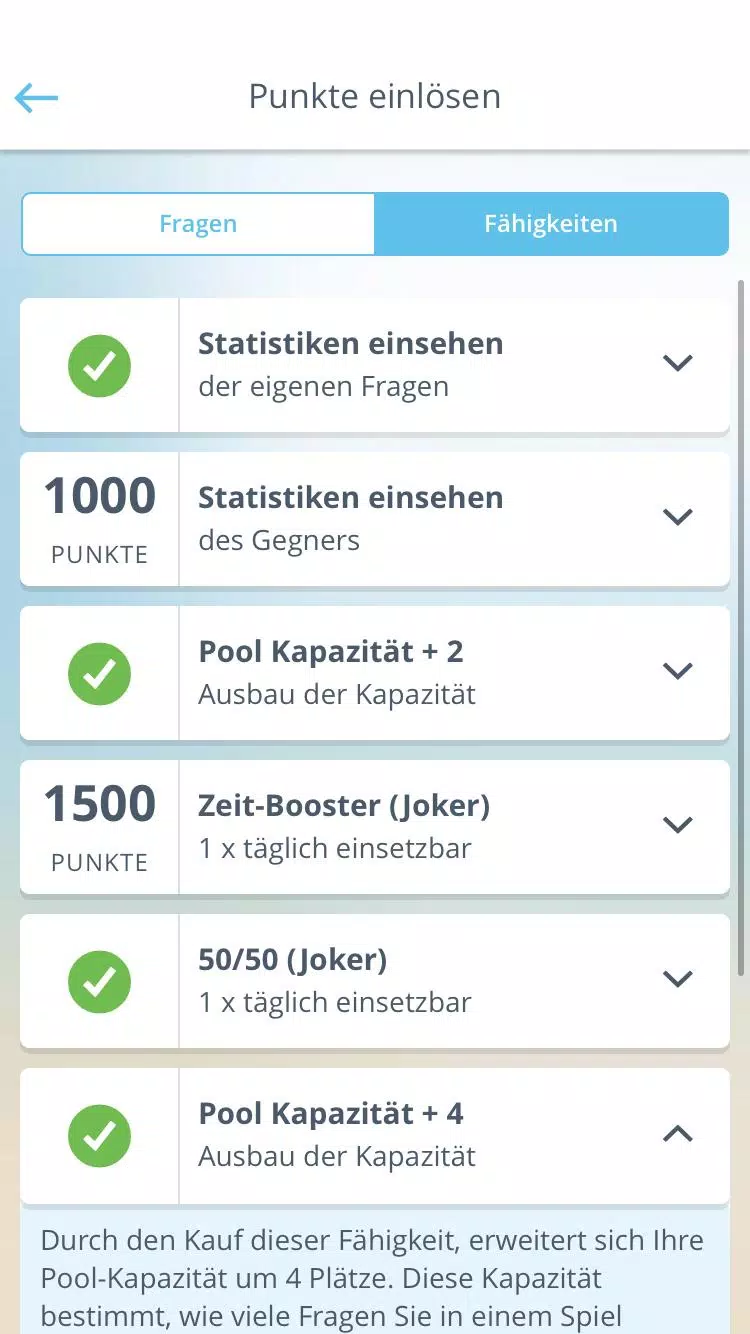
AIDA Quiz is a smart quiz app that helps users sharpen general knowledge and job-related skills through adaptive question sets and instant feedback. It delivers curated quizzes across multiple topics, tracks progress with clear analytics, and offers bite-sized practice sessions suitable for short study bursts or longer review periods.
AIDA Quiz includes a mix of features designed to make learning efficient and engaging. Users will find thousands of questions organized by subject, difficulty tiers that adjust to performance, timed and untimed modes, and a review system that highlights weak areas. A clean results dashboard shows accuracy, streaks, and time spent per topic, while a built-in hint system helps when you get stuck without giving away answers outright.
The app uses an adaptive engine to tailor question sequences to each learner. At the start of a session AIDA Quiz presents baseline questions to gauge current ability. Based on responses, the engine increases or decreases difficulty and mixes in spaced repetition for items answered incorrectly. This approach keeps sessions productive: new or hard questions appear more frequently while mastered content gradually fades to maintain long-term retention.
AIDA Quiz supports several formats to keep the experience varied. Multiple choice, true/false, fill-in-the-blank, and rapid-fire rounds are available. Content spans general knowledge, science, languages, technology, and professional subjects tailored for certification preparation. Regular content updates add new question packs and themed quizzes for seasonal topics or current events, making it simple to practice relevant material.
Customization is central to the workflow. Users can create focused study lists, pin favorite questions, and set daily goals. The progress page breaks performance down by topic, difficulty, and time of day so you can spot patterns and adjust study habits. Badges and level milestones provide light gamification to motivate consistent practice without distracting from learning objectives.
The interface is minimal and responsive, emphasizing legible typography and clear touch targets for fast interactions on phones and tablets. Question cards load quickly and transitions remain smooth even on older devices. A dark mode reduces eye strain during evening study sessions, and accessibility options include adjustable font sizes and color-contrast settings for improved readability.
AIDA Quiz runs efficiently across a wide range of Android versions and device profiles. The app minimizes background activity to preserve battery life and implements local caching so recently accessed question sets are playable offline. Syncing with cloud accounts keeps progress intact across devices while keeping network usage modest during routine updates and backups.
Multiple study modes support different goals. Quick Practice offers short five- to ten-minute rounds for daily maintenance, while Focus Mode stretches into longer sessions with periodic review prompts. Challenge Mode introduces ranked leaderboards and timed events for users who enjoy competitive study. Effective use of spaced repetition and mixed-topic sessions helps strengthen recall and transfer knowledge to test situations.
The app stores personal progress and preferences securely and gives users control over data export and deletion. Local storage combined with optional cloud sync allows privacy-conscious learners to keep data on device, while those who prefer backups can enable encrypted synchronization. Permissions are limited to essential functions, such as storage for offline content and network access for updates.
Getting started is straightforward: download AIDA Quiz, complete a brief onboarding to set interests and goals, and take an initial placement quiz to calibrate the difficulty. From there, choose a study plan or jump into ad-hoc practice. The app includes short tutorials and tooltips to show where to find analytics, change quiz types, and manage content packs. Regular reminders and optional study schedules help establish a consistent habit without becoming intrusive.
People select AIDA Quiz for its balance of adaptive learning, clear progress insights, and flexible study options. The combination of accessibility features, performance optimizations, and a diverse question bank makes it suitable for casual learners and those preparing for exams. With sensible reminders and practical analytics, the app supports steady improvement while fitting into busy routines.