Flip Dots
Version: 1.0.0
6.70MB
4.1
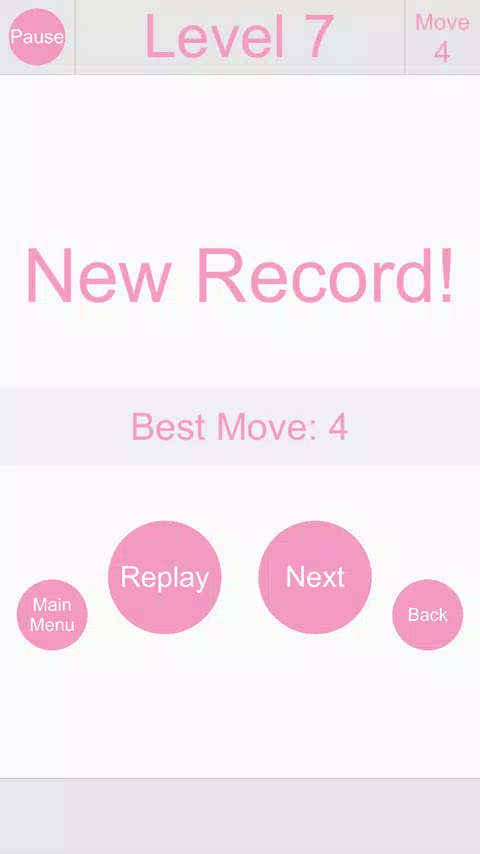
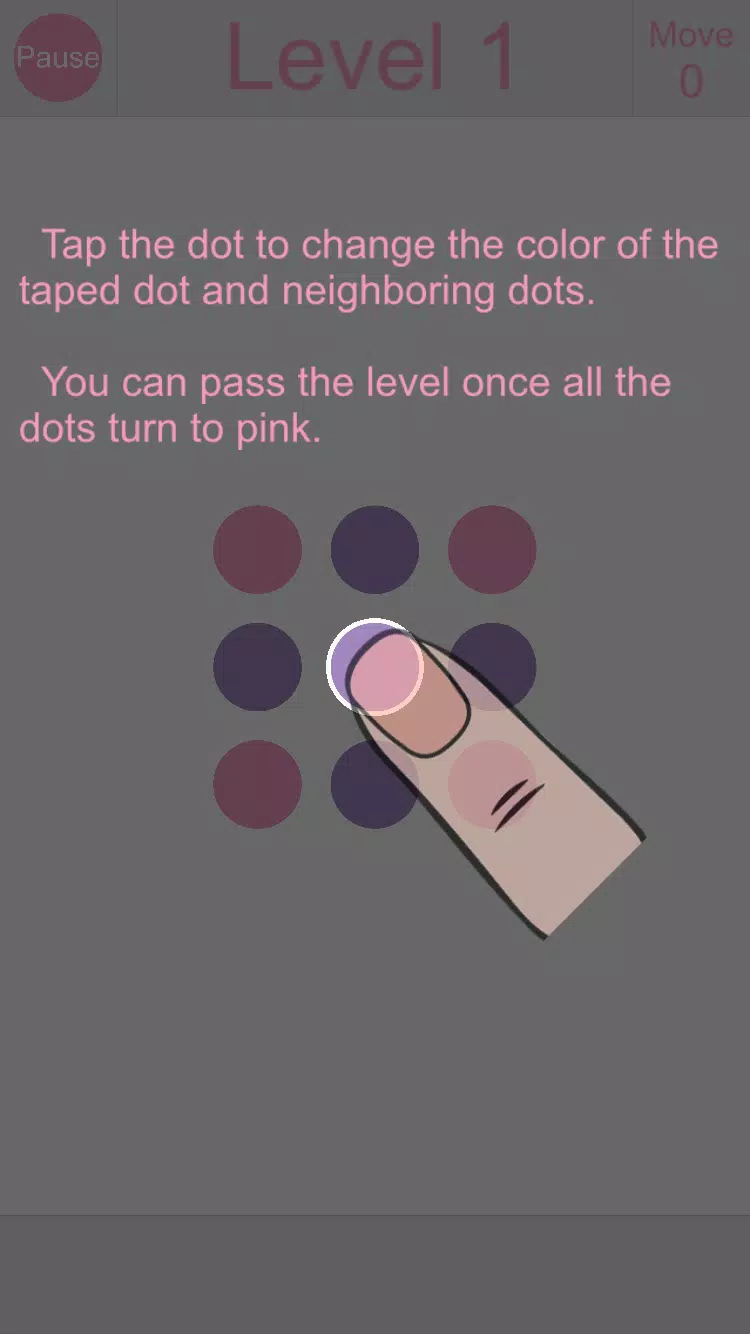
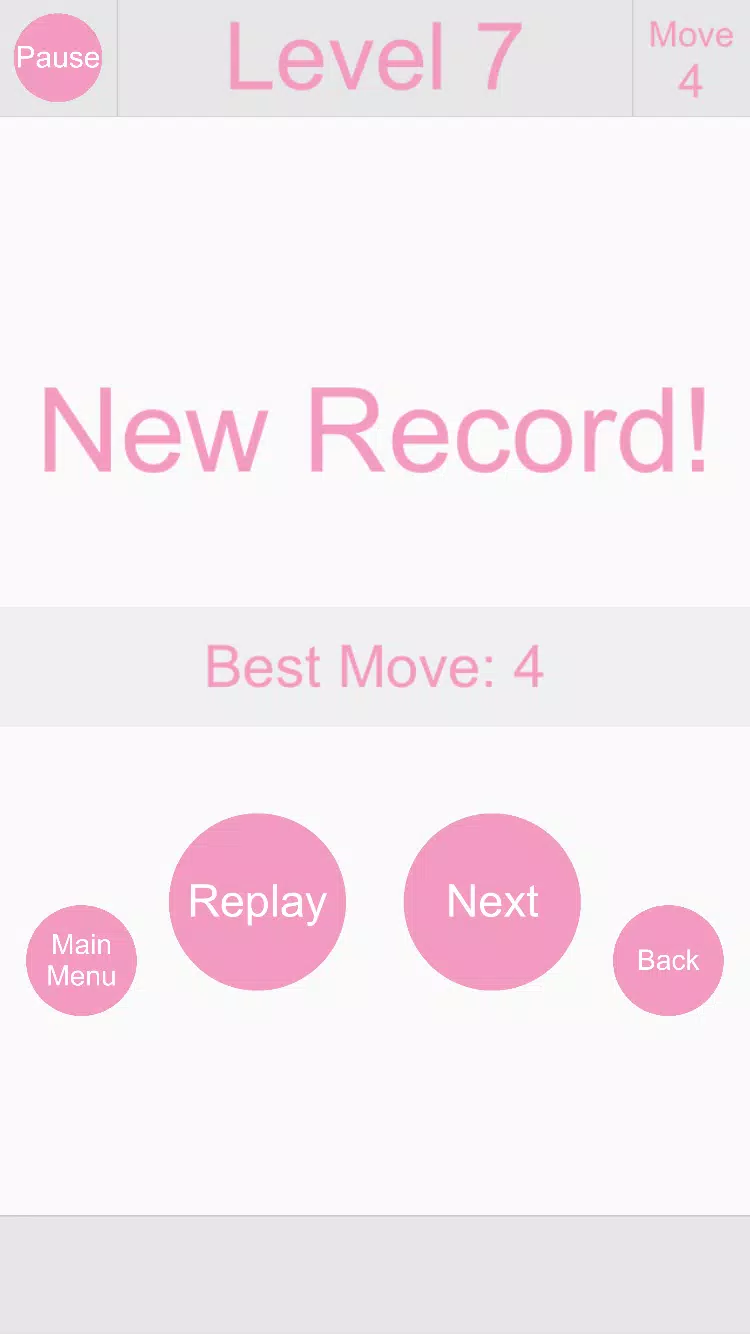
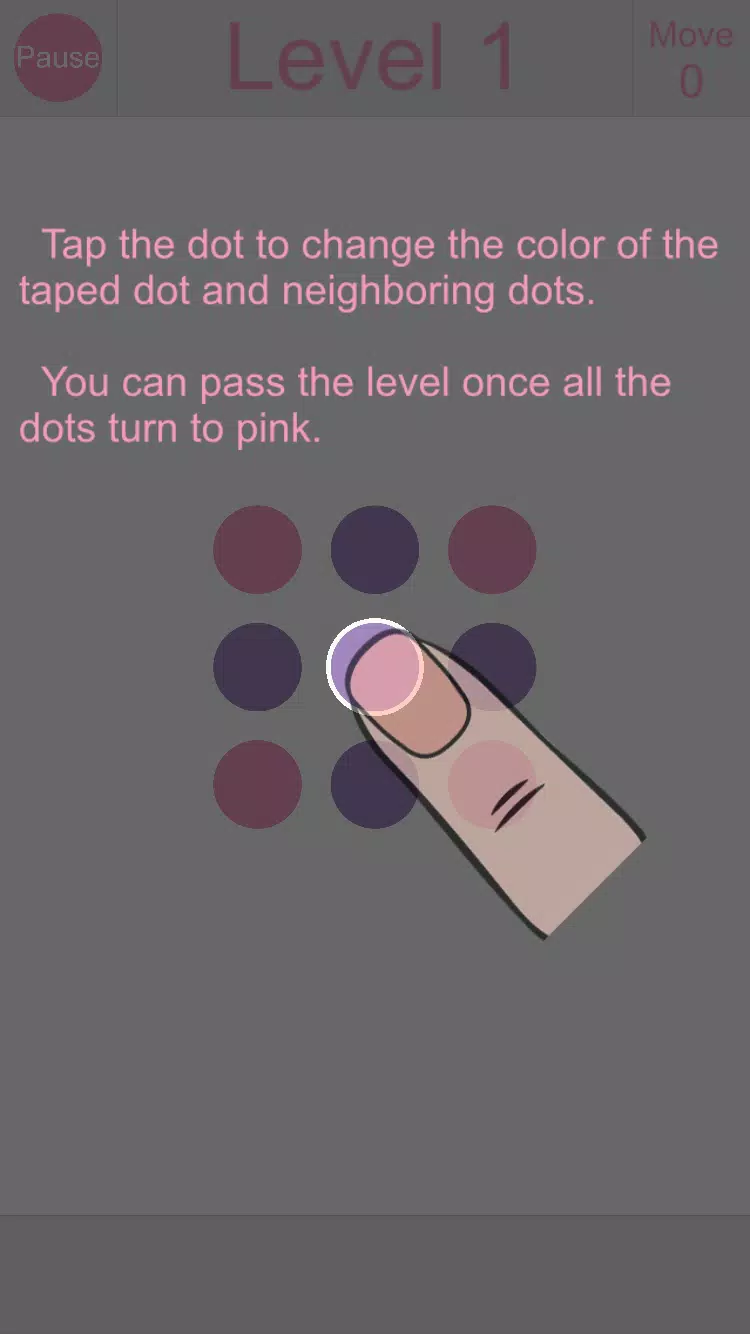
Flip Dots is a minimalist puzzle game that invites players to flip low-resolution dots to recreate target silhouettes and designs across a steadily unfolding set of challenges. Designed for short play sessions and longer puzzle runs alike, Flip Dots balances clear presentation with increasingly clever rule interactions so that each level feels like a compact logic exercise rather than a frantic arcade test.
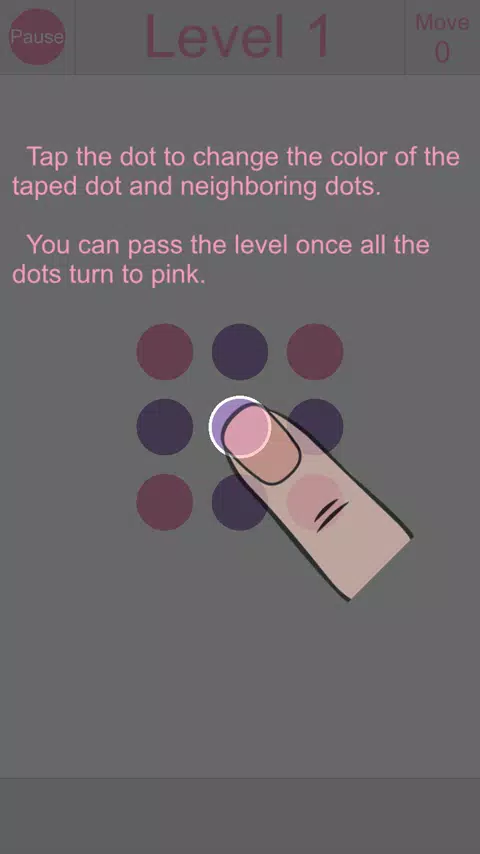
In each puzzle you work on a grid of circular pixels that can be toggled on or off. A single action may flip one dot, a line of dots, or create chained reactions depending on the level rules. Later stages introduce directional flips, tiles that flip only when adjacent cells meet certain conditions, and obstacles that block direct taps. The rules are explained gradually through hands-on examples so that new mechanics are learned by doing rather than long text explanations.
The interface emphasizes touch-first simplicity. Standard interactions include single taps to flip an individual node, swipes to apply a row or column action, and press-and-drag for multi-tile adjustments where available. Input sensitivity and gesture size can be adjusted to match different finger sizes and device screens, and visual feedback highlights which dots will change before you confirm a move. Controls are responsive on phones and tablets and support resumed gestures after brief pauses so you can think between steps.
Flip Dots is arranged into themed level packs that each introduce a new twist on the core flipping concept. Early levels teach basic toggles and simple chains, while midgame packs add locked nodes, mirrored grids, and limited-move constraints. Challenge packs emphasize efficiency, asking players to complete puzzles in as few flips as possible, while optional expert stages combine multiple mechanics. The progression is deliberately gradual to help players apply previously learned strategies to new situations.
The visual presentation uses a retro dot matrix look with modern polish to keep focus on pattern recognition. High contrast palettes make targets readable and there are options to change color schemes and grid scaling for readability. Subtle animations show state changes without distracting from gameplay, and optional visual aids can be enabled to outline affected tiles before you act. These settings help make the game comfortable to play for long stretches and adaptable for different lighting and device conditions.
Beyond the main campaign Flip Dots includes several focused modes to extend replay value. Move-limited puzzles force efficient planning, time attack modes test quick recognition and reflexes, and sandbox or endless-style areas let you experiment with rule combinations to observe emergent patterns. Daily puzzles provide a compact fresh challenge each day and are implemented so you can play them offline. Achievements and on-device score tracking encourage replay without requiring an internet connection.
Accessibility features are built into the experience. Adjustable input sensitivity, larger touch targets, colorblind-friendly palettes, and options to reduce animation make the game usable for a wide range of players. Flip Dots is fully playable offline for the core puzzle list and most challenge modes, letting you work through levels without network access. Performance is tuned to run smoothly on older hardware with minimal battery impact.
Many puzzles reward a backward reasoning approach: imagine the final pattern and deduce which flips could have produced it. Look for repeating motifs and symmetries, conserve moves early in constrained puzzles, and test how multi-flip tiles propagate changes across the grid. The game encourages experimentation, and replaying optional stages helps you discover shortcuts and reduce move counts as you refine your approach.
Download Flip Dots to begin with a short tutorial that walks through the basic flips and core interactions. Start with the introductory packs, try a few daily puzzles, and experiment in sandbox mode to get a feel for chained reactions. The interface and settings make it easy to tailor the experience to your device and preferences, so whether you prefer quick brain breaks or extended problem-solving sessions Flip Dots offers a calm, thoughtful puzzle environment that focuses on spatial logic and creativity.